
Appearance
Workforce Cost & Report Builder (HCM)
This page documents two shipped Analytics & Reports screens (hcm-analytics-reports). Not for plugin developers.
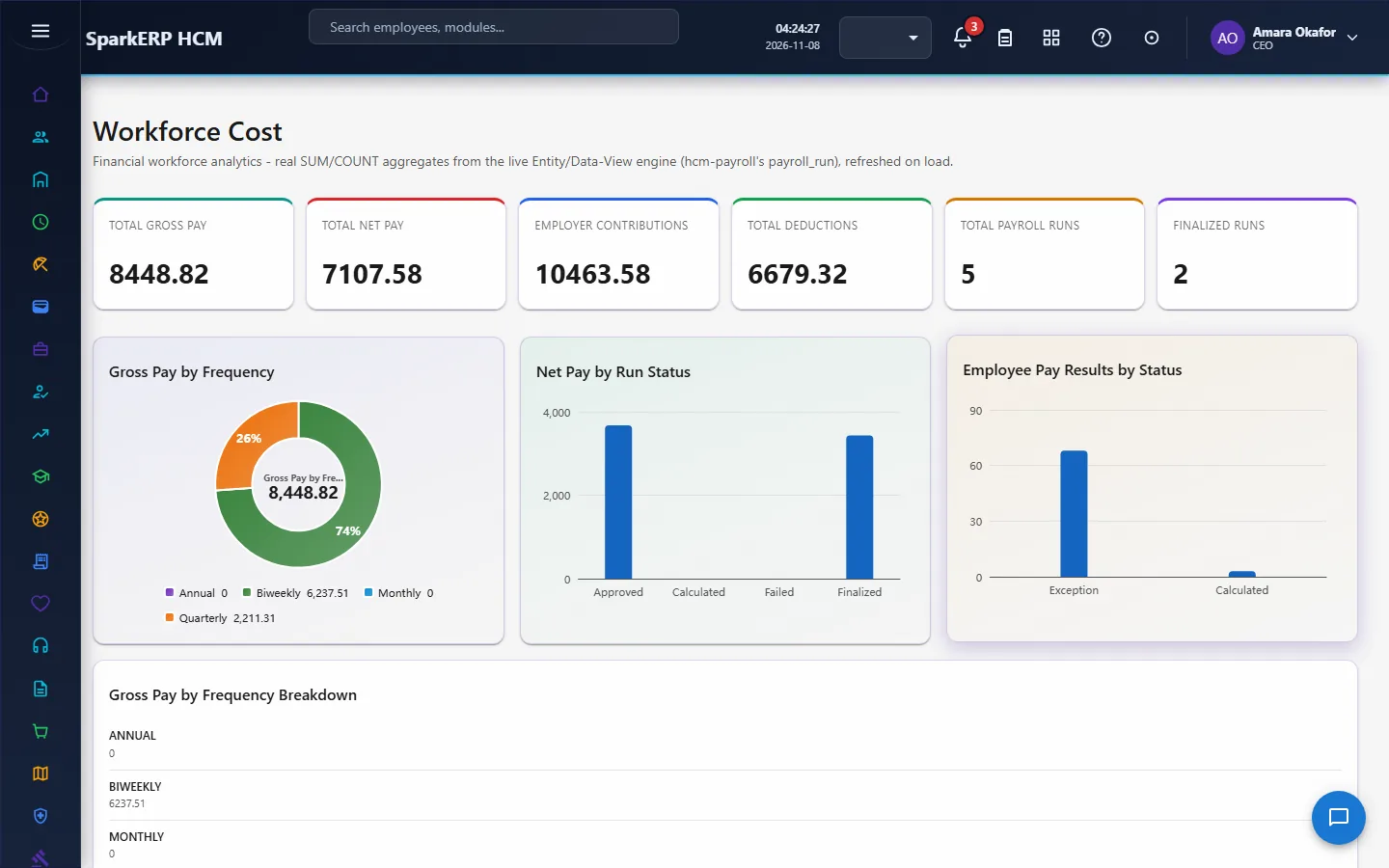
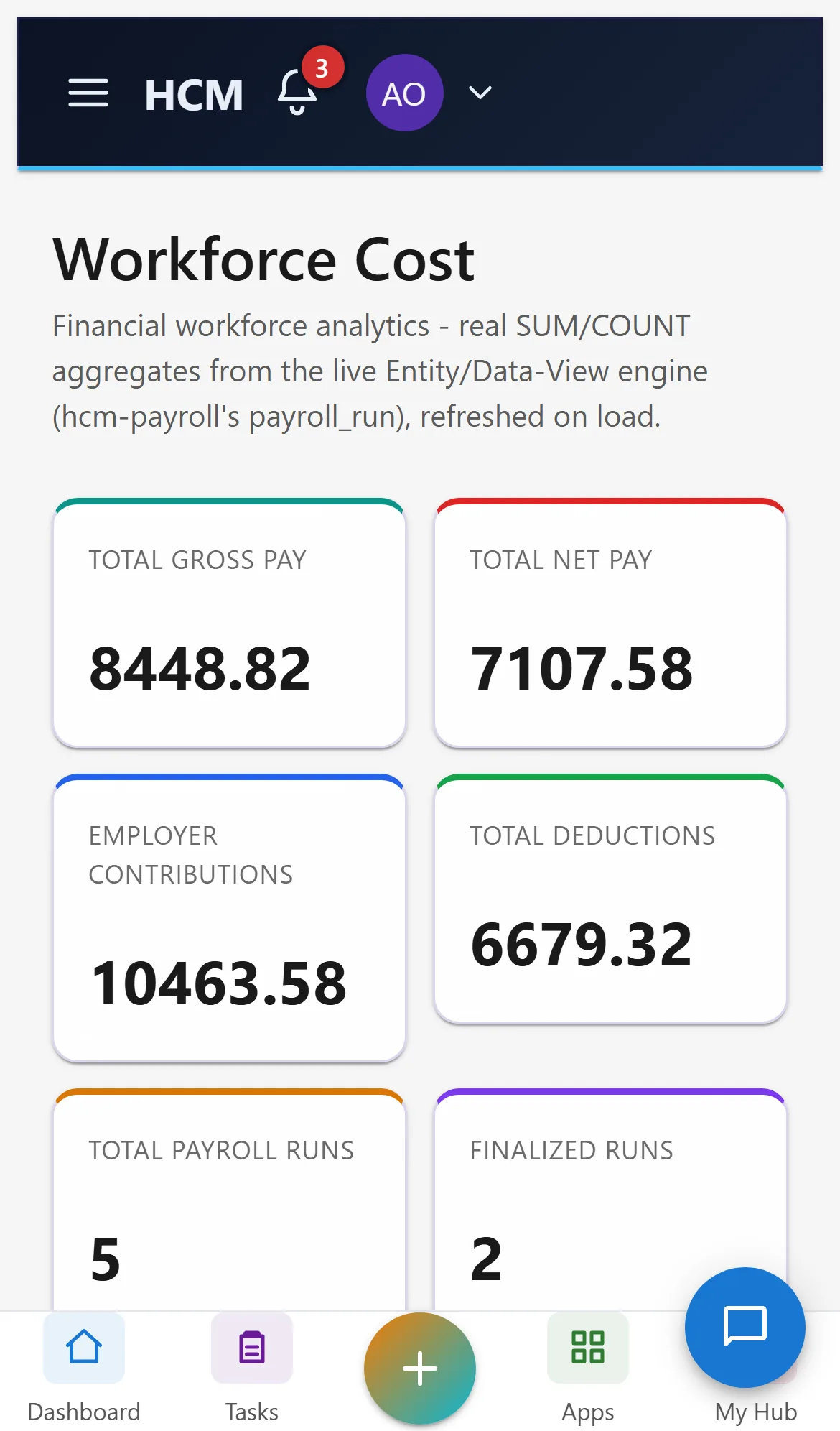
Workforce Cost
Real cost analytics, built on top of your real Payroll data.
Open it at /hcm/analytics/workforce-cost (or from the HCM menu).
- Sections: Total Gross Pay, Total Net Pay, Employer Contributions, Total Deductions, Total Payroll Runs, Finalized Runs, Net Pay by Run Status, Employee Pay Results by Status, Gross Pay by Frequency Breakdown.
- Charts: Gross Pay by Frequency.
Report Builder
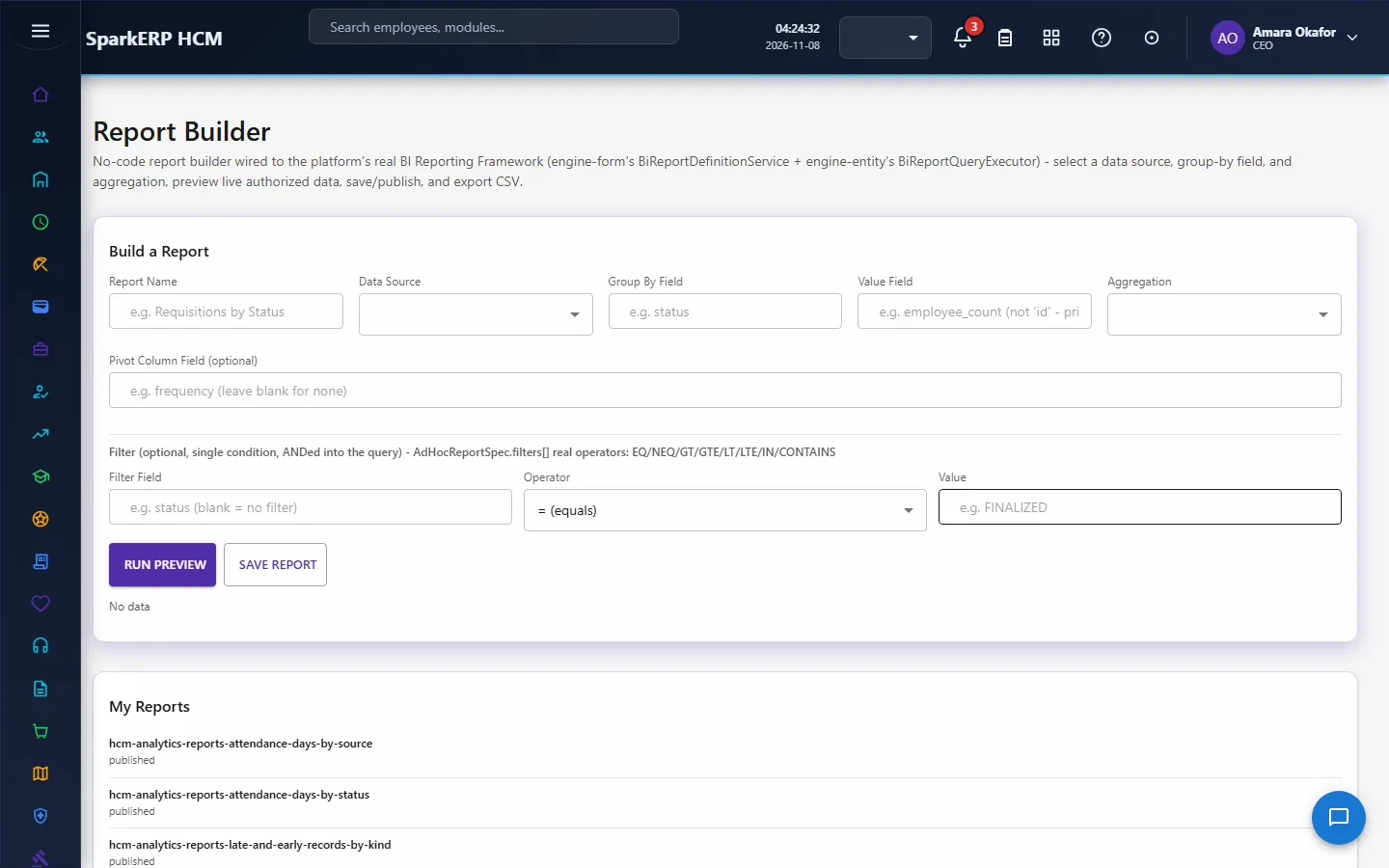
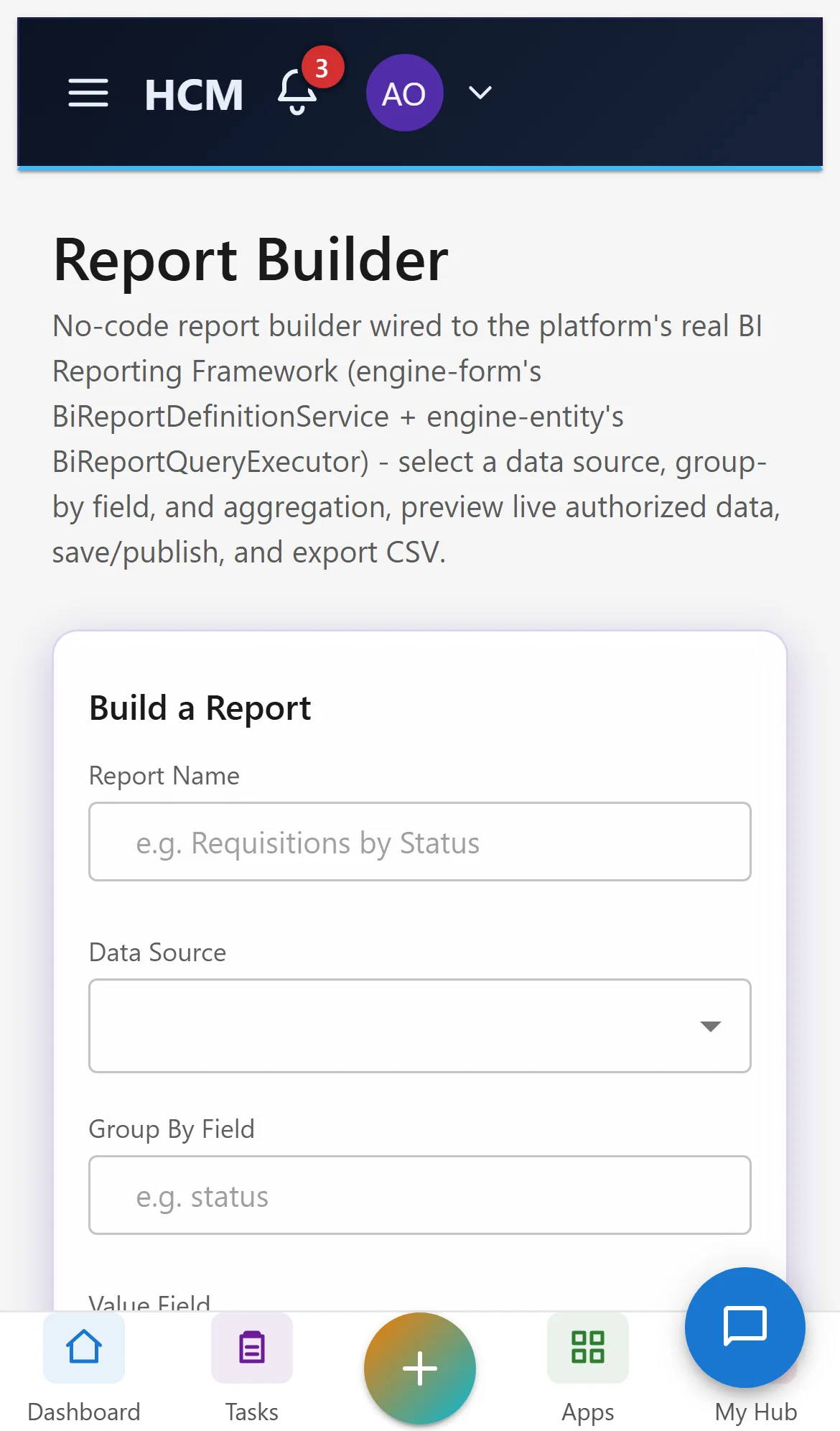
A genuine, working ad-hoc report builder — not a mock-up. Pick a data source, a group-by field, a value field, and an aggregation (sum, count, etc.), optionally pivot on another column, and optionally filter by one condition (field, operator, value — equals, not-equals, greater/less than, in-list, contains). Preview live, then Run Selected Report, and Save/Publish it for reuse. Export the result as CSV.
Open it at /hcm/analytics/report-builder (or from the HCM menu).
- Sections: Build a Report, Report Name, Data Source, Group By Field, Value Field, Aggregation, Pivot Column Field (optional), Filter Field, Operator, Value, My Reports.
- Actions: Run Preview, Save Report, Run Selected Report, Export CSV.
Known gaps
- Only one filter condition at a time — not a fully dynamic add/remove list of conditions.
- No scheduling or emailing of reports.
- No drag-and-drop layout or chart visualizations — results render as a table.
- No sharing/permissions UI or report templates yet.