Appearance
Approval, Workflow & Notification Settings (HCM)
This page documents three shipped Settings screens (hcm-settings-extended) — tenant-wide process behavior. Not for plugin developers.
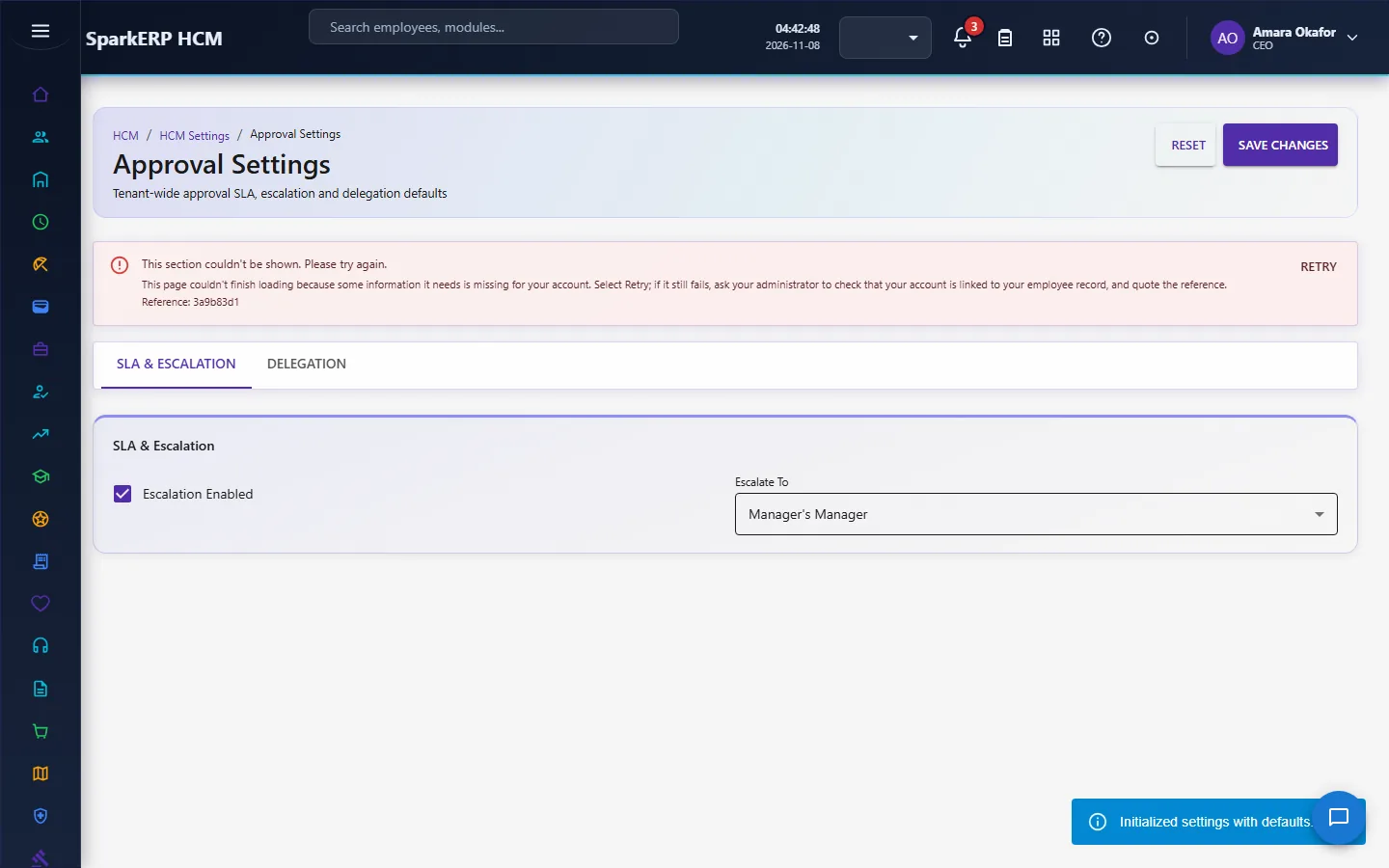
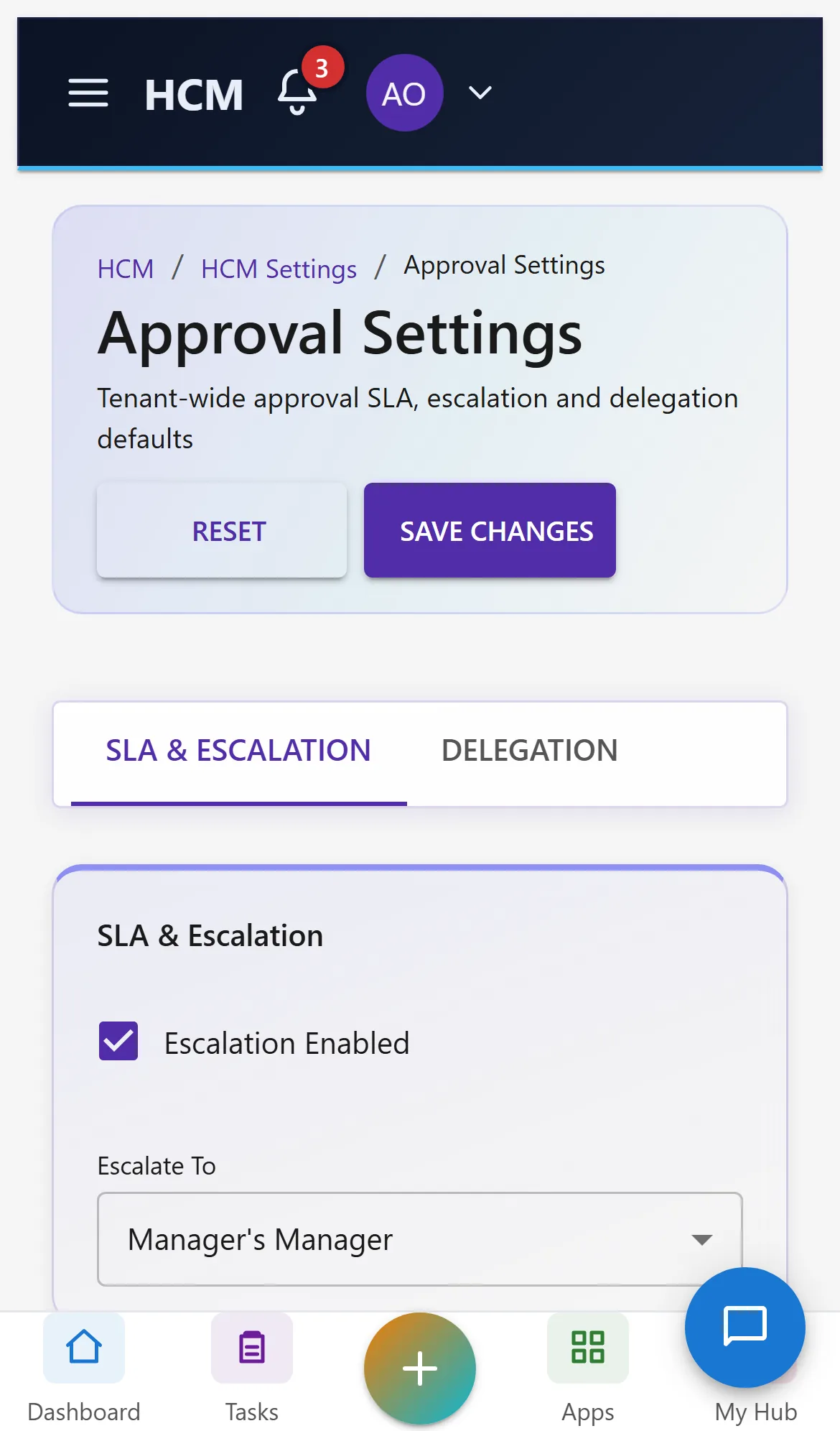
Approval Settings
Tenant-wide approval SLA, escalation, and delegation defaults.
Open it at /hcm-settings-extended/approval-settings (or from the HCM menu).
- Sections: Escalate To.
- Actions: Reset, Save Changes.
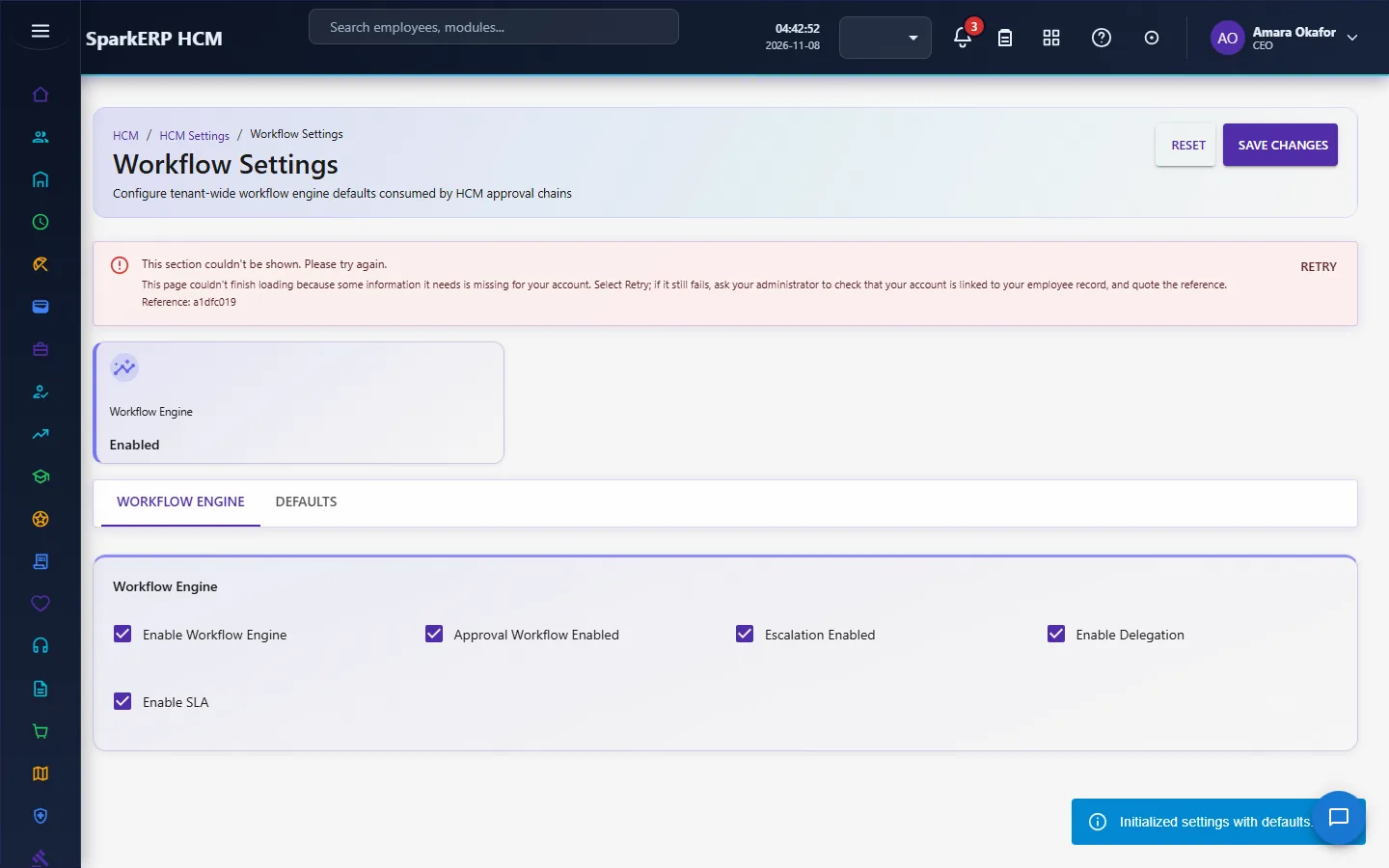
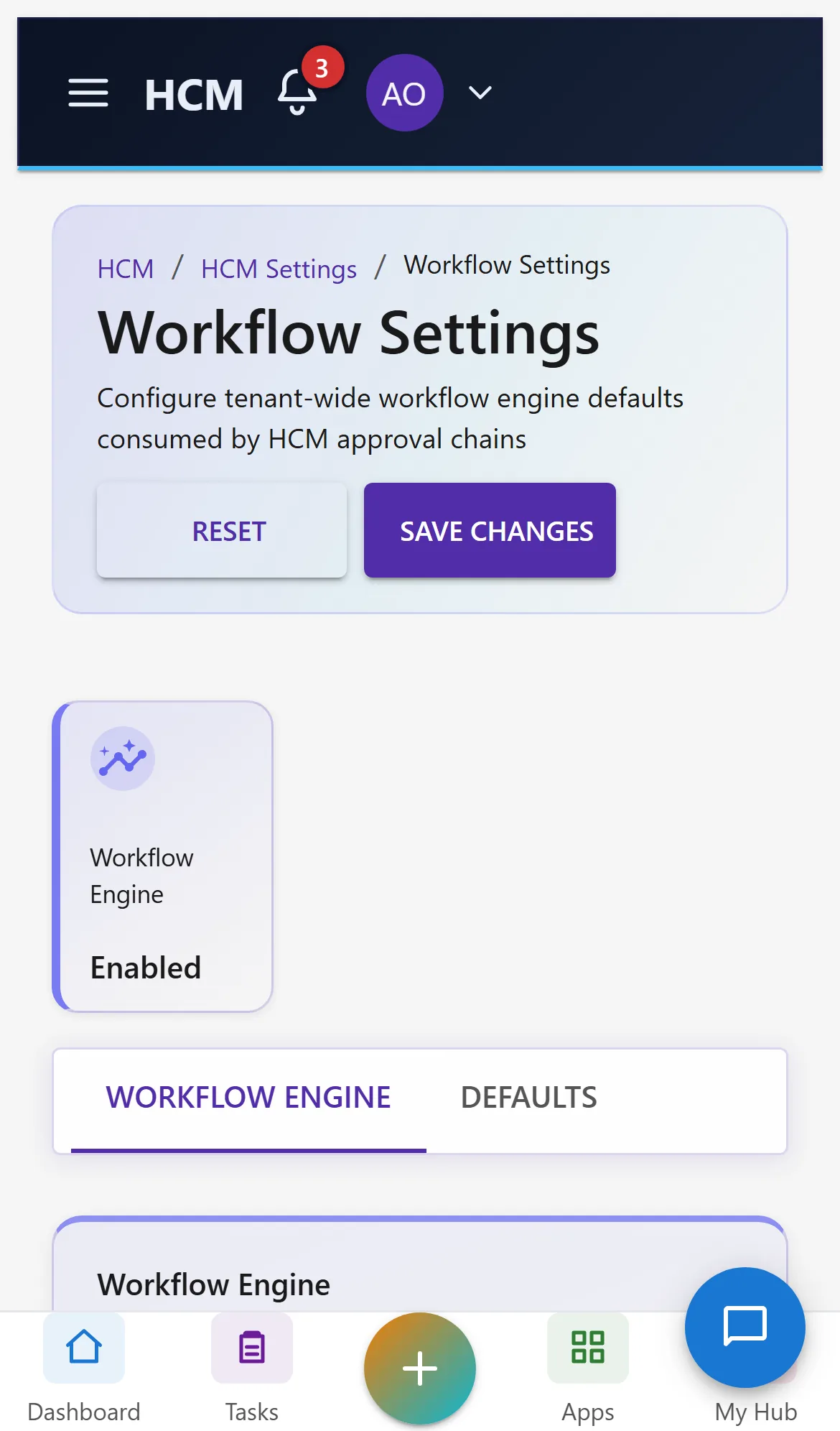
Workflow Settings
Tenant-wide workflow engine defaults, consumed by HCM's own approval chains.
Open it at /hcm-settings-extended/workflow-settings (or from the HCM menu).
- Sections: Workflow Engine.
- Actions: Reset, Save Changes.
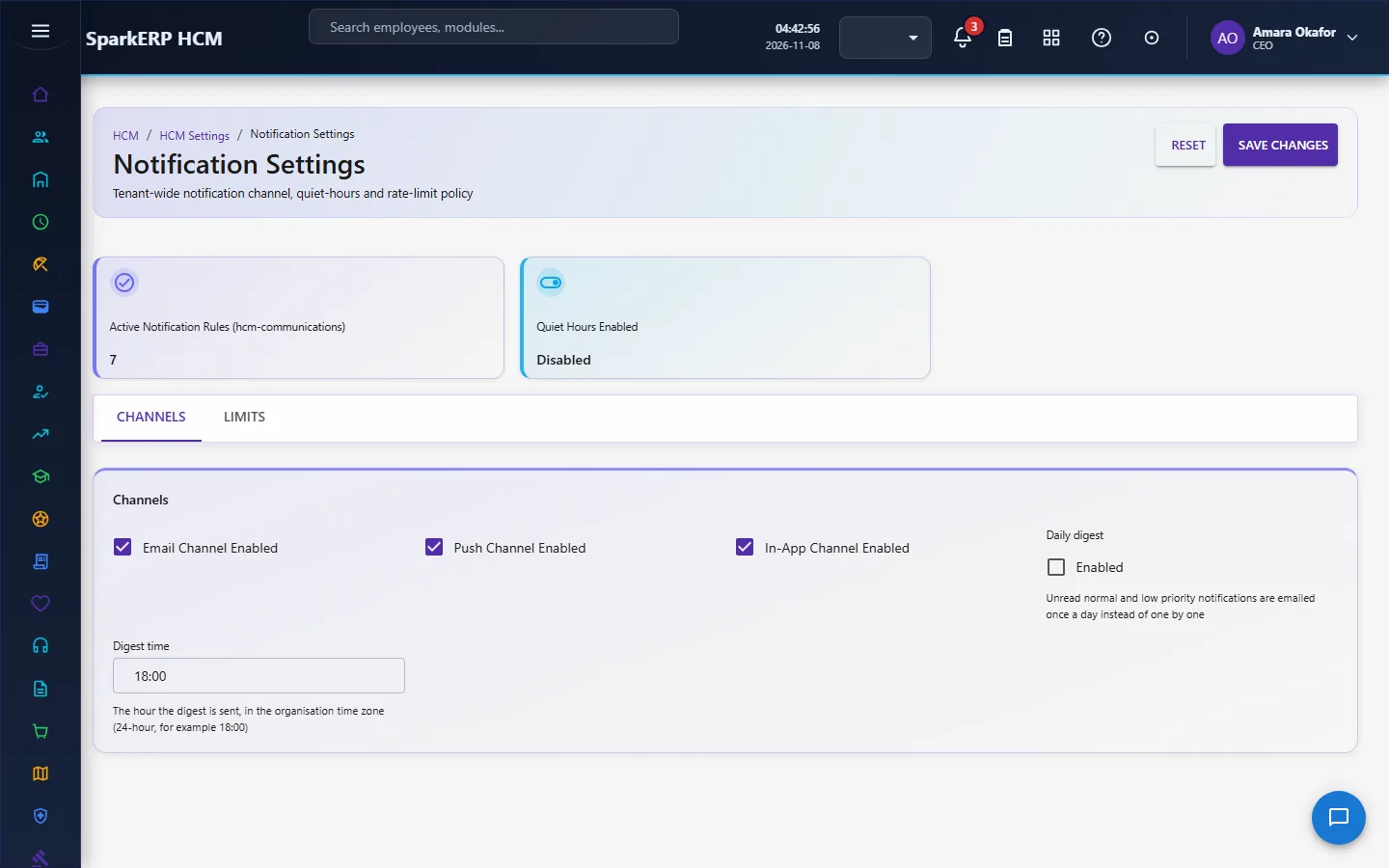
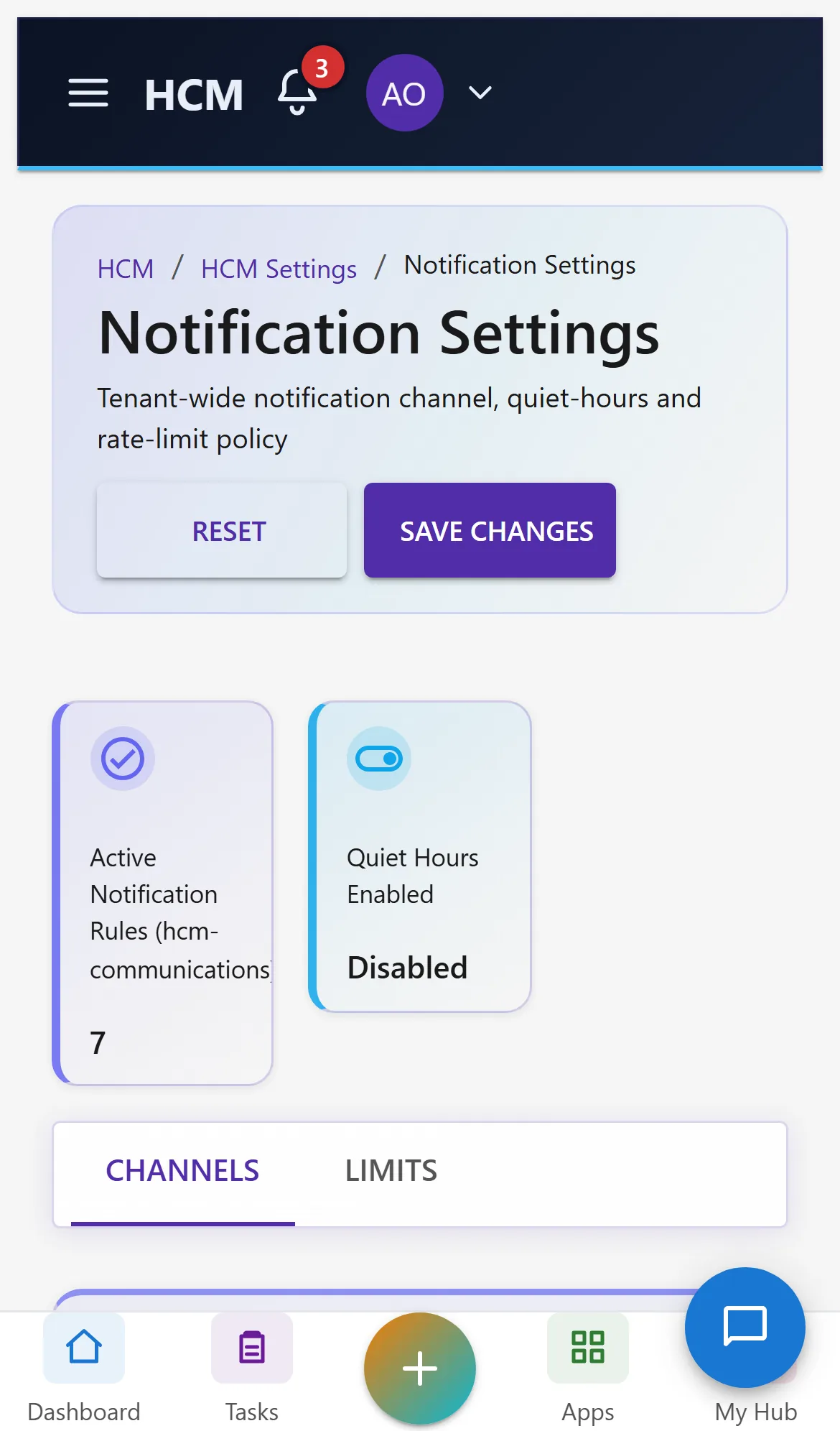
Notification Settings
Tenant-wide notification channel and rate-limit policy.
Open it at /hcm-settings-extended/notification-settings (or from the HCM menu).
- Sections: Active Notification Rules (hcm-communications), Quiet Hours Enabled, Daily digest, Digest time, Quiet Hours Start, Quiet Hours End, Max Notifications / User / Hour, Retry Max Attempts.
- Actions: Reset, Save Changes.