Appearance
Asset Allocation & Returns (HCM)
This page documents two shipped Assets screens (hcm-assets) covering who has custody of an asset. Not for plugin developers.
Asset Allocation
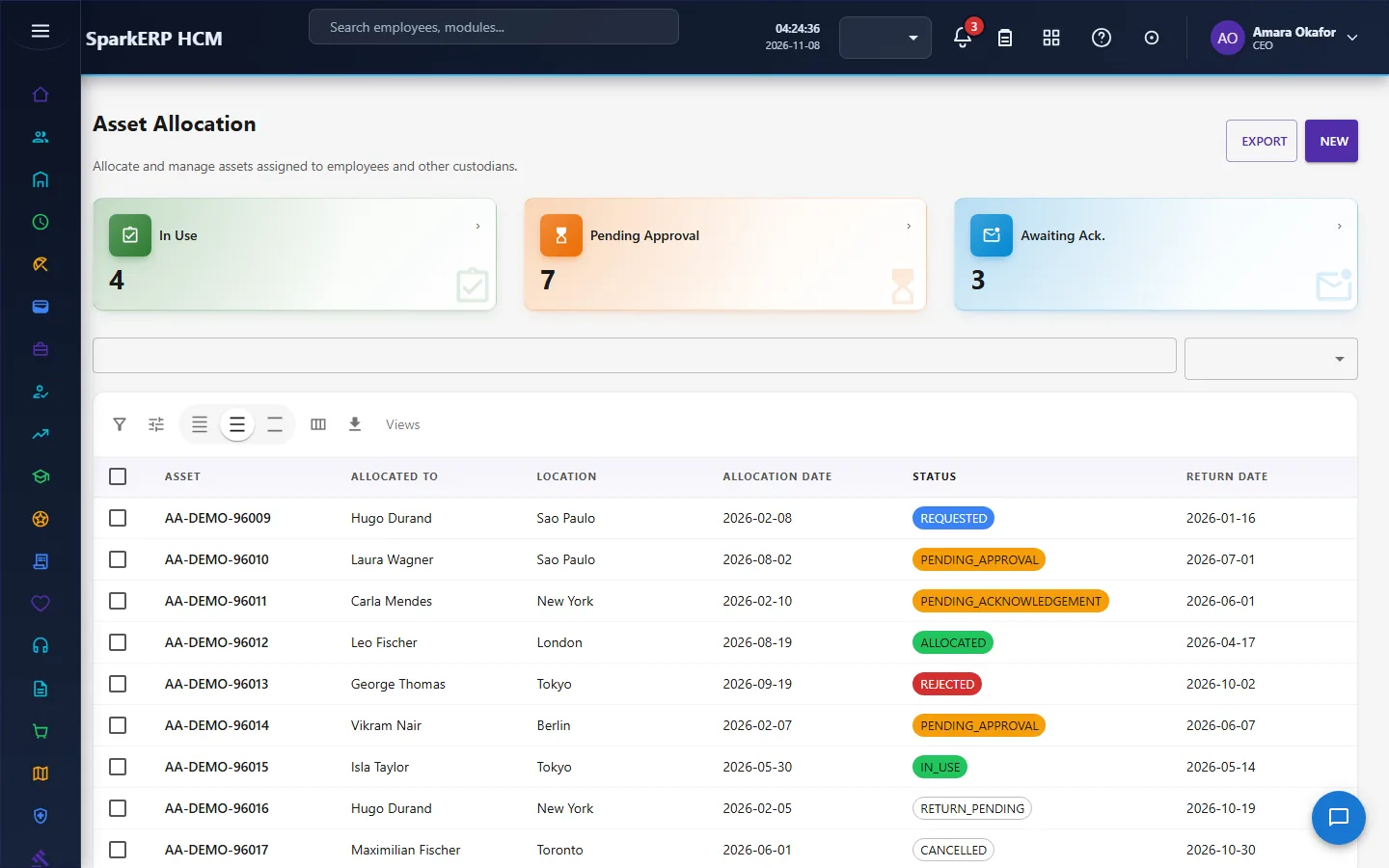
New Asset Allocation — pick the Asset and the Employee, an Allocation Type (Permanent, Temporary, Project, or Loan — a Loan or Temporary allocation naturally implies you'll set an Expected Return Date), the Condition at time of allocation, Department, Location, a Reason, and Notes. New allocations go through Submit for Approval, then once approved, Mark In Use and Acknowledge (the recipient confirming they've received it) — tracked via the KPI row (Pending Approval, Awaiting Acknowledgement, In Use).
Open it at /hcm-assets/asset-allocation (or from the HCM menu).
- Sections: Details, Asset, Employee, Department, Location, Allocation Type, Allocation Date, Expected Return Date, Condition, Reason, Notes, Status and 11 more.
- Cards: In Use, Pending Approval, Awaiting Ack..
- Table columns: Asset, Allocated To, Location, Allocation Date, Status, Return Date.
- Actions: Export, New, Cancel, Save, Add, Submit for Approval, Acknowledge, Mark In Use, Save Document, Download, Close.
Asset Returns
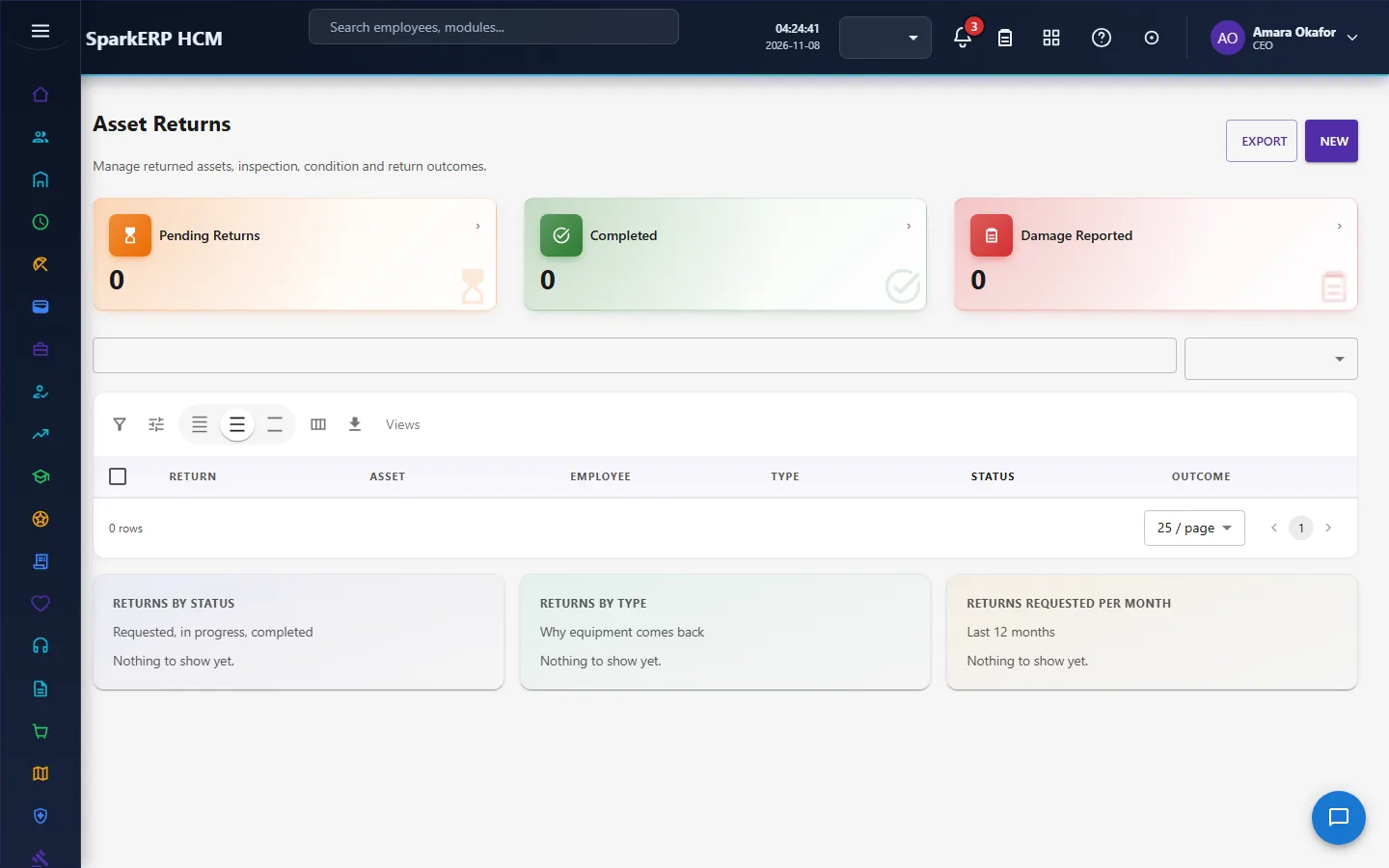
New Asset Return — pick the Asset, Employee, and (if applicable) the specific Allocation being returned, a Return Type, Return Reason, Requested/Scheduled Date, and Notes. The grid tracks the return's Outcome separately from its Status, and reports damage explicitly — the KPI row (Pending Returns, Damage Reported, Completed) makes it easy to spot how often returned equipment comes back damaged. This creates its own return record rather than editing the original allocation, so the full history stays intact.
Open it at /hcm-assets/asset-returns (or from the HCM menu).
- Sections: Details, Return Number, Asset, Allocation, Employee, Return Type, Return Reason, Requested Date, Scheduled Date, Notes, Overview, Exceptions and 9 more.
- Cards: Pending Returns, Completed, Damage Reported.
- Table columns: Return, Asset, Employee, Type, Status, Outcome.
- Actions: Export, New, Cancel, Save, Add, Mark Received, Start Inspection, Complete (Available), Complete (Damaged), Close.