Appearance
Digital Signatures & Signature Providers (HCM Employee Documents)
This page documents two shipped screens in the hcm-employee-documents module. Not for plugin developers.
Digital Signatures
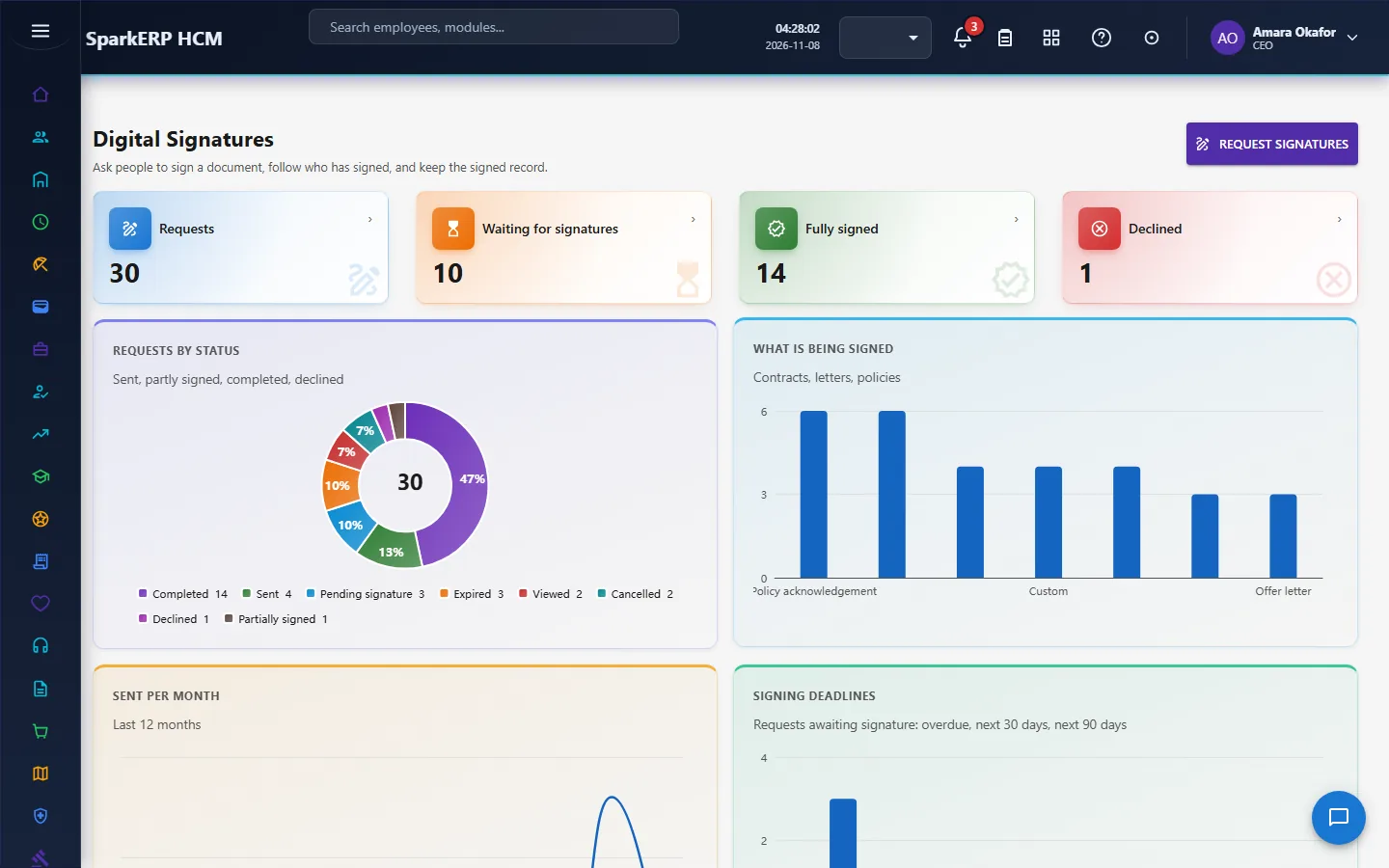
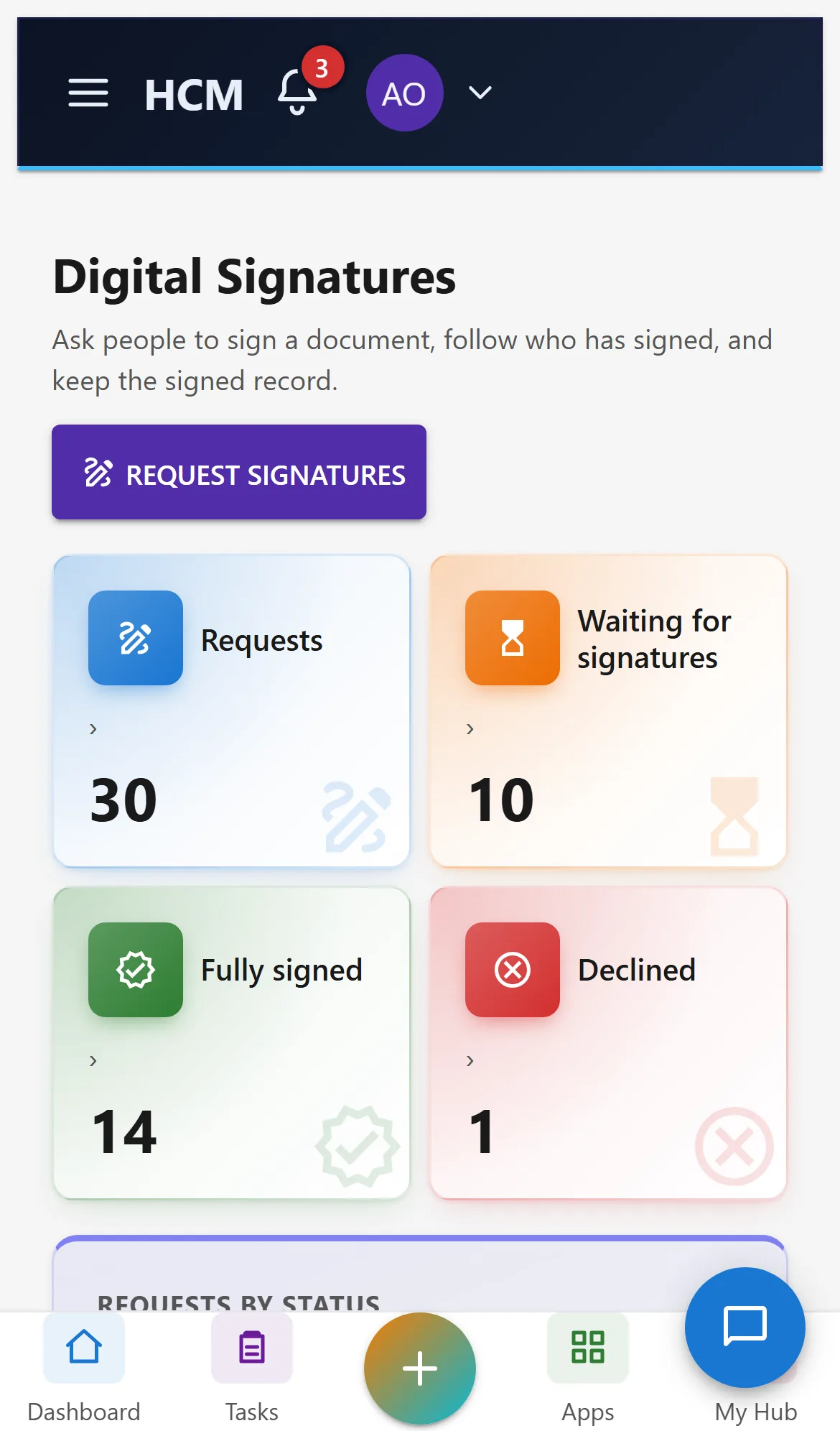
Request an electronic signature on any of this module's HR documents. A request only shows Completed once the real signature has actually come back — not the moment you send it.
Open it at /hcm-employee-documents/digital-signatures (or from the HCM menu).
- Sections: Requests by status, What is being signed, Sent per month, Last 12 months, Signing deadlines, Request, Status, Signed, Signing order, Sign by, Requested by, Requested on and 3 more.
- Cards: Requests, Waiting for signatures, Fully signed, Declined.
- Table columns: Document, Type, Employee, Signed, Waiting for, Status, Sign by, Requested, Actions.
- Actions: Request signatures, Clear filters, Download signature certificate, Refresh, Cancel, Send request.
How to: Request signatures
- Open Employee Documents > Digital Signatures.
- Select Request signatures.
- In the window Request signatures fill in:
| Field | What to enter |
|---|---|
| What kind of document is it? | Choose one: Offer letter, Employment contract, Experience letter, Salary letter, Certificate, Policy acknowledgement, Other document |
| Document name | Type it (for example: For example: Employment contract - Aria Chen). |
| Who needs to sign? | Type it (for example: One sign-in name or email per line). |
| Sign by (optional) | Pick a date. |
| Message to the signers | Type it (for example: Optional). |
- Select Send request.
- The window closes and the table refreshes with the result. If the screen shows a message instead, read it: it says what is missing.
Signature Providers
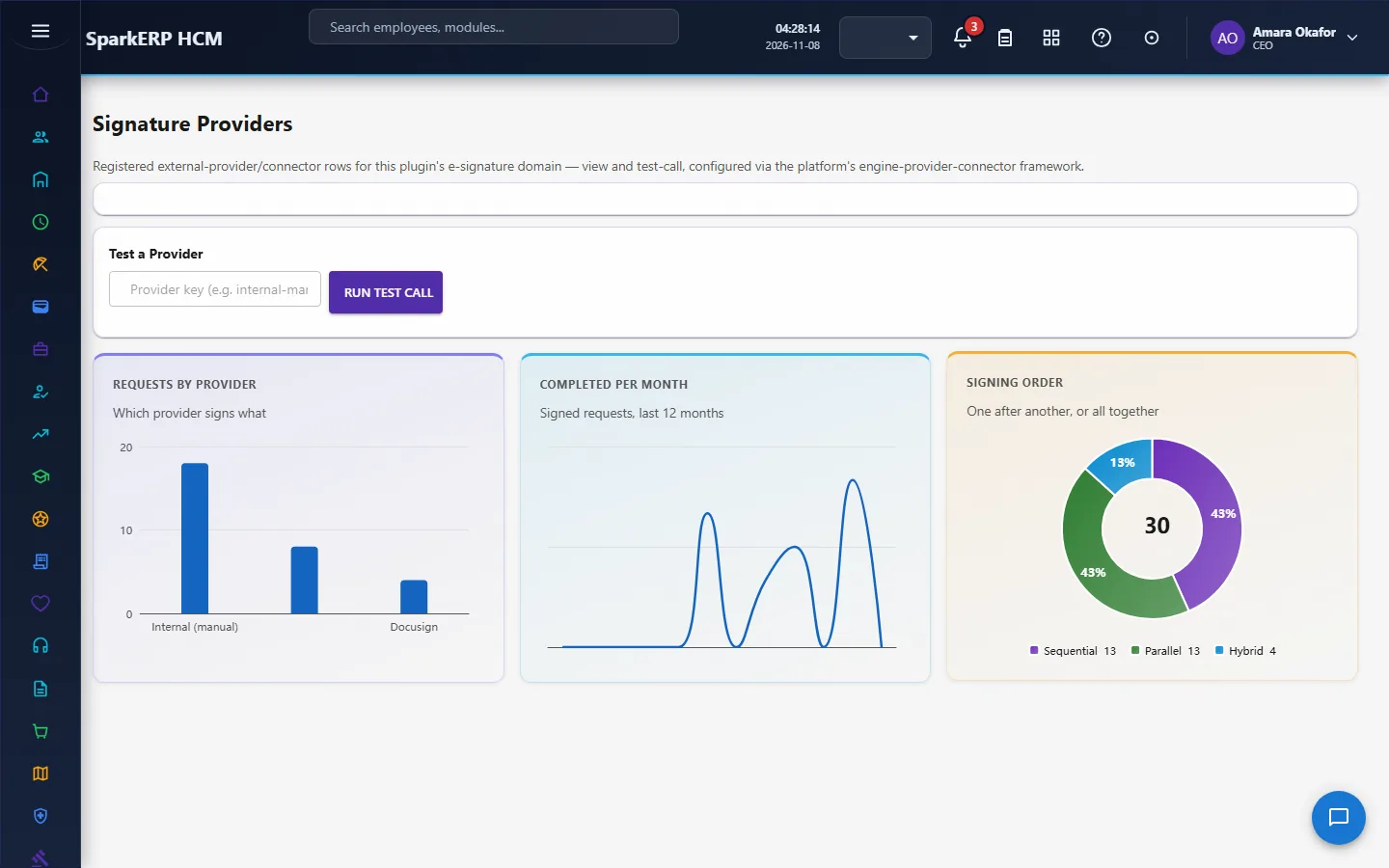
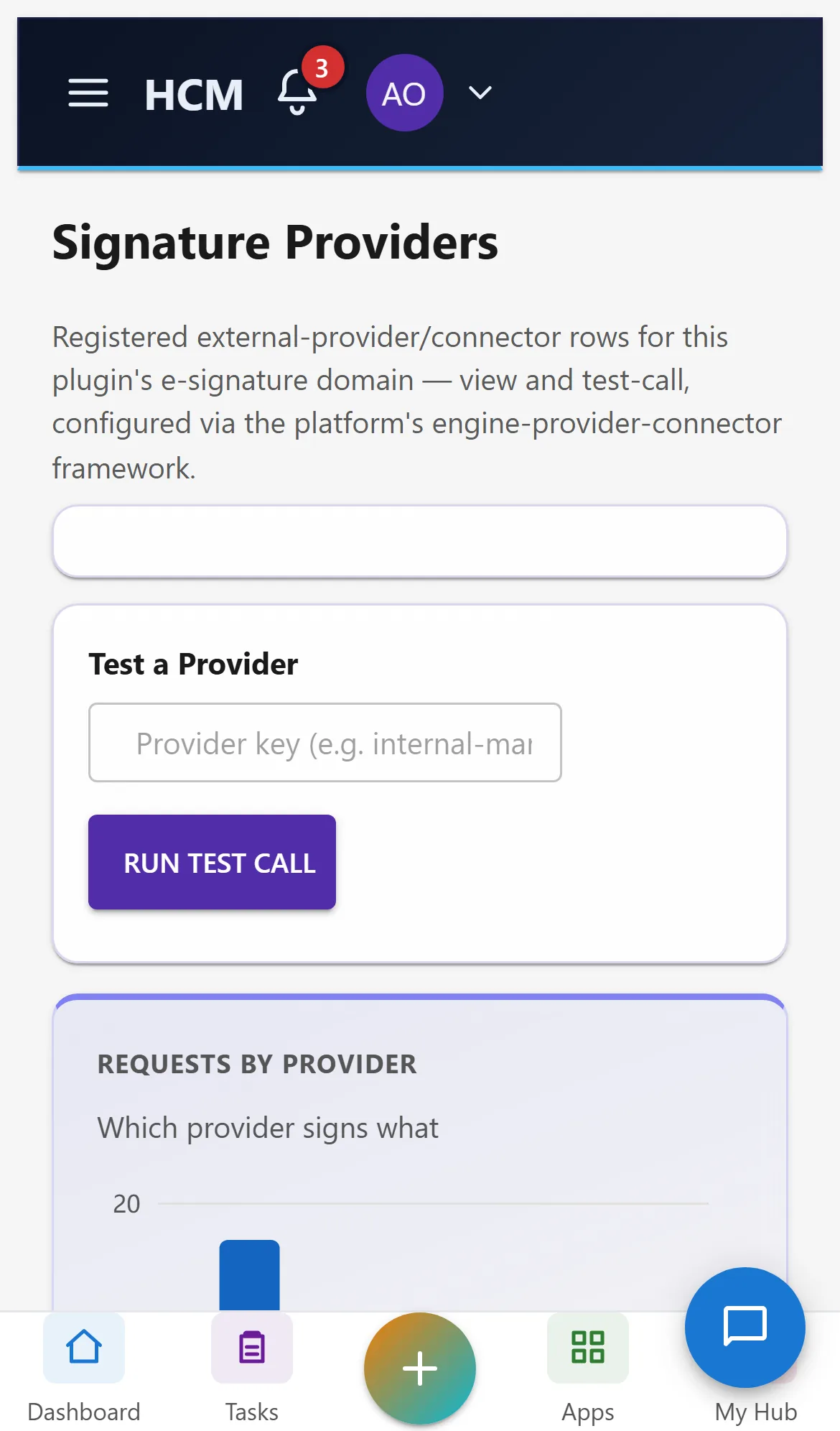
An admin screen listing this module's own registered external signature provider connections.
Open it at /hcm-employee-documents/signature-providers (or from the HCM menu).
- Sections: Test a Provider, Requests by provider, Which provider signs what, Completed per month, Signing order.
- Actions: Run Test Call.