Appearance
Grievances, Complaints & Disciplinary Actions (HCM)
This page documents three shipped Employee Relations screens (hcm-employee-relations) covering formal HR processes. Not for plugin developers.
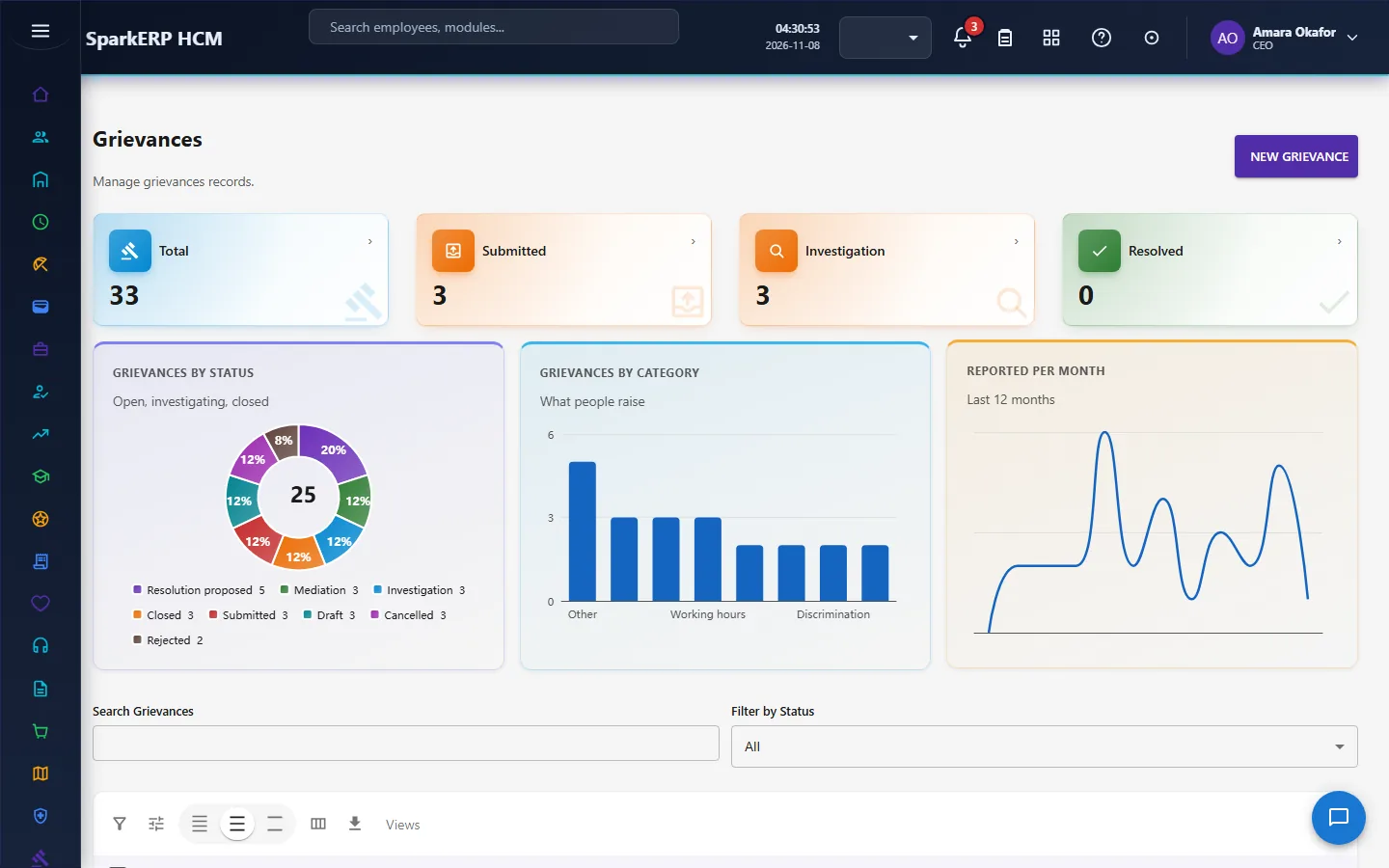
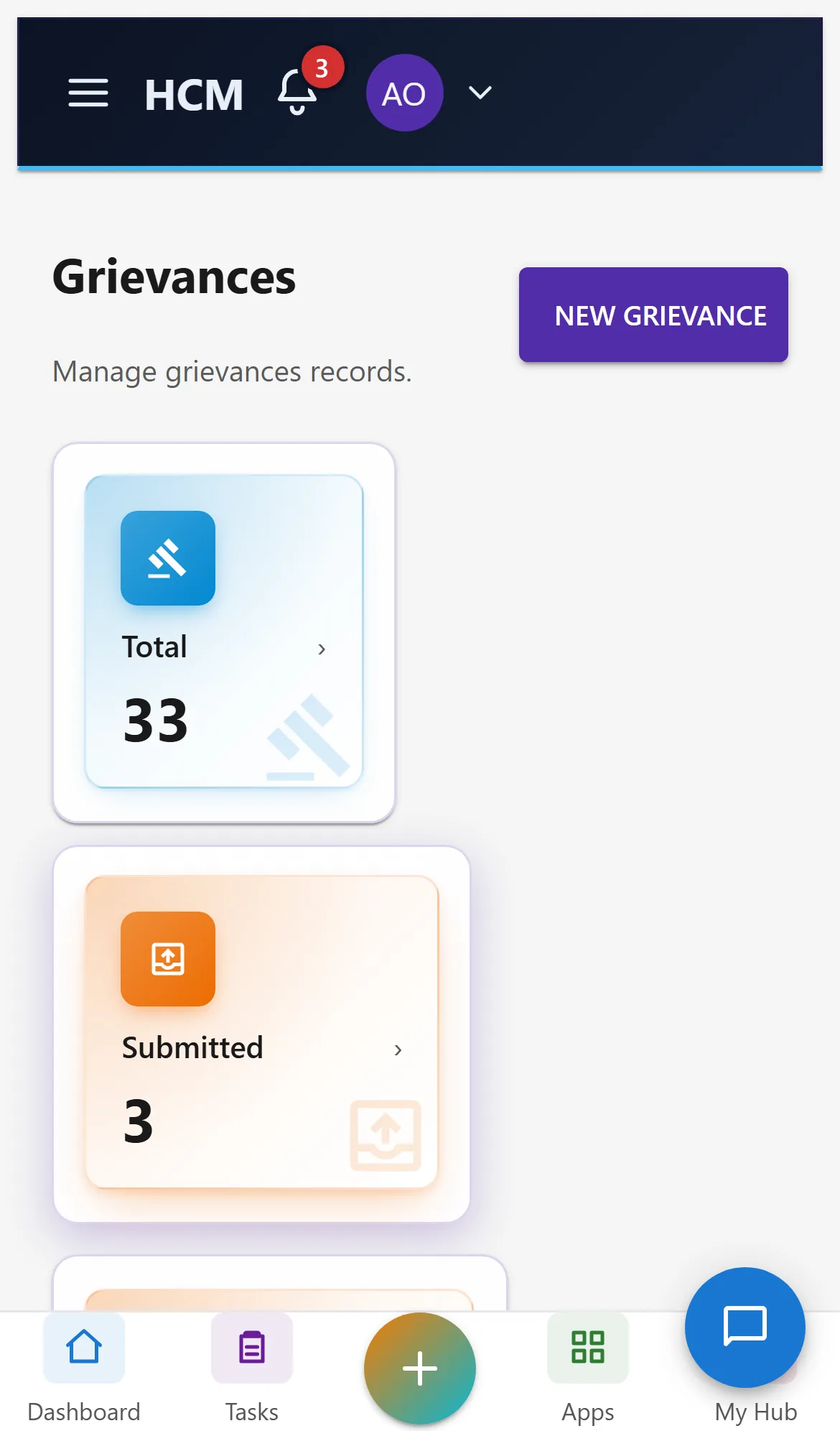
Grievances
New Grievance — Employee, Subject, Category, Severity, Incident Date, Reported Date, Due Date, with a real Grievance Number. KPIs: Total, Submitted, Investigation, Resolved.
Open it at /hcm-employee-relations/grievances (or from the HCM menu).
- Sections: Grievances by status, Grievances by category, What people raise, Reported per month, Last 12 months, Search Grievances, Filter by Status, Grievance Identity, Grievance Number, Employee Id, Category, Subject and 11 more.
- Cards: Total, Submitted, Investigation, Resolved.
- Table columns: Grievance Number, Subject, Category, Severity, Due Date, Status.
- Actions: New Grievance, Cancel, Save, Send for Approval, Approve & Resolve.
Complaints
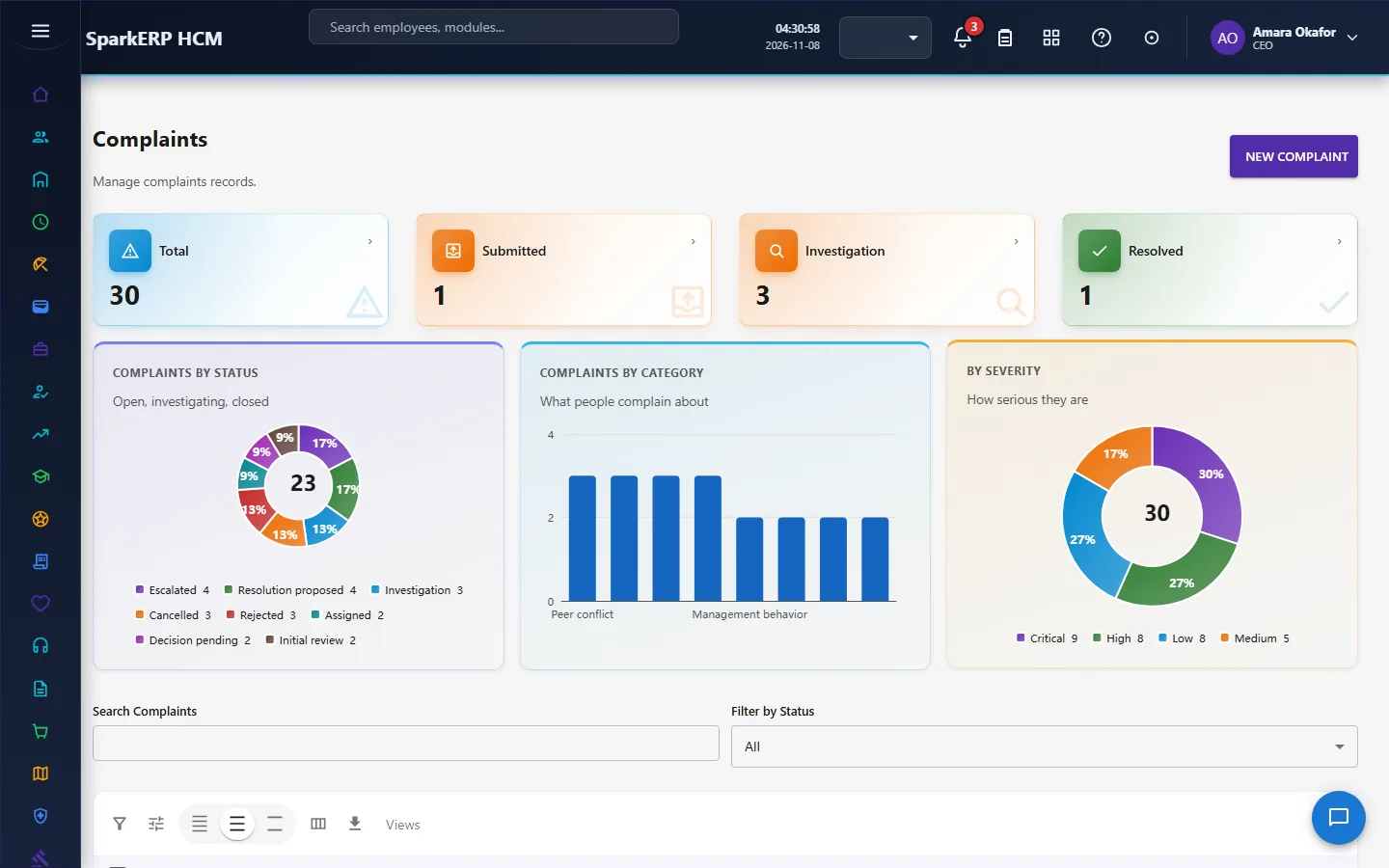
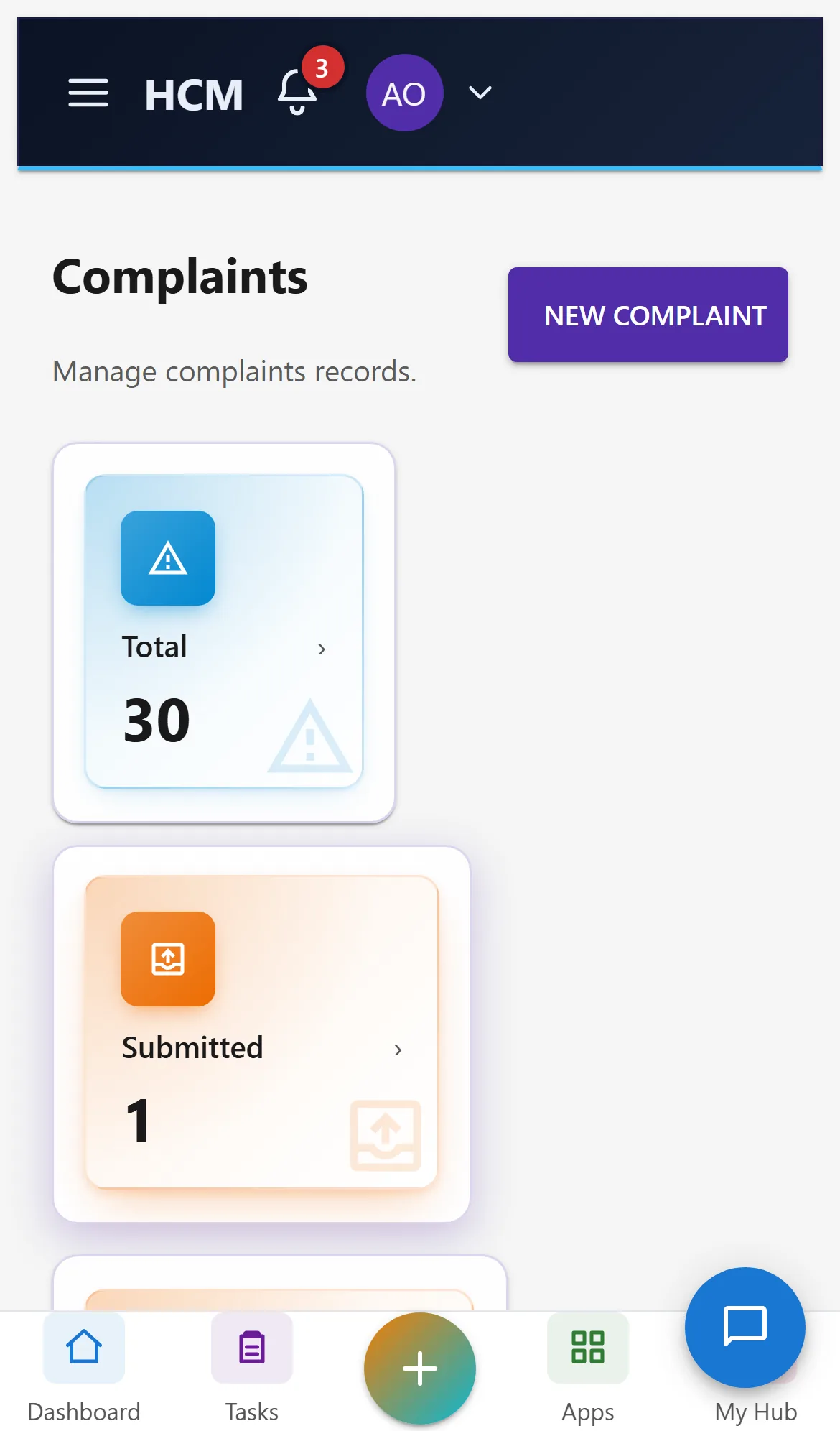
New Complaint — Employee, Subject, Category, Severity, Risk Level, Incident Date, Due Date, with a real Complaint Number. Same KPI shape (Total, Submitted, Investigation, Resolved).
Open it at /hcm-employee-relations/complaints (or from the HCM menu).
- Sections: Complaints by status, Complaints by category, What people complain about, By severity, How serious they are, Search Complaints, Filter by Status, Complaint Identity, Complaint Number, Employee Id, Category, Subject and 11 more.
- Cards: Total, Submitted, Investigation, Resolved.
- Table columns: Complaint Number, Subject, Category, Severity, Due Date, Status.
- Actions: New Complaint, Cancel, Save, Send for Approval, Approve & Resolve.
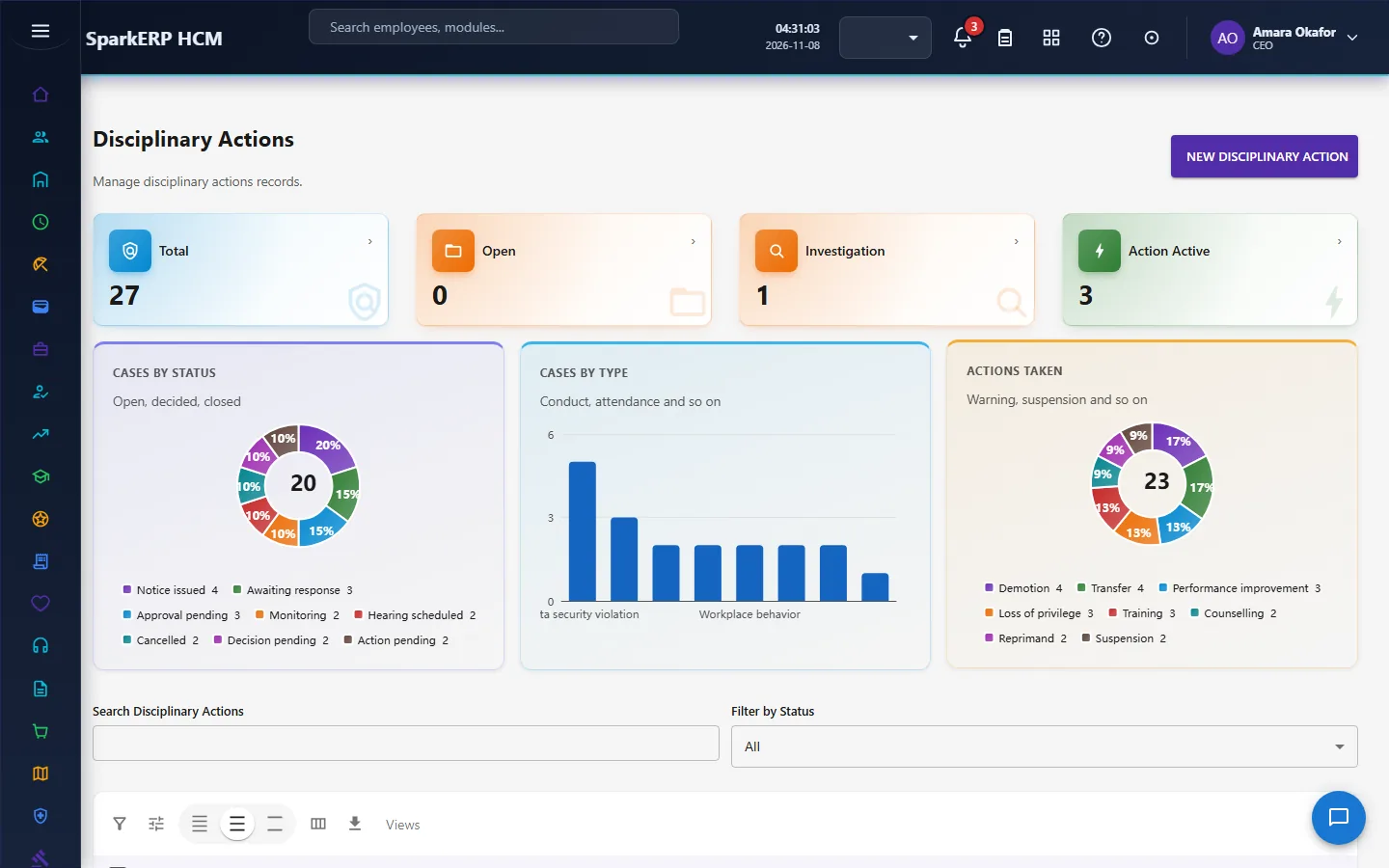
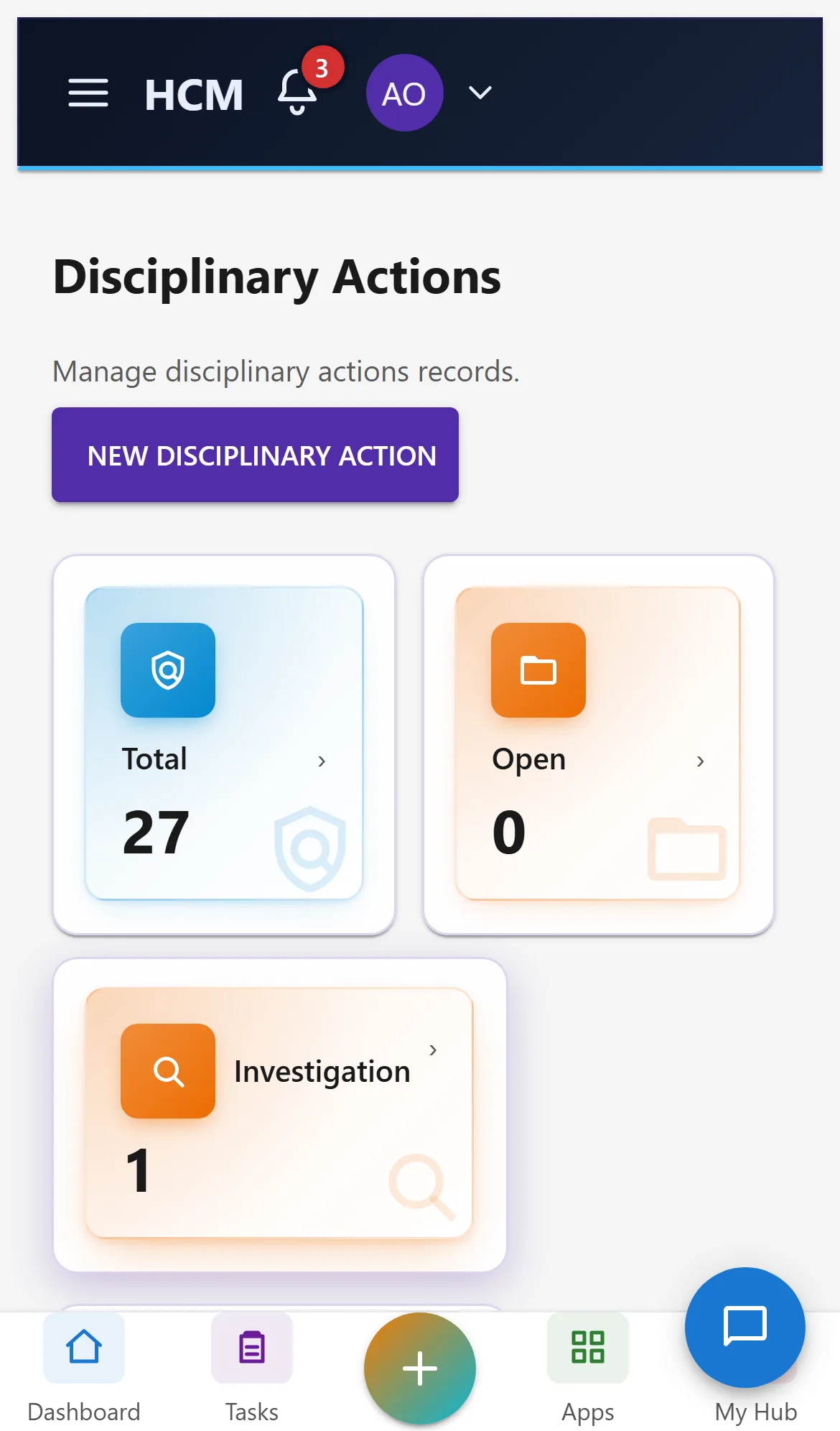
Disciplinary Actions
New Disciplinary Action — Employee, Subject, Case Type, Severity, Incident Date, Due Date, and a real Policy Reference — the specific policy the action is grounded in, not just a free-text note. KPIs: Total, Open, Investigation, Action Active (a disciplinary action currently in effect).
Open it at /hcm-employee-relations/disciplinary-actions (or from the HCM menu).
- Sections: Cases by status, Cases by type, Actions taken, Search Disciplinary Actions, Filter by Status, Disciplinary Action Identity, Case Number, Employee Id, Case Type, Subject, Disciplinary Action Details, Policy Reference and 9 more.
- Cards: Total, Open, Investigation, Action Active.
- Table columns: Case Number, Subject, Case Type, Severity, Action Status, Status.
- Actions: New Disciplinary Action, Cancel, Save, Send for Approval, Approve & Activate.