
Appearance
Certifications, Competencies & Skill Matrix (HCM)
This page documents three shipped Learning screens (hcm-learning). Not for plugin developers.
Certifications
Track earned certifications.
Open it at /hcm-learning/certifications (or from the HCM menu).
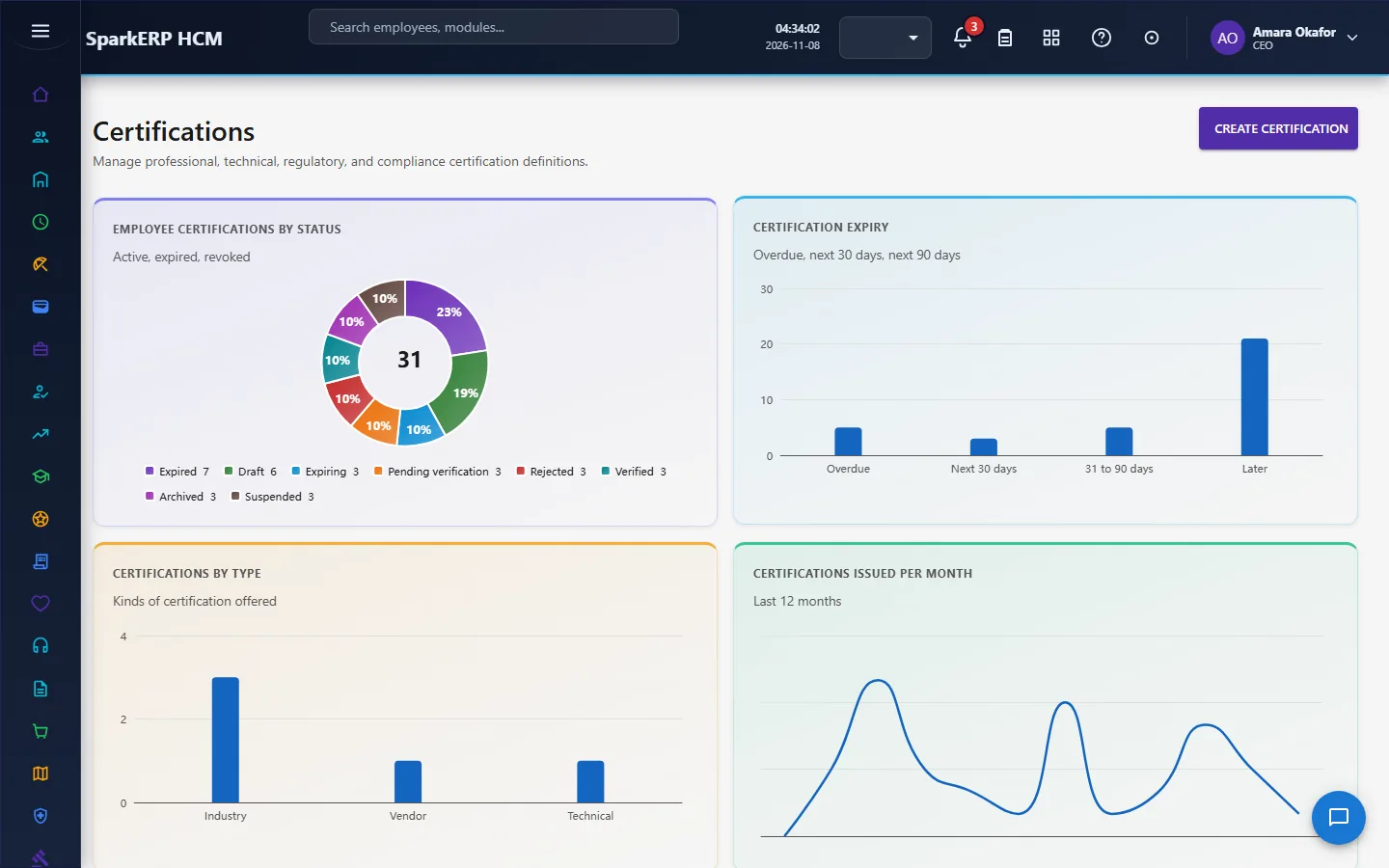
- Sections: Employee certifications by status, Certification expiry, Certifications by type, Kinds of certification offered, Certifications issued per month, Last 12 months.
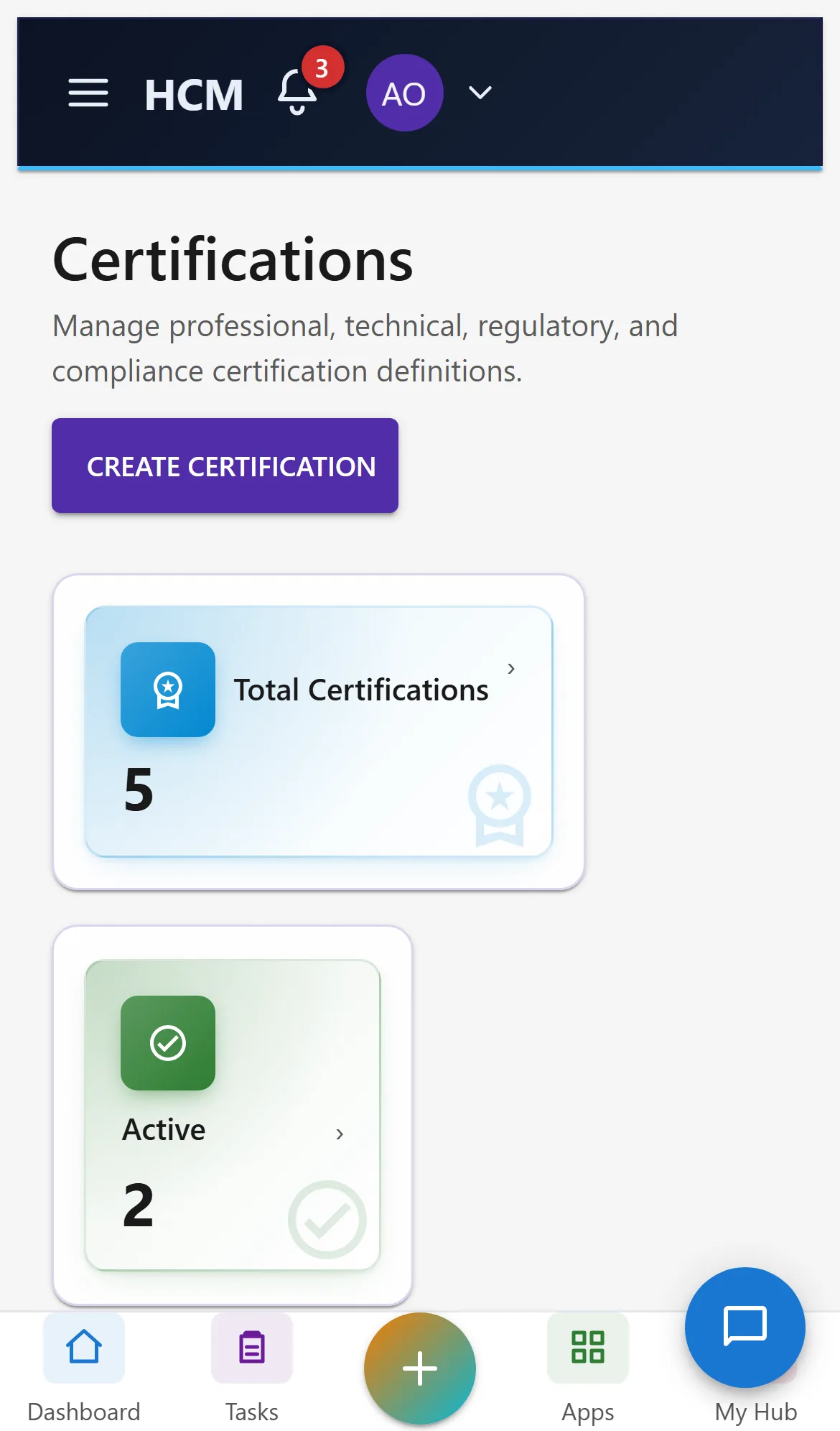
- Cards: Total Certifications, Active, Mandatory, Suspended.
- Table columns: Certification Name, Type, Issuing Body, Level, Validity (Months), Mandatory, Status, Actions.
- Actions: Create Certification, Activate, Reject, Back to Draft, Suspend, Reactivate, Archive, Cancel, Save.
How to: Create Certification
- Open Learning & Development > Certifications.
- Select Create Certification.
- In the window Certification fill in:
| Field | What to enter |
|---|---|
| Certification Code | Type it (for example: Certification code). |
| Certification Name | Type it (for example: Certification name). |
| Certification Type | Choose one: Professional, Technical, Academic, Regulatory, Compliance, Safety, License, Industry, Vendor, Internal... |
| Issuing Body | Type it (for example: Issuing body). |
| Level | Choose one: Basic, Intermediate, Advanced, Expert |
| Description | Type it. |
| Validity Period (Months) | Type it (for example: Validity period (months, blank = never expires)). |
- Select Save.
- The window closes and the table refreshes with the result. If the screen shows a message instead, read it: it says what is missing.
Competencies
The skill library / competency framework master this module's other screens (like Skill Matrix) reference.
Open it at /hcm-learning/competencies (or from the HCM menu).
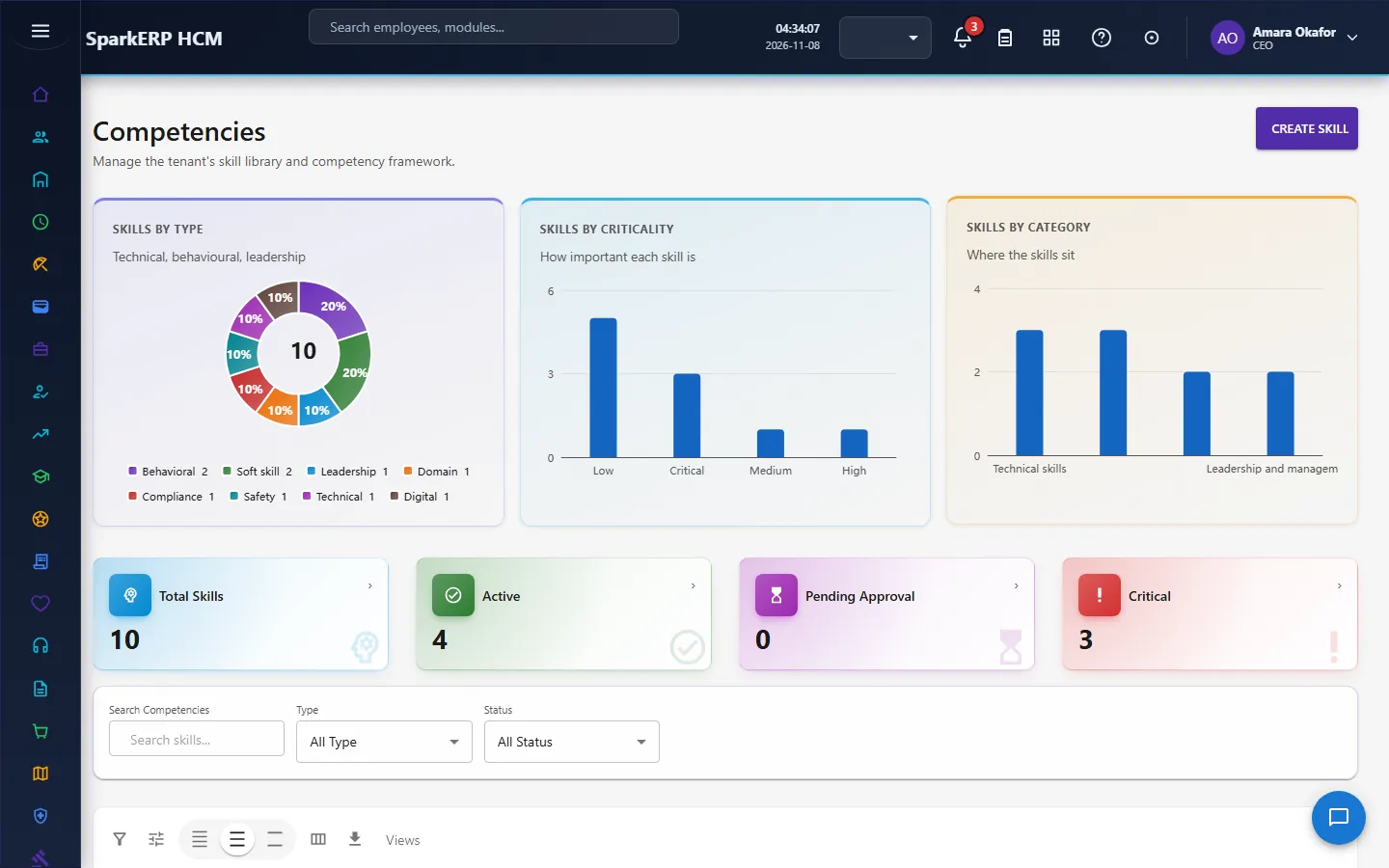
- Sections: Skills by type, Skills by criticality, How important each skill is, Skills by category, Where the skills sit.
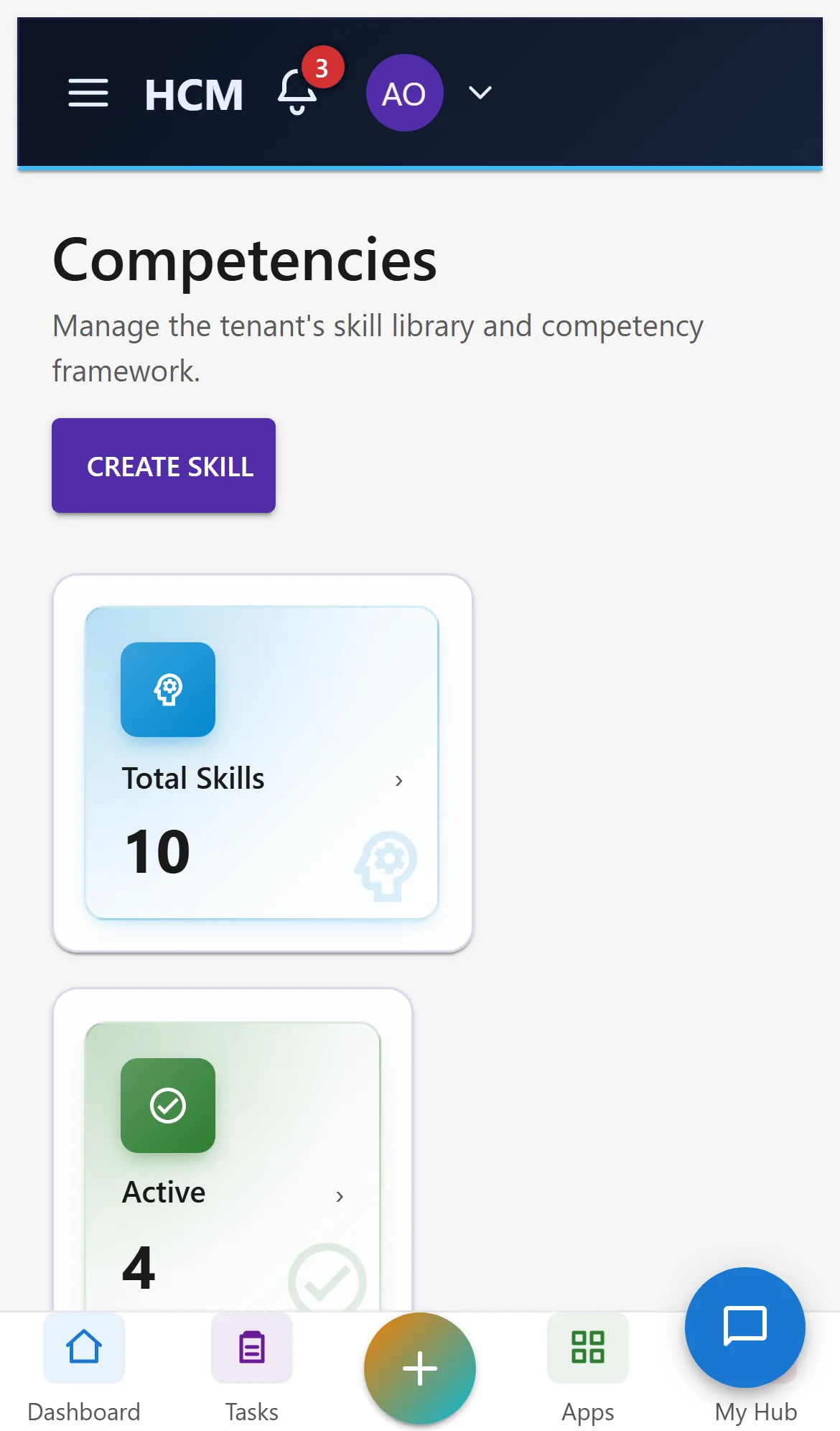
- Cards: Total Skills, Active, Pending Approval, Critical.
- Table columns: Skill Name, Type, Category, Criticality, Status, Actions.
- Actions: Create Skill, Submit for Approval, Back to Draft, Deactivate, Reactivate, Archive, Cancel, Save.
How to: Create Skill
- Open Learning & Development > Competencies.
- Select Create Skill.
- In the window Skill fill in:
| Field | What to enter |
|---|---|
| Skill Code | Type it (for example: Skill code). |
| Skill Name | Type it (for example: Skill name). |
| Skill Type | Choose one: Technical, Functional, Behavioral, Leadership, Domain, Digital, Language, Compliance, Safety, Management... |
| Description | Type it. |
| Criticality | Choose one: Low, Medium, High, Critical |
- Select Submit for Approval.
- The window closes and the table refreshes with the result. If the screen shows a message instead, read it: it says what is missing.
Skill Matrix
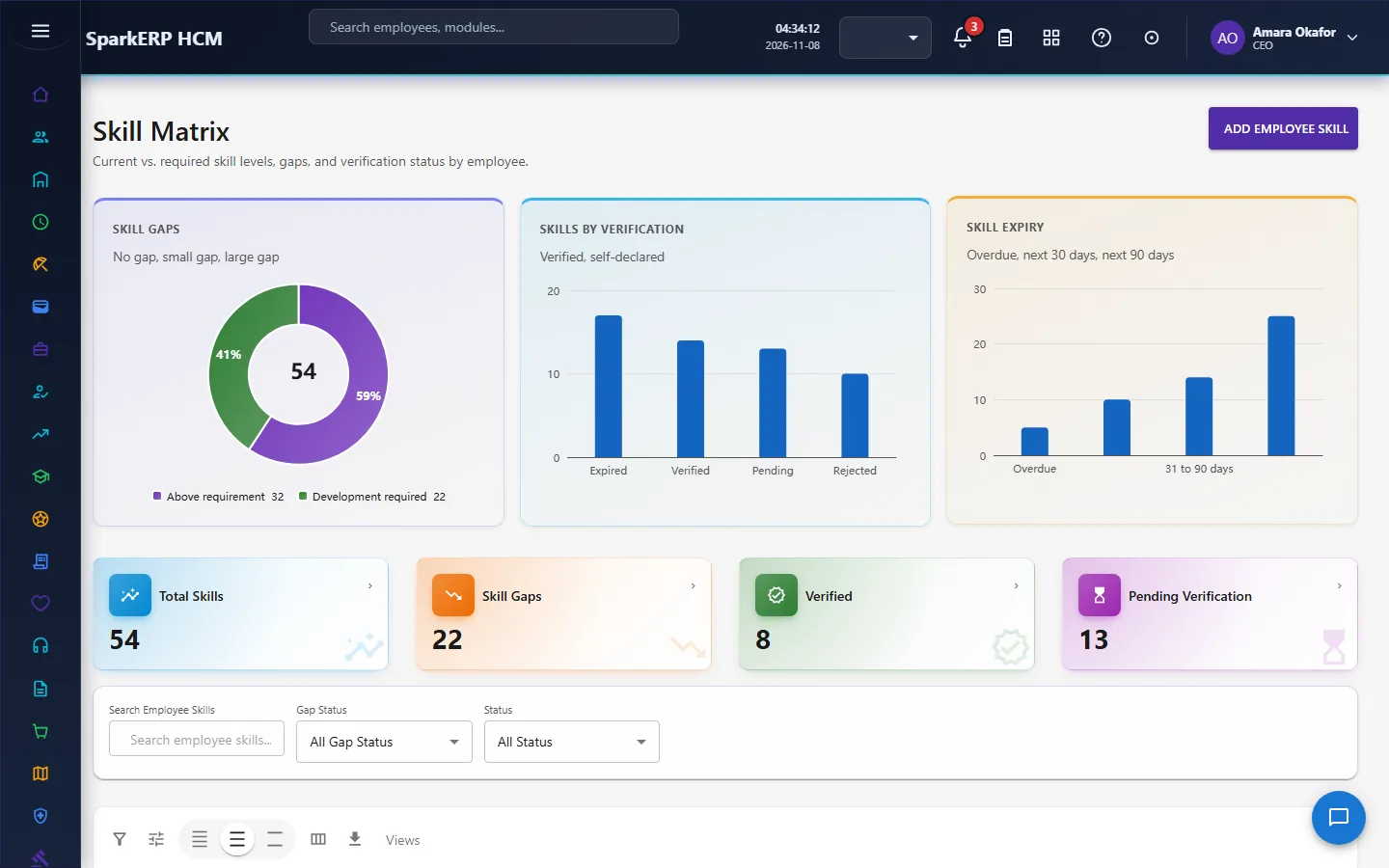
An employee skill profile view, showing skill gaps calculated against the Competencies framework.
Open it at /hcm-learning/skill-matrix (or from the HCM menu).
- Sections: Skill gaps, Skills by verification, Skill expiry.
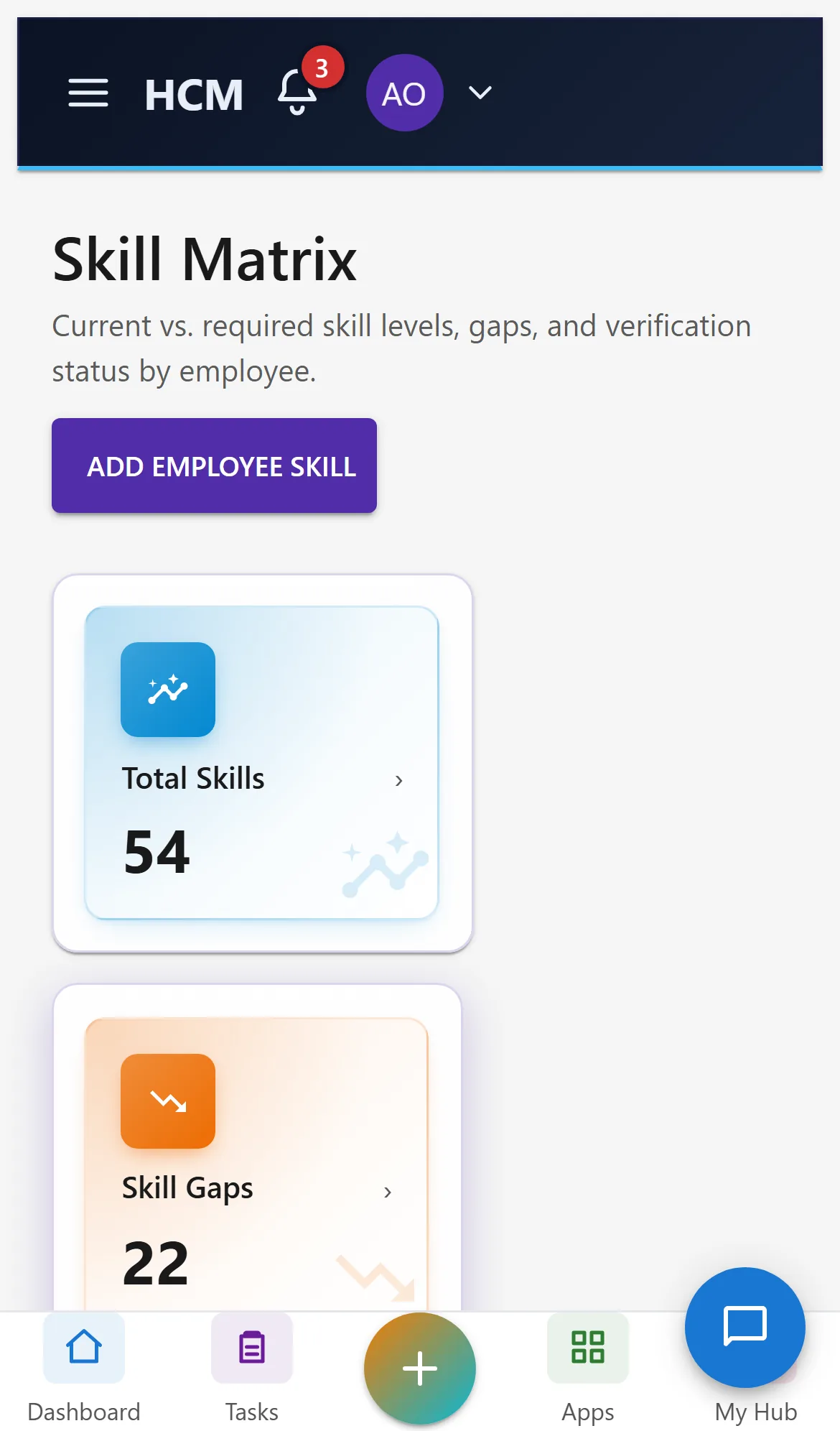
- Cards: Total Skills, Skill Gaps, Verified, Pending Verification.
- Table columns: Skill, Current Level, Required Level, Gap, Gap Status, Status, Actions.
- Actions: Add Employee Skill, Self-Declare, Mark Assessed, Start Developing, Mark Proficient, Mark Expert, Deactivate, Cancel, Save.
How to: Add Employee Skill
- Open Learning & Development > Skills Development.
- Select Add Employee Skill.
- In the window Employee Skill fill in:
| Field | What to enter |
|---|---|
| Current Level | Type it (for example: Current Level (0-5)). |
| Target Level | Type it (for example: Target Level (0-5)). |
| Required Level | Type it (for example: Required Level (0-5)). |
| Verification Status | Choose one: Pending, Verified, Rejected, Expired |
| Expiry Date | Pick a date. |
- Select Save.
- The window closes and the table refreshes with the result. If the screen shows a message instead, read it: it says what is missing.