
Appearance
Recruitment Agencies & Sources (HCM)
This page documents two shipped Recruitment reference screens (hcm-recruitment). Not for plugin developers.
Recruitment Agencies
Manage external recruitment agencies you work with — their contacts, which openings you've assigned them, candidate submissions they've sent in, and a status workflow (submit → approve, etc.) for the agency relationship itself.
Open it at /hcm-recruitment/recruitment-agencies (or from the HCM menu).
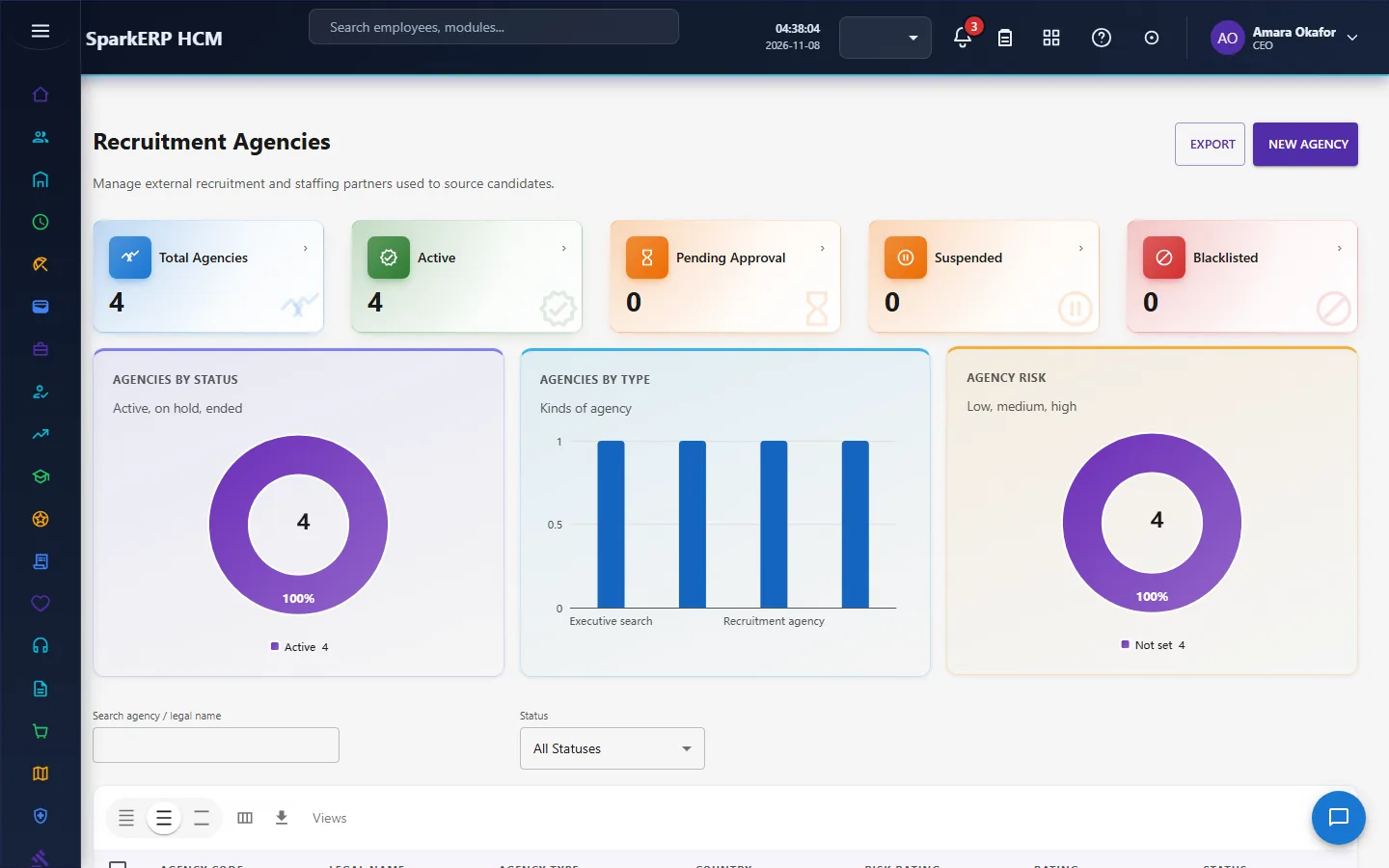
- Sections: Agencies by status, Agencies by type, Kinds of agency, Agency risk, Basic Information, Commercial Terms, Agency Code, Legal Name, Agency Type, Country, City, Fee Percentage and 11 more.
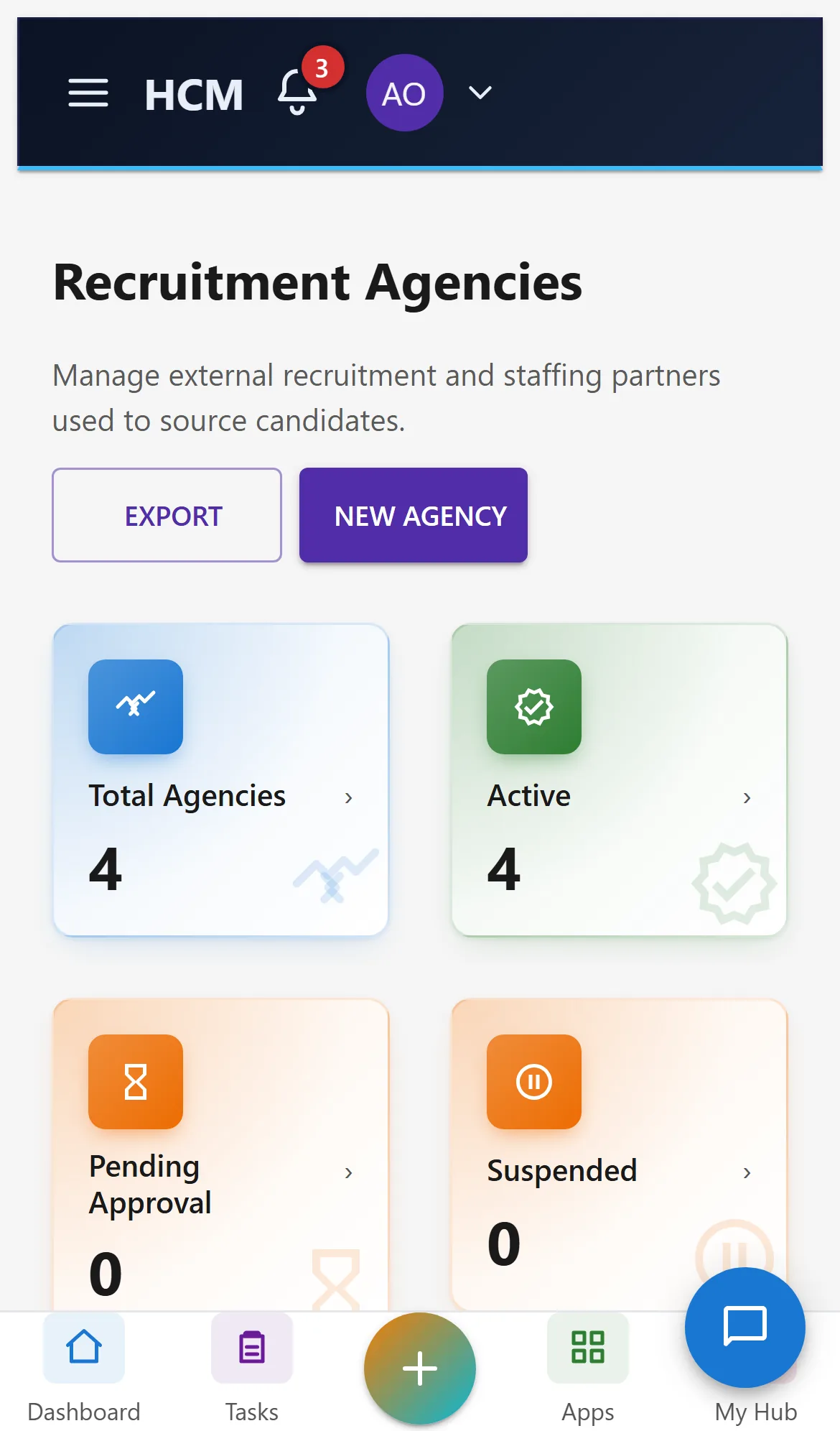
- Cards: Total Agencies, Active, Pending Approval, Suspended, Blacklisted.
- Table columns: Agency Code, Legal Name, Agency Type, Country, Risk Rating, Rating, Status.
- Actions: Export, New Agency, Cancel, Save, Submit, Approve, Suspend, Reactivate, Blacklist, Terminate, Close, Confirm.
How to: New Agency
- Open Recruitment > Recruitment Agencies.
- Select New Agency.
- In the window New Recruitment Agency fill in:
| Field | What to enter |
|---|---|
| Legal Name | Type it. |
| Trading Name | Type it. |
| Agency Type | Choose one: RECRUITMENT_AGENCY, STAFFING_AGENCY, EXECUTIVE_SEARCH, CONTRACT_STAFFING, TEMP_STAFFING, RPO_PROVIDER, CAMPUS_RECRUITMENT_PARTNER, SPECIALIST_AGENCY, INTERNATIONAL_RECRUITER, OTHER |
| Country | Type it. |
| City | Type it. |
| Fee Percentage | Type it. |
| Replacement Days | Type it. |
| Contract Start | Pick a date. |
| Contract End | Pick a date. |
| Risk Rating | Choose one: LOW, MEDIUM, HIGH |
- Select Save.
- The window closes and the table refreshes with the result. If the screen shows a message instead, read it: it says what is missing.
How to: Suspend
- Open Recruitment > Recruitment Agencies.
- Select Suspend.
- In the window Reason Required fill in:
| Field | What to enter |
|---|---|
| Reason | Type it. |
- Select Confirm.
- The window closes and the table refreshes with the result. If the screen shows a message instead, read it: it says what is missing.
Recruitment Sources
A catalog of where your candidates come from (e.g. referral, agency, careers page, job board) — used to tag and report on which channels are actually bringing in candidates.
Open it at /hcm-recruitment/recruitment-sources (or from the HCM menu).
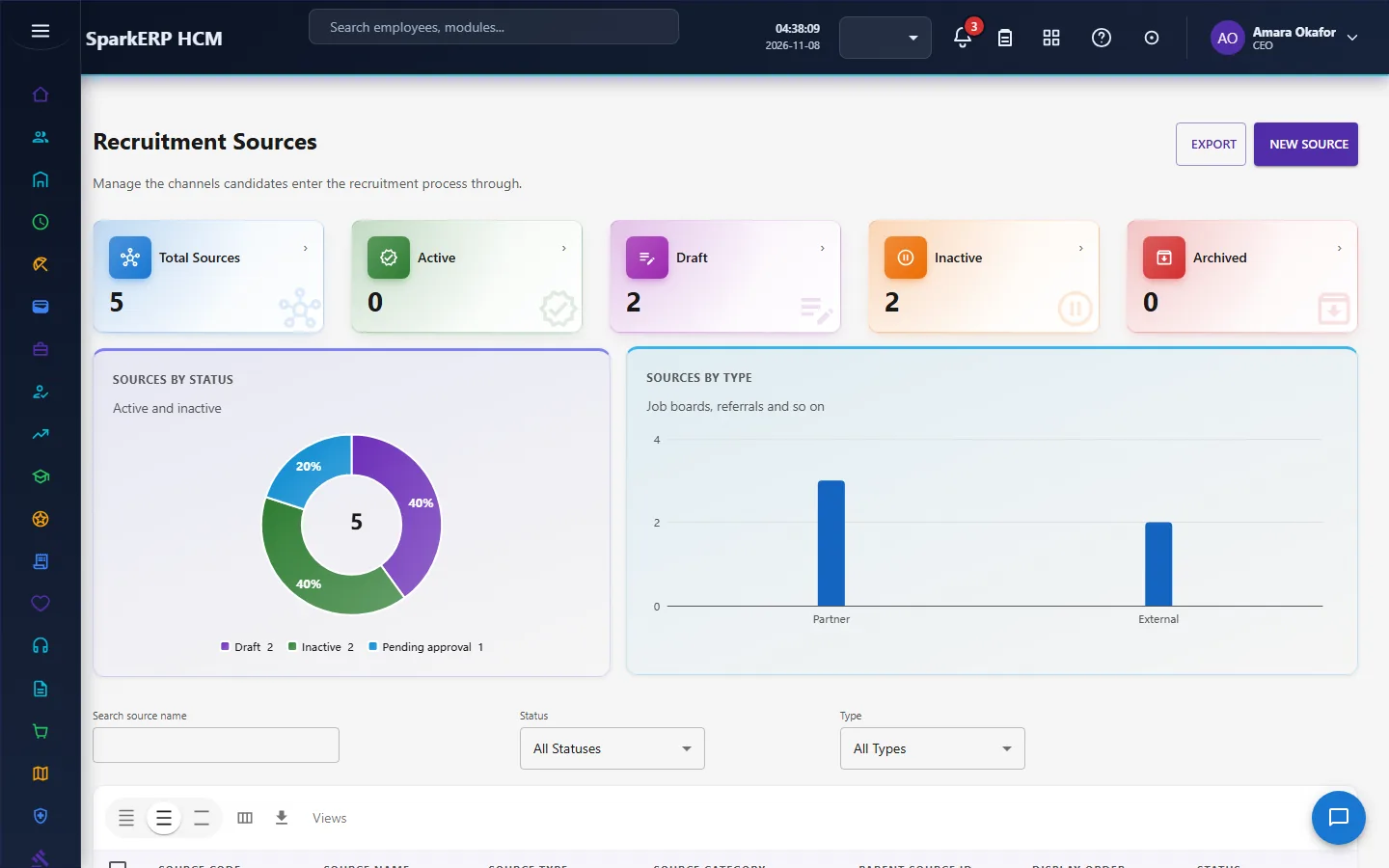
- Sections: Sources by status, Active and inactive, Sources by type, Basic Information, Configuration, Source Code, Source Name, Source Type, Source Category, Parent Source Id, Country, Website and 8 more.
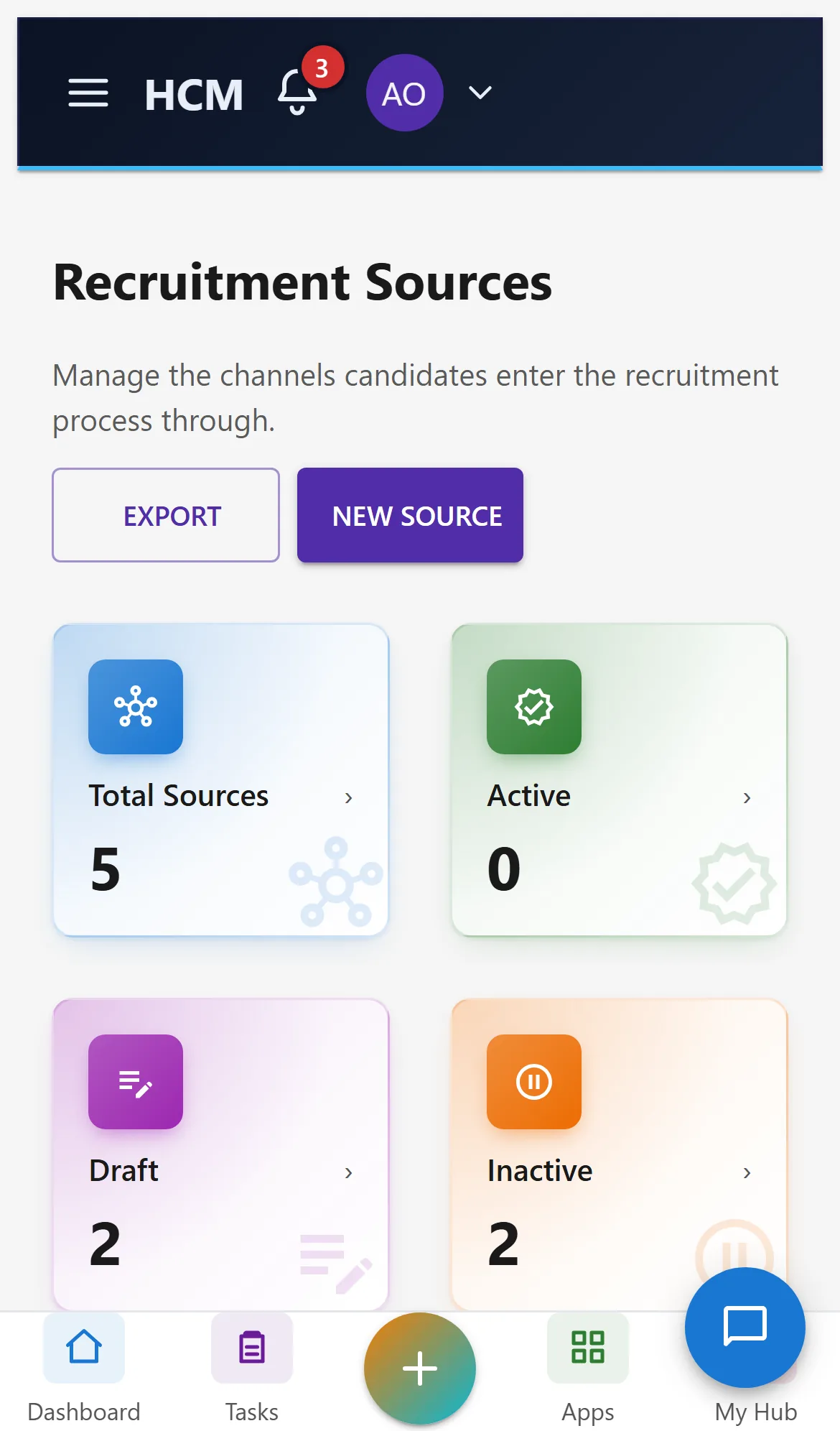
- Cards: Total Sources, Active, Draft, Inactive, Archived.
- Table columns: Source Code, Source Name, Source Type, Source Category, Parent Source Id, Display Order, Status.
- Actions: Export, New Source, Cancel, Save, Submit, Approve, Activate, Deactivate, Suspend, Archive, Close, Confirm.
How to: New Source
- Open Recruitment > Recruitment Sources.
- Select New Source.
- In the window New Recruitment Source fill in:
| Field | What to enter |
|---|---|
| Source Name | Type it. |
| Source Type | Choose one: INTERNAL, EXTERNAL, AGENCY, PARTNER, CAMPAIGN, DIRECT, SYSTEM |
| Source Category | Choose one: CAREER_SITE, JOB_BOARD, EMPLOYEE_REFERRAL, SOCIAL_MEDIA, RECRUITMENT_AGENCY, CAMPUS, EVENT, INTERNAL_MOBILITY, TALENT_COMMUNITY, DIRECT_APPLICATION... |
| Country | Type it. |
| Description | Type it. |
| Website | Type it. |
| Provider | Type it. |
| Tracking Enabled | Tick or untick. |
| Campaign Enabled | Tick or untick. |
| Display Order | Type it. |
- Select Save.
- The window closes and the table refreshes with the result. If the screen shows a message instead, read it: it says what is missing.
How to: Deactivate
- Open Recruitment > Recruitment Sources.
- Select Deactivate.
- In the window Reason Required fill in:
| Field | What to enter |
|---|---|
| Reason | Type it. |
- Select Confirm.
- The window closes and the table refreshes with the result. If the screen shows a message instead, read it: it says what is missing.