Appearance
Expense Dashboard & Reports (HCM)
This page documents two shipped Expenses analytics screens (hcm-expenses). Not for plugin developers.
Expense Dashboard
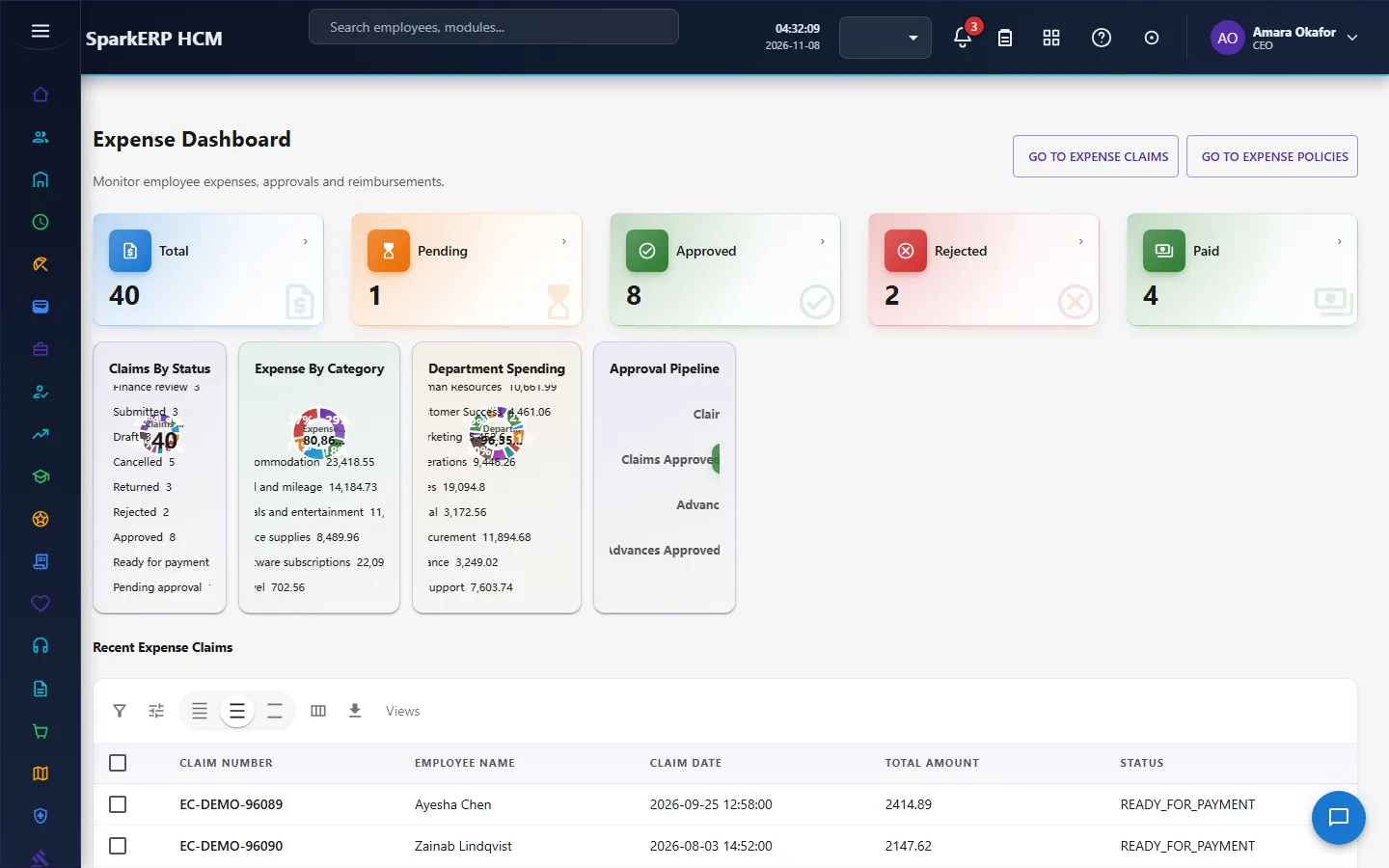
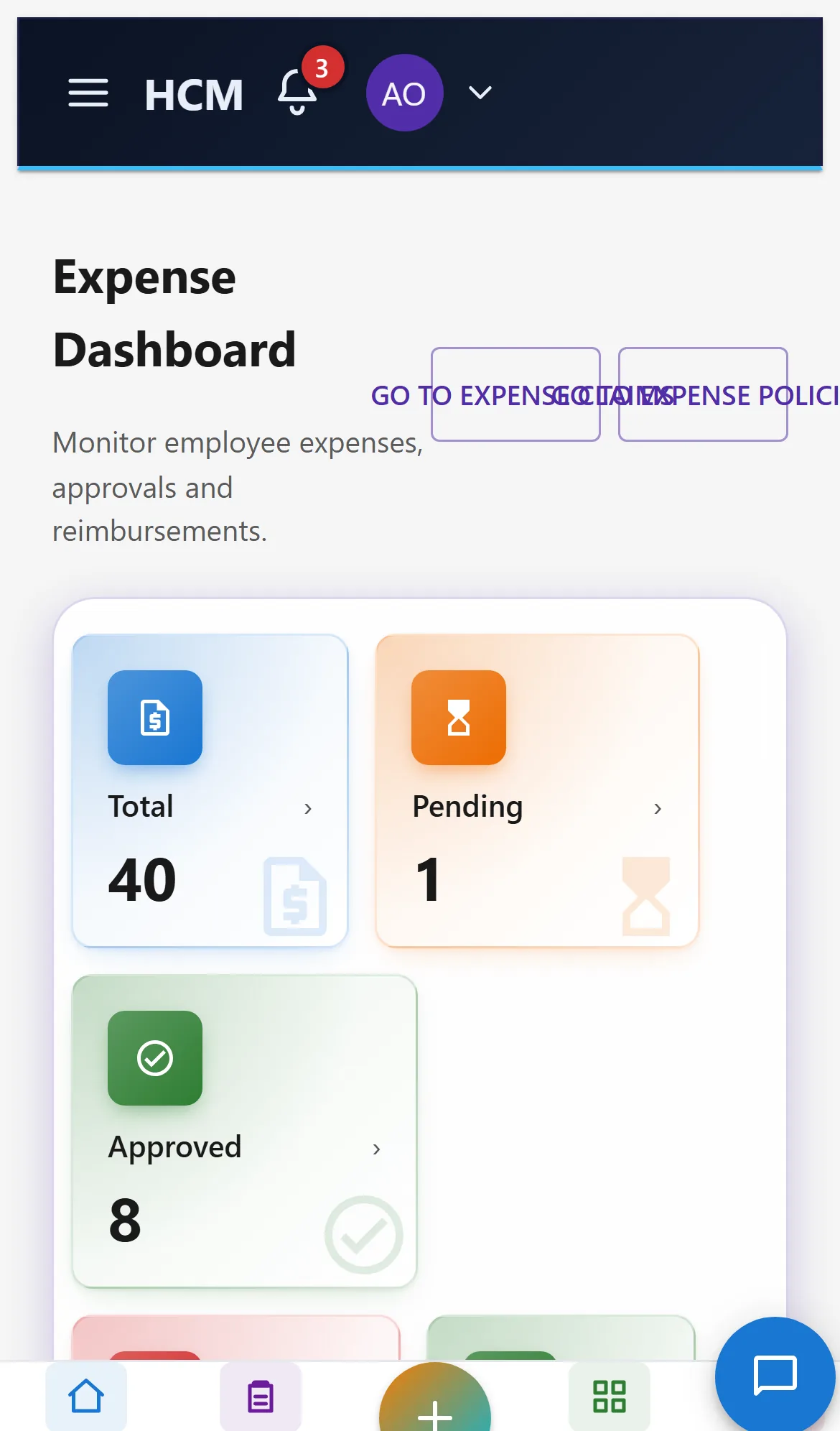
A quick operational view: Total, Pending, Approved, Rejected, Paid — real counts across every claim.
Open it at /hcm-expenses/expense-dashboard (or from the HCM menu).
- Sections: Claims By Status, Expense By Category, Approval Pipeline, My Summary, Recent Expense Claims.
- Cards: Total, Pending, Approved, Rejected, Paid.
- Charts: Claims by Status, Expense by Category, Department Spending.
- Table columns: Claim Number, Employee Name, Claim Date, Total Amount, Status.
- Actions: Go to Expense Claims, Go to Expense Policies.
Expense Reports
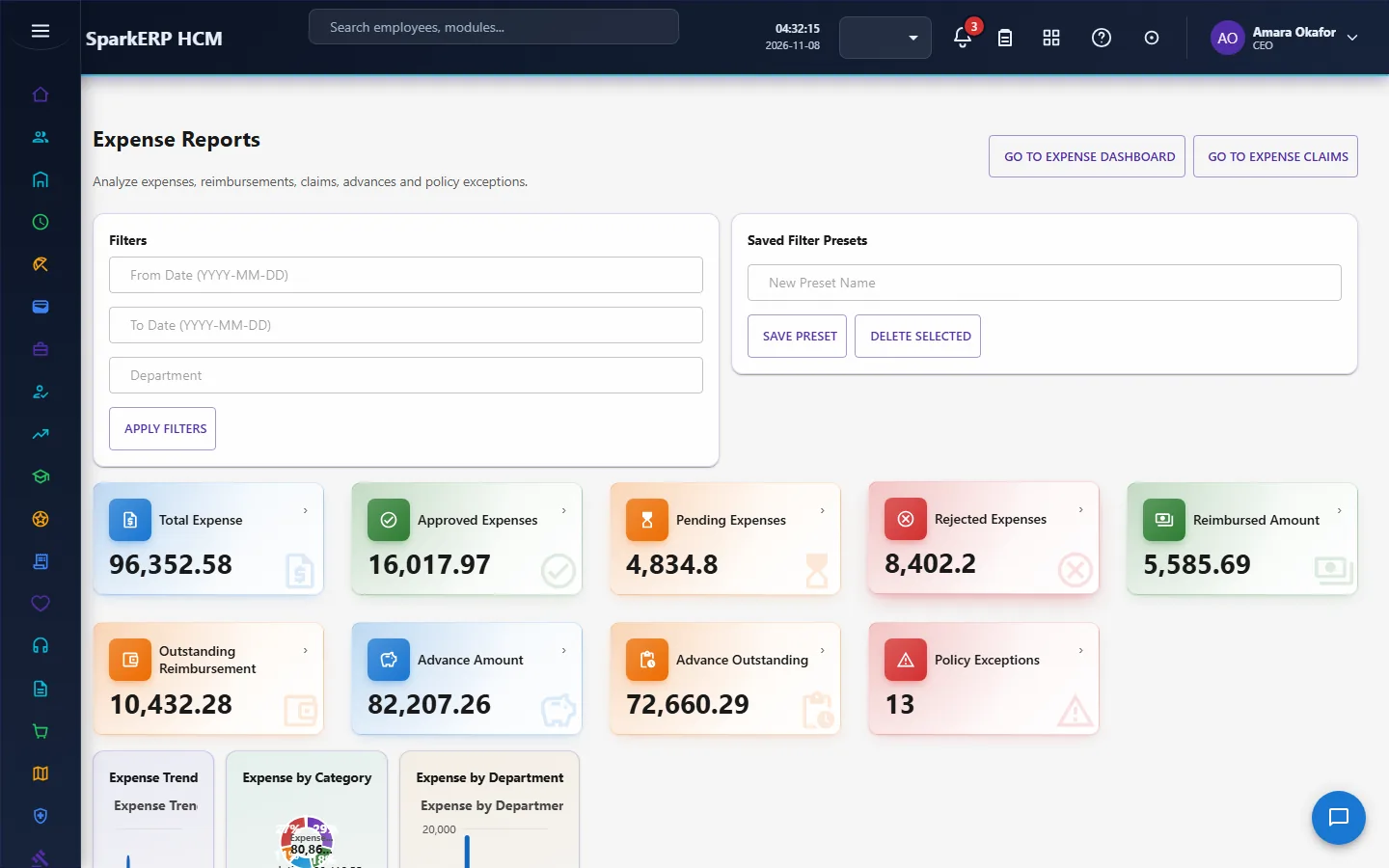
A deeper financial view: Total Expense, Approved/Pending/Rejected Expenses, Reimbursed Amount, Outstanding Reimbursement, Advance Amount, Advance Outstanding, and — genuinely useful for spotting a policy that's too strict or too loose — Policy Exceptions, a real count of claims that violated your active expense policy.
Open it at /hcm-expenses/expense-reports (or from the HCM menu).
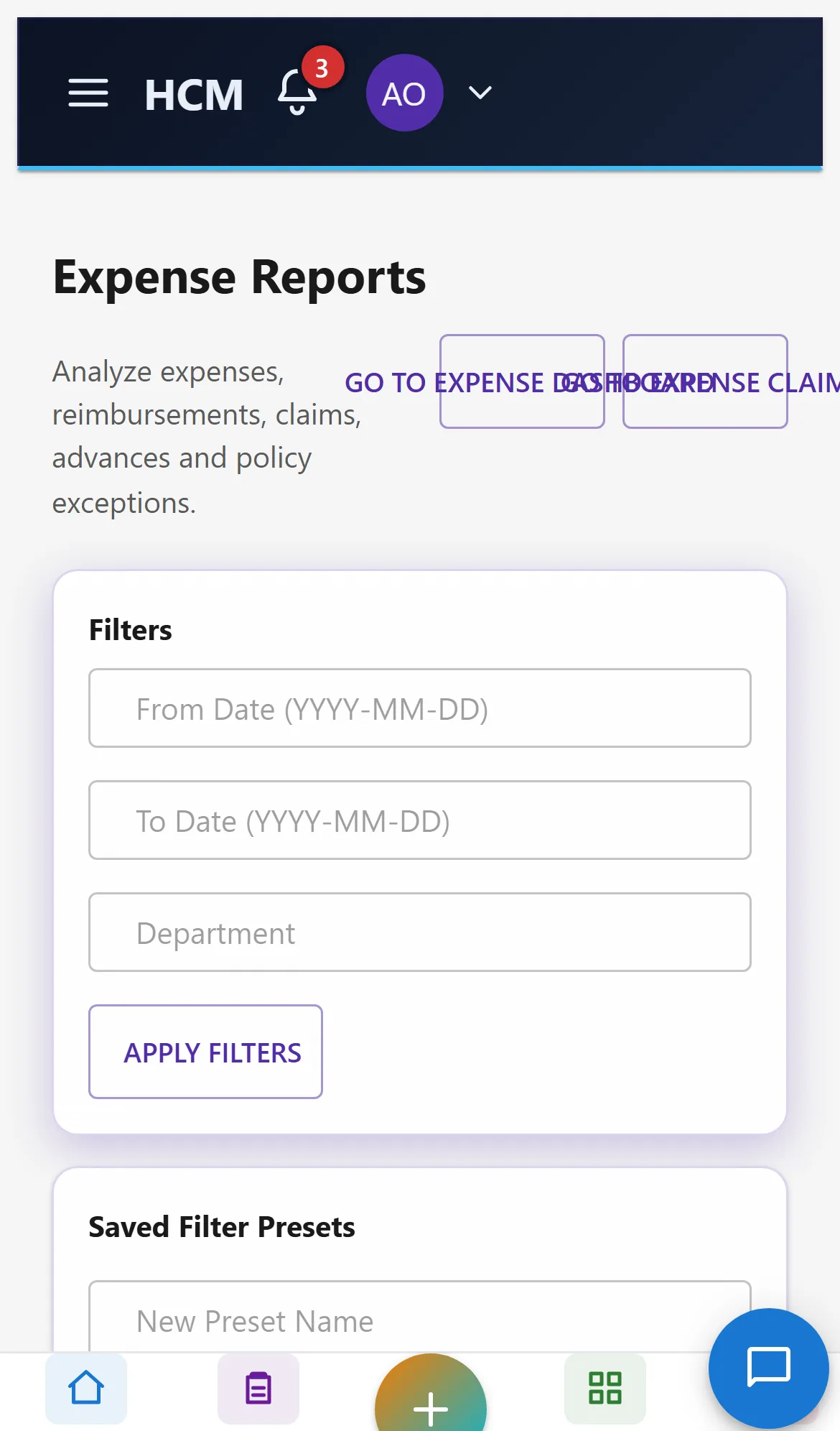
- Sections: Filters, Saved Filter Presets, Department Expense Report, Employee Expense Report, Policy Exception Report, Advance Report, Expense Detail Report.
- Cards: Total Expense, Approved Expenses, Pending Expenses, Rejected Expenses, Reimbursed Amount, Outstanding Reimbursement, Advance Amount, Advance Outstanding, Policy Exceptions.
- Charts: Expense Trend, Expense by Category, Expense by Department.
- Table columns: Claim Number, Employee Name, Department Name, Claim Date, Total Amount, Status, Policy Status.
- Actions: Go to Expense Dashboard, Go to Expense Claims, Apply Filters, Save Preset, Delete Selected.