
Appearance
Leave Balance (HCM)
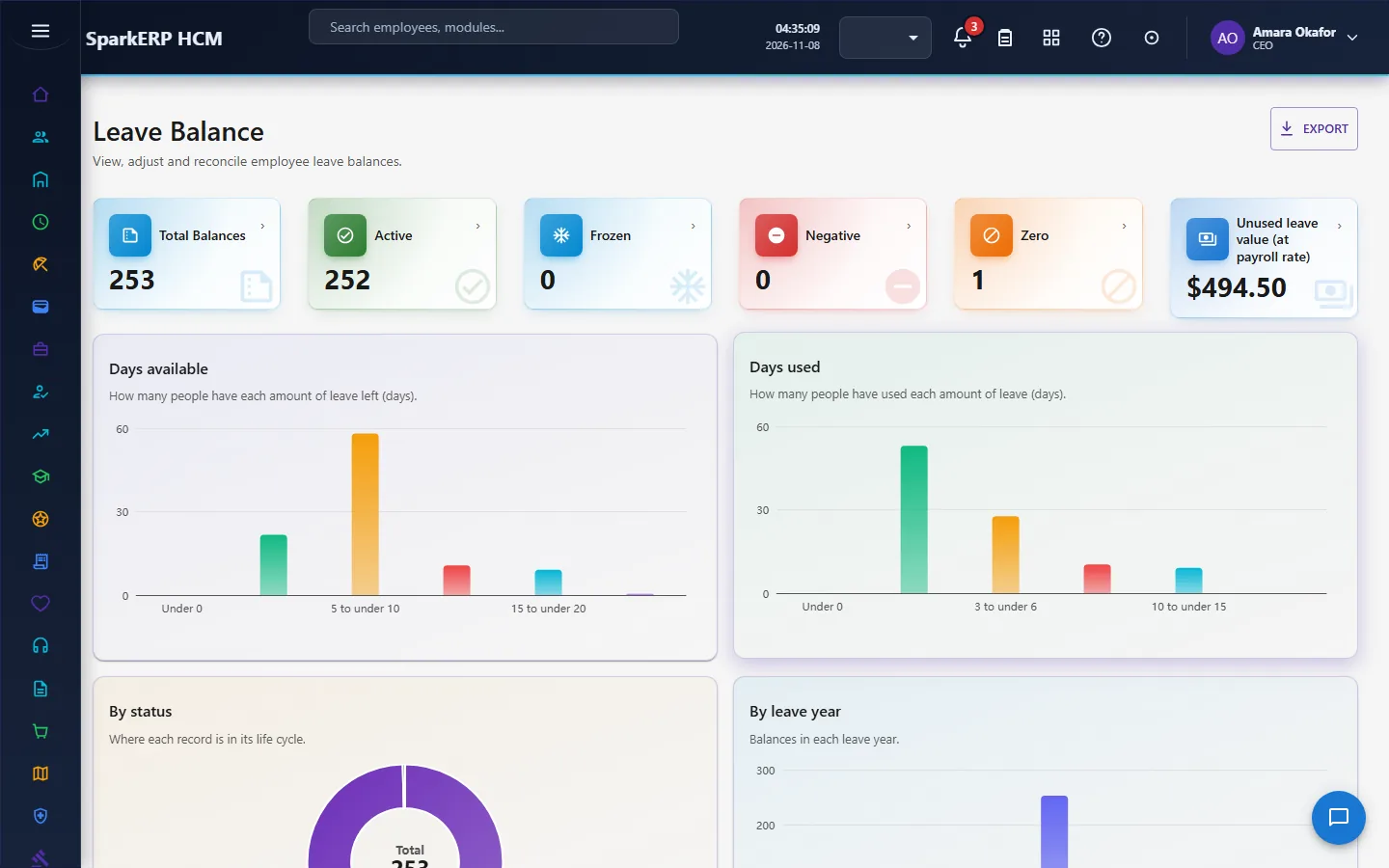
This page documents the shipped Leave Balance screen (hcm-leave), plus its employee self-service twin. Not for plugin developers.
Leave Balance (admin/manager)
Real leave balances for every employee, with the underlying transaction history and any manual adjustments that have been made — the ledger Leave Requests and other screens read from.
Open it at /hcm-leave/leave-balance (or from the HCM menu).
- Sections: Leave Balance, Days available, Days used, By status, By leave year, Approval Required, Overview, Employee ID, Leave Type, Leave Year, Opening, Accrued and 9 more.
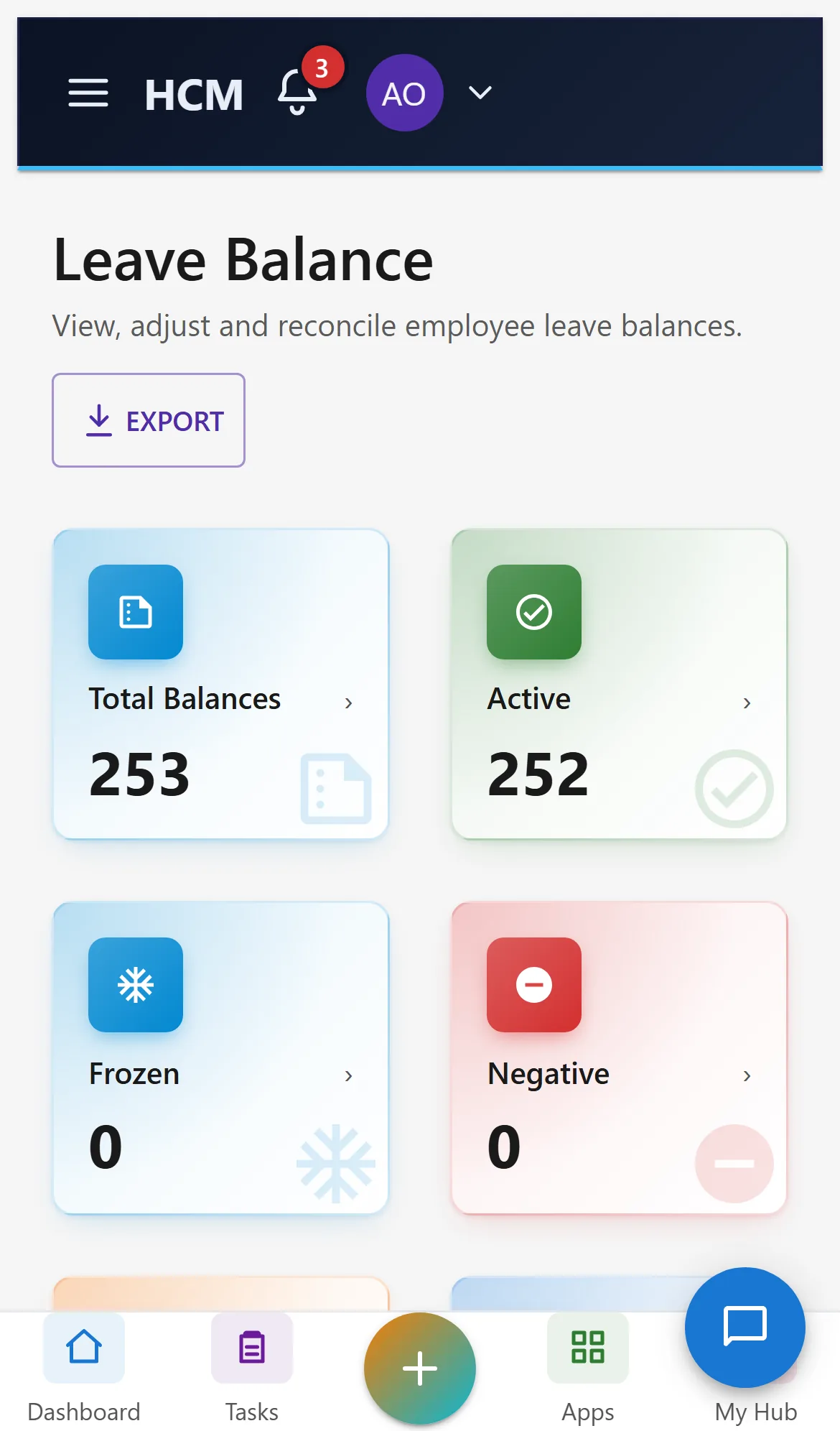
- Cards: Total Balances, Active, Frozen, Negative, Zero, Unused leave value (at payroll rate).
- Charts: Total.
- Table columns: Employee ID, Leave Type, Leave Year, Opening, Accrued, Carry Forward, Adjusted, Used, Pending, Encashed, Expired, Available and 5 more.
- Actions: Export, Cancel, Submit, Freeze / Unfreeze, Recalculate.
How to: Adjust Balance
- Open Leave Management > Leave Balance.
- Select the record you want to change, or the button that adds a new one.
- In the window Adjust Balance fill in:
| Field | What to enter |
|---|---|
| Adjustment Type | Choose one: Credit, Debit |
| Adjustment Amount | Type it (for example: 0). |
| Reason | Type it (for example: Reason (required)). |
| Reference Code | Type it (for example: Reference code (optional)). |
- Select Submit.
- The window closes and the table refreshes with the result. If the screen shows a message instead, read it: it says what is missing.
My Leave Balance (employee self-service)
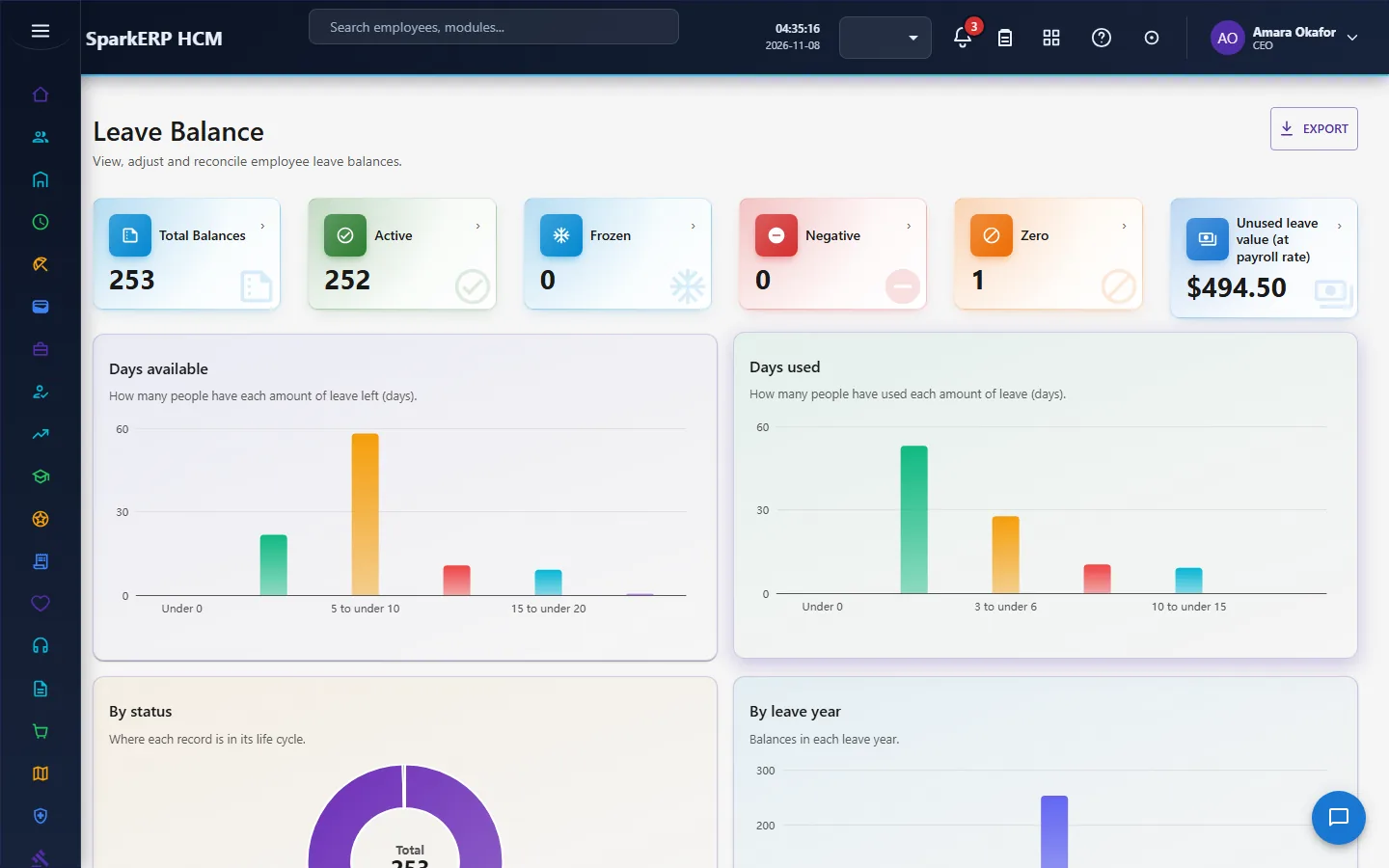
A simpler, card-per-leave-type view of your own balances — the same real data, presented for one person.
Open it at /hcm-leave/leave-balance (or from the HCM menu).
- Sections: Leave Balance, Days available, Days used, By status, By leave year, Approval Required, Overview, Employee ID, Leave Type, Leave Year, Opening, Accrued and 9 more.
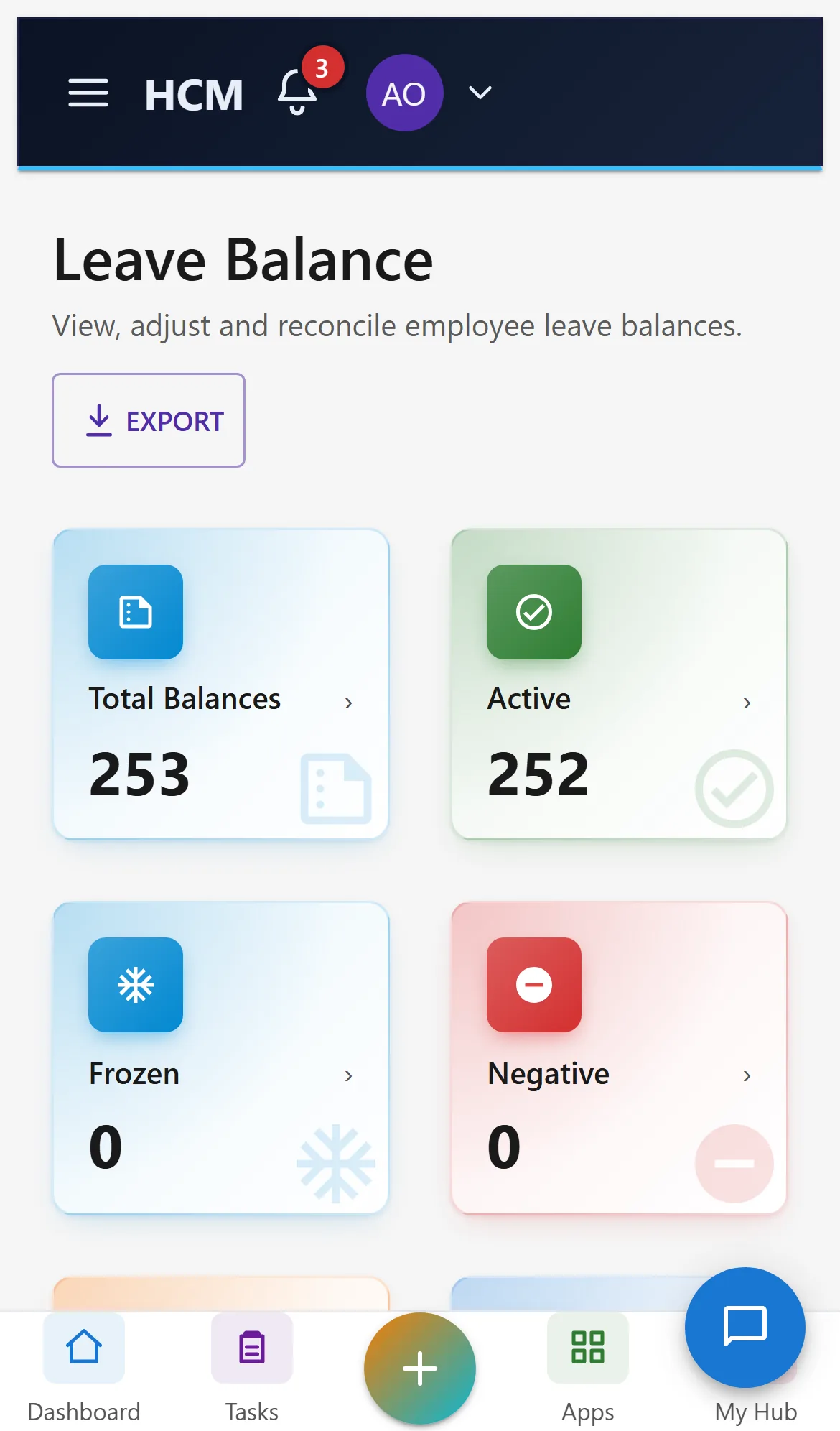
- Cards: Total Balances, Active, Frozen, Negative, Zero, Unused leave value (at payroll rate).
- Charts: Total.
- Table columns: Employee ID, Leave Type, Leave Year, Opening, Accrued, Carry Forward, Adjusted, Used, Pending, Encashed, Expired, Available and 5 more.
- Actions: Export, Cancel, Submit, Freeze / Unfreeze, Recalculate.
How to: Adjust Balance
- Open Leave Management > Leave Balance.
- Select the record you want to change, or the button that adds a new one.
- In the window Adjust Balance fill in:
| Field | What to enter |
|---|---|
| Adjustment Type | Choose one: Credit, Debit |
| Adjustment Amount | Type it (for example: 0). |
| Reason | Type it (for example: Reason (required)). |
| Reference Code | Type it (for example: Reference code (optional)). |
- Select Submit.
- The window closes and the table refreshes with the result. If the screen shows a message instead, read it: it says what is missing.