
Appearance
Career Development & Career Paths (HCM)
This page documents two shipped Talent screens (hcm-talent). Not for plugin developers.
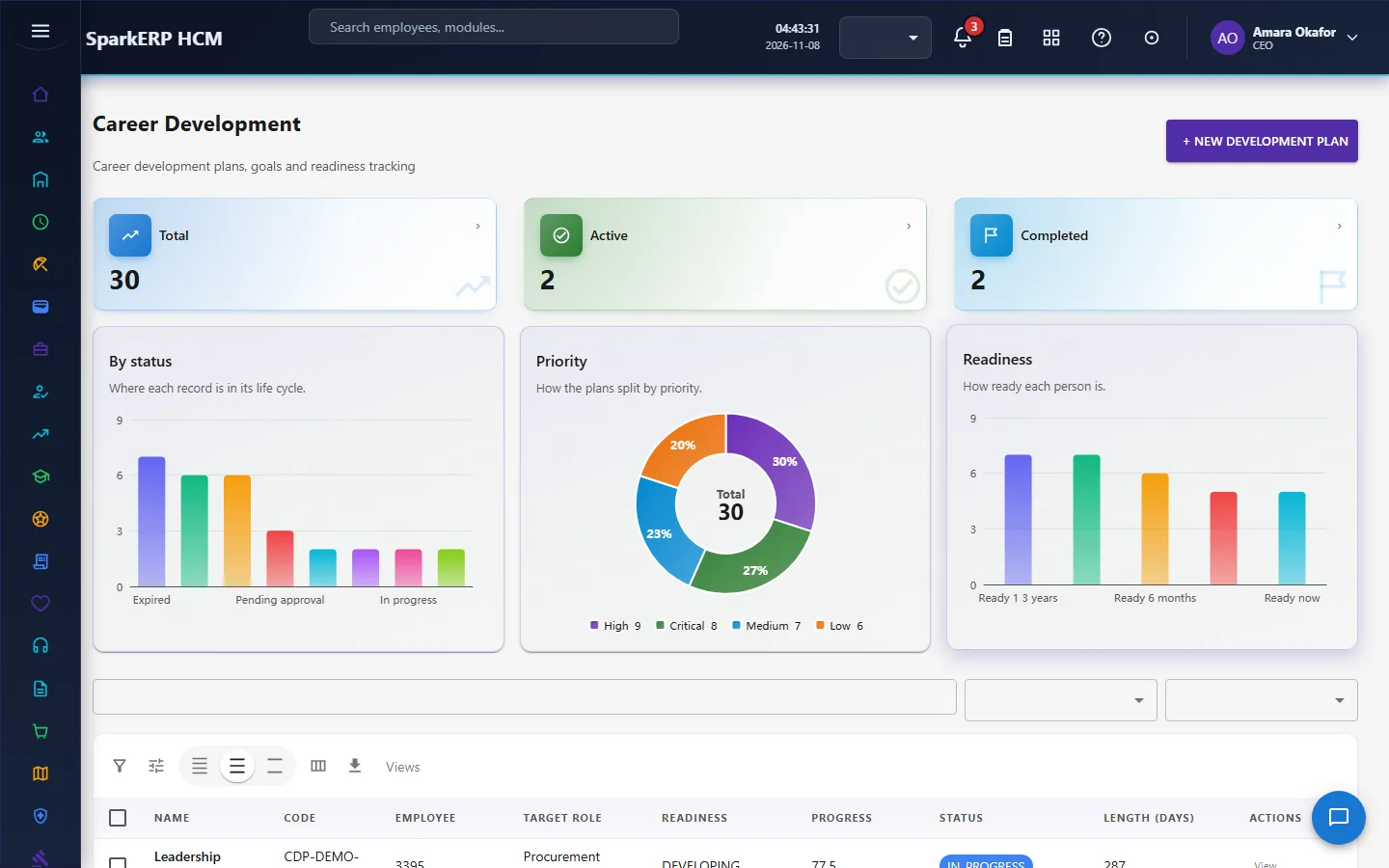
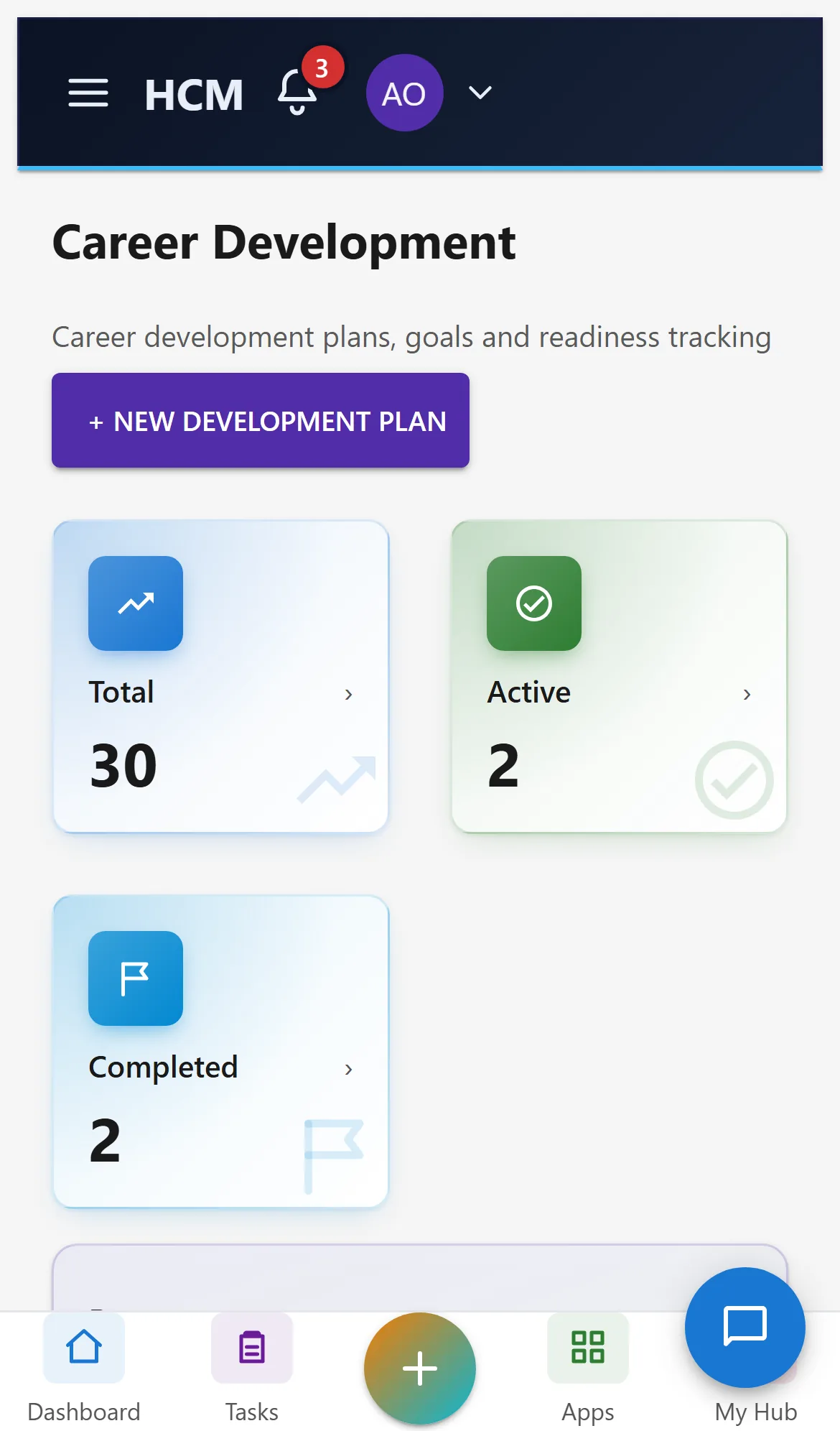
Career Development
An employee's career development plan — linked via real employee/manager/ career-owner lookups, and (if it references a defined Career Path below) a real link to that path too. Goes through a real activation approval.
Open it at /hcm-talent/career-development (or from the HCM menu).
- Sections: By status, Priority, Readiness, Basic Information, Code, Name, Employee, Career Path, Current Role, Target Role, Manager, Career Owner and 6 more.
- Cards: Total, Active, Completed.
- Charts: Total.
- Table columns: Name, Code, Employee, Target Role, Readiness, Progress, Status, Length (days), Actions.
- Actions: + New Development Plan, Cancel, Save, Submit, Activate, Complete.
Career Paths
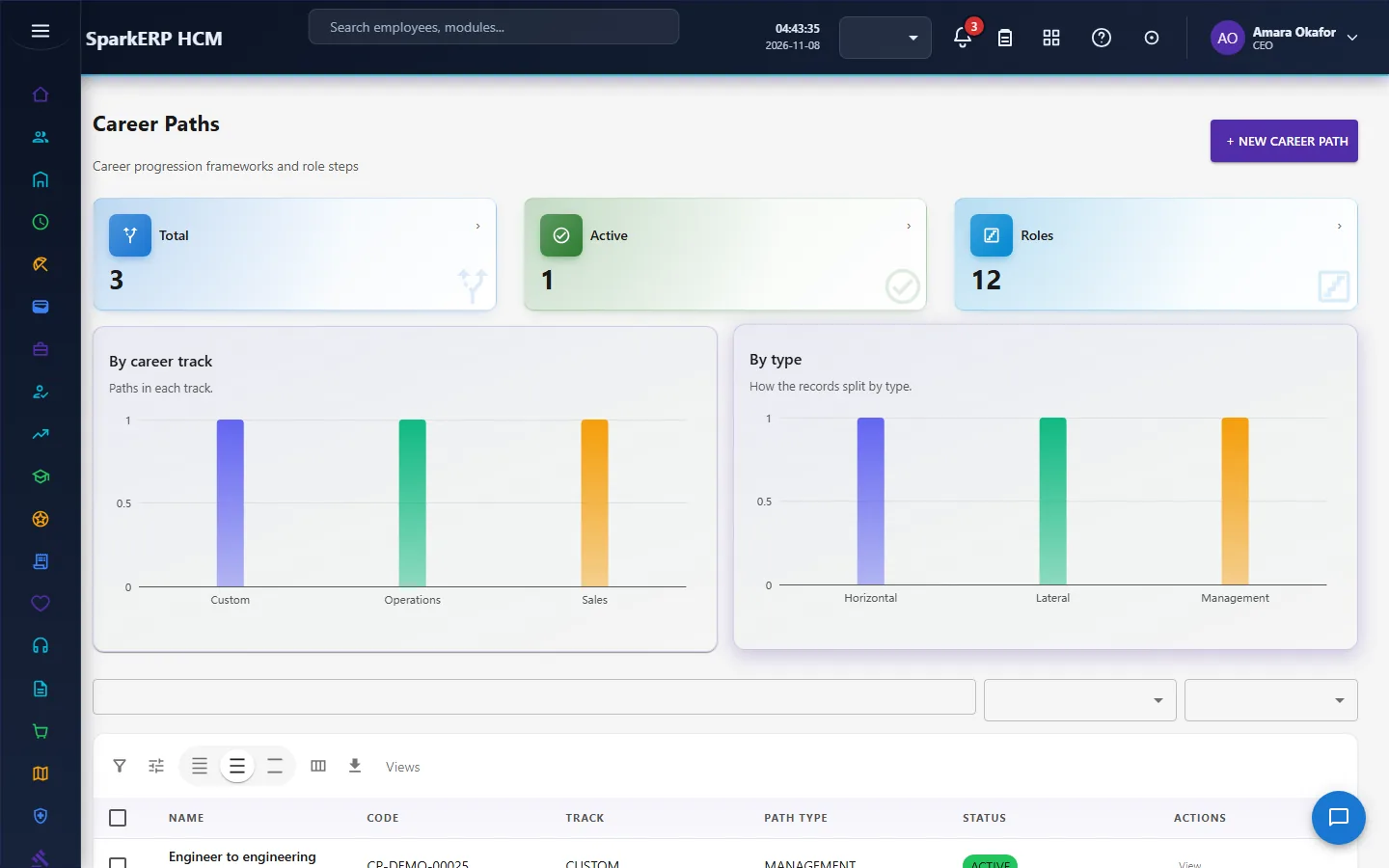
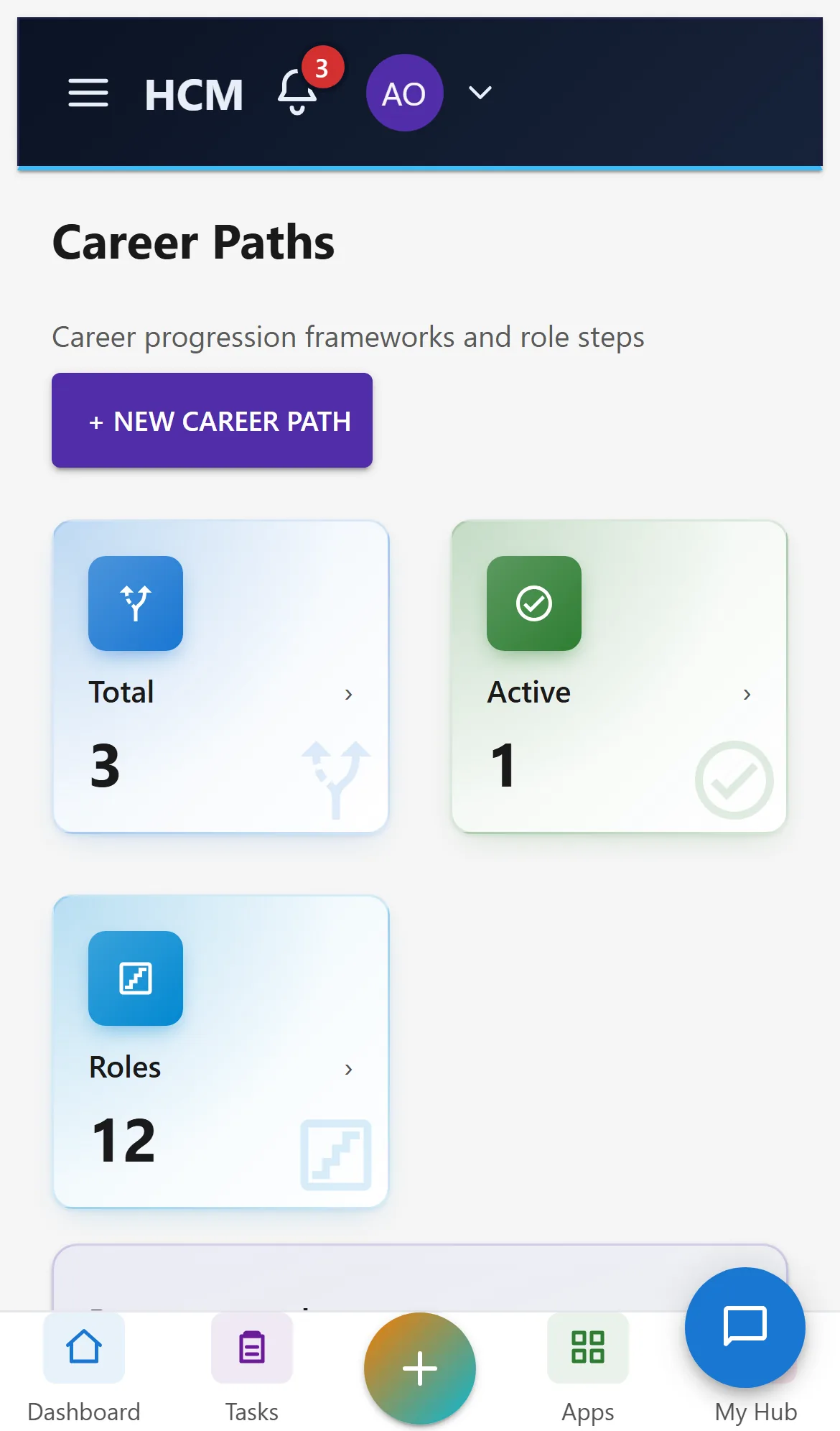
Define career paths as a master template, made up of ordered steps shown inside the path's own detail view. Each path has a Track you choose from a configured list. New paths go through a real activation approval.
Open it at /hcm-talent/career-paths (or from the HCM menu).
- Sections: Career progression frameworks and role steps, By career track, By type, Basic Information, Code, Name, Track, Path Type, Owner, Visibility, Effective Date, Description and 7 more.
- Cards: Total, Active, Roles.
- Table columns: Name, Code, Track, Path Type, Status, Actions.
- Actions: + New Career Path, Cancel, Save, Submit, Activate, Add Step.
Known gaps
- Current/target role fields are free text, not looked up from your real job/position catalog — if you need to change a job title later, it won't update automatically anywhere it's referenced.