Appearance
Medical Exams & Medical Records (HCM)
This page documents two shipped Health & Safety screens (hcm-health-safety). Not for plugin developers.
Medical Exams
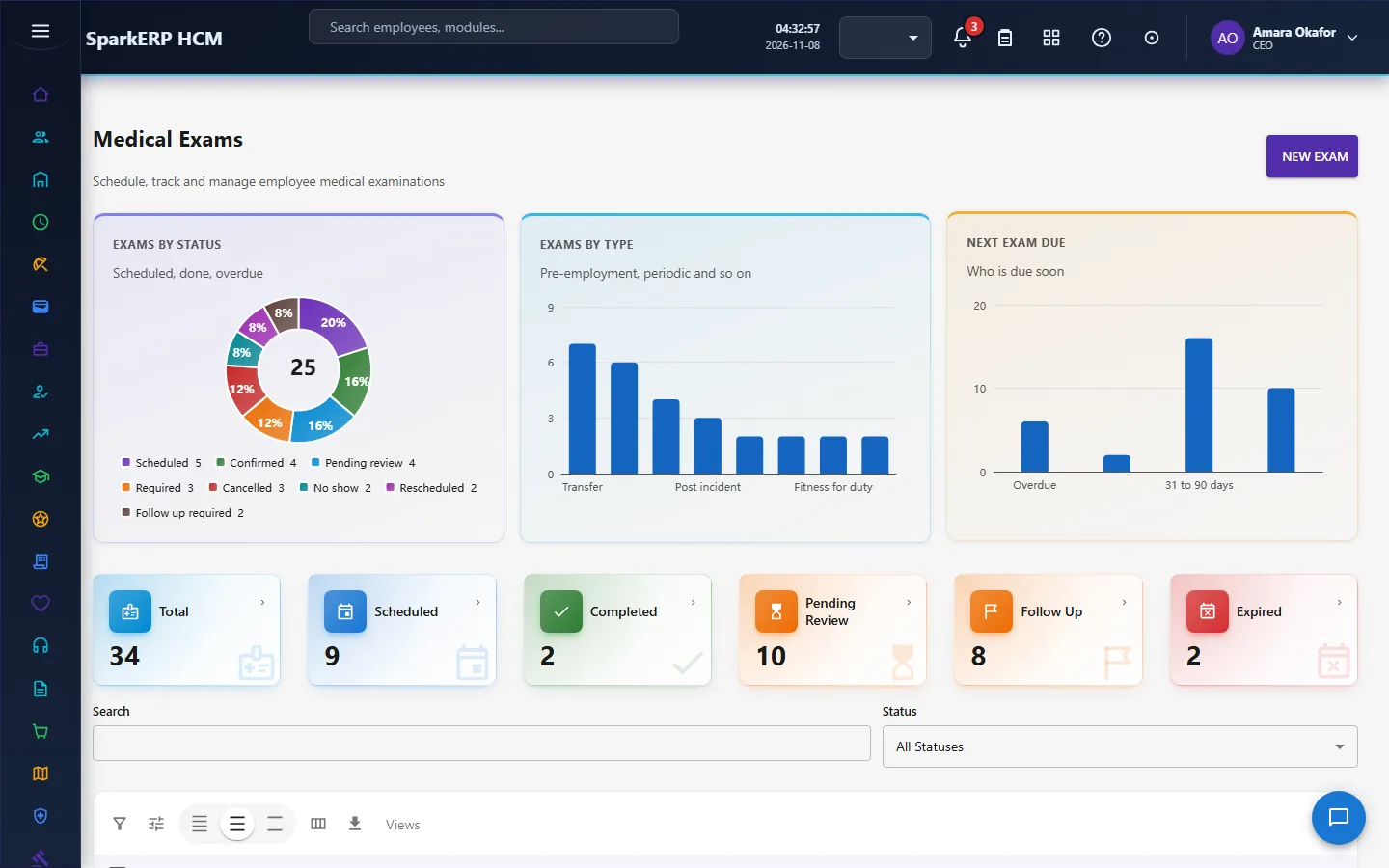
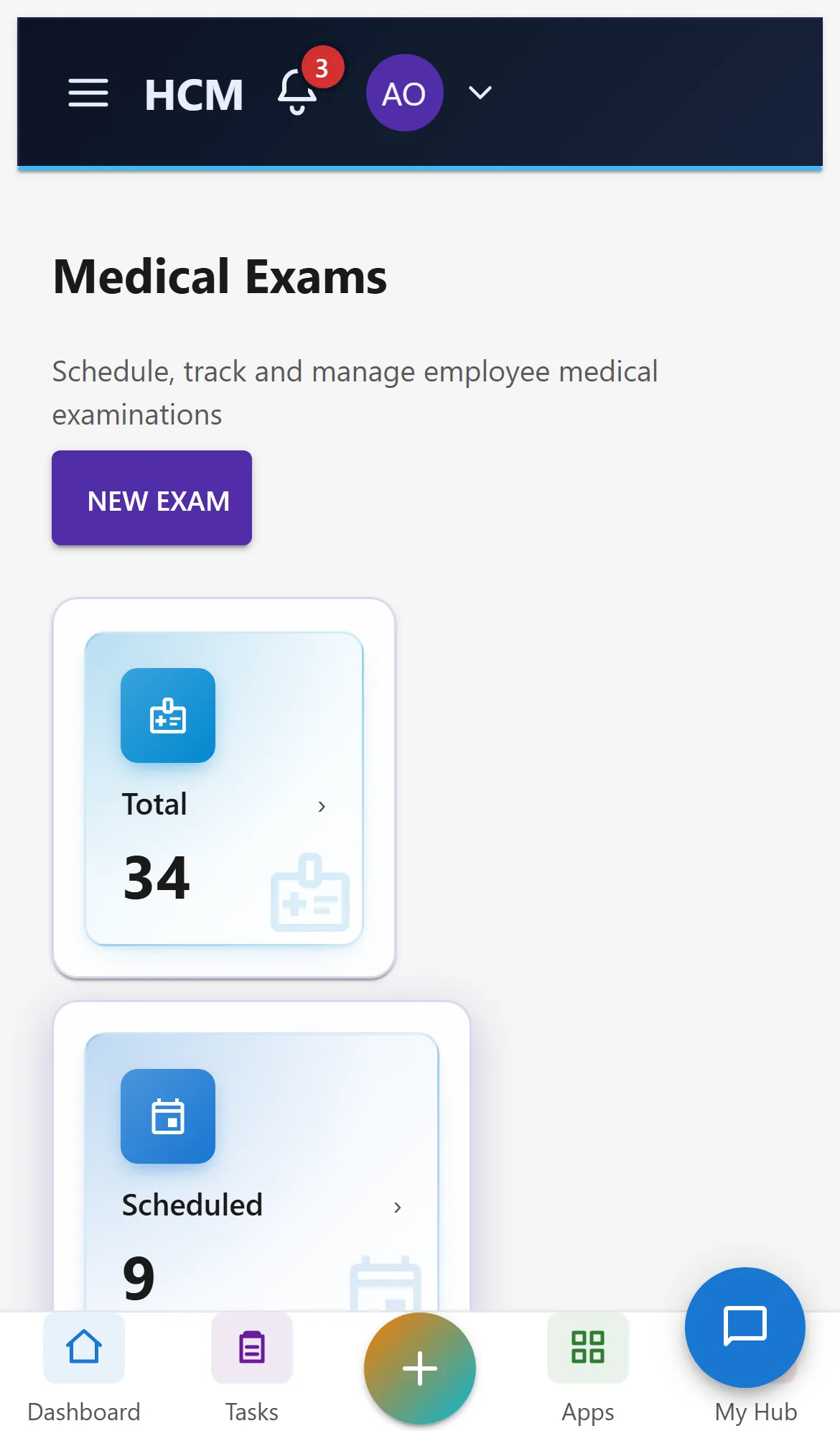
Schedule an exam — Employee, Exam Type, Facility, Provider, Priority, and Scheduled Date. KPIs: Total, Scheduled, Completed, Pending Review, Follow Up (a real, separate count for exams that flagged something needing a follow-up), Expired.
Open it at /hcm-health-safety/medical-exams (or from the HCM menu).
- Sections: Exams by status, Exams by type, Next exam due, Who is due soon, Search, Status, Basic Information, Employee, Exam Type, Priority, Appointment, Provider and 8 more.
- Cards: Total, Scheduled, Completed, Pending Review, Follow Up, Expired.
- Table columns: Exam Number, Employee, Exam Type, Scheduled Date, Provider, Fitness Status, Status.
- Actions: New Exam, Cancel, Save, Send for Review, Mark Fit, Complete.
Medical Records
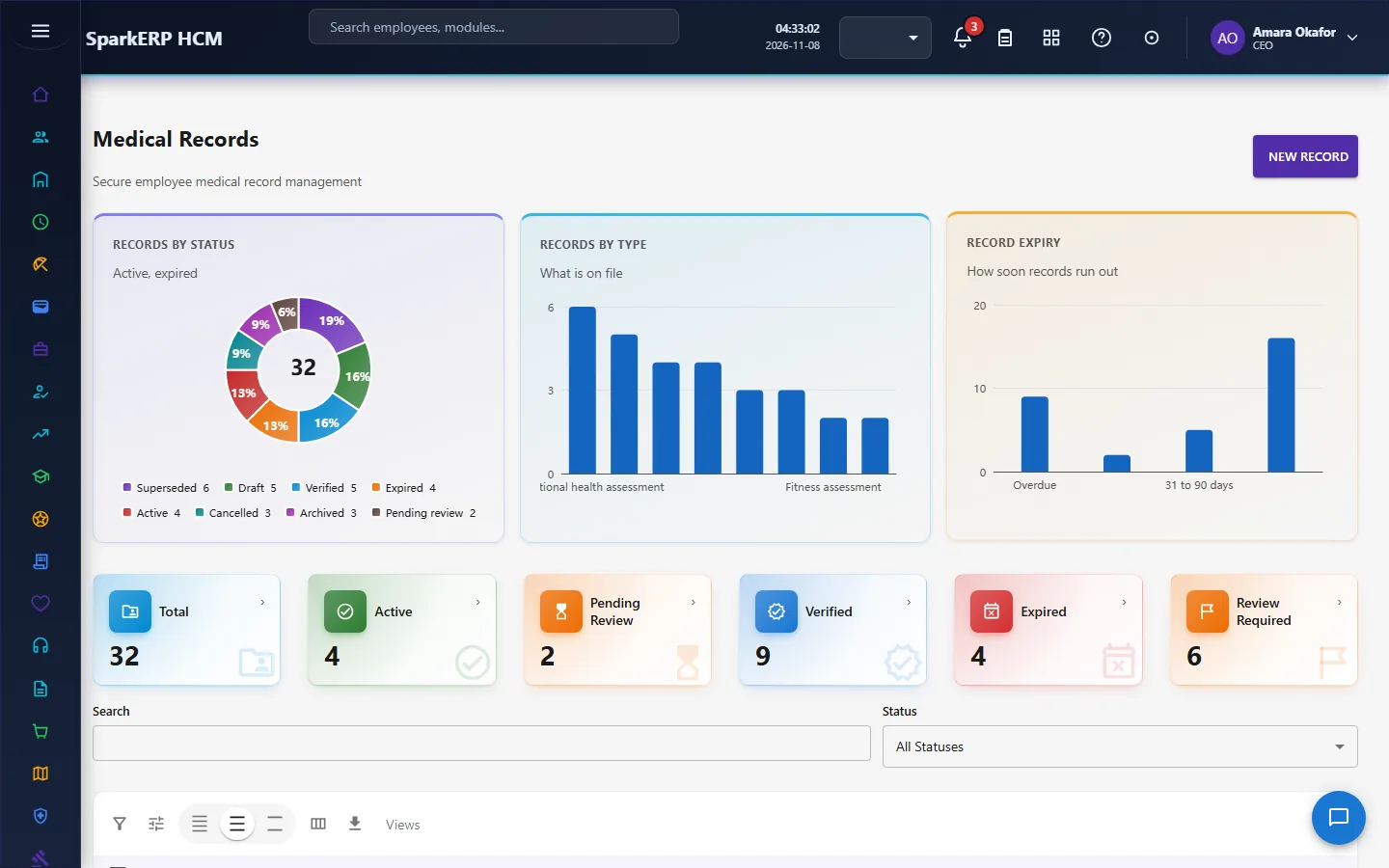
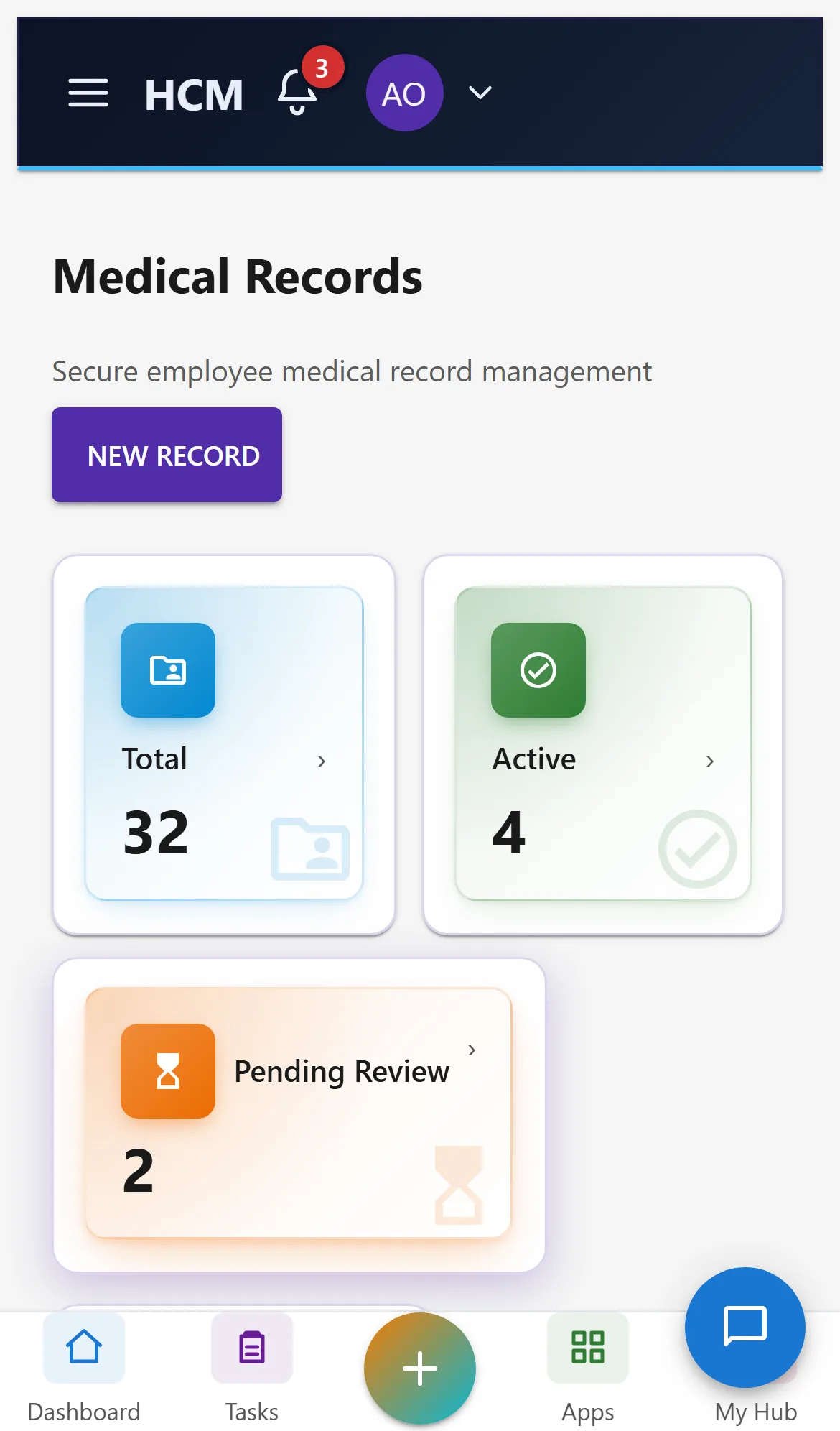
Log a record — Employee, Record Type, Facility, Provider, Record Date. KPIs: Total, Active, Pending Review, Review Required, Verified, Expired.
Open it at /hcm-health-safety/medical-records (or from the HCM menu).
- Sections: Secure employee medical record management, Records by status, Records by type, What is on file, Record expiry, How soon records run out, Search, Status, Basic Information, Employee, Record Type, Record Date and 9 more.
- Cards: Total, Active, Pending Review, Verified, Expired, Review Required.
- Table columns: Record Number, Employee, Record Type, Record Date, Provider, Verification Status, Status.
- Actions: New Record, Cancel, Save, Submit for Review, Verify.