Appearance
My Attendance, My Timesheet, My Leave & My Payslips (HCM)
This page documents four Employee Self Service screens (hcm-employee-services) for day-to-day self-service. Not for plugin developers. See Employee Self Service — Overview for how this portal relates to each domain module's own self-service screens.
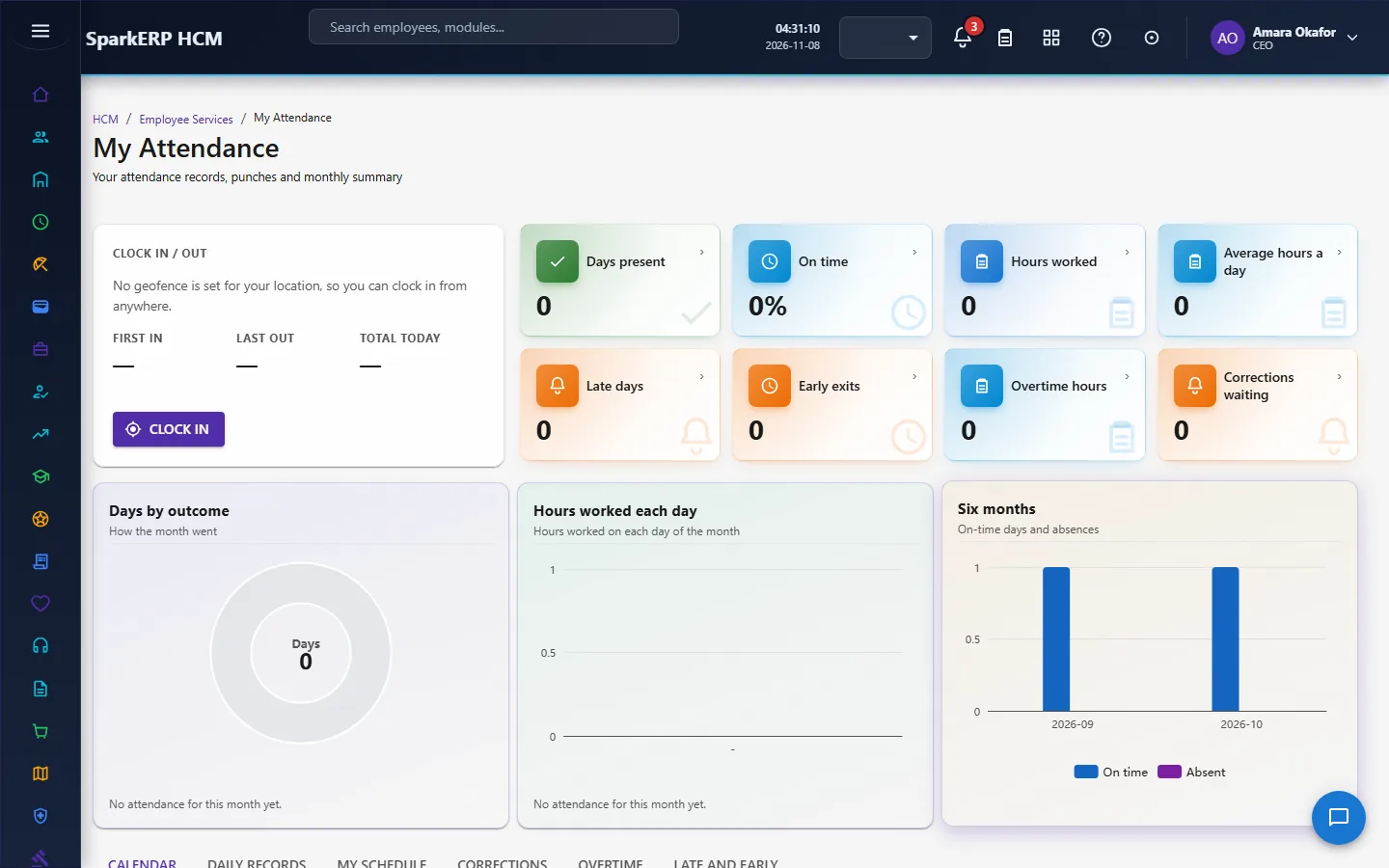
My Attendance
Your own real attendance records.
Open it at /hcm-employee-services/my-attendance (or from the HCM menu).
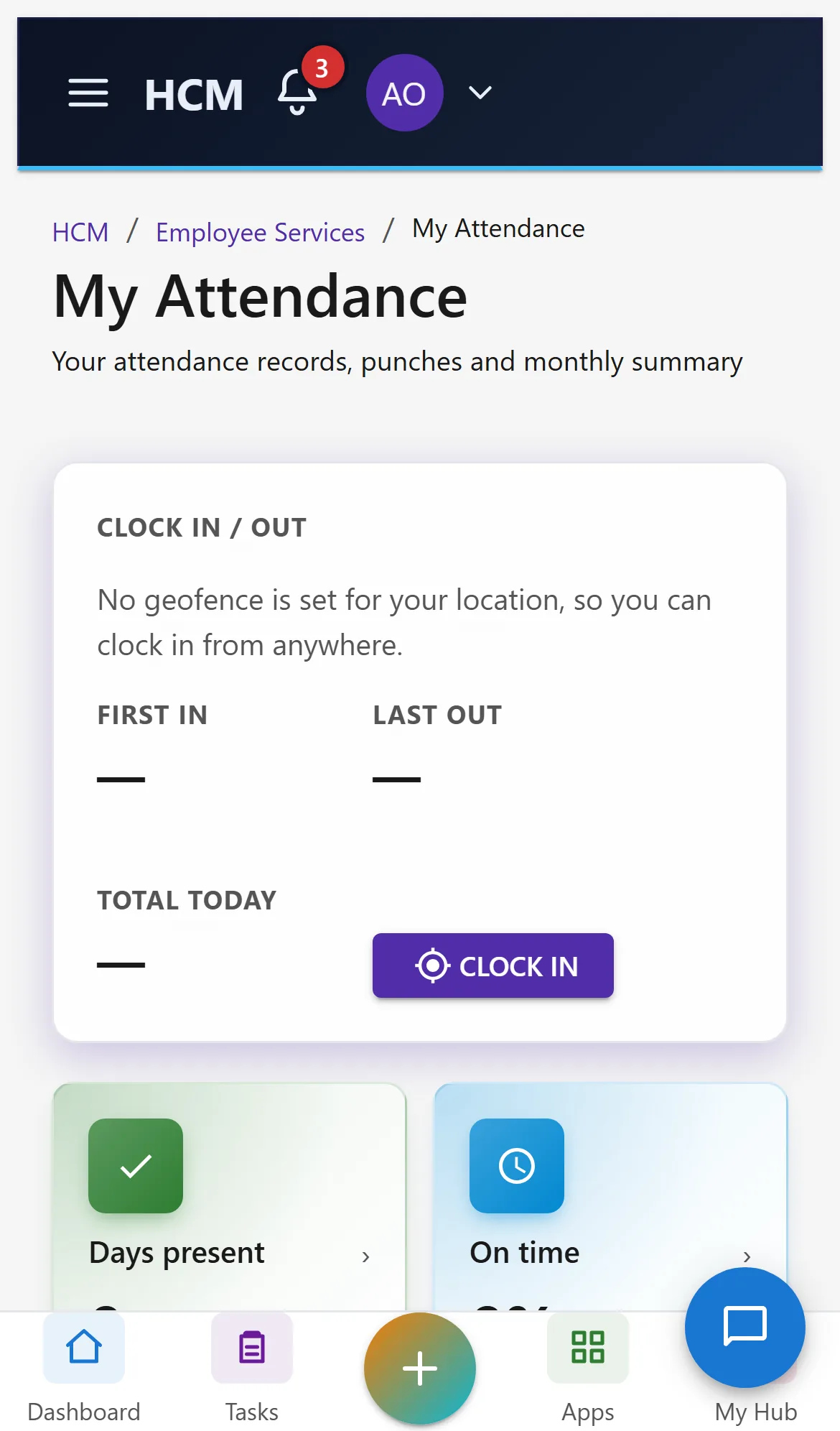
- Sections: info, No employee record linked to your account, Clock in / out, First in, Last out, Total today, Punches today, Where you can clock in, Days by outcome, How the month went, Hours worked each day, Hours worked on each day of the month and 17 more.
- Cards: Days present, On time, Hours worked, Average hours a day, Late days, Early exits, Overtime hours, Corrections waiting.
- Charts: Days.
- Table columns: Date, Status, Check In, Check Out, Work Minutes, Late Minutes, Overtime Minutes, Approval Status.
- Actions: Clear Filters, Open Shift Scheduling, Send the correction, Cancel the selected request, Save, Submit the selected overtime, Send for approval, Ask to excuse the selected record, Correct this day, Cancel.
My Timesheet
Your own real timesheet entries.
Open it at /hcm-employee-services/my-timesheet (or from the HCM menu).
- Sections: My hours per month, Regular and overtime together, My overtime per month, Hours beyond the regular day, My timesheets, info, No employee record linked to your account, This timesheet was sent back, Check these before you submit, Something in this week looks wrong, Hours each day, Regular and overtime hours this week and 33 more.
- Cards: Total hours, Billable hours, Non-billable hours, Projects.
- Charts: Hours.
- Actions: Previous week, Next week, This week, Export, Add time entry, Try again, Copy last week, Take back, Submit timesheet, Add row, Remove row, Start timer and 12 more.
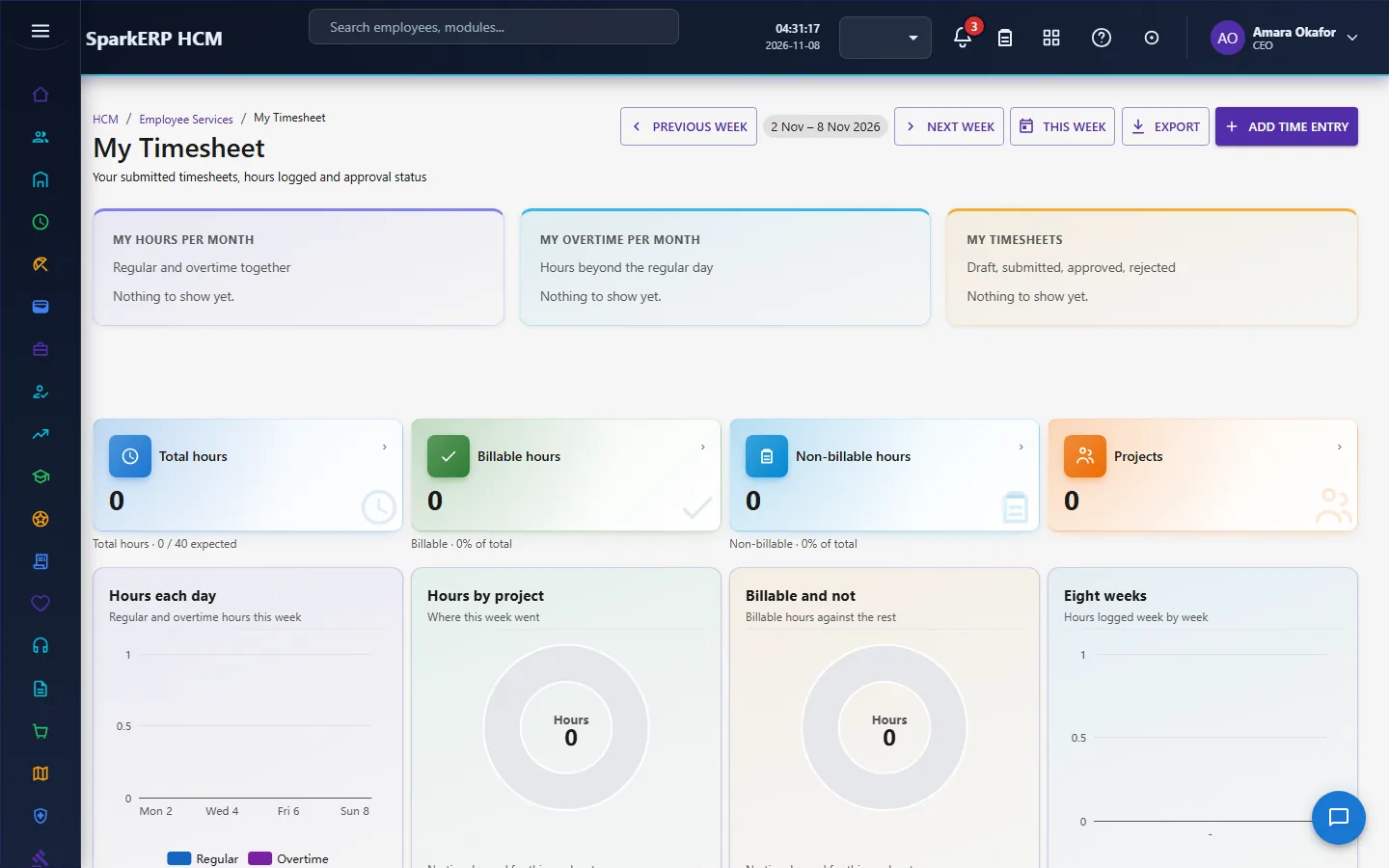
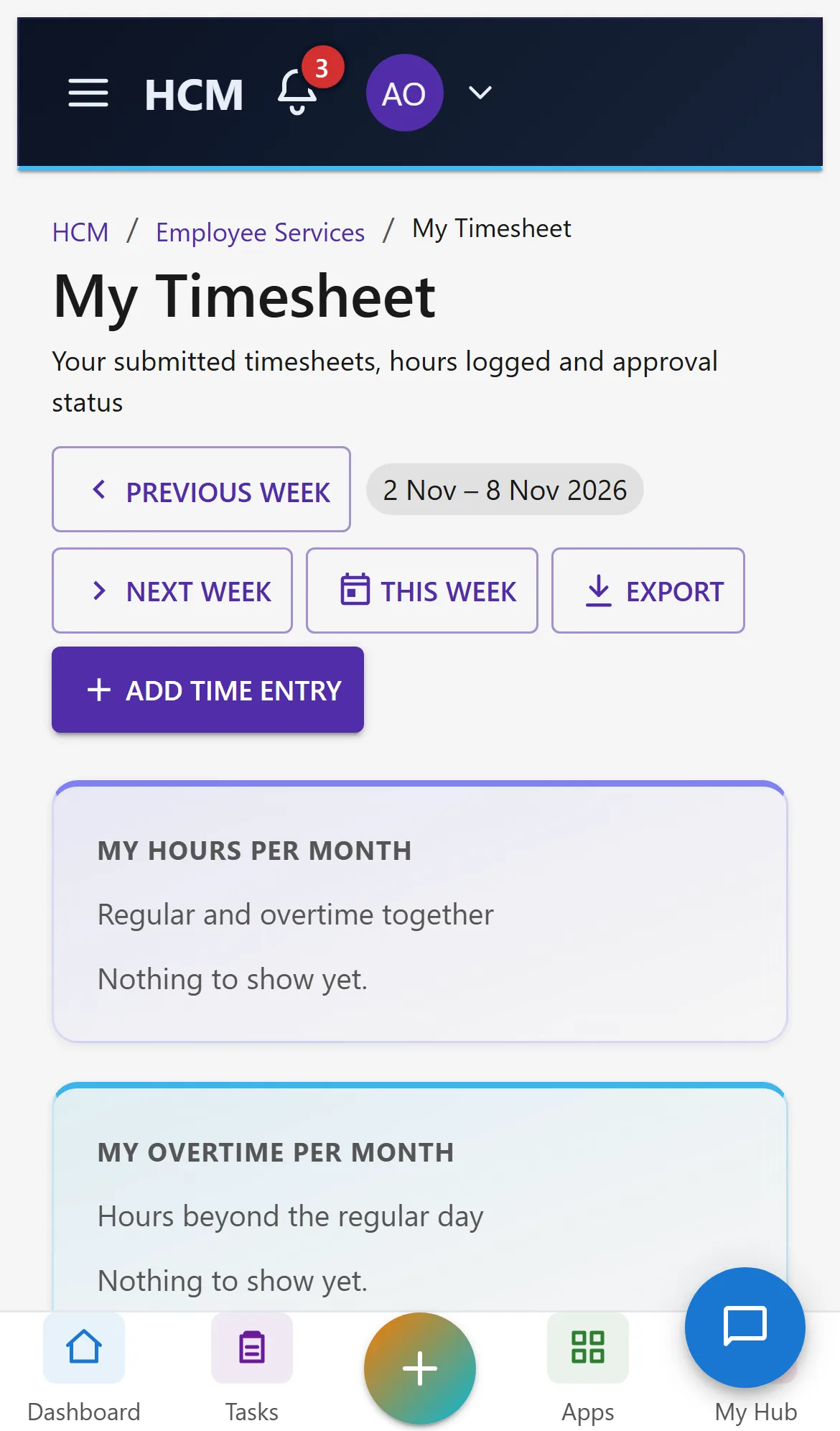
How to: Add time entry
- Open Employee Services > My Timesheet.
- Select Add time entry.
- In the window Time entry fill in:
| Field | What to enter |
|---|---|
| Day | Type it. |
| Task | Type it. |
| Kind of work | Choose one: Regular work, Meeting, Training, Other |
| Hours (for example 7.5) | Type it. |
| Start | Type it (for example: 09:00). |
| End | Type it (for example: 17:30). |
| Break in minutes | Type it (for example: 30). |
| Billing | Choose one: Billable, Not billable |
| What did you do? | Type it. |
- Select Save.
- The window closes and the table refreshes with the result. If the screen shows a message instead, read it: it says what is missing.
My Leave
Your own real leave balances and leave requests, both on one page.
Open it at /hcm-employee-services/my-leave (or from the HCM menu).
- Sections: Your leave balances and request history, My leave balance, My leave requests, Leave taken per month, info, No employee record linked to your account, Your balances, Choose a type of leave to see how its balance is made up, Balance by leave type, Leave taken by type, Where your days went this year, Leave through the year and 25 more.
- Cards: Days available, Entitled this year, Days taken, Days waiting for approval, Requests waiting, Upcoming leave.
- Table columns: Request, Leave type, From, To, Days, Status, Year, Entitled, Taken, Waiting, Available.
- Actions: New Leave Request, Try again, Retry, Download my leave history, Clear Filters, Save, Cancel this leave, Cancel, Save Draft, Submit for Approval.
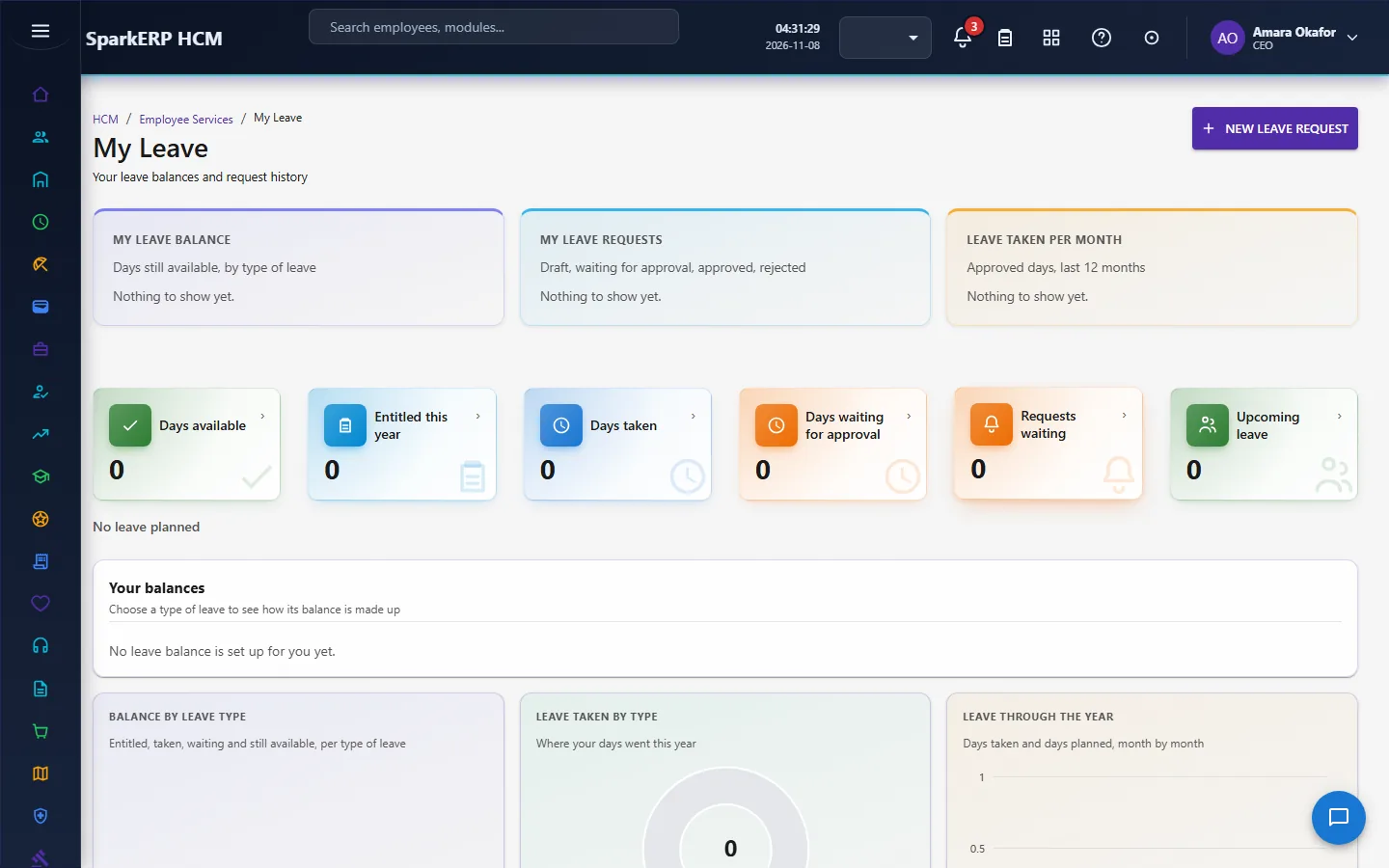
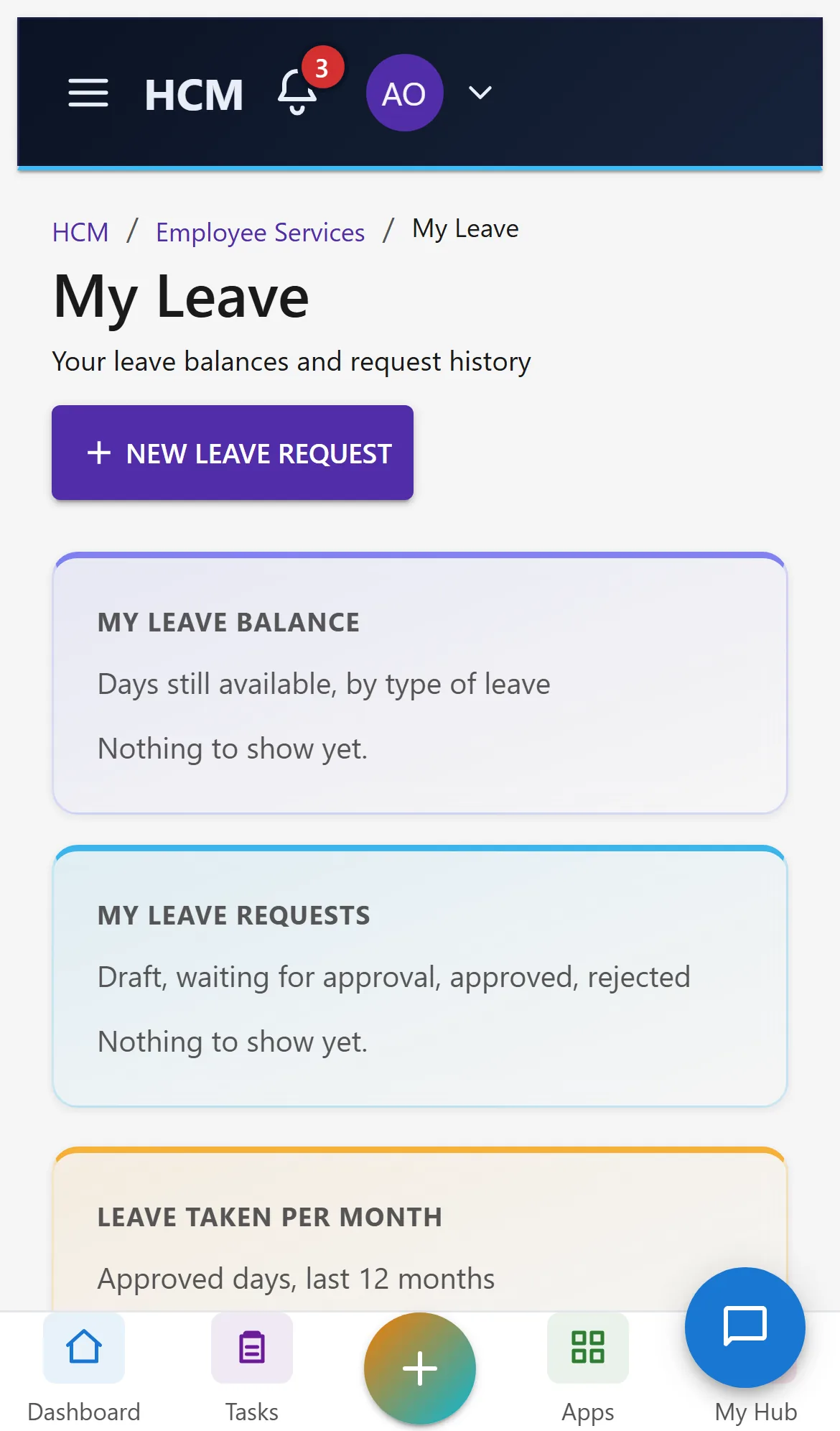
How to: New Leave Request
- Open Employee Services > My Leave.
- Select New Leave Request.
- In the window New Leave Request fill in:
| Field | What to enter |
|---|---|
| Leave Type | Type it. |
| Day Type | Choose one: Full Day, First Half, Second Half |
| From Date | Pick a date. |
| To Date | Pick a date. |
| Reason | Type it. |
- Select Save Draft.
- The window closes and the table refreshes with the result. If the screen shows a message instead, read it: it says what is missing.
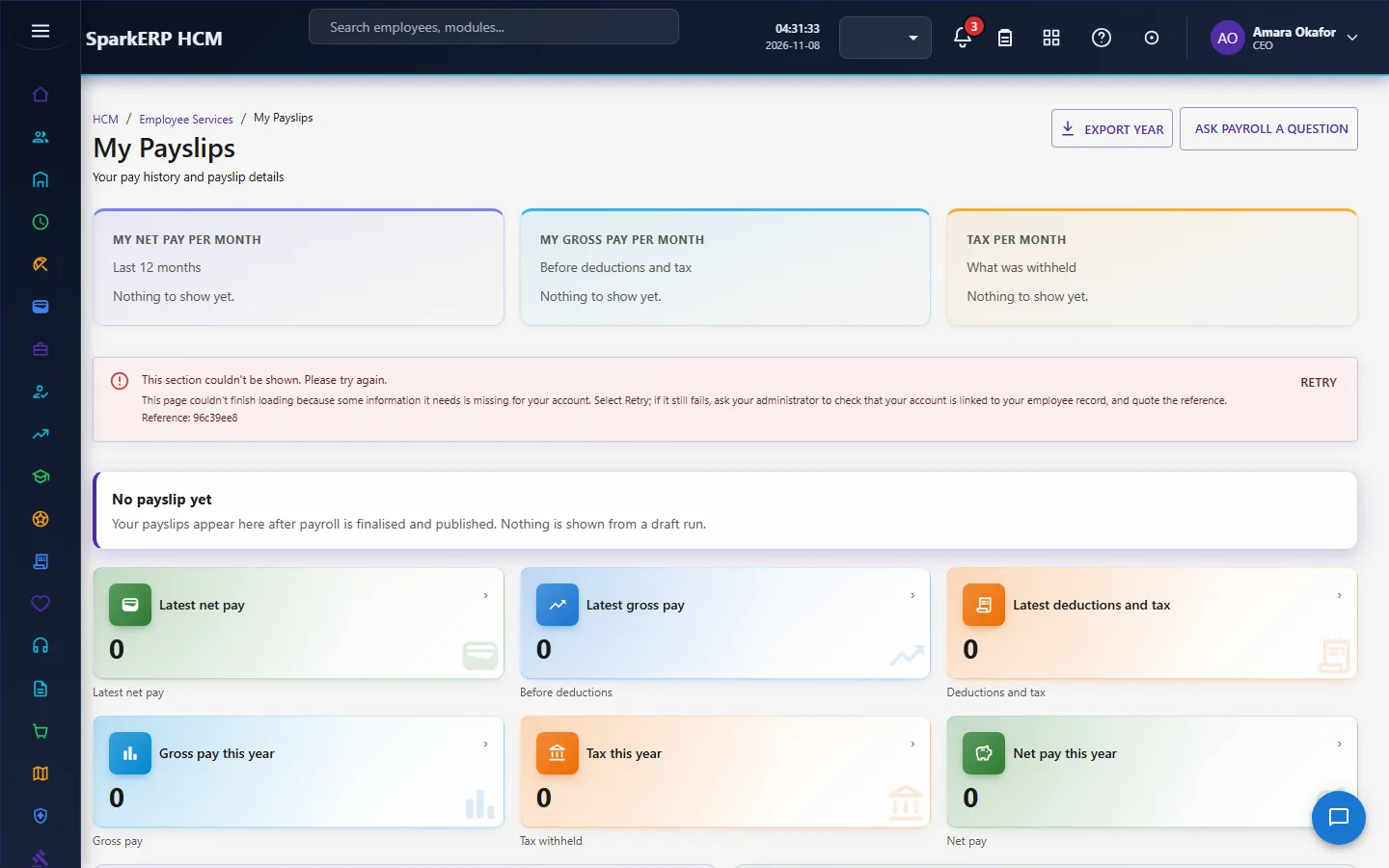
My Payslips
Your own real payslips.
Open it at /hcm-employee-services/my-payslips (or from the HCM menu).
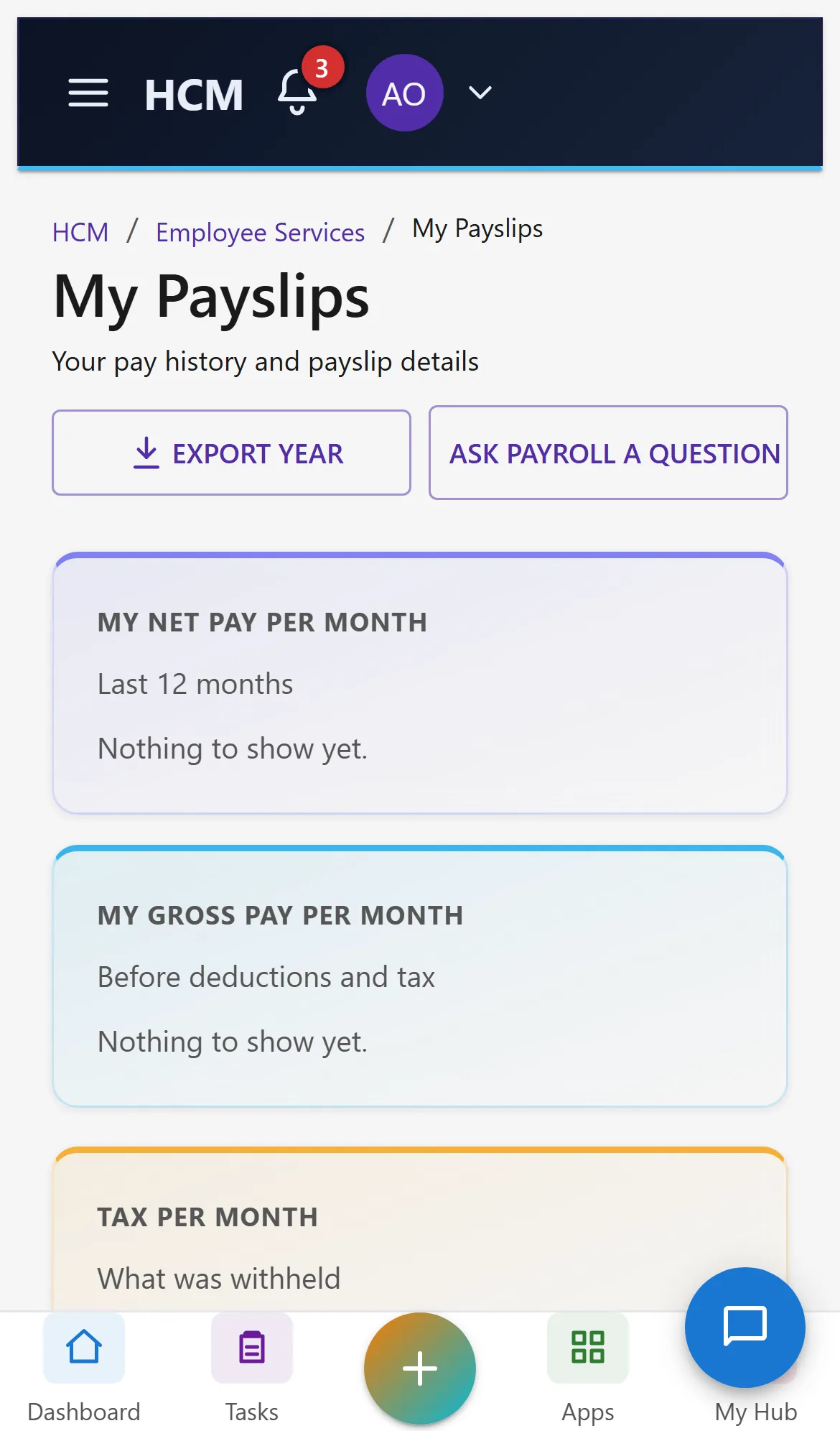
- Sections: Your pay history and payslip details, My net pay per month, Last 12 months, My gross pay per month, Before deductions and tax, Tax per month, What was withheld, info, No employee record linked to your account, Latest payslip, Net pay, Gross pay and 29 more.
- Cards: Latest net pay, Latest gross pay, Latest deductions and tax, Gross pay this year, Tax this year, Net pay this year.
- Charts: Amount.
- Actions: Export year, Download latest, Ask payroll a question, Retry, View payslip, Download PDF, Print, E-mail me the link, Download these as one PDF, Previous, Next, Export the year (CSV) and 6 more.