Appearance
Leave Encashment (HCM)
This page documents the shipped Leave Encashment screen (hcm-leave) — converting unused leave into pay — plus its employee self-service twin. Not for plugin developers.
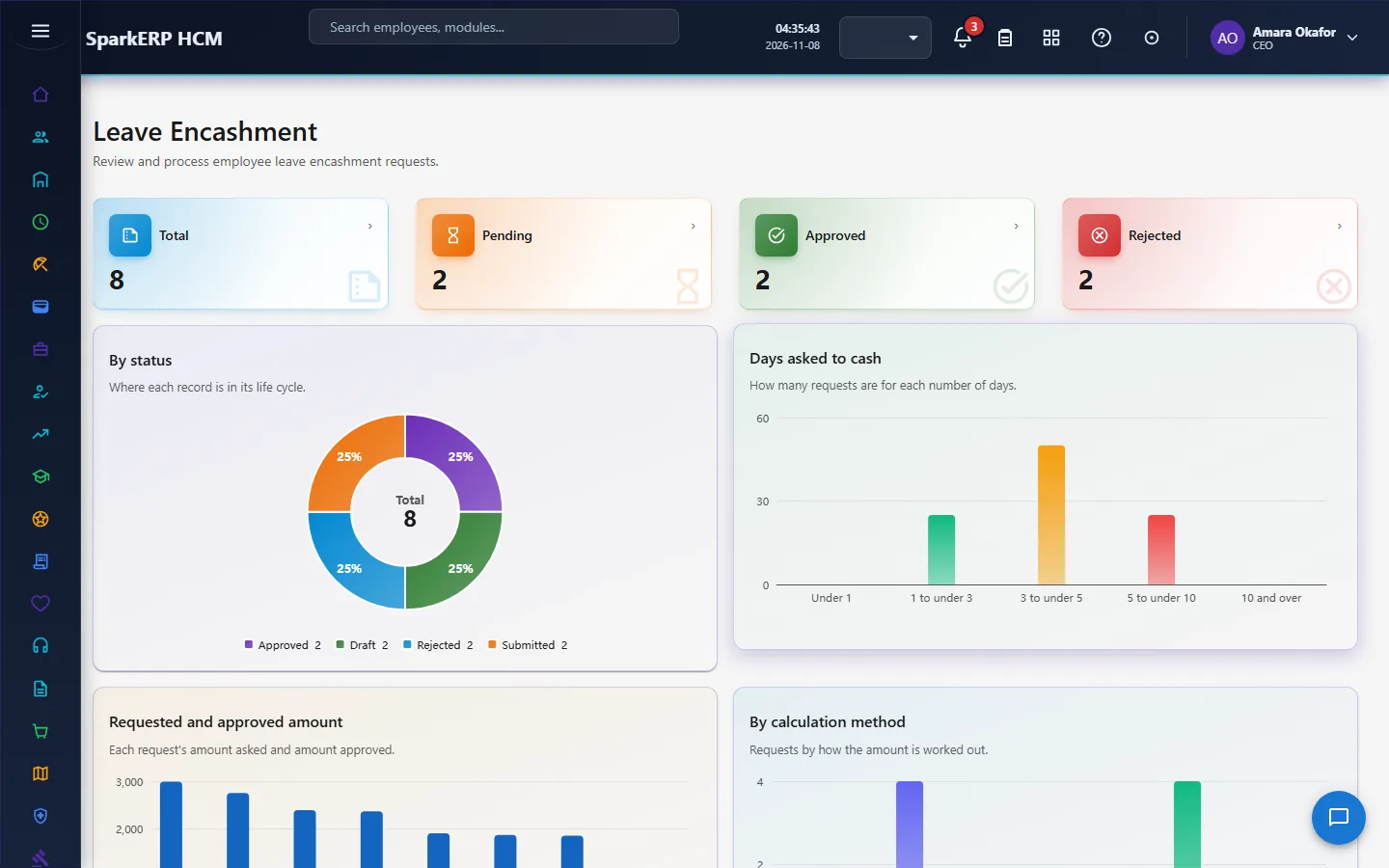
Leave Encashment (admin/HR)
Every encashment request across your company, in the same layout as Leave Requests.
Open it at /hcm-leave/leave-encashment (or from the HCM menu).
- Sections: Leave Encashment, By status, Days asked to cash, Requested and approved amount, By calculation method, Employee, Leave Type, Requested Days, Daily Rate, Amount, Calculation Method, Status and 2 more.
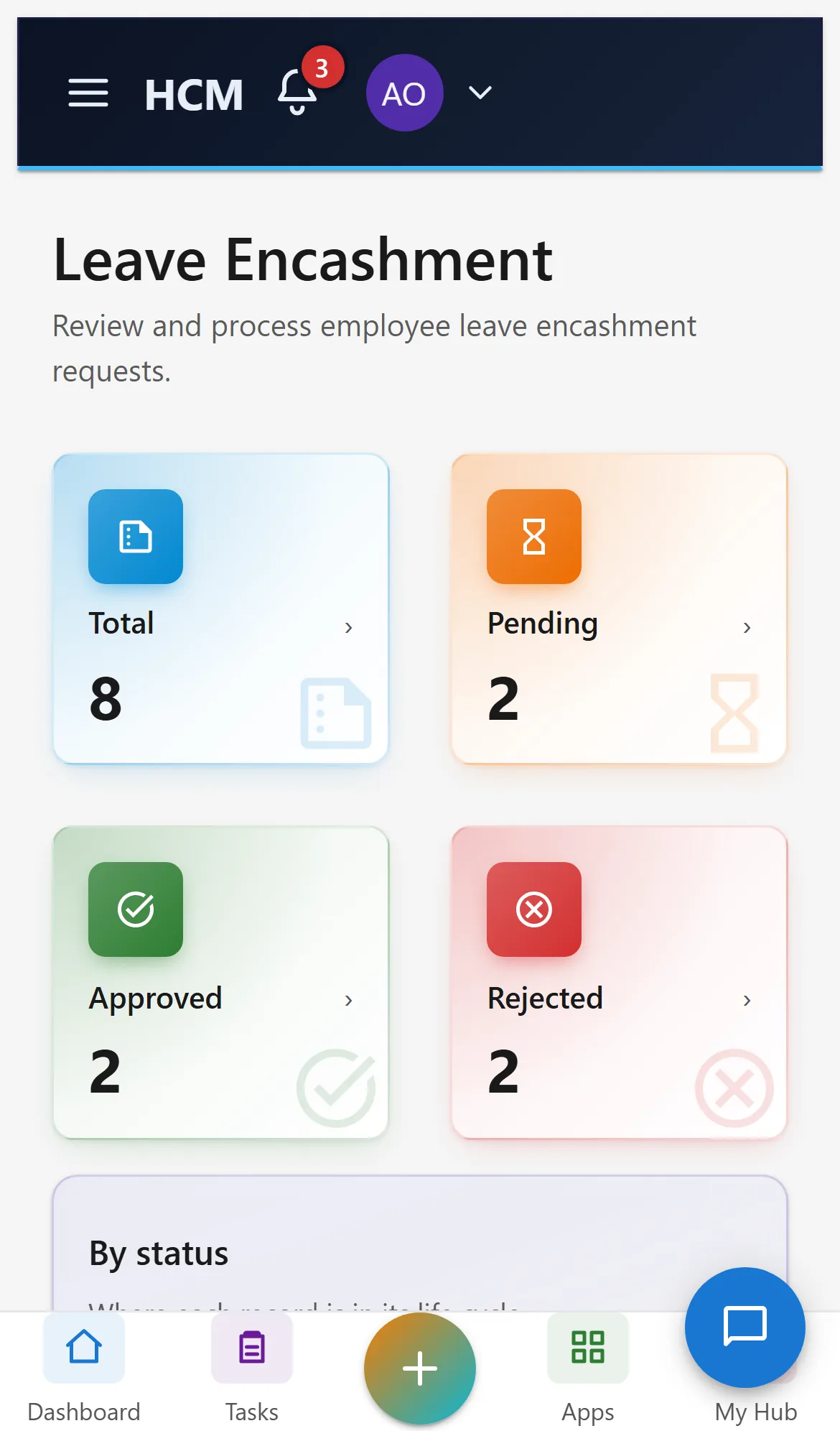
- Cards: Total, Pending, Approved, Rejected.
- Charts: Total.
- Table columns: Request No., Employee, Leave Type, Days, Amount, Status, Approved %, Actions.
- Actions: Withdraw.
My Leave Encashment (employee self-service)
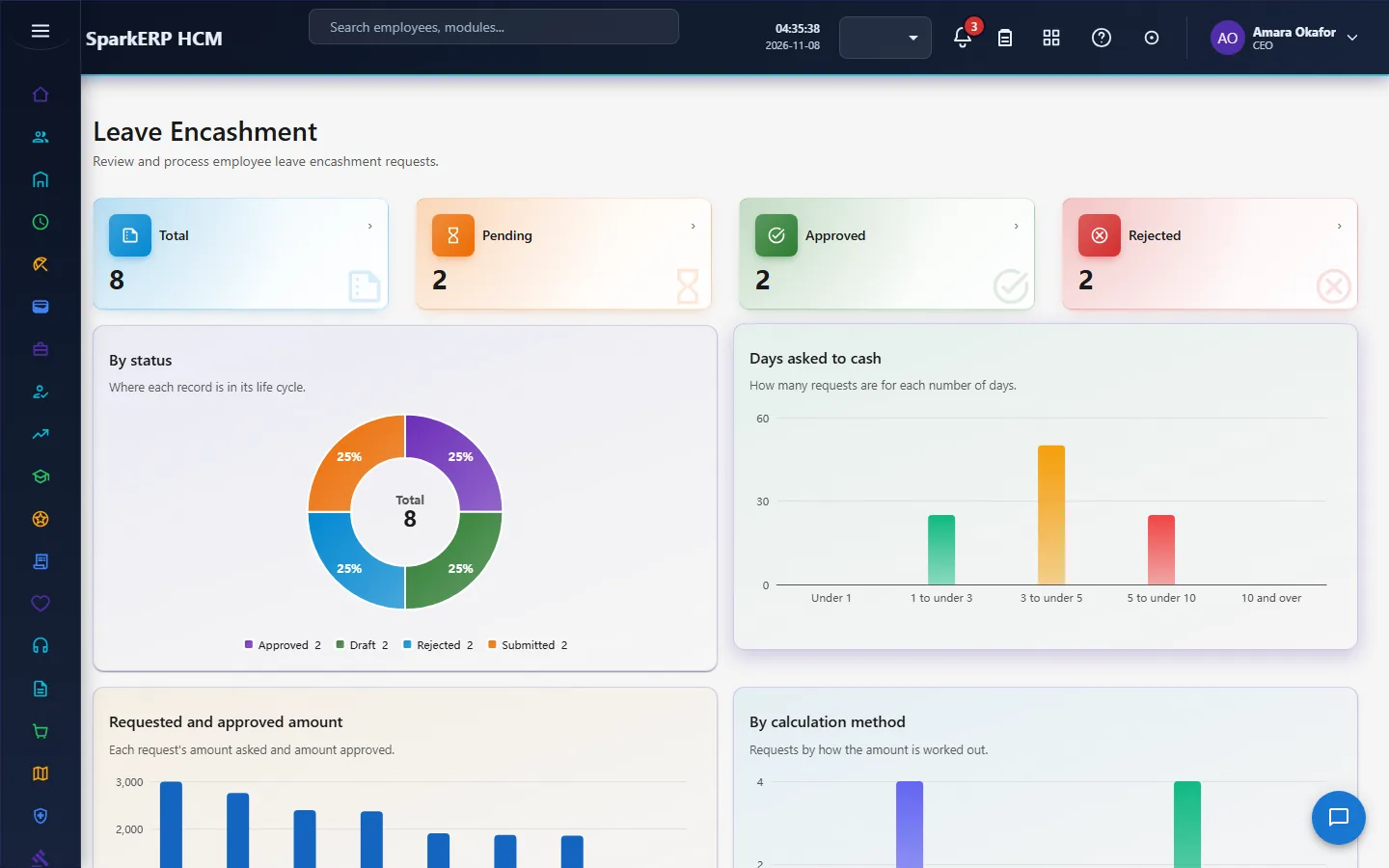
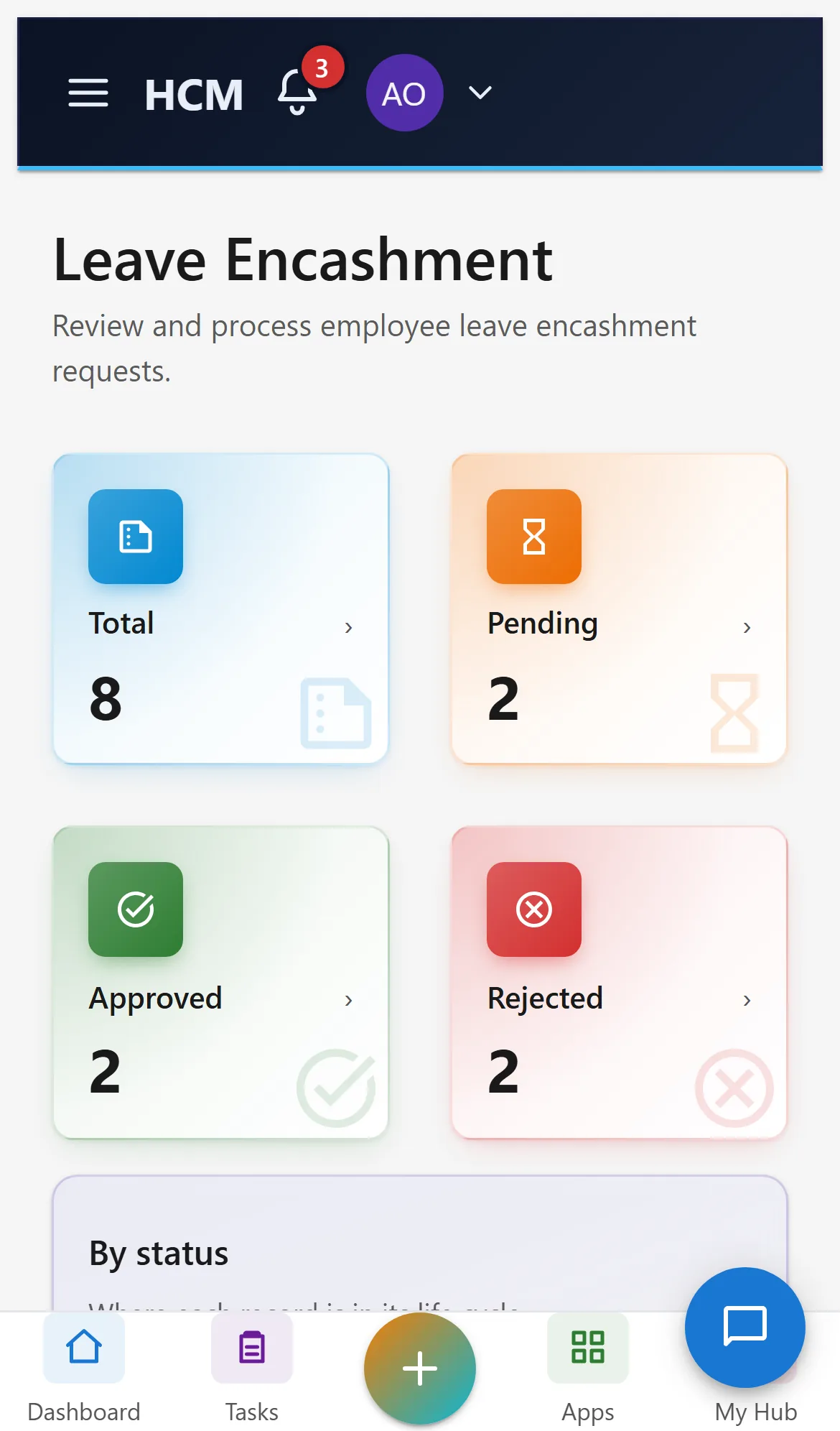
Shows how many of your leave days are eligible to be encashed. Fill in the leave type and number of days and you get a live preview of the daily rate and gross amount before you submit — so you know what you're asking for, not just after the fact. Also shows your own past encashment requests.
Open it at /hcm-leave/leave-encashment (or from the HCM menu).
- Sections: Leave Encashment, By status, Days asked to cash, Requested and approved amount, By calculation method, Employee, Leave Type, Requested Days, Daily Rate, Amount, Calculation Method, Status and 2 more.
- Cards: Total, Pending, Approved, Rejected.
- Charts: Total.
- Table columns: Request No., Employee, Leave Type, Days, Amount, Status, Approved %, Actions.
- Actions: Withdraw.