
Appearance
Leave Types & Leave Policies (HCM)
This page documents two shipped Leave Management setup screens (hcm-leave). Not for plugin developers.
Who this is for: HR administrators setting these up, usually once (then revisited when policy changes).
Leave Types
Define the kinds of leave your company offers (e.g. Annual, Sick, Unpaid) — the foundation everything else in Leave Management is built on.
Open it at /hcm-leave/leave-types (or from the HCM menu).
- Sections: By status, Paid or unpaid.
- Cards: Total Leave Types, Active, Inactive, Paid, Unpaid.
- Charts: Total.
- Table columns: Code, Leave Type, Category, Paid, Status, Sort Order, Actions.
- Actions: Export, New Leave Type, Cancel, Save.
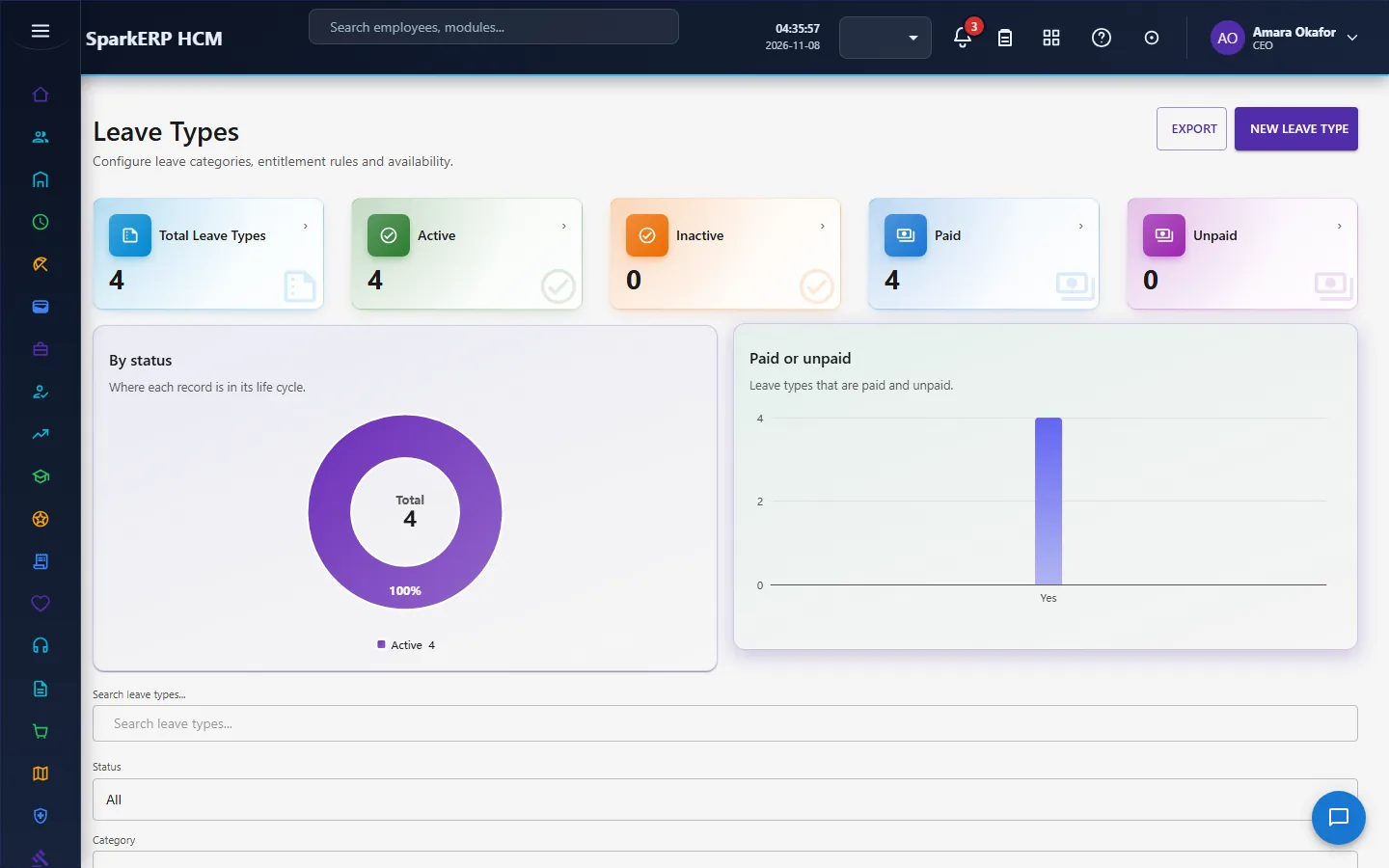
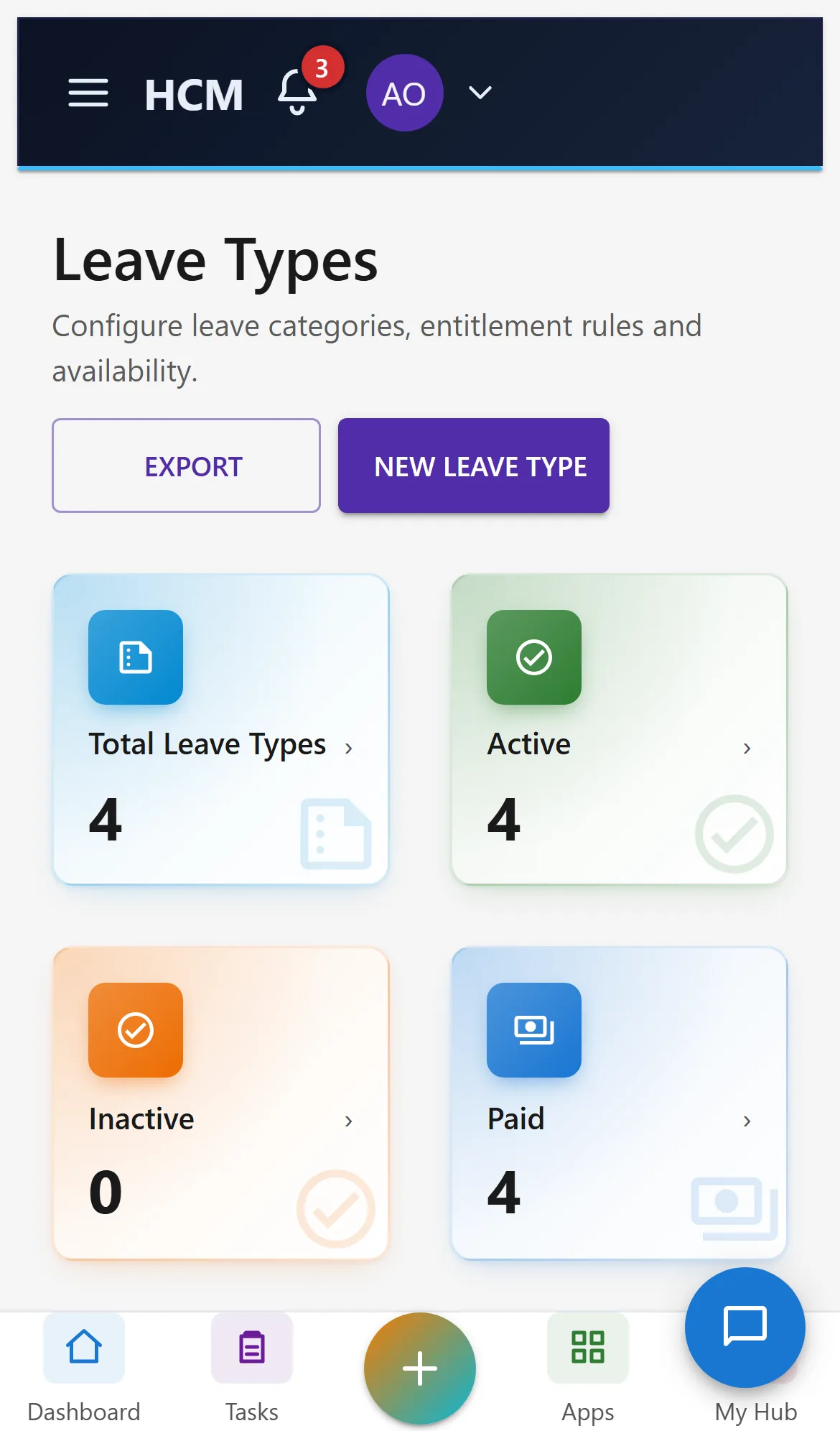
How to: New Leave Type
- Open Leave Management > Leave Types.
- Select New Leave Type.
- In the window Leave Type fill in:
| Field | What to enter |
|---|---|
| Code | Type it (for example: AL). |
| Leave Type Name | Type it (for example: Annual Leave). |
| Short Name | Type it (for example: Annual). |
| Category | Type it. |
| Status | Choose one: Active, Inactive |
| Sort Order | Type it. |
| Description | Type it. |
| Entitlement Type | Choose one: Fixed, Accrued, Unlimited, No Entitlement, Policy Based, Service Based, Grade Based |
| Annual Entitlement (Days) | Type it. |
| Maximum Entitlement (Days) | Type it. |
| Accrual Method | Choose one: None, Annual, Monthly, Quarterly, Biweekly, Per Pay Period, Daily, Custom |
| Accrual Amount | Type it. |
| Start After (Days) | Type it. |
| Maximum Accrual Balance | Type it. |
| Carry Forward Rule | Choose one: No Carry Forward, Unlimited, Fixed Days, Percentage, Policy Based |
| Maximum Carry Forward (Days) | Type it. |
| Carry Forward Expiry | Type it (for example: 31-MAR). |
| Maximum Encashment (Days) | Type it. |
| Minimum Balance to Encash | Type it. |
| Employment Types (comma-separated) | Type it (for example: FULL_TIME,PART_TIME). |
| Minimum Service (Days) | Type it. |
| Gender Eligibility | Choose one: All, Male, Female, Other, Custom Rule |
| Minimum Hours | Type it. |
| Required After (Days) | Type it. |
| Document Types (comma-separated) | Type it (for example: MEDICAL_CERTIFICATE). |
| Approval Workflow Id | Type it. |
| Payroll Component | Type it (for example: PAID_LEAVE). |
| Calendar Visibility | Choose one: Team, Manager, Private, Public |
- Select Save.
- The window closes and the table refreshes with the result. If the screen shows a message instead, read it: it says what is missing.
Leave Policies
For each leave type, configure entitlement, accrual, carry-forward, encashment, eligibility, and approval rules — scoped to specific employee groups if needed. Activating a policy checks for overlap with existing policies, changes go through a real approval workflow, and each version of a policy is kept, not overwritten.
Open it at /hcm-leave/leave-policies (or from the HCM menu).
- Sections: By status, By version, Policy Name, Policy Code, Description, Organization ID, Employee Group ID, Employment Type ID, Job Grade ID, Location ID, Effective From (YYYY-MM-DD), Effective To (YYYY-MM-DD) and 22 more.
- Cards: Total Policies, Active, Draft, Pending Approval, Suspended, Expiring Soon.
- Charts: Total.
- Table columns: Policy Name, Policy Code, Organization, Effective From, Effective To, Version, Status, Actions.
- Actions: New Policy, Cancel, Save Draft, Submit for Approval.
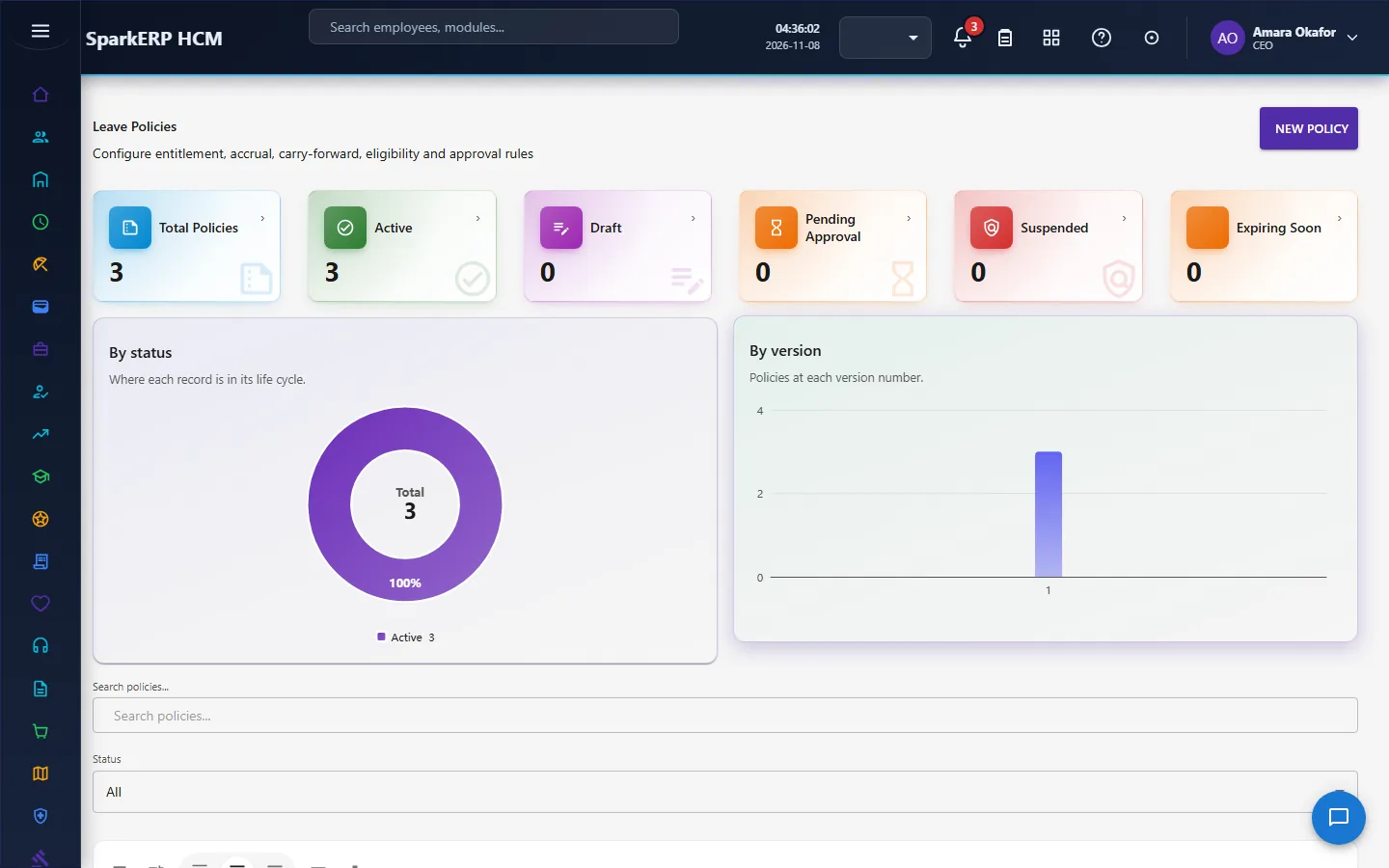
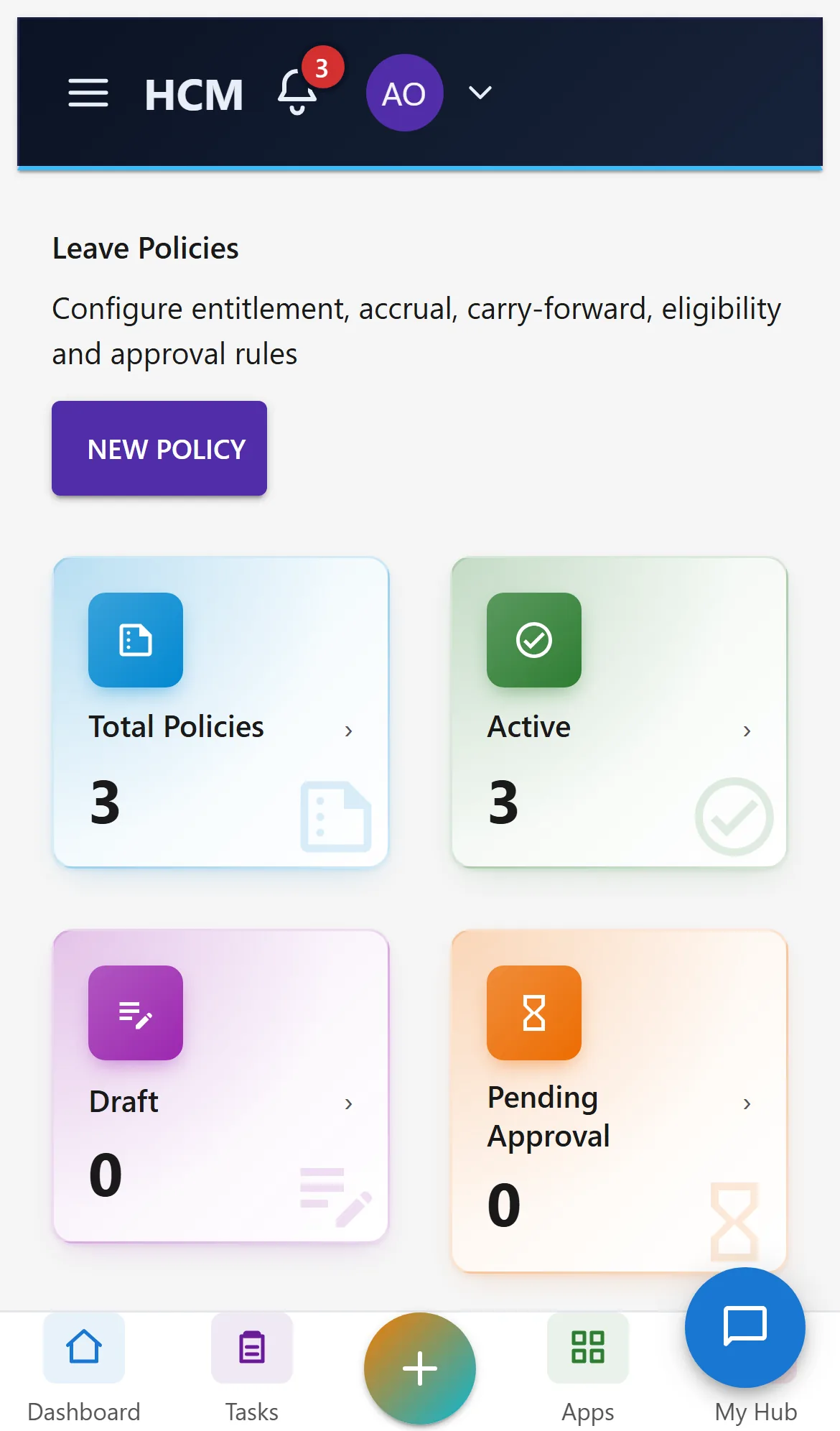
How to: New Policy
- Open Leave Management > Leave Policies.
- Select New Policy.
- In the window Leave Policy fill in:
| Field | What to enter |
|---|---|
| Policy Name | Type it. |
| Policy Code | Type it. |
| Description | Type it. |
| Organization ID | Type it. |
| Employee Group ID | Type it. |
| Employment Type ID | Type it. |
| Job Grade ID | Type it. |
| Location ID | Type it. |
| Effective From | Type it (for example: YYYY-MM-DD). |
| Effective To | Type it (for example: YYYY-MM-DD). |
| Leave Types (JSON) | Type it. |
| Accrual Enabled | Tick or untick. |
| Accrual Frequency | Choose one: Yearly, Monthly, Quarterly, Bi-Monthly, Joining Date, Custom |
| Annual Entitlement | Type it. |
| Carry Forward Enabled | Tick or untick. |
| Maximum Carry Forward Days | Type it. |
| Carry Forward Expiry Enabled | Tick or untick. |
| Expiry After (Months) | Type it. |
| Encashment Enabled | Tick or untick. |
| Minimum Balance for Encashment | Type it. |
| Maximum Encashment Days | Type it. |
| Minimum Service (Days) | Type it. |
| Probation Employees Eligible | Tick or untick. |
| Minimum Duration (Days) | Type it. |
| Maximum Consecutive Days | Type it. |
| Half-Day Allowed | Tick or untick. |
| Weekend Rule | Choose one: Exclude, Include, Configurable |
| Sandwich Rule | Tick or untick. |
| Allow Negative Balance | Tick or untick. |
- Select Save Draft.
- The window closes and the table refreshes with the result. If the screen shows a message instead, read it: it says what is missing.