
Appearance
Field Work & Work From Home (HCM)
This page documents two shipped where you're working screens (hcm-attendance) — for when an employee isn't at the regular office. Not for plugin developers.
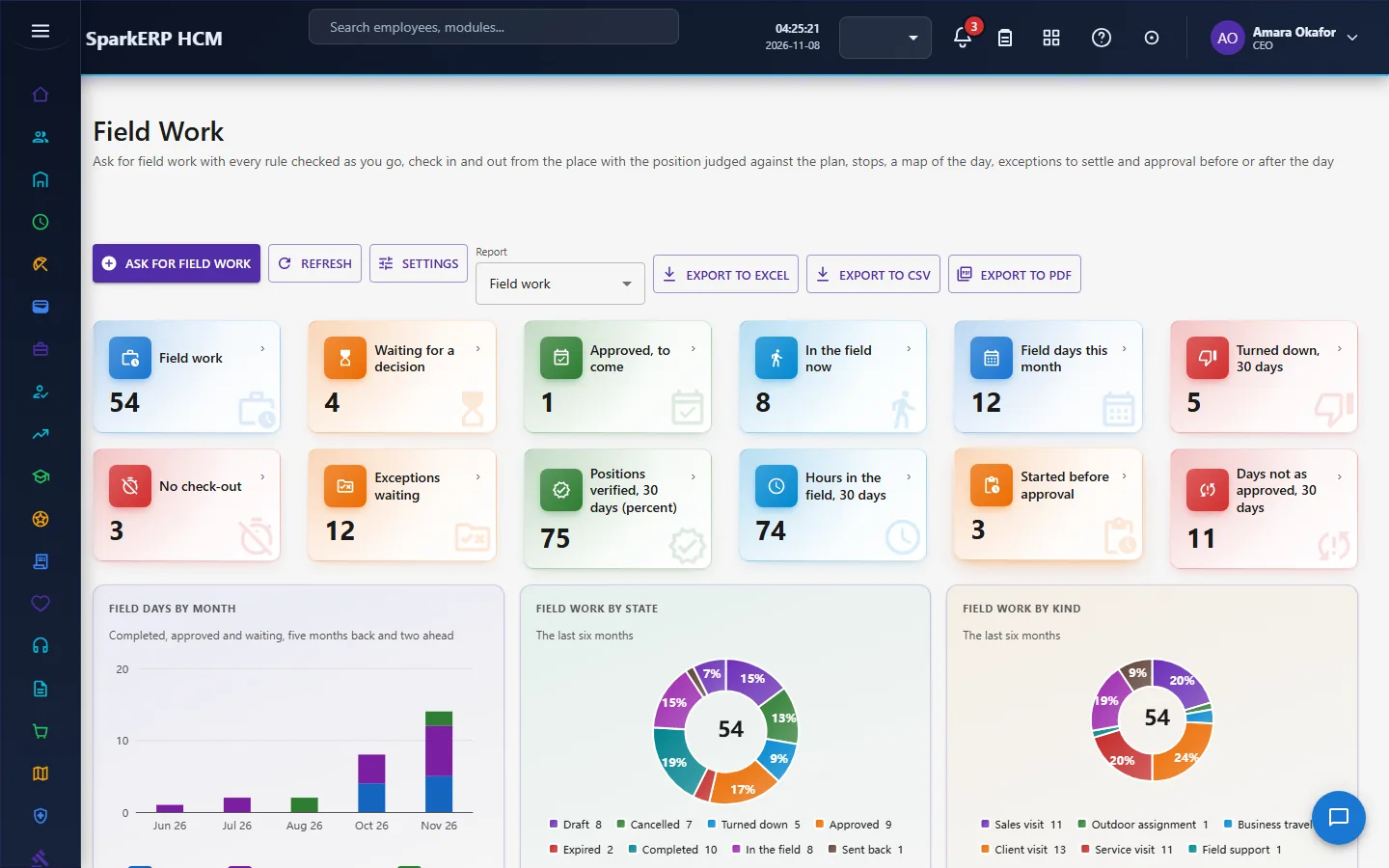
Field Work
Client/site visit assignments — including a multi-stop sequence for a single day, when an employee visits more than one location.
Open it at /hcm-attendance/field-work (or from the HCM menu).
- Sections: Field days by month, Field work by state, The last six months, Field work by kind, Hours in the field by weekday, Completed days of the last 90 days, Positions at check-in and check-out, Distance from the expected place, Check-ins and check-outs of the last 90 days, Time in the field against the plan, Stops reached, By week: reached and not reached and 24 more.
- Cards: Field work, Waiting for a decision, Approved, to come, In the field now, Field days this month, Turned down, 30 days, No check-out, Exceptions waiting, Positions verified, 30 days (percent), Hours in the field, 30 days, Started before approval, Days not as approved, 30 days.
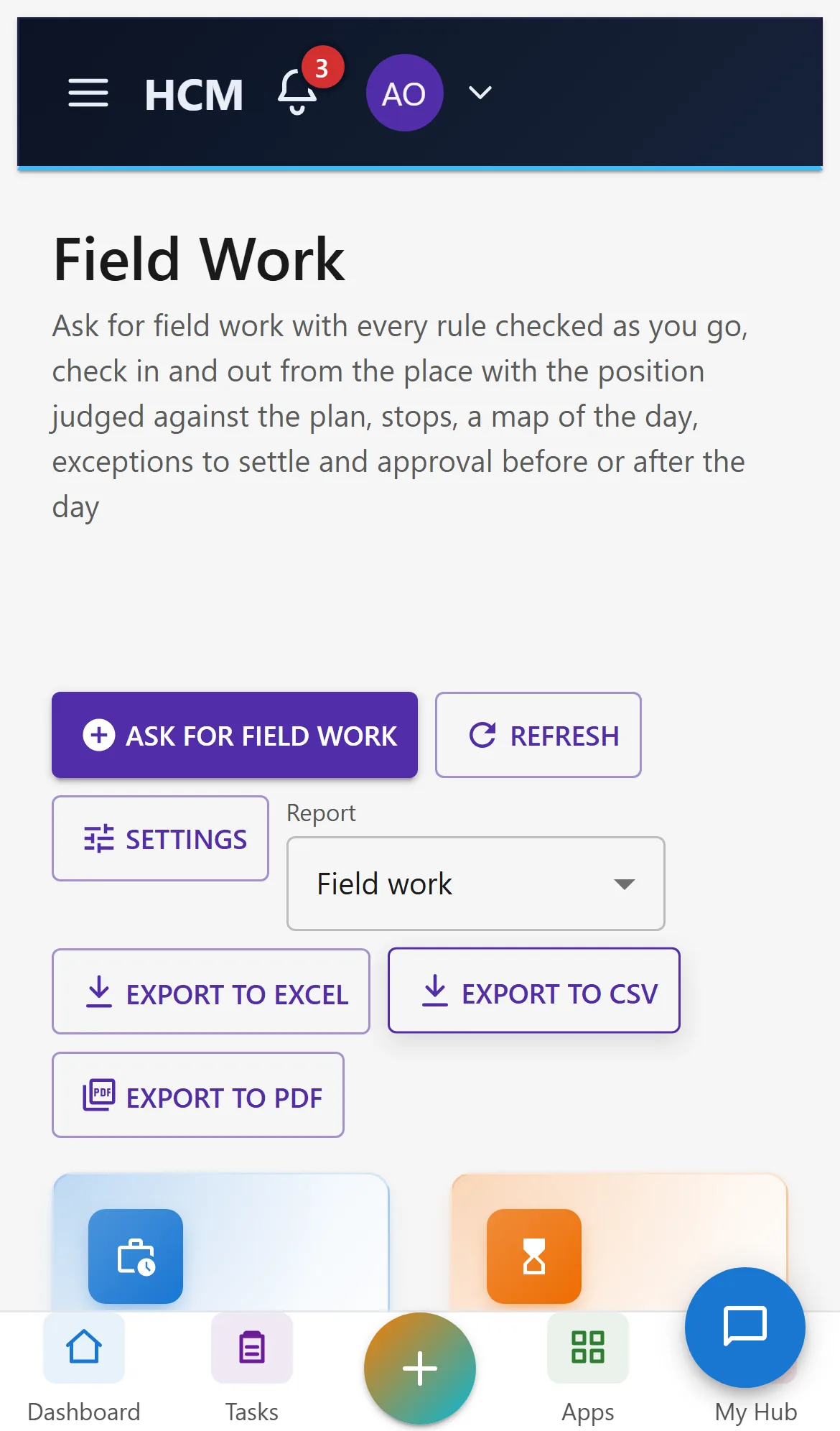
- Actions: Try again, Ask for field work, Refresh, Settings, Export to Excel, Export to CSV, Export to PDF, Field work, Approvals, Today and map, Calendar, My field work and 42 more.
How to: Ask for field work
- Open Time & Attendance > Field Work.
- Select Ask for field work.
- In the window Field work fill in:
| Field | What to enter |
|---|---|
| Find the person | Type it (for example: Type two letters of a name or code). |
| Person (empty: you) | Type it. |
| Kind | Type it. |
| Day | Pick a date. |
| From (hours and minutes) | Type it (for example: 09:00). |
| Until | Type it (for example: 17:30). |
| Goes past midnight | Choose one: Yes, No |
| Client | Type it. |
| Project | Type it. |
| Known place (its position and radius are used) | Type it. |
| Site or place | Type it. |
| Address | Type it. |
| Latitude of the place (optional) | Type it. |
| Longitude of the place | Type it. |
| Allowed radius in metres (empty: the policy) | Type it. |
| Transport | Choose one: Own vehicle, Company vehicle, Public transport, Other |
| Expected distance in km | Type it. |
| Purpose | Type it. |
| This is outside the policy. Why is it needed? | Type it. |
- Select Send for approval.
- The window closes and the table refreshes with the result. If the screen shows a message instead, read it: it says what is missing.
How to: Decide the ticked ones
- Open Time & Attendance > Field Work.
- Select Decide the ticked ones.
- In the window Decide fill in:
| Field | What to enter |
|---|---|
| Comment (needed when turning it down or sending it back) | Type it. |
- Select Send it back.
- The window closes and the table refreshes with the result. If the screen shows a message instead, read it: it says what is missing.
How to: Cancel it
- Open Time & Attendance > Field Work.
- Select Cancel it.
- In the window Cancel the field work fill in:
| Field | What to enter |
|---|---|
| Why | Type it. |
- Select the confirm button.
- The window closes and the table refreshes with the result. If the screen shows a message instead, read it: it says what is missing.
Work From Home
WFH requests, broken down day by day (a request can cover multiple days, each tracked individually). Submitting a WFH request routes through an approval workflow.