Appearance
Document Templates, Requests & Verification Lookup (HCM Employee Documents)
This page documents three shipped screens in the hcm-employee-documents module. Not for plugin developers.
Document Templates
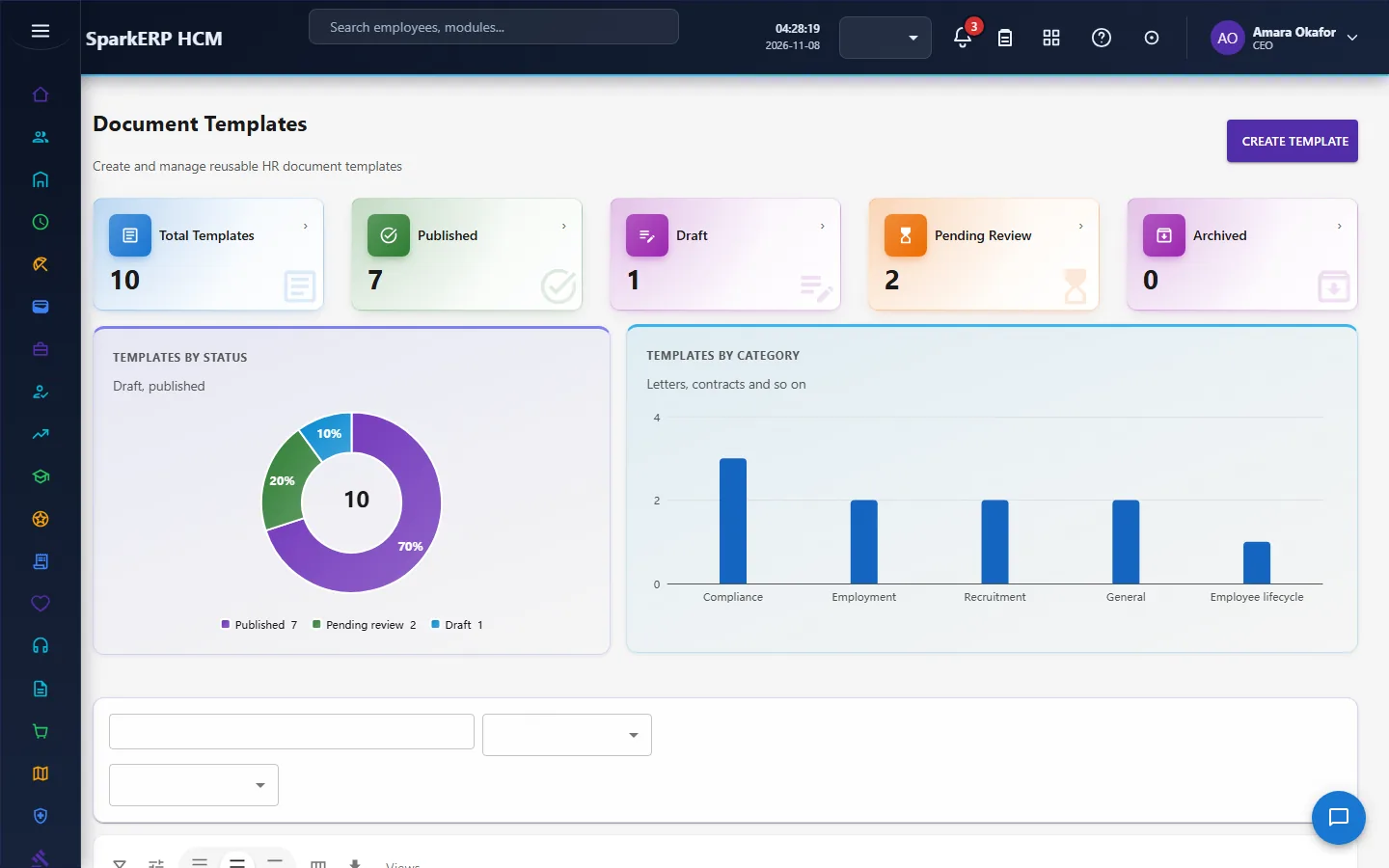
Reusable, merge-field HR document templates — the templates that Offer, Salary, and Experience Letters (and Certificates) are actually generated from.
Open it at /hcm-employee-documents/document-templates (or from the HCM menu).
- Sections: Create and manage reusable HR document templates, Templates by status, Templates by category, Basic Information, Template Code, Template Name, Category, Document Type, Language, Description, Overview, Status and 3 more.
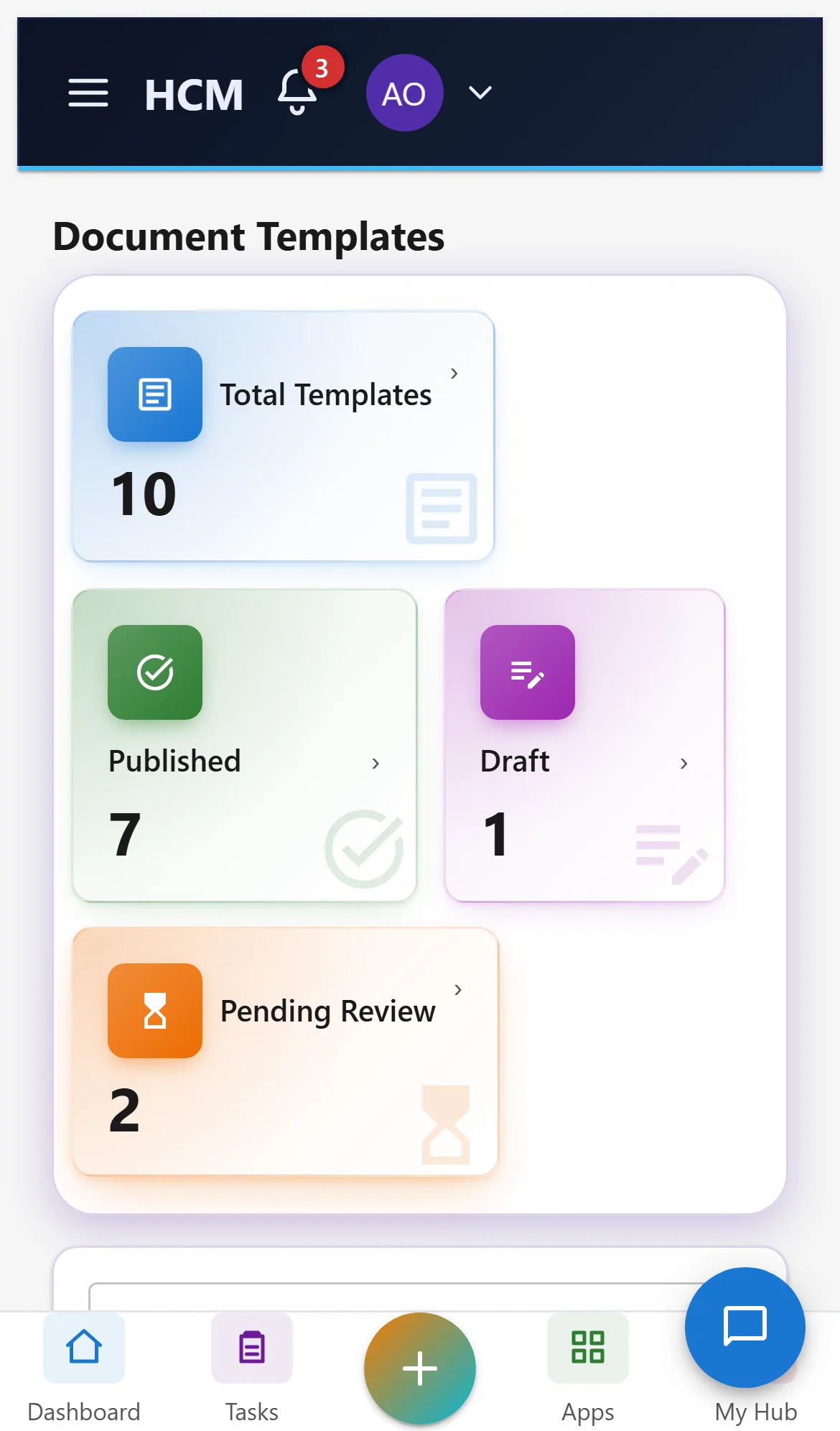
- Cards: Total Templates, Published, Draft, Pending Review, Archived.
- Table columns: Template Name, Code, Category, Document Type, Version, Status, Actions.
- Actions: Create Template, Cancel, Save, Submit for Review, Approve, Publish, Close.
Document Requests
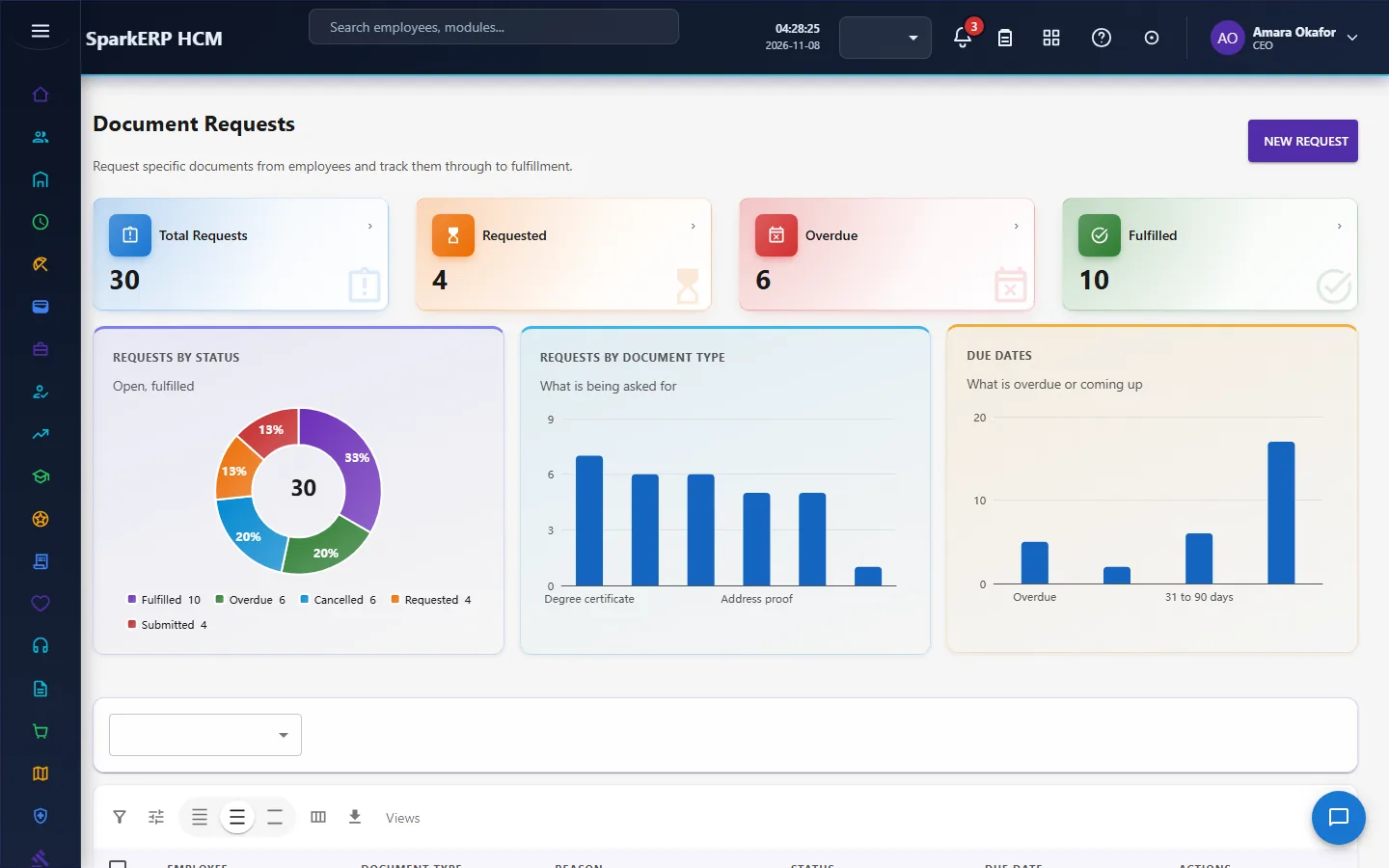
Request a specific document from an employee — either raised directly by HR, or automatically from Document Expiry's own "Start Renewal" action when something's about to lapse.
Open it at /hcm-employee-documents/document-requests (or from the HCM menu).
- Sections: Requests by status, Requests by document type, What is being asked for, Due dates, What is overdue or coming up, New Document Request, Employee, Document Type, Reason, Due Date, Instructions / Note, Request Details and 7 more.
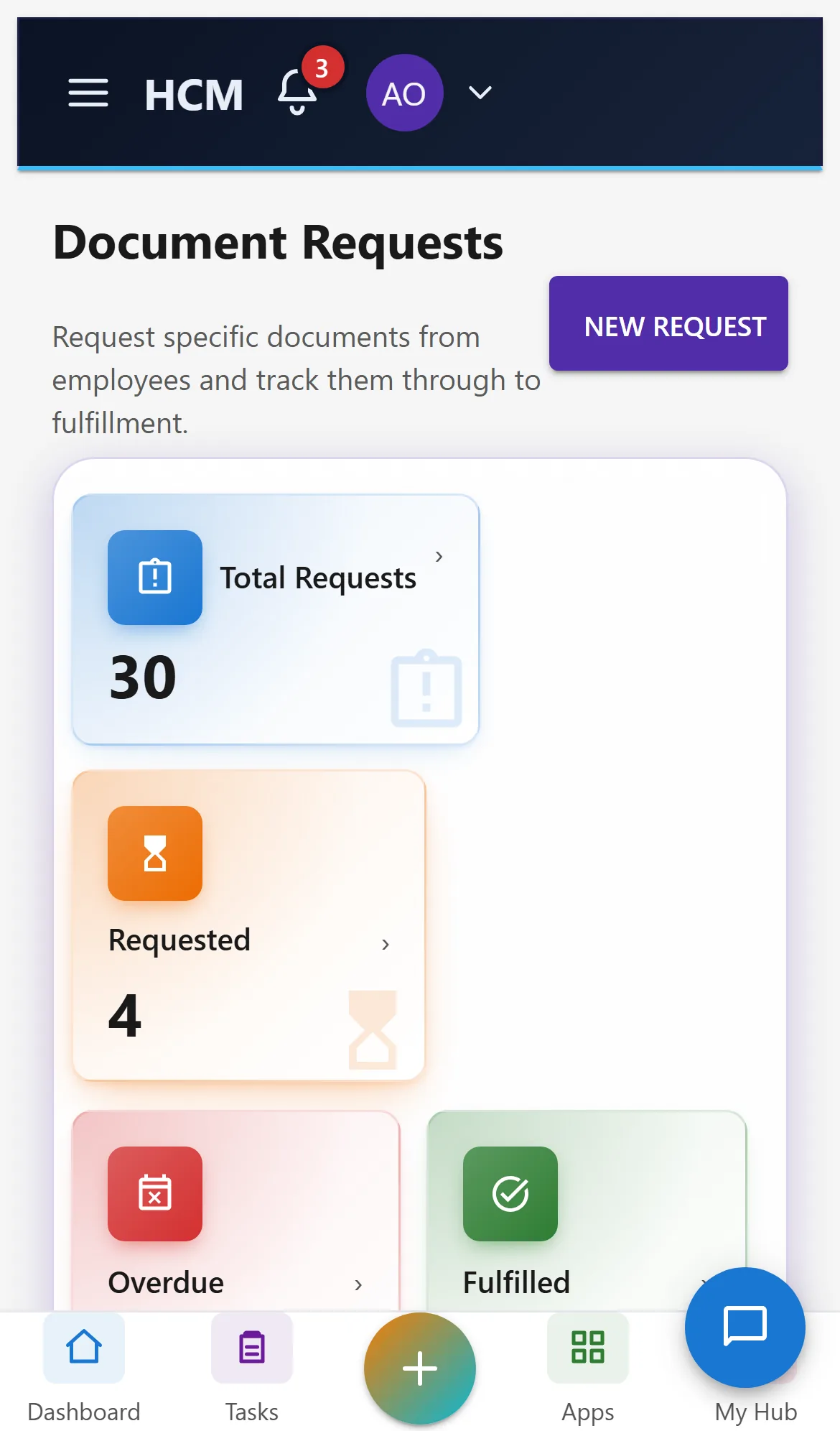
- Cards: Total Requests, Requested, Overdue, Fulfilled.
- Table columns: Employee, Document Type, Reason, Status, Due Date, Actions.
- Actions: New Request, Cancel, Create Request, Fulfill, Cancel Request, Close, Upload & Fulfill, Back.
Document Verification Lookup
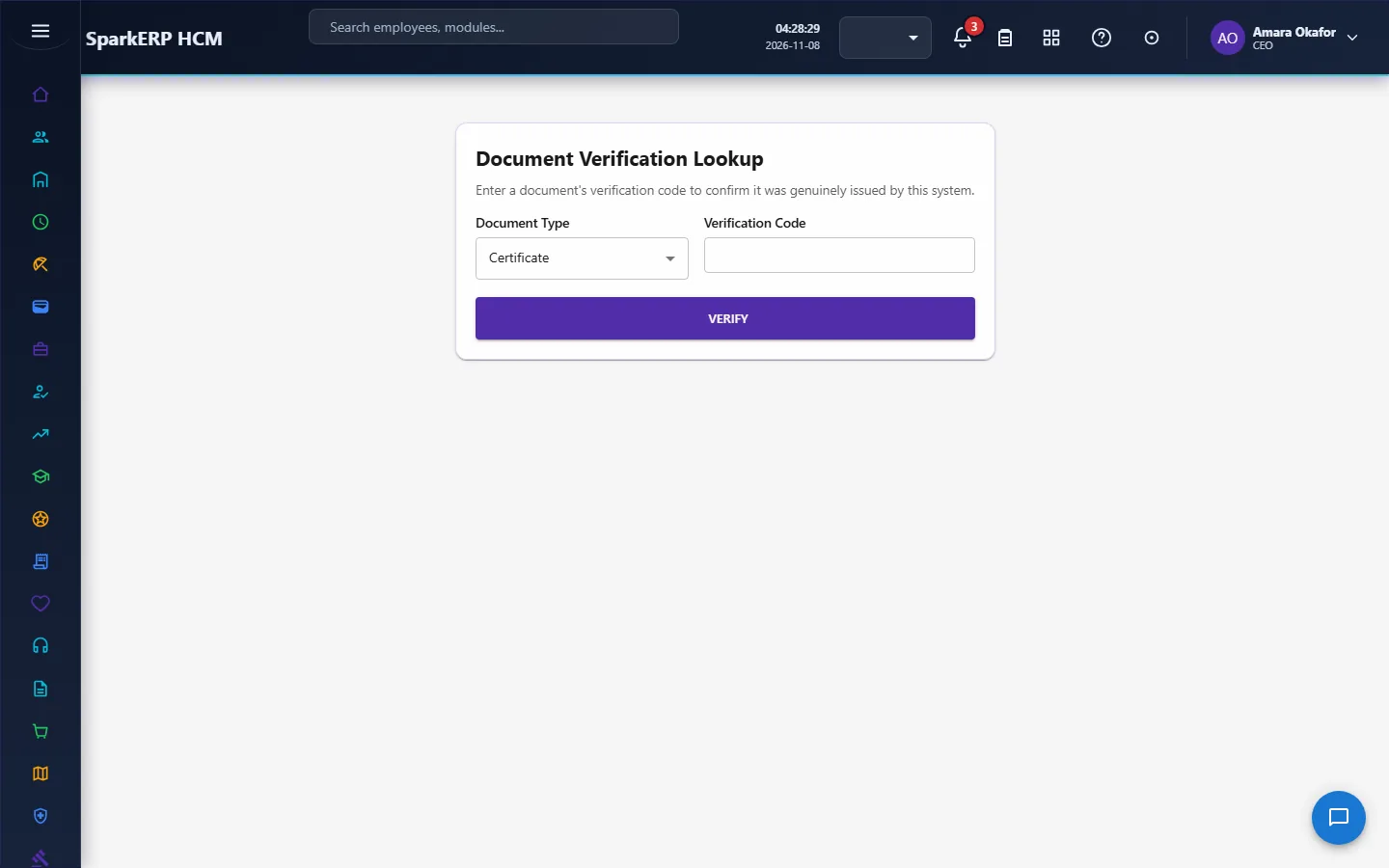
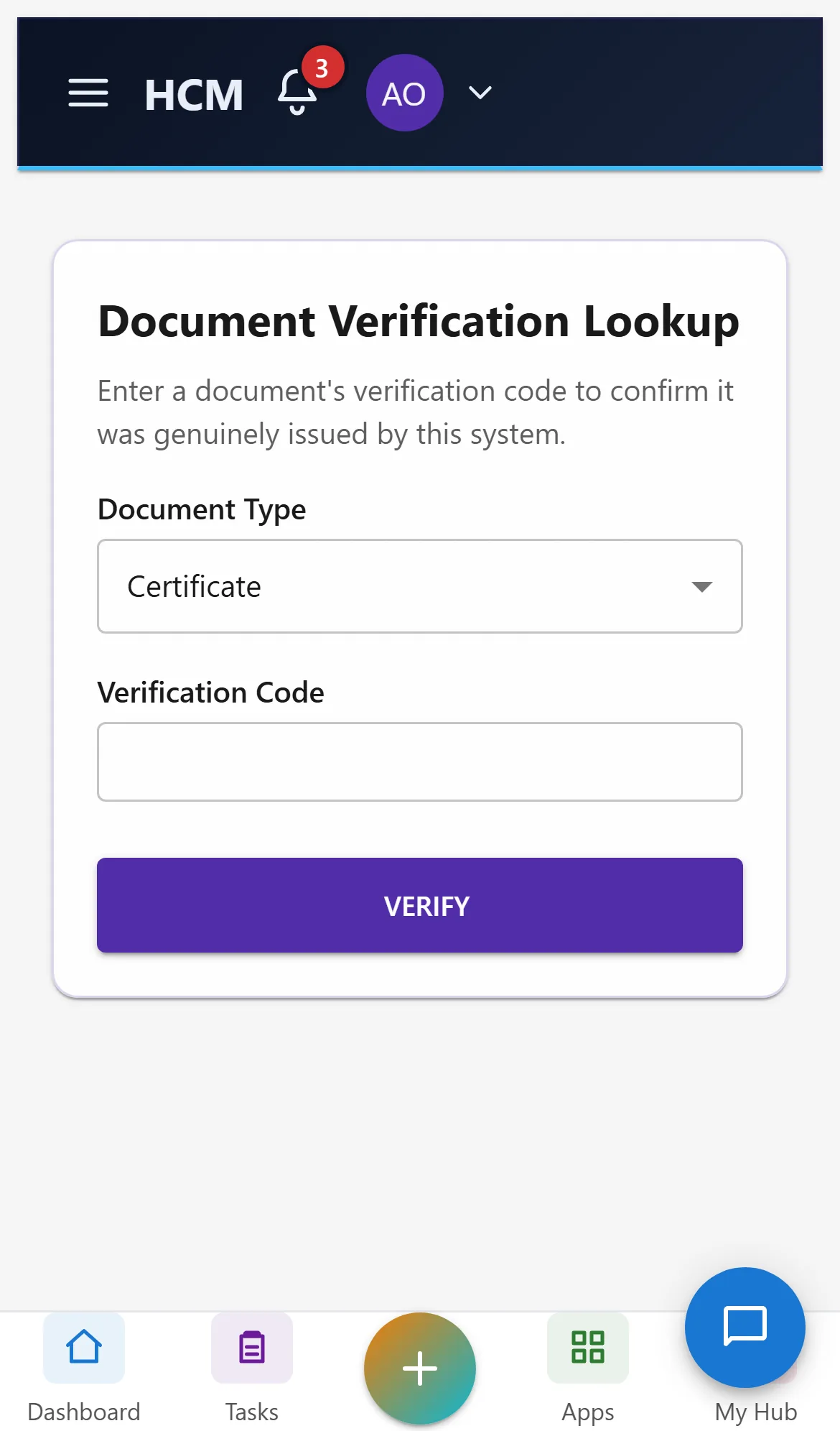
A public-facing utility: verify a document's verification code (stamped only on genuinely issued PDFs) against the real underlying record — this is what lets a third party (e.g. a bank checking an experience letter) confirm a document is real without needing system access.
Open it at /hcm-employee-documents/document-verification-lookup (or from the HCM menu).
- Sections: Document Type, Verification Code, Verification Result, Employee Name, Issue Date, Status.
- Actions: Verify.