Appearance
Clearance, Asset Return & Offboarding Checklist — hcm-separation (HCM)
This page documents three shipped screens in the hcm-separation module, covering the departing-employee checklist process. Not for plugin developers.
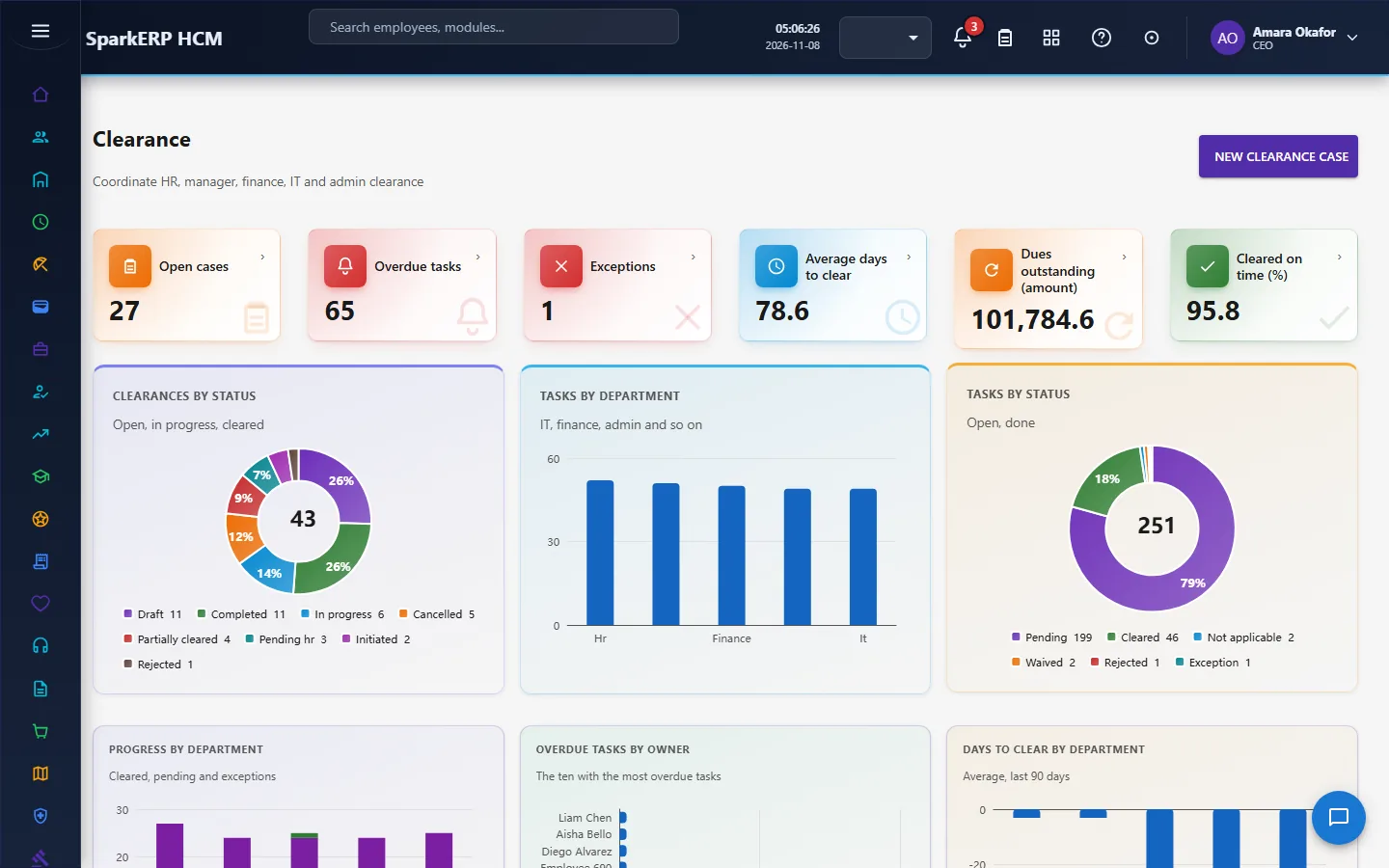
Clearance
New Clearance Case — links directly to the real Resignation record, with a Target Completion Date. A clearance case is made up of individual tasks; click a task to mark it clear. KPIs: Total, Active, Completed, Exception (a task that couldn't be cleared normally).
Open it at /hcm-separation/clearance (or from the HCM menu).
- Sections: Clearances by status, Tasks by department, Tasks by status, Progress by department, Overdue tasks by owner, The ten with the most overdue tasks, Days to clear by department, Open dues by type, Cases by stage, All cases, Cleared cases by month, Filter by status and 17 more.
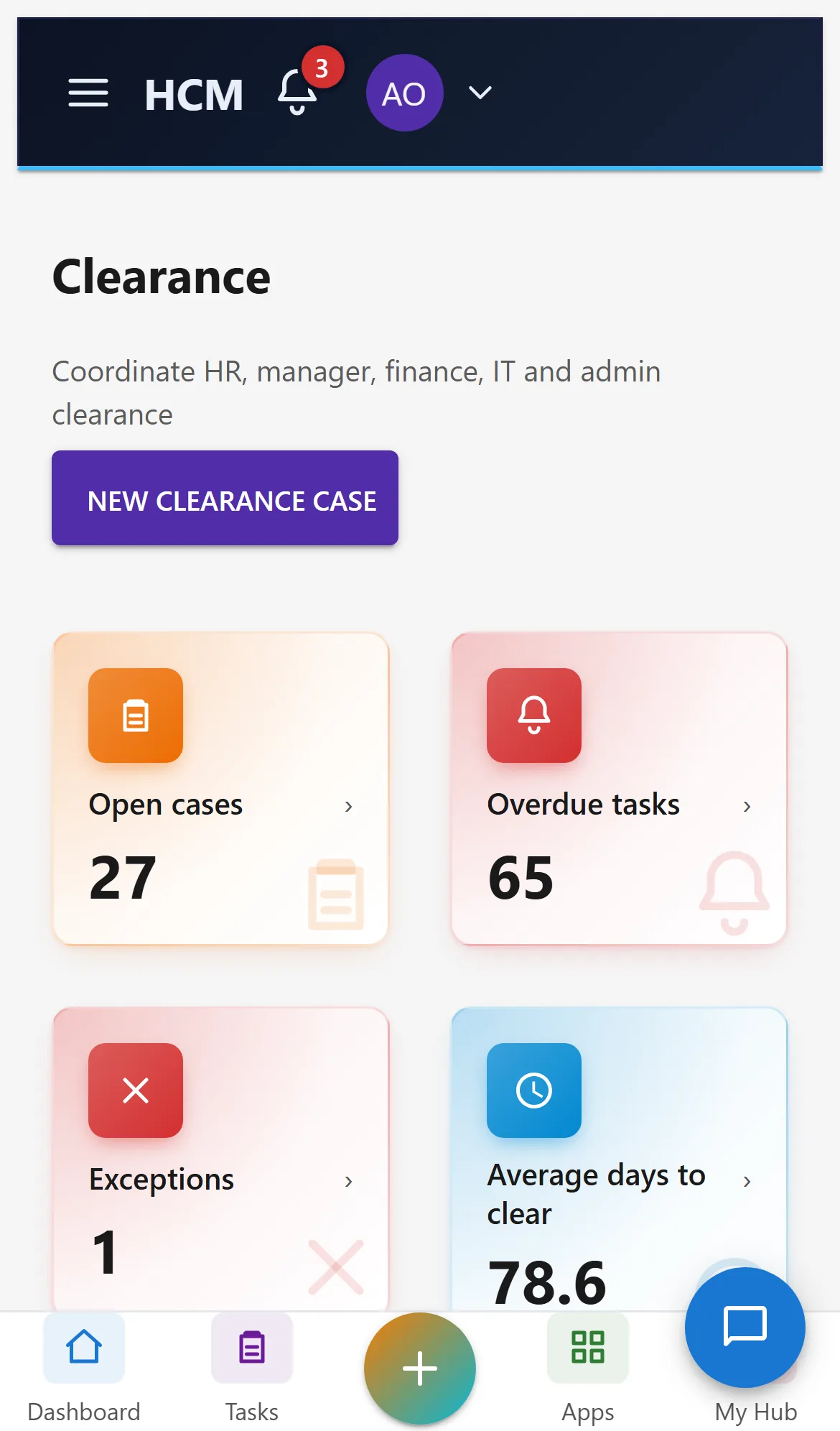
- Cards: Open cases, Overdue tasks, Exceptions, Average days to clear, Dues outstanding (amount), Cleared on time (%).
- Table columns: Number, Progress, Target Date, Status.
- Actions: New Clearance Case, Try again, Cancel, Save, Add Task, Make department tasks, Refresh dues, Send for Final Approval, Complete Clearance, Mark Cleared, Waive (write the reason in remarks), Approve the waiver and 2 more.
Asset Return
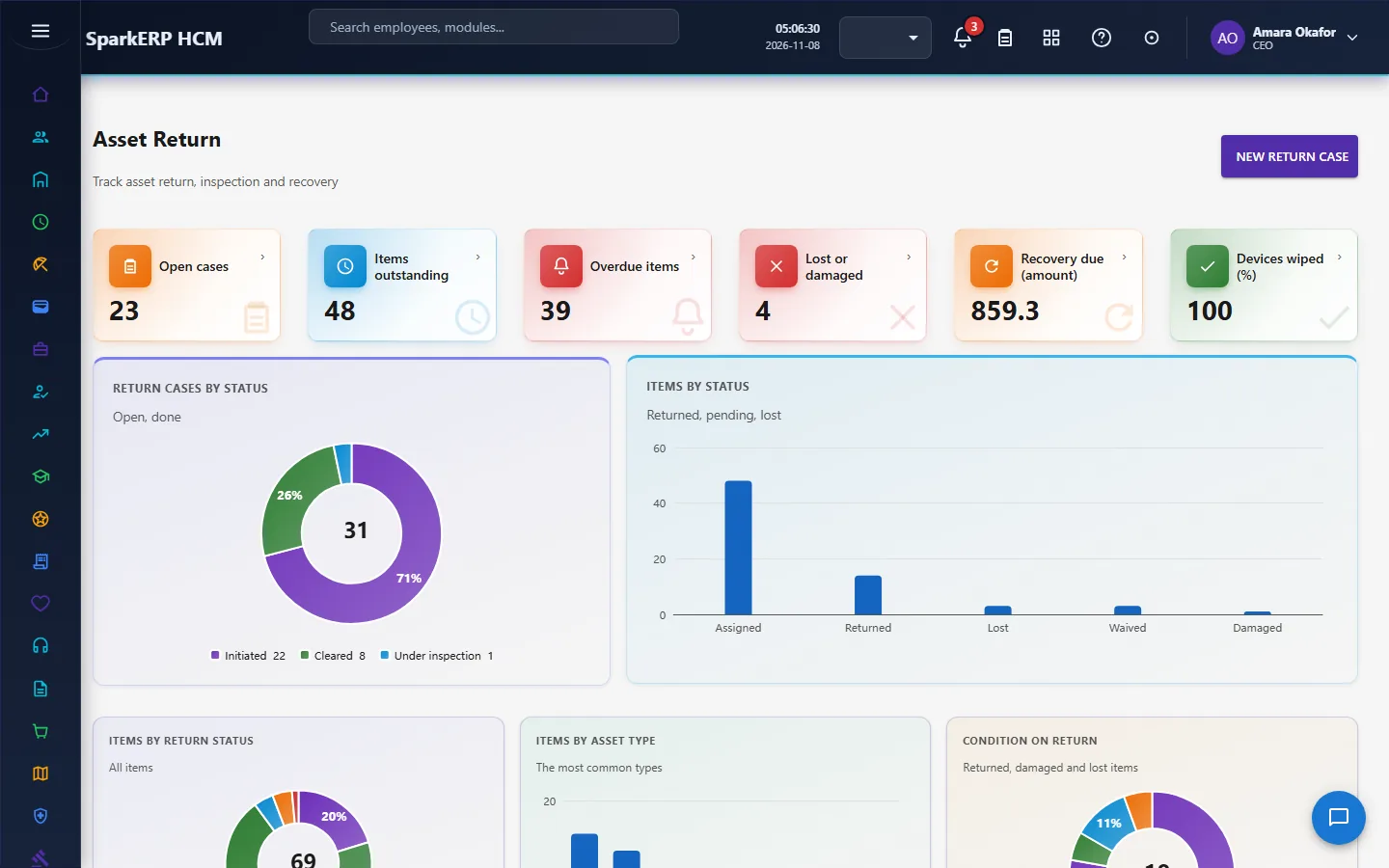
New Asset Return Case — links to both the Resignation and its Clearance Case (not a standalone record), with individual line items per asset and a Due Date. KPIs: Total, Active, Recovery (still chasing equipment back), Cleared.
Open it at /hcm-separation/asset-return (or from the HCM menu).
- Sections: Return cases by status, Items by status, Items by return status, All items, Items by asset type, The most common types, Condition on return, Overdue returns by days late, Items still out, Recovery amount by month, Days from last working day to return, How well returns keep to the date and 21 more.
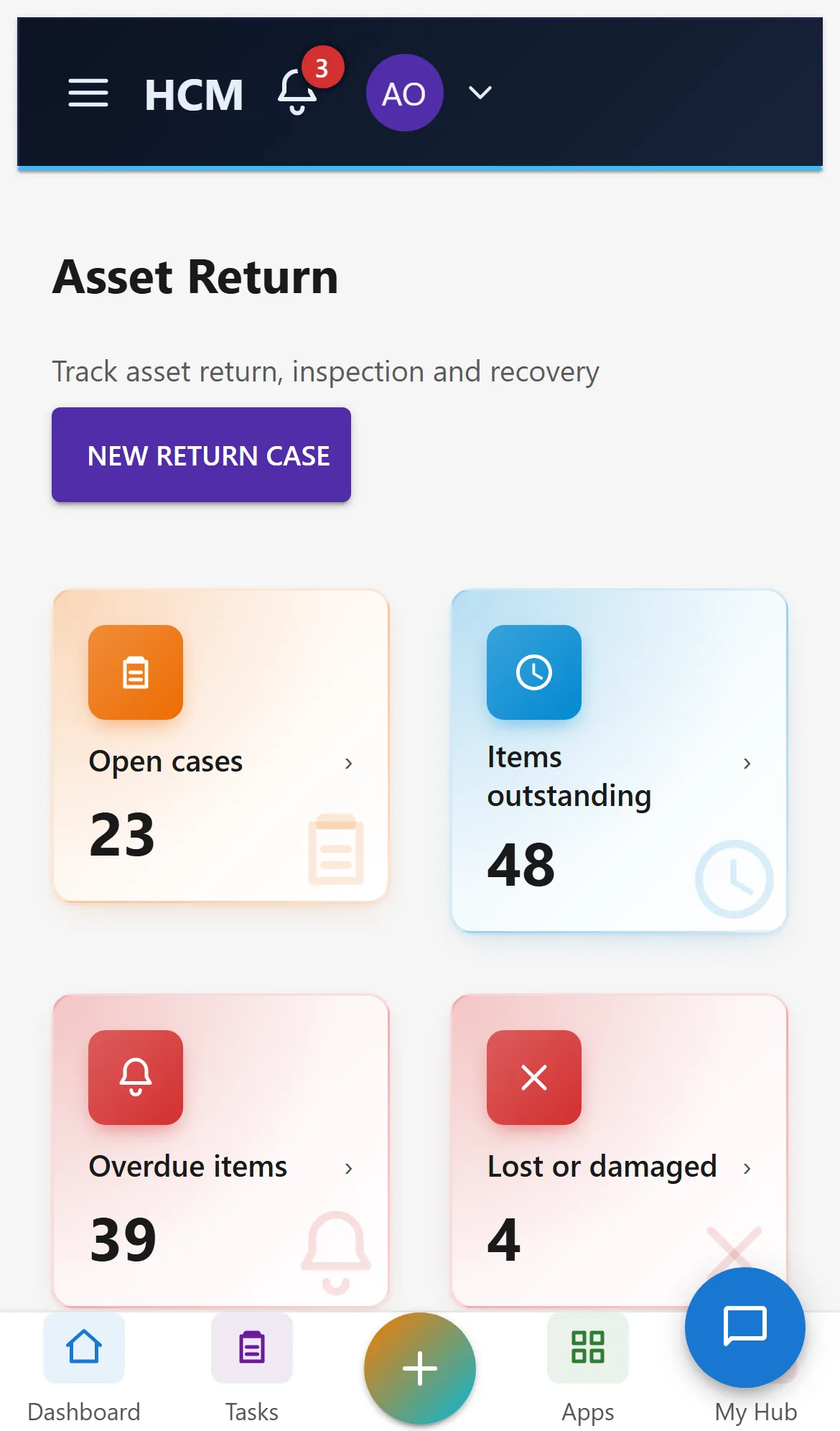
- Cards: Open cases, Items outstanding, Overdue items, Lost or damaged, Recovery due (amount), Devices wiped (%).
- Table columns: Number, Due Date, Completed Date, Status.
- Actions: New Return Case, Try again, Cancel, Save, Add Item, Load assets from the register, Send recovery to the settlement, Complete Return, Mark Returned, Confirm recovery (amount and a note in remarks), Mark Waived.
How to: Item Action
- Open Separation > Asset Return.
- Select the record you want to change, or the button that adds a new one.
- In the window Item Action fill in:
| Field | What to enter |
|---|---|
| Recovery amount for a lost or damaged item | Type it. |
| Return method | Choose one: Handed over, Sent by courier, Collected |
| Tracking reference | Type it. |
| Data wiped | Choose one: Yes, No |
- Select Confirm recovery (amount and a note in remarks).
- The window closes and the table refreshes with the result. If the screen shows a message instead, read it: it says what is missing.
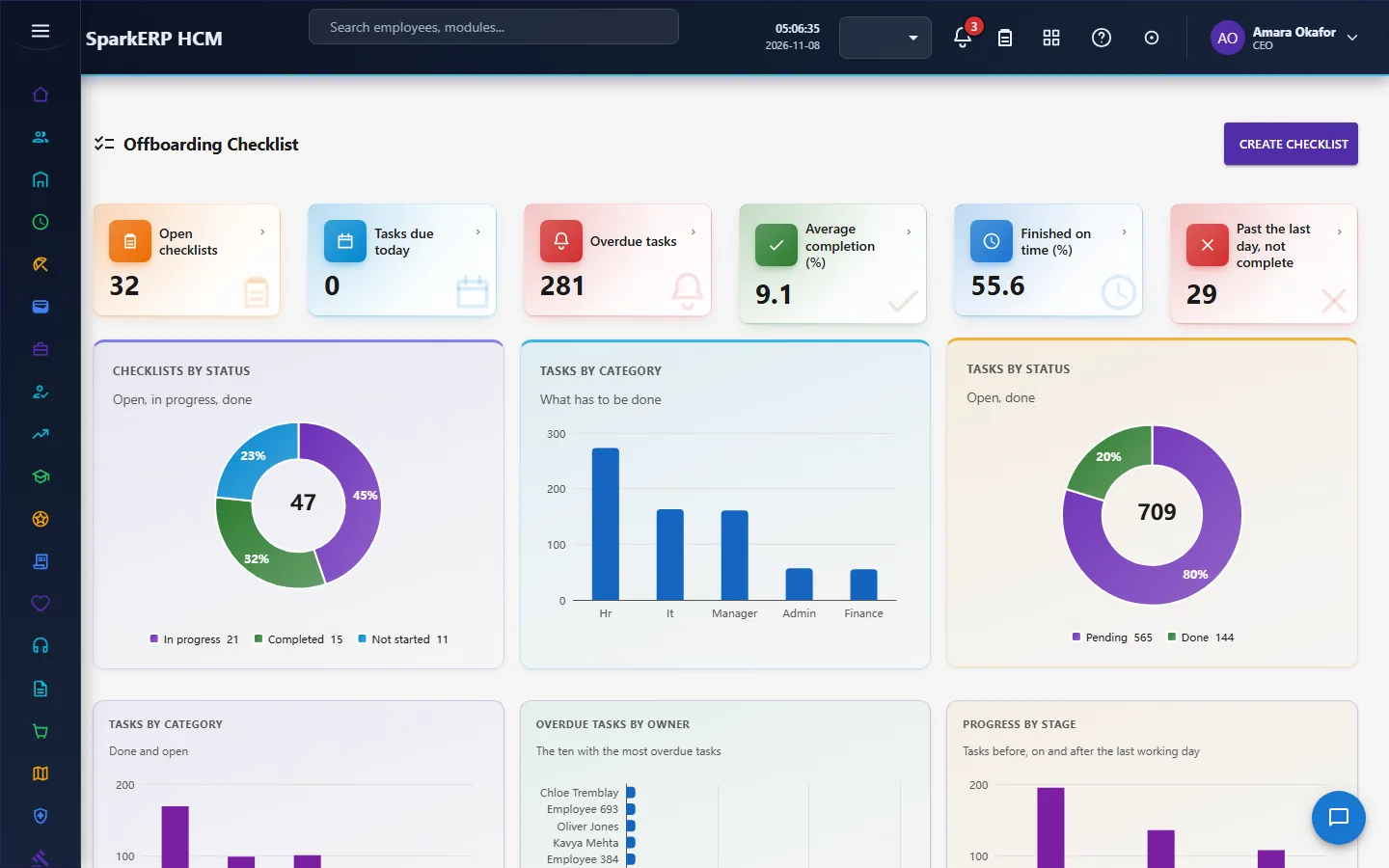
Offboarding Checklist
A checklist of offboarding tasks with one-click completion per task.
Open it at /hcm-separation/offboarding-checklist (or from the HCM menu).
- Sections: Checklists by status, Tasks by category, What has to be done, Tasks by status, Done and open, Overdue tasks by owner, The ten with the most overdue tasks, Progress by stage, Days to finish a task, Tasks due in the next 7 days, Open tasks by day, All checklists and 14 more.
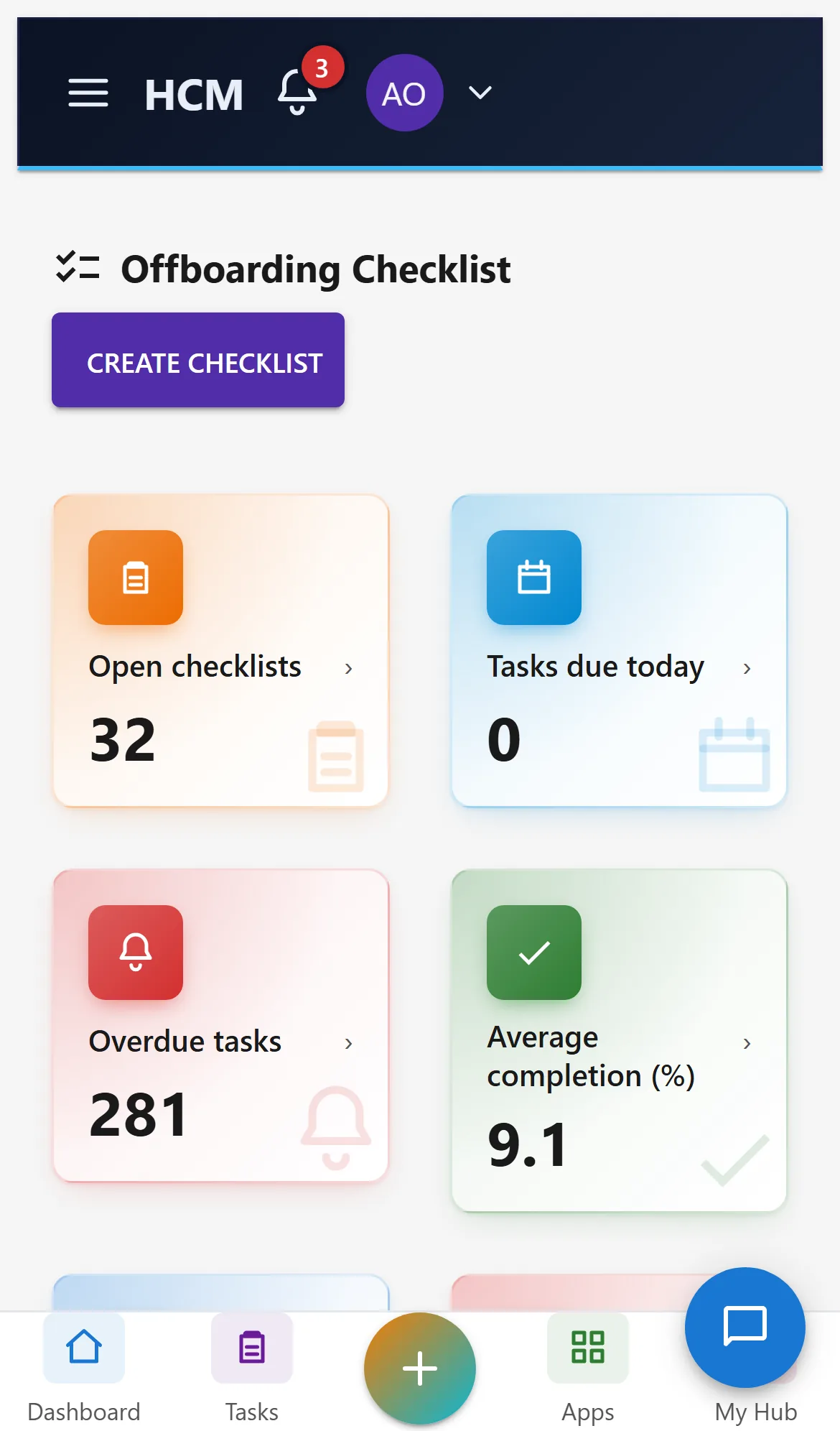
- Cards: Open checklists, Tasks due today, Overdue tasks, Average completion (%), Finished on time (%), Past the last day, not complete.
- Table columns: Number, Employee, Started Date, Status.
- Actions: Create Checklist, Try again, Cancel, Save, Add Task, Remove access now, Start Checklist, Complete Checklist, Mark Done, Mark Exception.