
Appearance
Communication History (HCM)
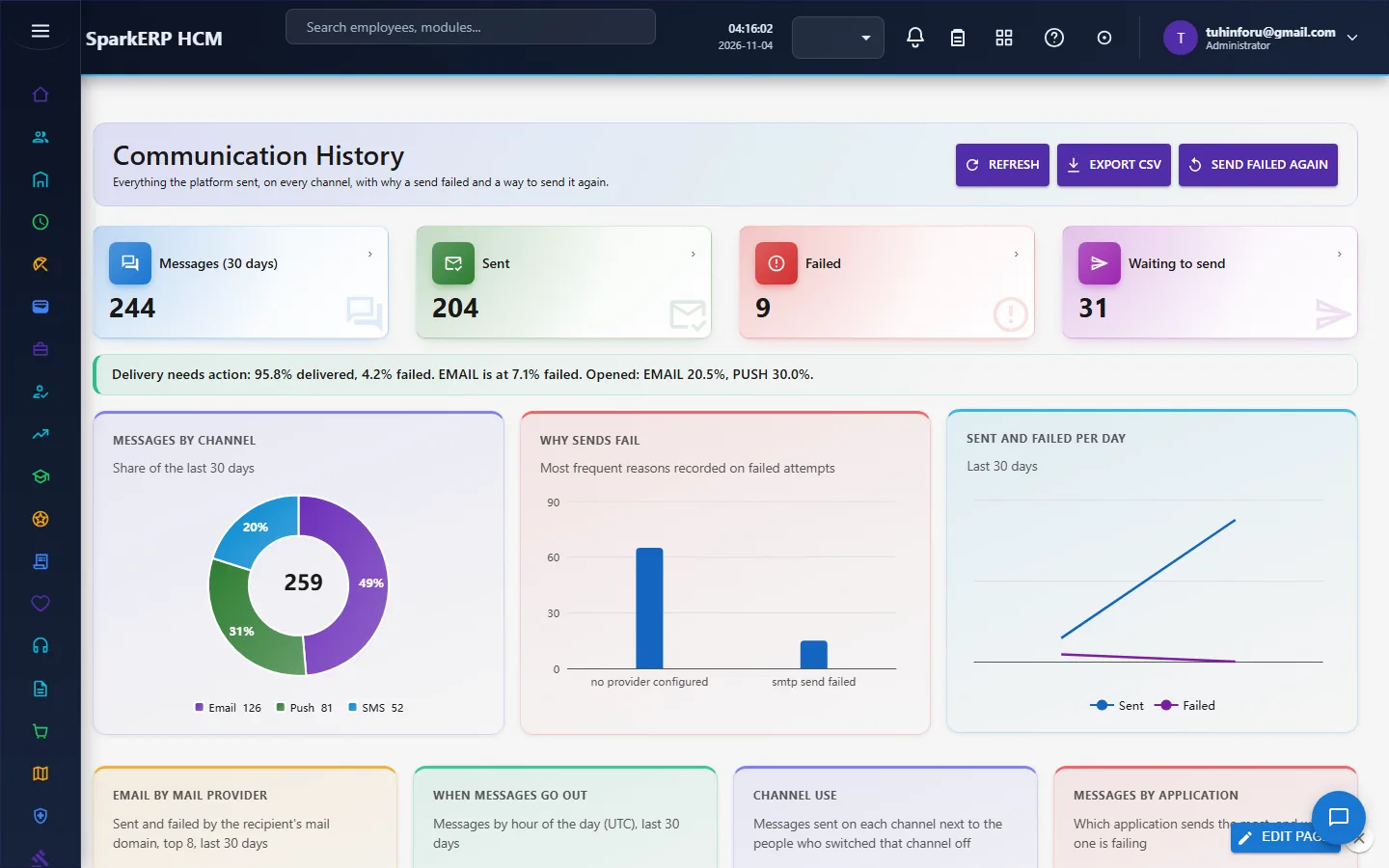
This page documents the shipped Communication History screen (hcm-communications) — a unified, searchable, read-only timeline across every channel. Not for plugin developers.
What it does
Search and browse everything sent — email, SMS, push, in-app, and announcements — in one timeline, each entry showing its Recipient, Subject, Type, Source (which screen actually sent it), and real delivery timestamps (Timestamp vs. Delivered At, so you can tell "sent" and "actually delivered" apart). KPIs: Total Communications, Sent, Delivered, Failed — genuine delivery tracking, not just a send log.
Charts and reach
Above the timeline: totals, then charts of messages by channel, by day, by status, by application (which screen sent them) and opt-outs by category. The sentence under the cards reads like "Opened: EMAIL 20.5%, PUSH 30.0%". Email opens are counted when the mail program loads the one-pixel image in the mail, and push opens come from the provider's open receipt, so open figures are a guide to reach, not proof of reading. SMS and push delivery come back from the provider as receipts, so a message moves from Sent to Delivered on its own.
Mail, SMS and push leave through provider accounts set up in the Integration Designer, never fixed in the screen.