Appearance
Identity Documents, Passport, Visa, Driving License & Document Management (HCM)
This page documents five shipped Employee Information screens (hcm-employee-information) covering an employee's official documents. Not for plugin developers.
Identity Documents
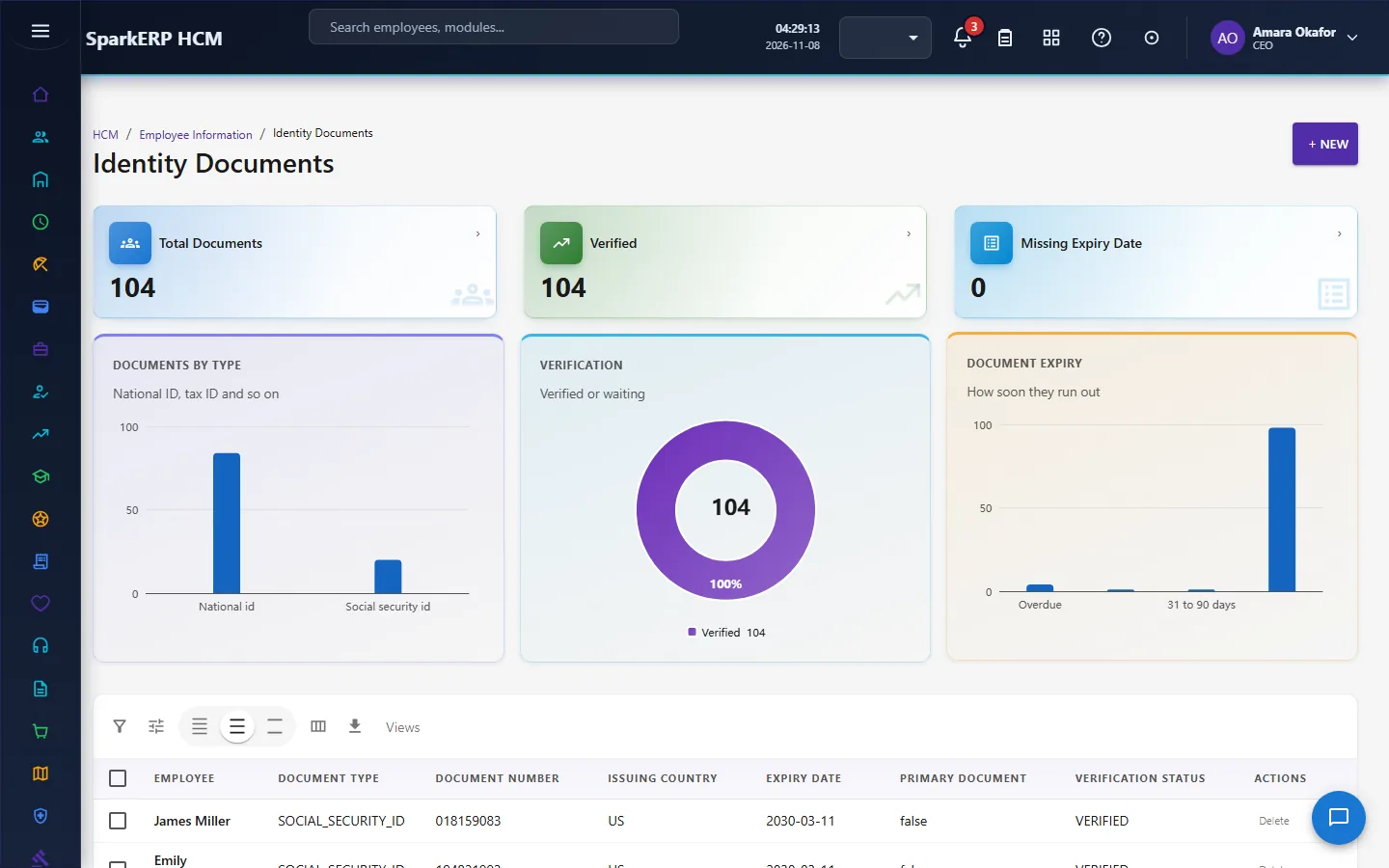
Track every official ID document an employee has on file (add, edit, delete — multiple documents per employee).
Open it at /hcm-employee-information/identity-documents (or from the HCM menu).
- Sections: Documents by type, Verification, Verified or waiting, Document expiry, How soon they run out, Document Details, Employee, Document Type, Document Number, Issuing Country, Issuing Authority, Validity & Verification and 4 more.
- Cards: Total Documents, Verified, Missing Expiry Date.
- Table columns: Employee, Document Type, Document Number, Issuing Country, Expiry Date, Primary Document, Verification Status, Actions.
- Actions: + New, Cancel, Save, Delete.
Passport, Visa & Driving License
Three dedicated screens, one per document type, each with its own add/edit/delete over multiple records per employee (e.g. more than one passport over time, or visas for multiple countries).
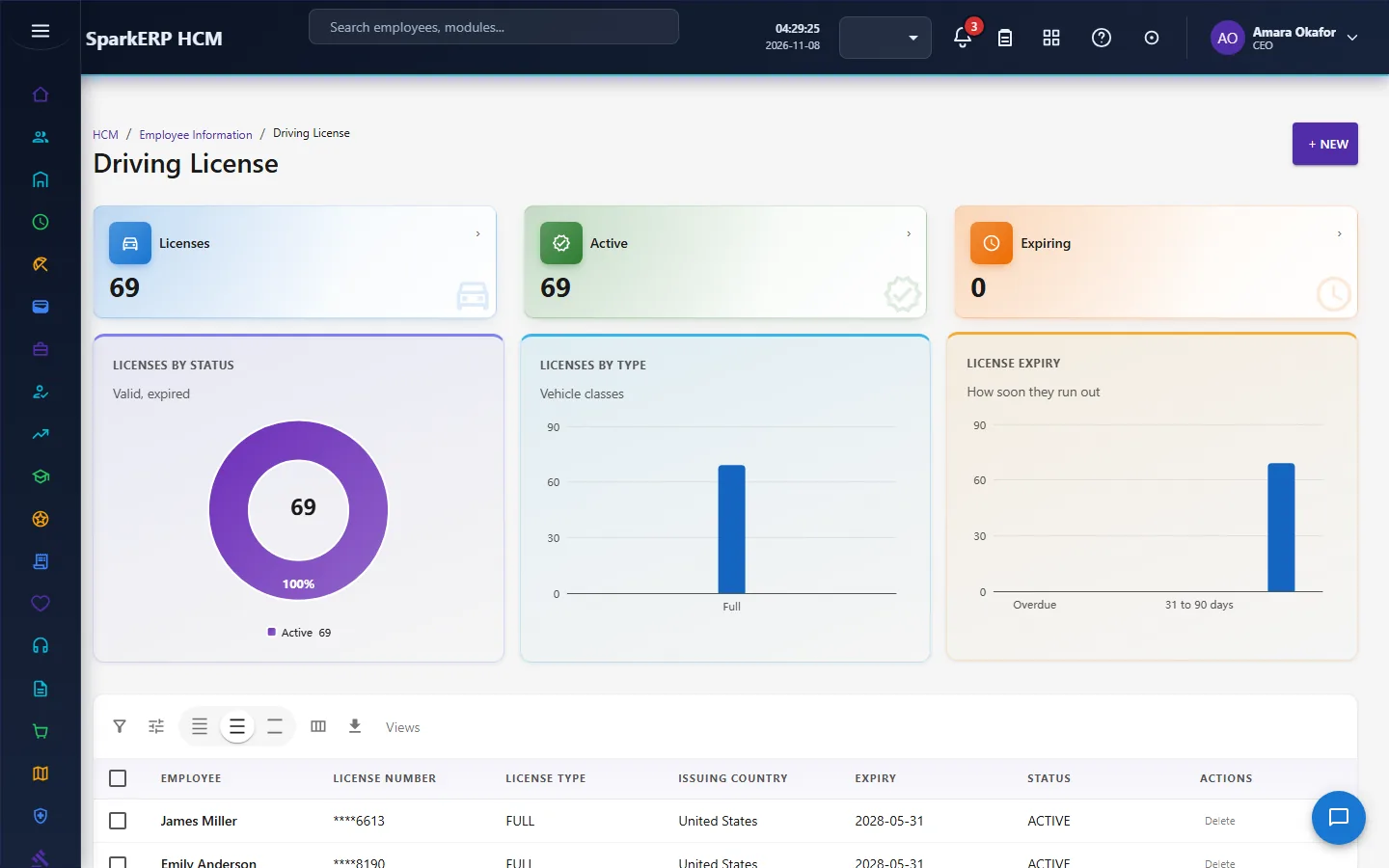
Open it at /hcm-employee-information/driving-license (or from the HCM menu).
- Sections: Driving License, Licenses by status, Licenses by type, Vehicle classes, License expiry, How soon they run out, License Details, Employee, License Number (Masked), License Type, Vehicle Classes (comma-separated), Issuance and 8 more.
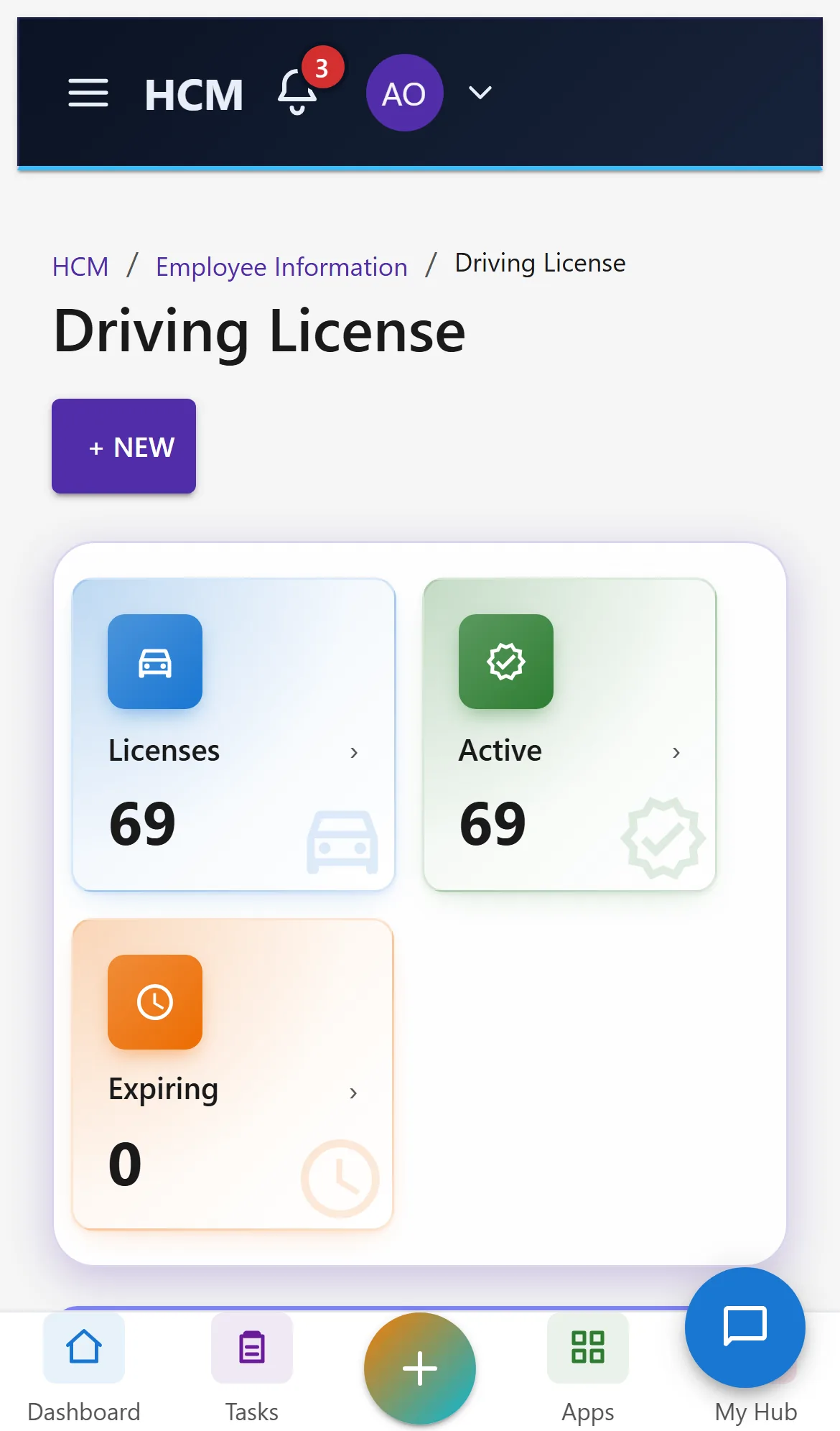
- Cards: Licenses, Active, Expiring.
- Table columns: Employee, License Number, License Type, Issuing Country, Expiry, Status, Actions.
- Actions: + New, Cancel, Save, Delete.
Document Management
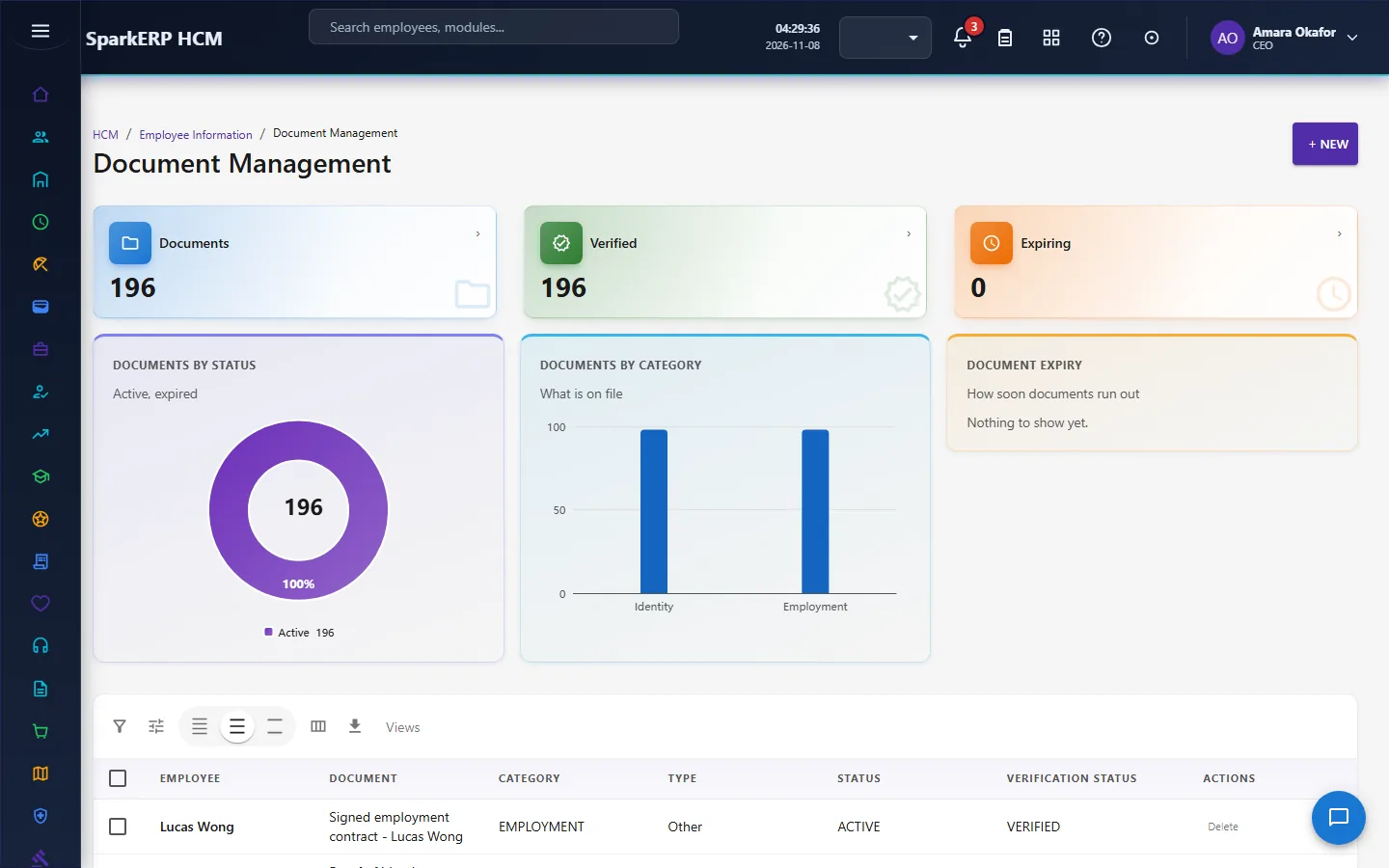
The general document storage and tracking screen for anything not covered by the dedicated document types above.
Open it at /hcm-employee-information/document-management (or from the HCM menu).
- Sections: Documents by status, Documents by category, What is on file, Document expiry, How soon documents run out, Document, Employee, Document Category, Document Type, Document Name, Metadata, Document Number (Masked) and 8 more.
- Cards: Documents, Verified, Expiring.
- Table columns: Employee, Document, Category, Type, Status, Verification Status, Actions.
- Actions: + New, Download, Cancel, Save, Delete.