Appearance
Travel Policies, Travel Requests & Travel Approval (HCM)
This page documents three shipped Travel screens (hcm-travel) covering how a business trip gets requested and approved. Not for plugin developers.
Travel Policies
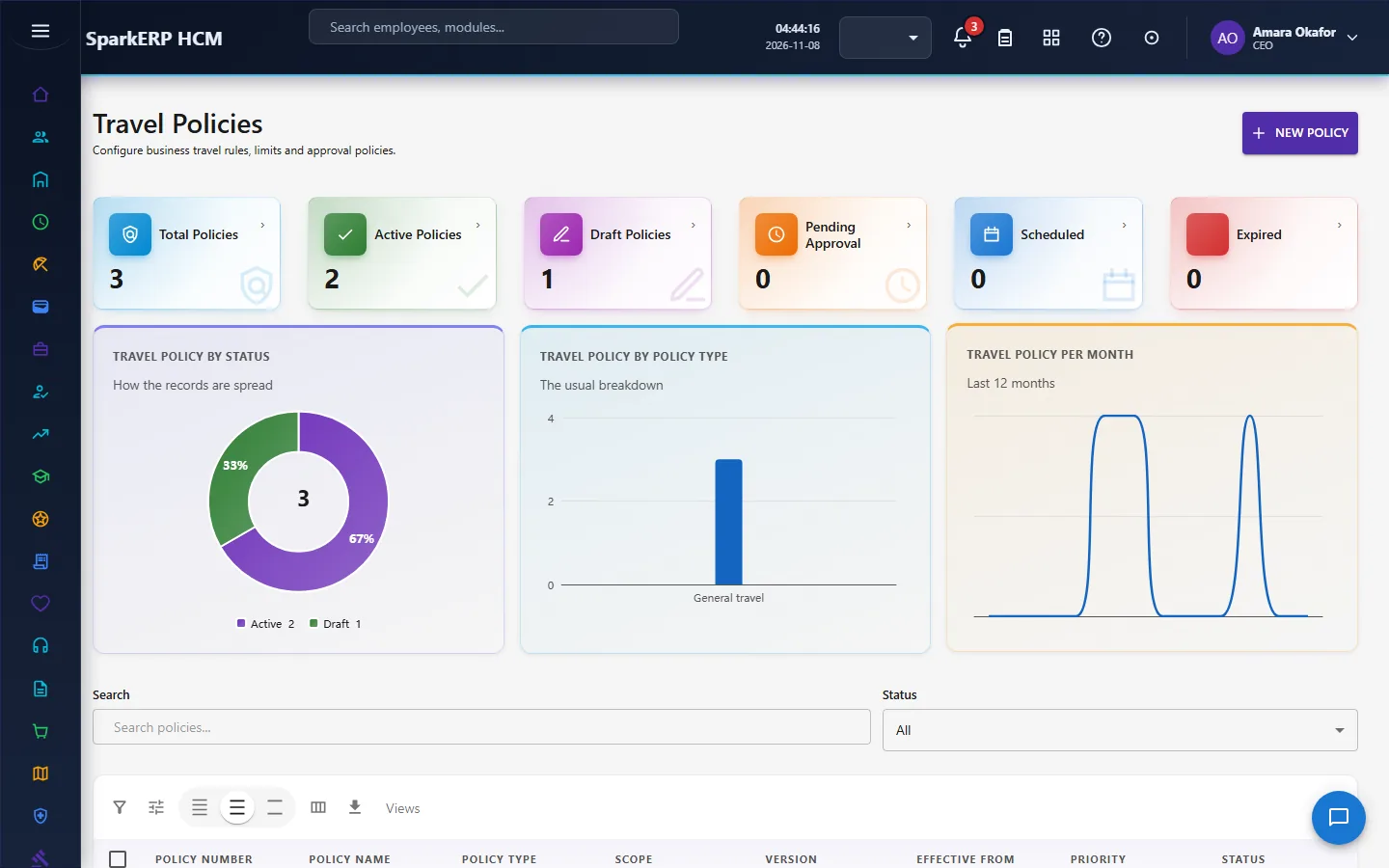
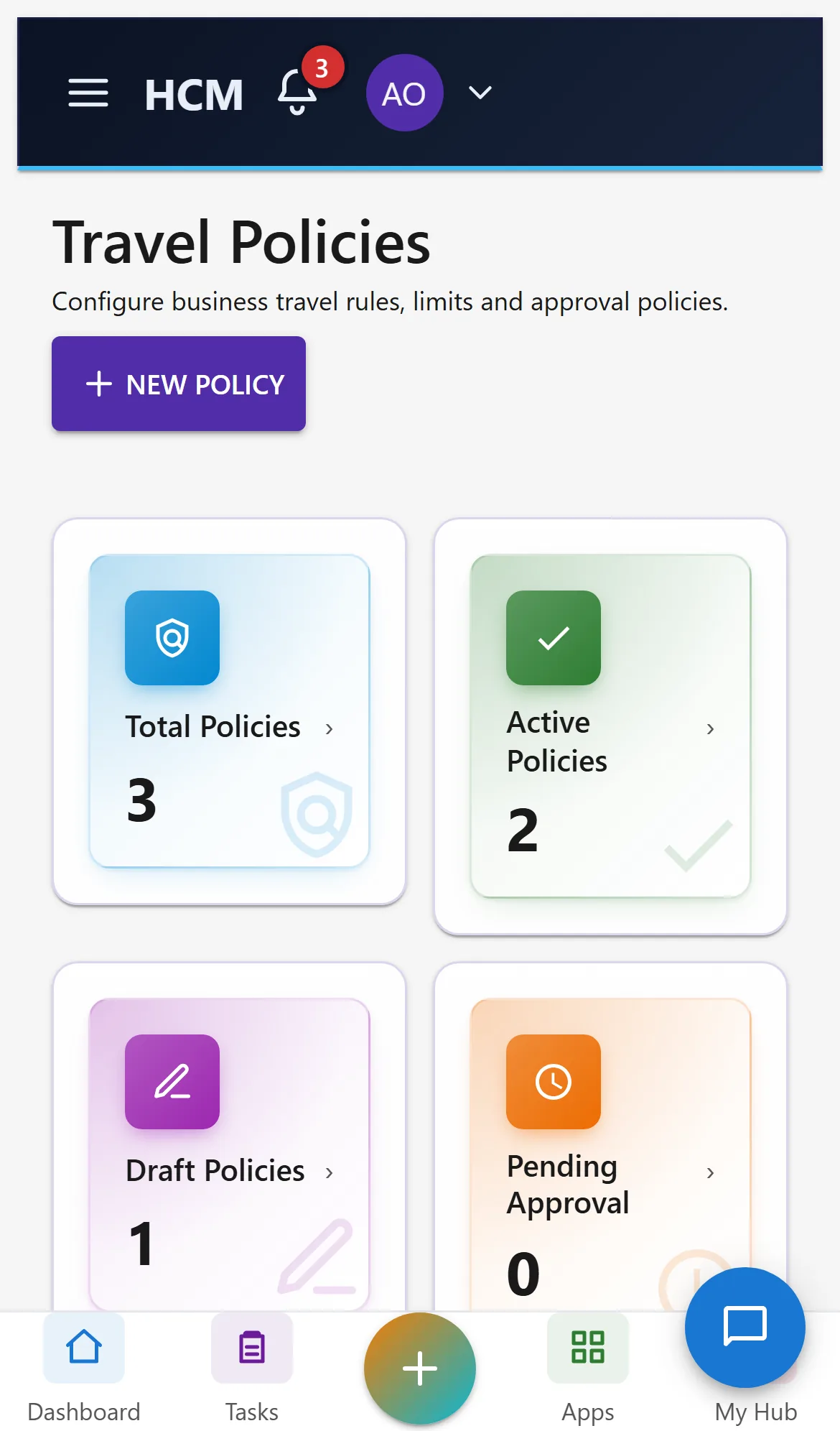
Define your company's travel policies through a single, straightforward create/edit form. KPIs: Total Policies, Draft, Pending Approval, Scheduled, Active, Expired — so you can see at a glance which policies are actually live vs. still being drafted.
Open it at /hcm-travel/travel-policies (or from the HCM menu).
- Sections: Travel policy by status, How the records are spread, Travel policy by policy type, The usual breakdown, Travel policy per month, Last 12 months, Search, Status, Policy Number, Policy Name, Policy Type, Description and 18 more.
- Cards: Total Policies, Active Policies, Draft Policies, Pending Approval, Scheduled, Expired.
- Table columns: Policy Number, Policy Name, Policy Type, Scope, Version, Effective From, Priority, Status.
- Actions: New Policy, Cancel, Save Draft, Edit, Submit for Review, Submit for Approval, Approve, Activate, Archive, Create New Version.
Travel Requests
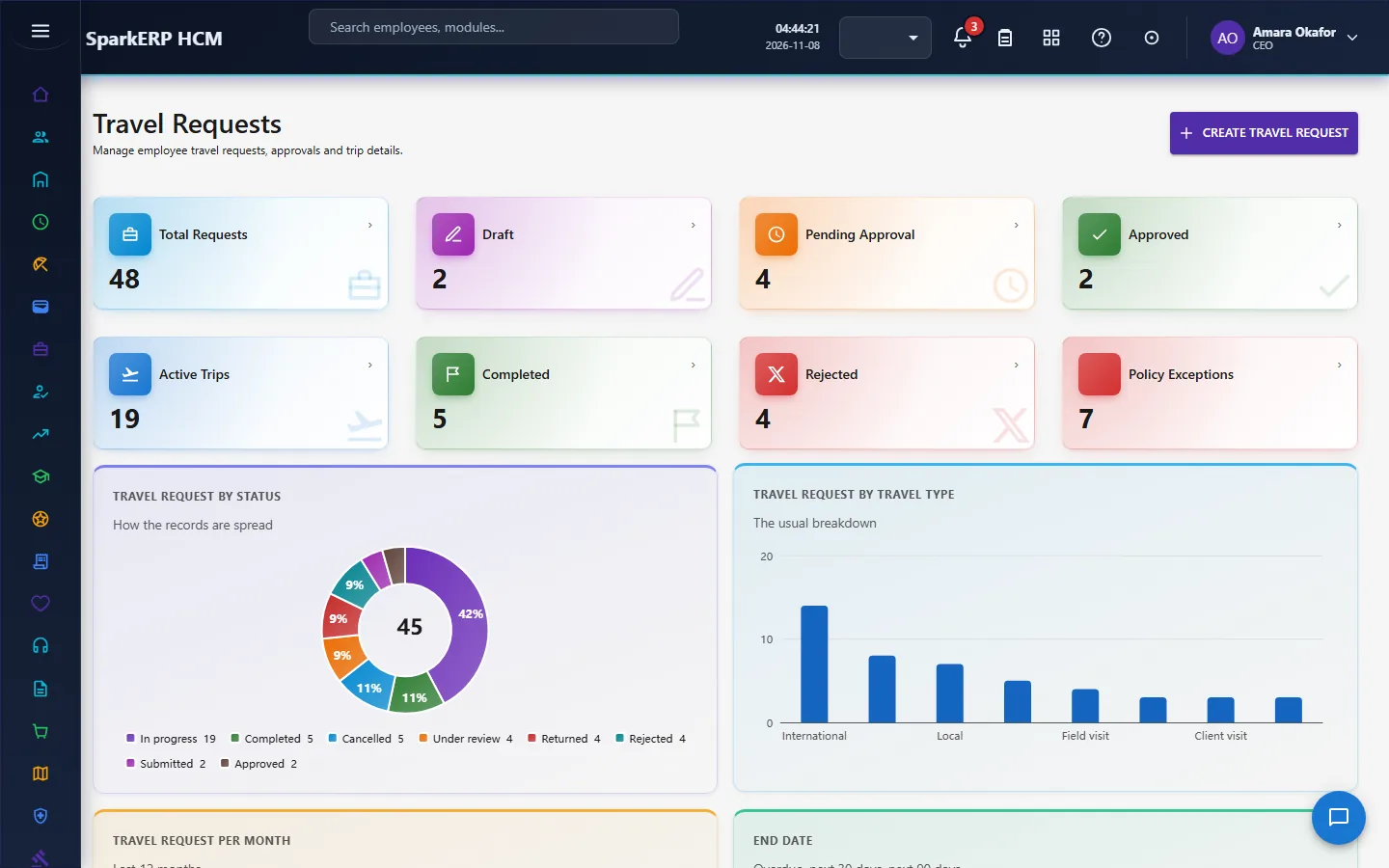
Request a trip — destination, dates, itinerary — through a single-form create/edit. Each request is checked against your active Travel Policy as it moves through Draft → Pending Approval → Approved → Active Trips → Completed (or Rejected). The KPI row includes a genuinely useful Policy Exceptions count — requests that fell outside policy, worth reviewing specifically rather than hunting through the full list.
Open it at /hcm-travel/travel-requests (or from the HCM menu).
- Sections: Travel request by status, How the records are spread, Travel request by travel type, The usual breakdown, Travel request per month, Last 12 months, End date, Search, Status, Trip Details, Request Number, Employee and 30 more.
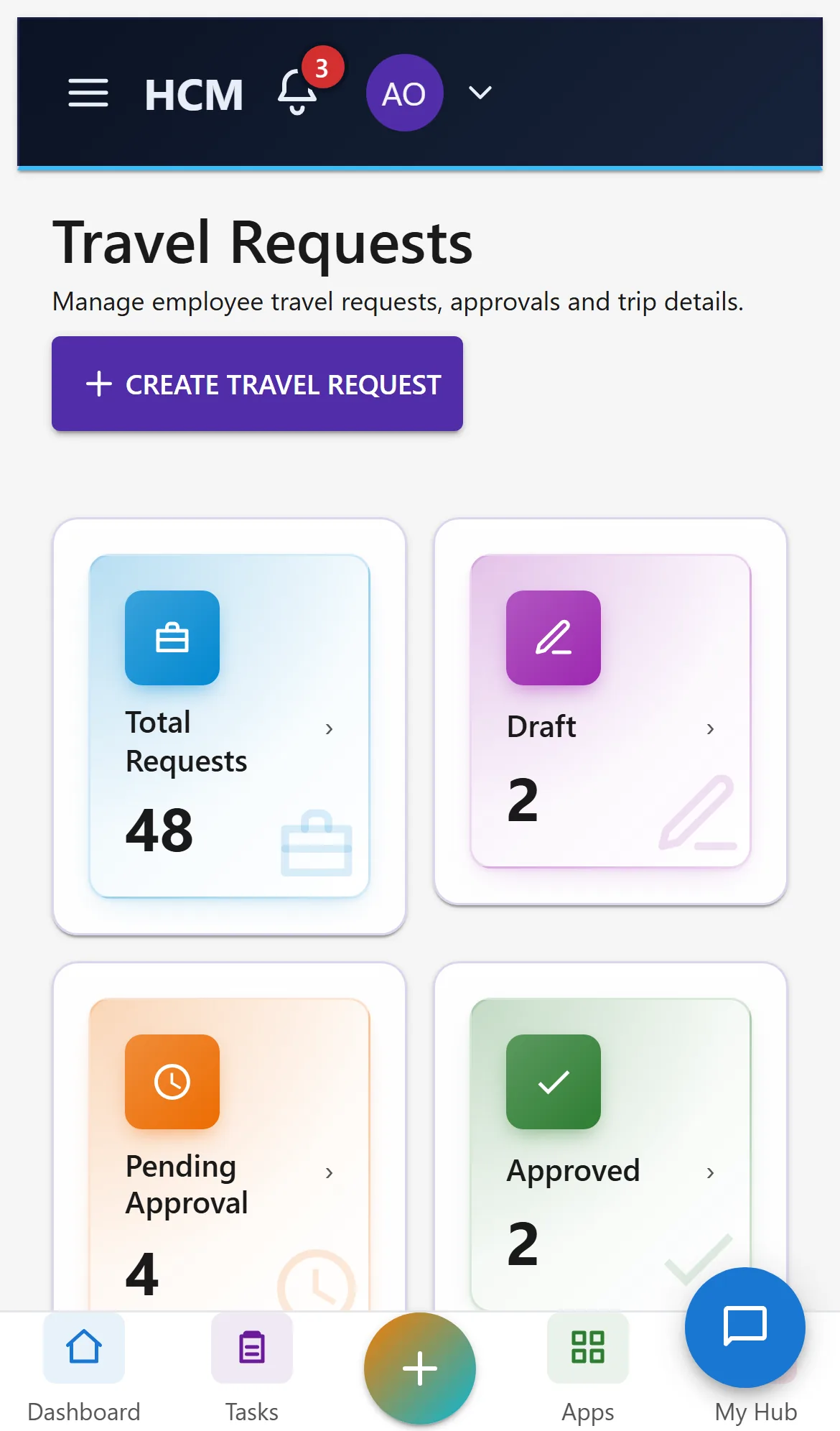
- Cards: Total Requests, Draft, Pending Approval, Approved, Active Trips, Completed, Rejected, Policy Exceptions.
- Table columns: Request Number, Employee, Travel Type, Destination, Start Date, End Date, Estimated Cost, Policy Status, Status.
- Actions: Create Travel Request, Cancel, Save Draft, Edit, Submit, Withdraw, Cancel Request.
How to: Travel Request
- Open Travel > Travel Requests.
- Select the record you want to change, or the button that adds a new one.
- In the window Travel Request fill in:
| Field | What to enter |
|---|---|
| [{"sequence":1,"fromCity":"Kolkata","toCity":"Mumbai","departureDate":"2026-09-05","travelMode":"FLIGHT","carrier":"Indigo"}] | Type it. |
- Select Save Draft.
- The window closes and the table refreshes with the result. If the screen shows a message instead, read it: it says what is missing.
Travel Approval
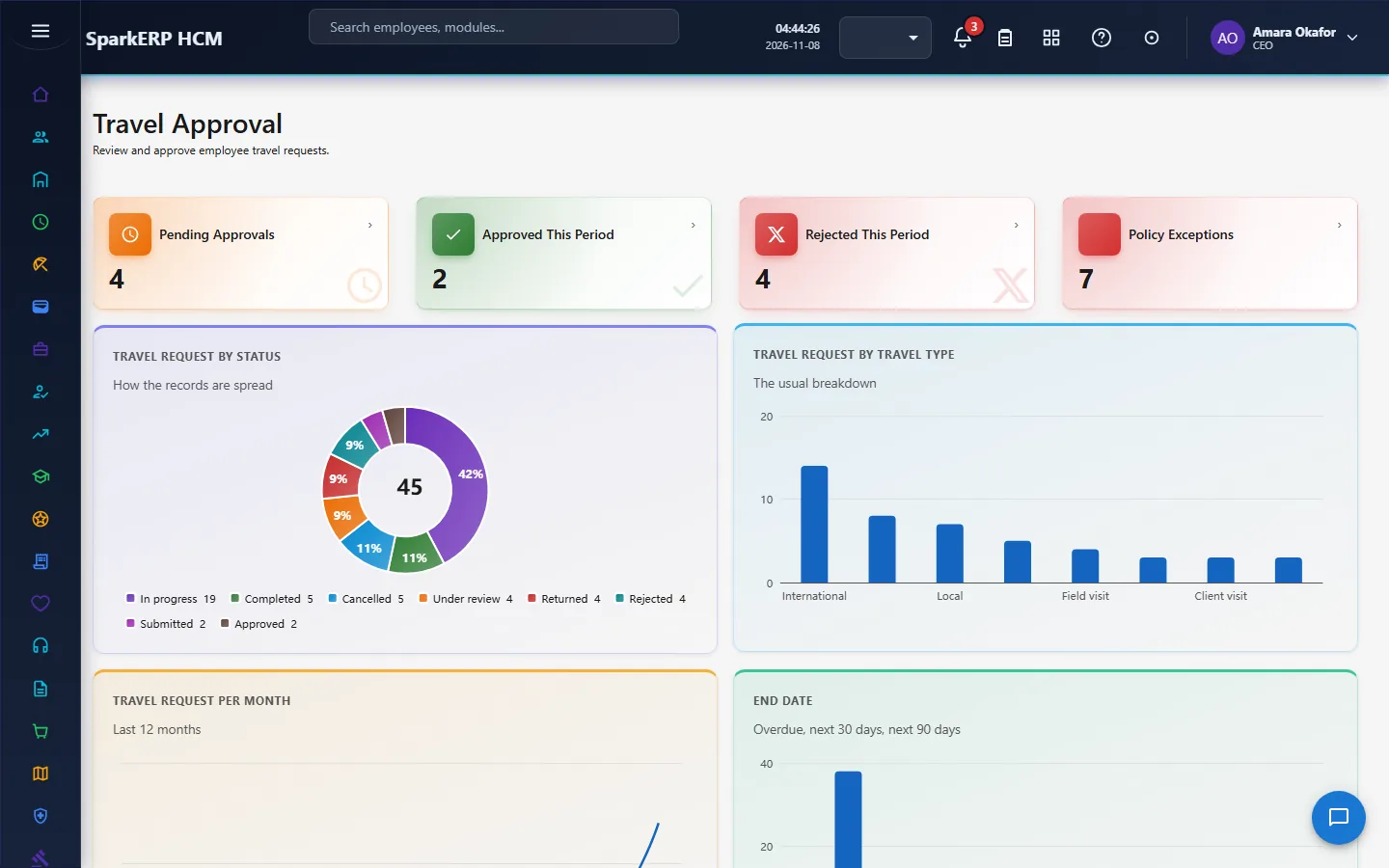
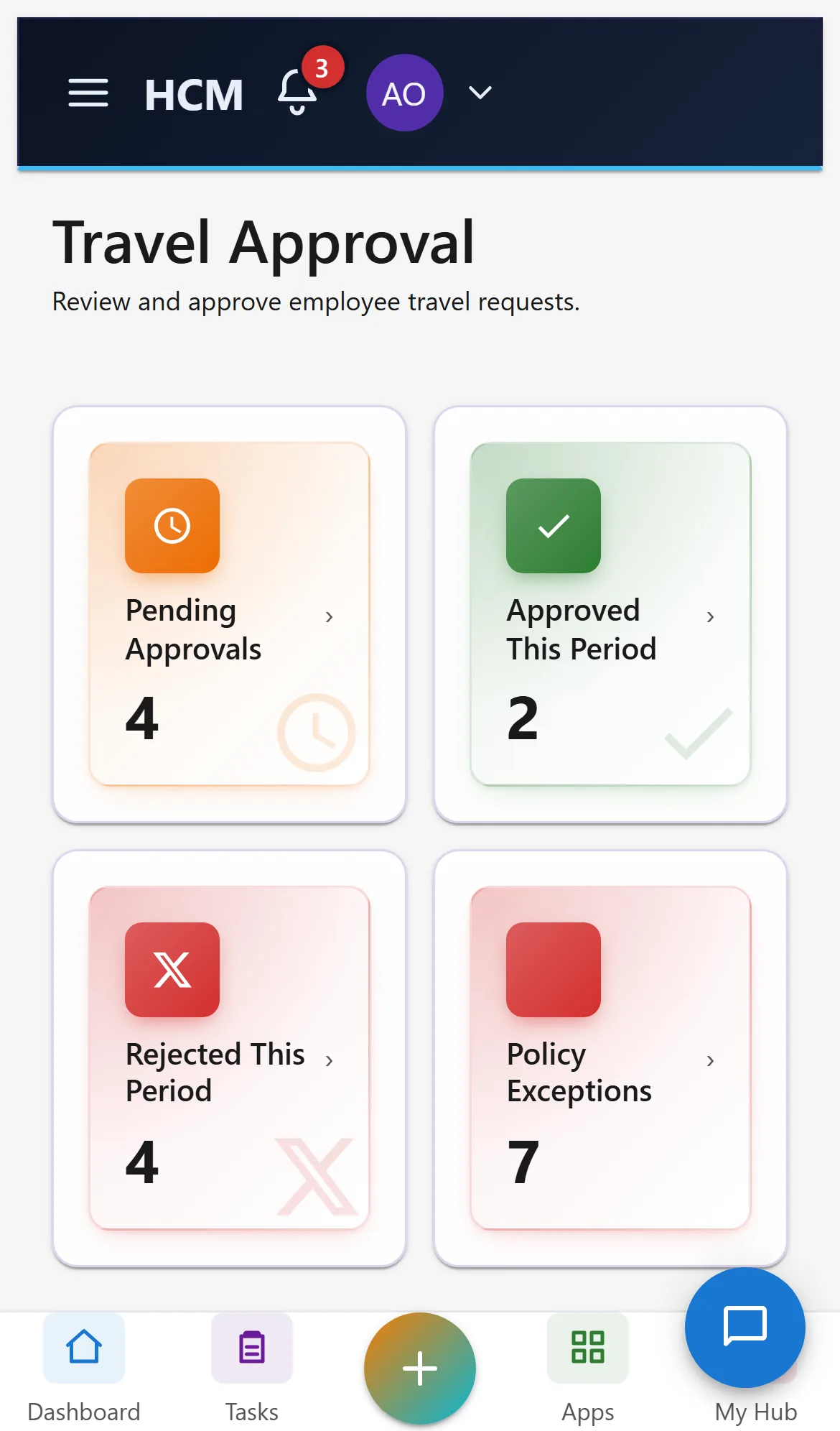
A focused approver workspace for reviewing and approving travel requests inline, without needing to leave for the general approvals inbox. KPIs: Pending Approvals, Approved This Period, Rejected This Period, Policy Exceptions — a real per-period view of your own approval activity, not just a static backlog count.
Open it at /hcm-travel/travel-approval (or from the HCM menu).
- Sections: Travel request by status, How the records are spread, Travel request by travel type, The usual breakdown, Travel request per month, Last 12 months, End date, Search, View, Reason (for Reject / Return).
- Cards: Pending Approvals, Approved This Period, Rejected This Period, Policy Exceptions.
- Table columns: Request Number, Employee, Department, Destination, Travel Type, Start Date, Estimated Cost, Advance, Policy Status, Approval Status.
- Actions: Approve, Reject, Return.