
Appearance
Learning Dashboard & Reports (HCM)
This page documents two shipped Learning analytics screens (hcm-learning). Not for plugin developers.
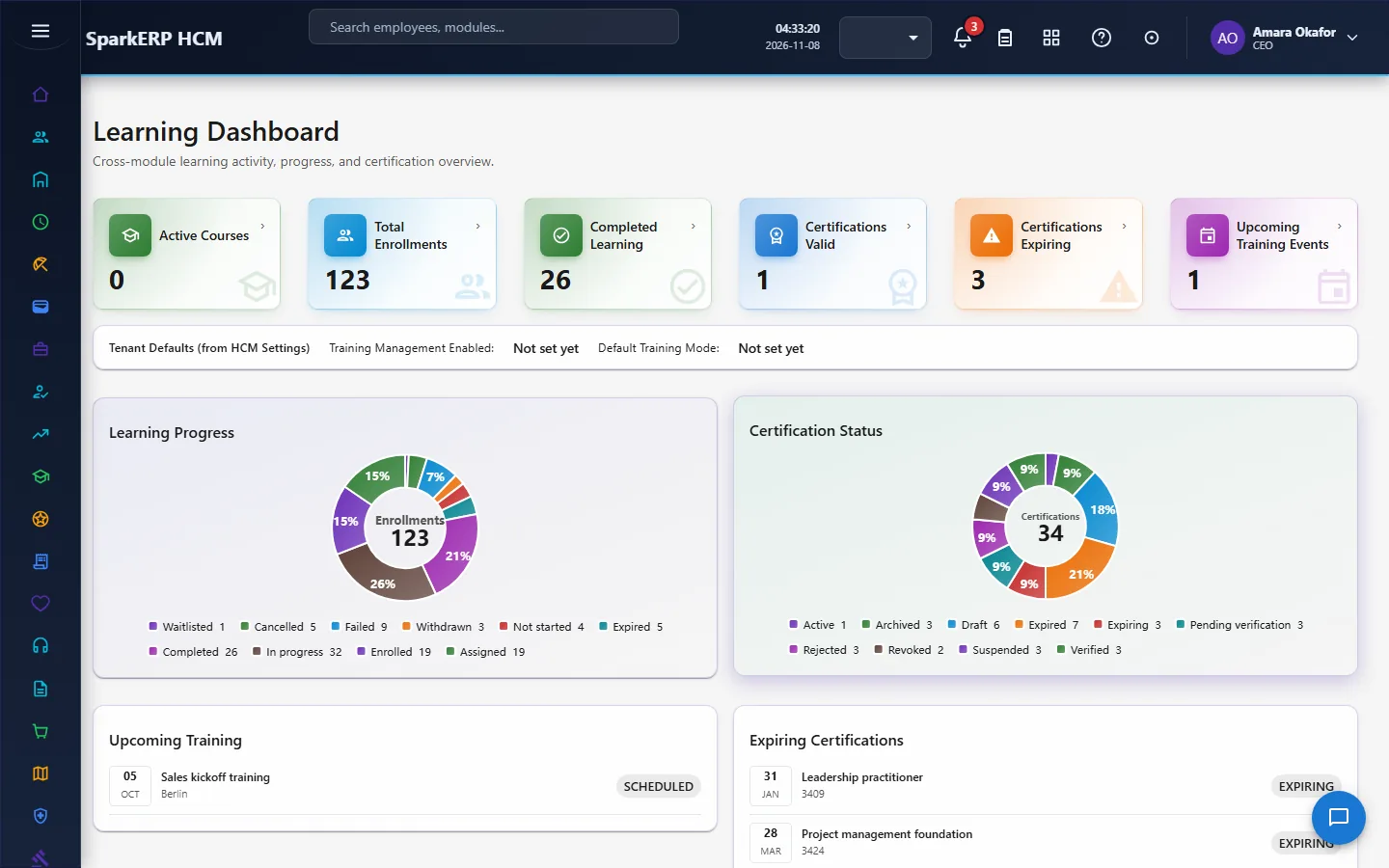
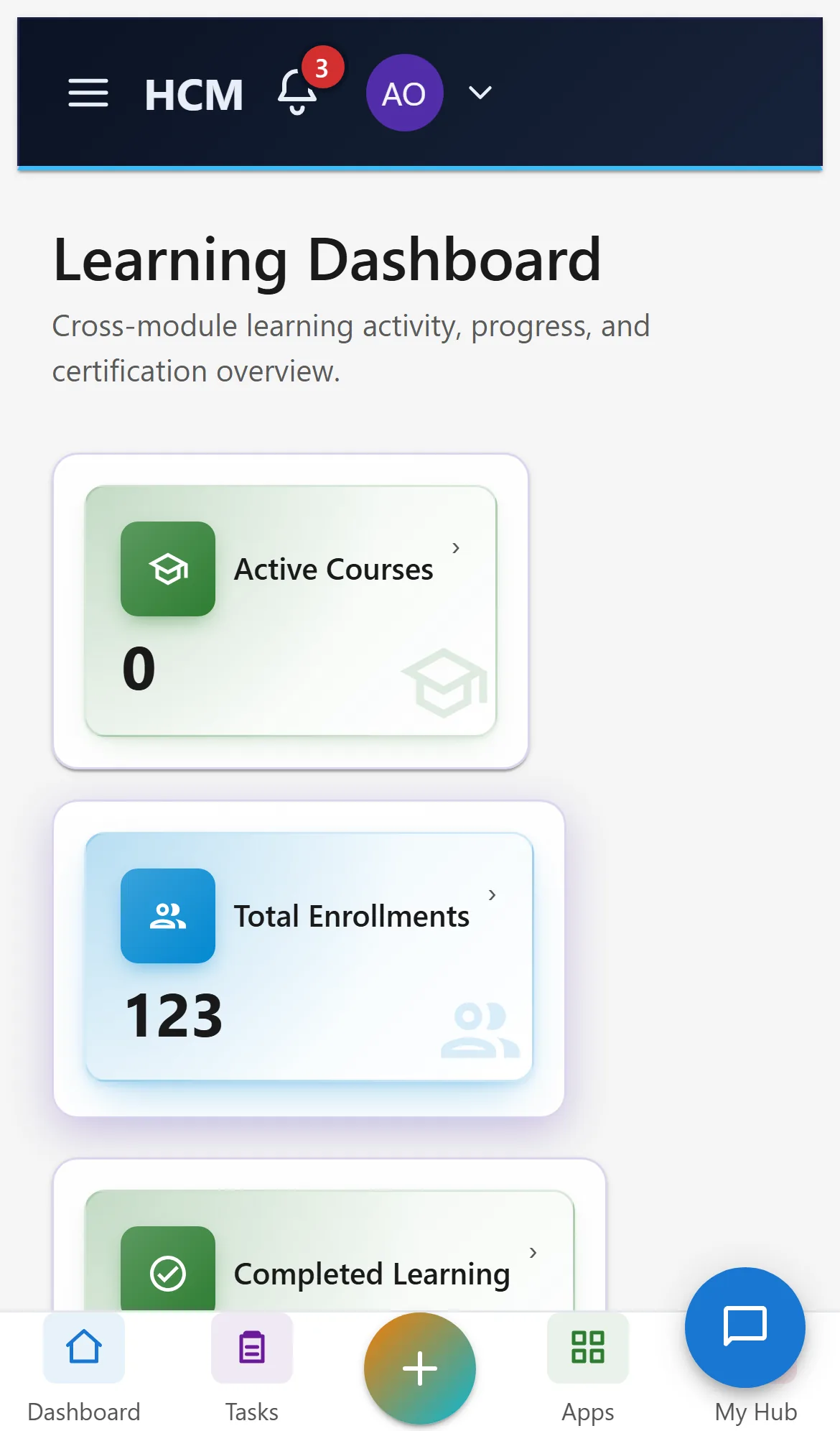
Learning Dashboard
Real KPI cards across courses, enrollments, completions, and more.
Open it at /hcm-learning/learning-dashboard (or from the HCM menu).
- Sections: Tenant Defaults (from HCM Settings), Learning Progress, Certification Status, Upcoming Training, Expiring Certifications.
- Cards: Active Courses, Total Enrollments, Completed Learning, Certifications Valid, Certifications Expiring, Upcoming Training Events.
- Charts: Enrollments, Certifications.
Learning Reports
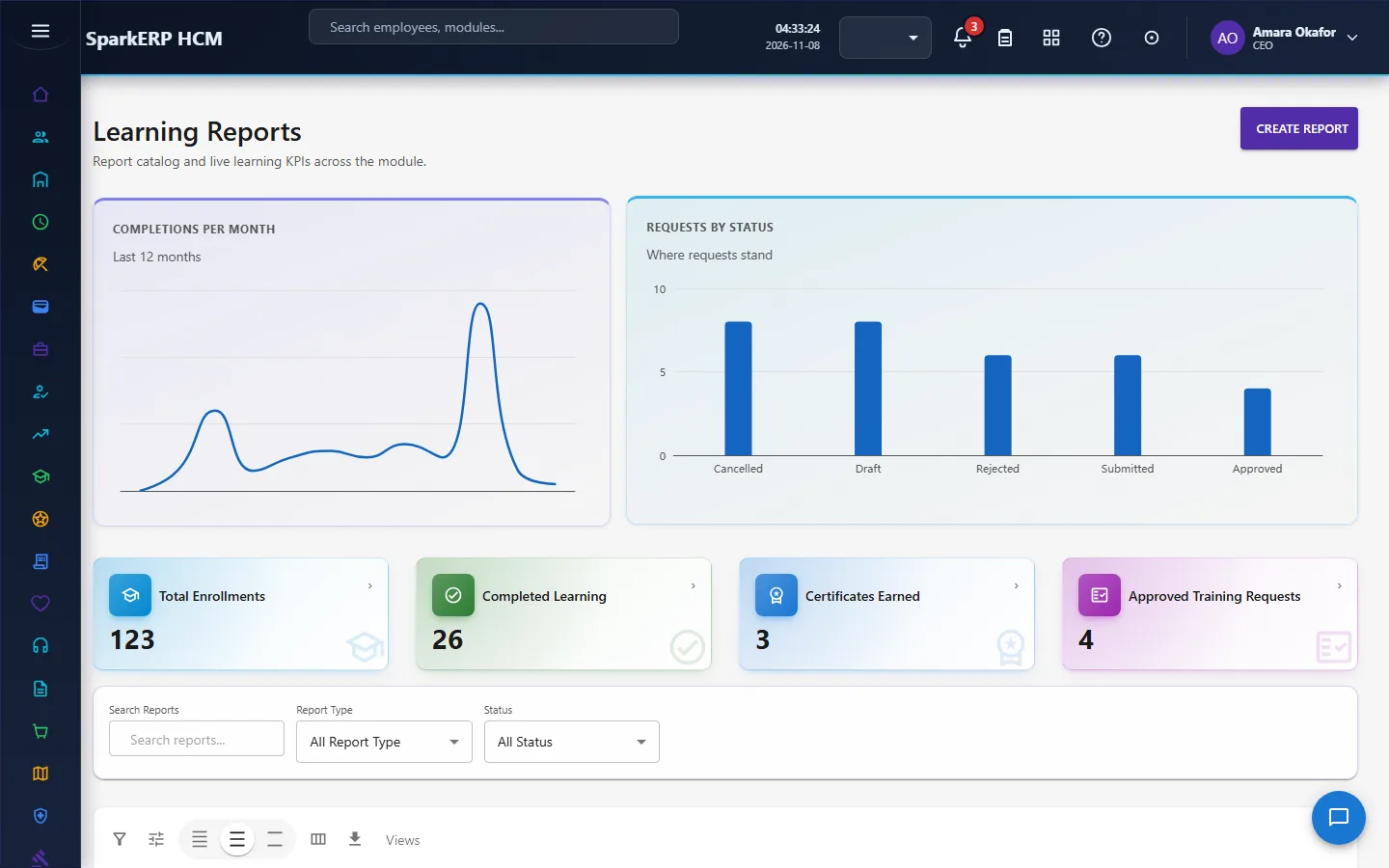
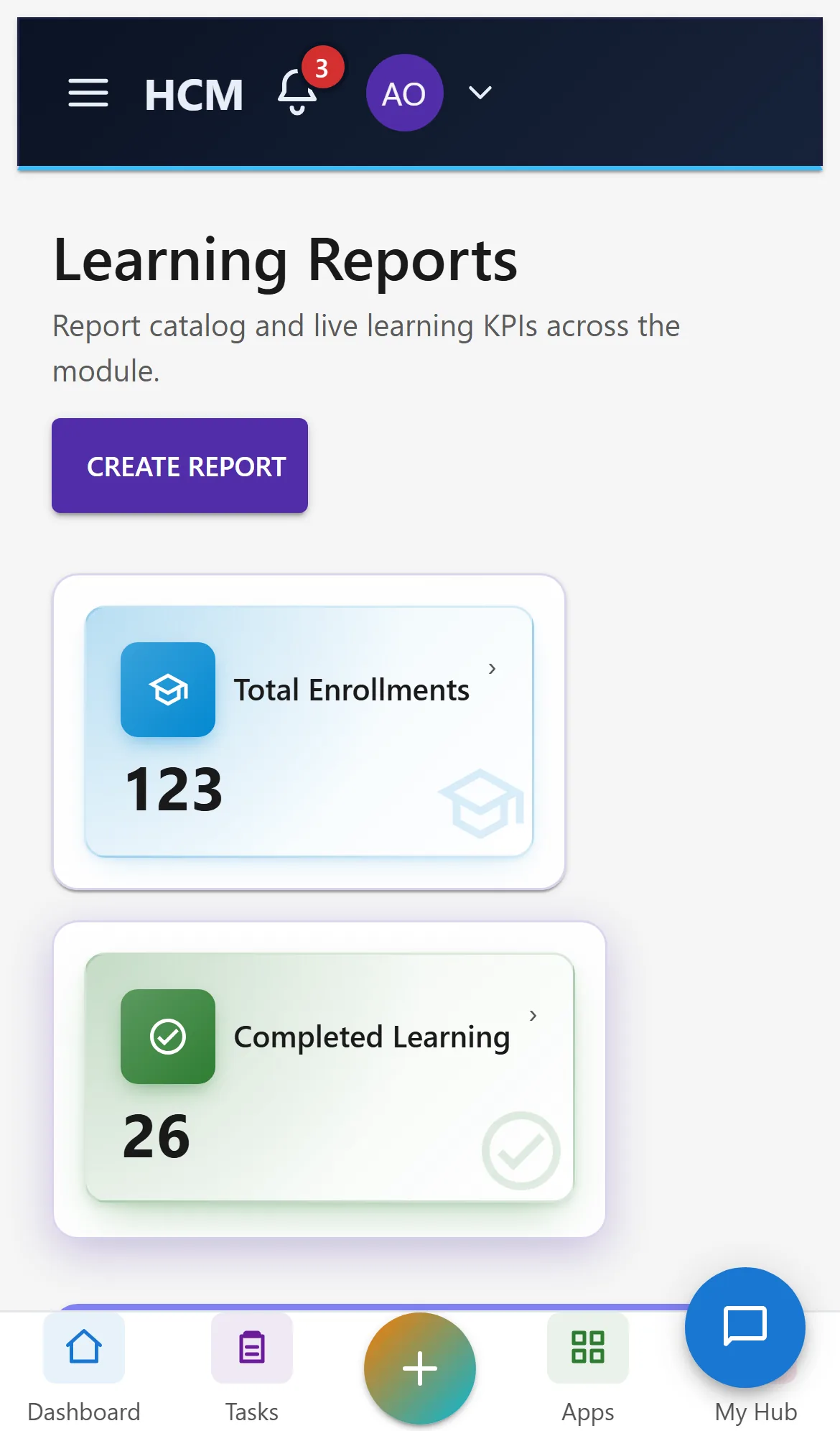
A reporting view over the same real Learning data.
Open it at /hcm-learning/learning-reports (or from the HCM menu).
- Sections: Completions per month, Last 12 months, Requests by status, Where requests stand.
- Cards: Total Enrollments, Completed Learning, Certificates Earned, Approved Training Requests.
- Table columns: Report Name, Type, Data Source, Category, Status, Actions.
- Actions: Create Report, Submit for Approval, Back to Draft, Archive, Cancel, Save.
How to: Create Report
- Open Learning & Development > Learning Reports.
- Select Create Report.
- In the window Learning Report fill in:
| Field | What to enter |
|---|---|
| Report Code | Type it (for example: Report code). |
| Report Name | Type it (for example: Report name). |
| Report Type | Choose one: Summary, Detail, Analytical, Trend, Compliance, Cost, Performance, Comparison, Pivot, Matrix... |
| Category | Type it (for example: Category (e.g. Learning Compliance Reports)). |
| Data Source | Choose one: Employees, Courses, Learning Paths, Training Programs, Enrollments, Assessments, Assessment Attempts, Certifications, Skills, Skill Development... |
| Description | Type it. |
- Select Submit for Approval.
- The window closes and the table refreshes with the result. If the screen shows a message instead, read it: it says what is missing.