Appearance
Headcount Planning, Demand Forecasting & Budget Planning (HCM)
This page documents three shipped Workforce Planning screens (hcm-workforce-planning). Not for plugin developers.
Headcount Planning
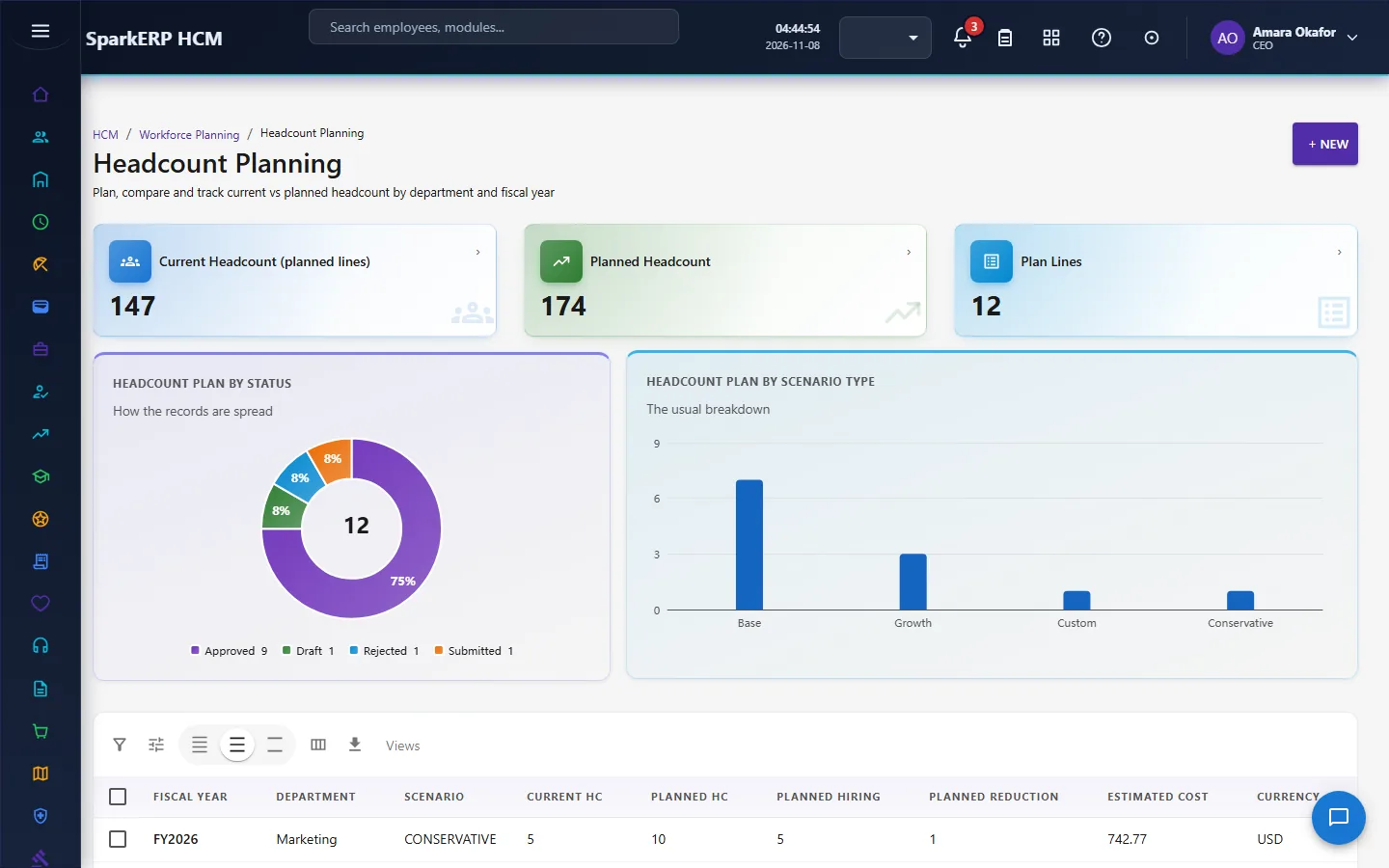
Plan headcount by Department, Fiscal Year, and Scenario: enter Current HC (headcount), Planned HC, Planned Hiring, Planned Reduction, and Estimated Cost/Currency. New plans go through Submit for Approval → Approve/Reject.
Open it at /hcm-workforce-planning/headcount-planning (or from the HCM menu).
- Sections: Headcount plan by status, How the records are spread, Headcount plan by scenario type, The usual breakdown, Fiscal Year (e.g. FY2026-27), Org Unit Id, Department, Scenario, Current Headcount, Planned Hiring, Planned Reduction, Estimated Cost and 2 more.
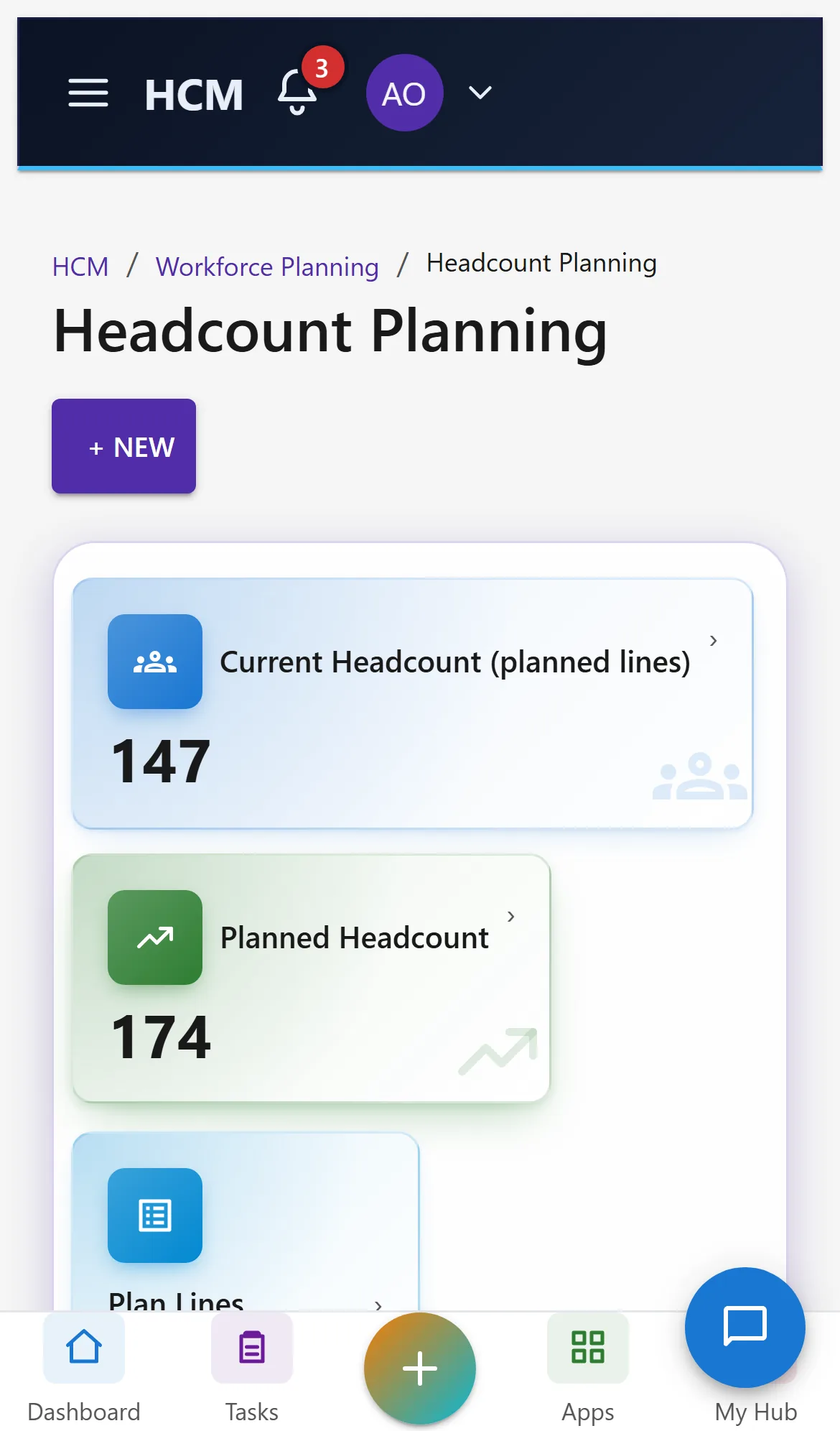
- Cards: Current Headcount (planned lines), Planned Headcount, Plan Lines.
- Table columns: Fiscal Year, Department, Scenario, Current HC, Planned HC, Planned Hiring, Planned Reduction, Estimated Cost, Currency, Status, Actions.
- Actions: + New, Cancel, Save, Delete.
Demand Forecasting
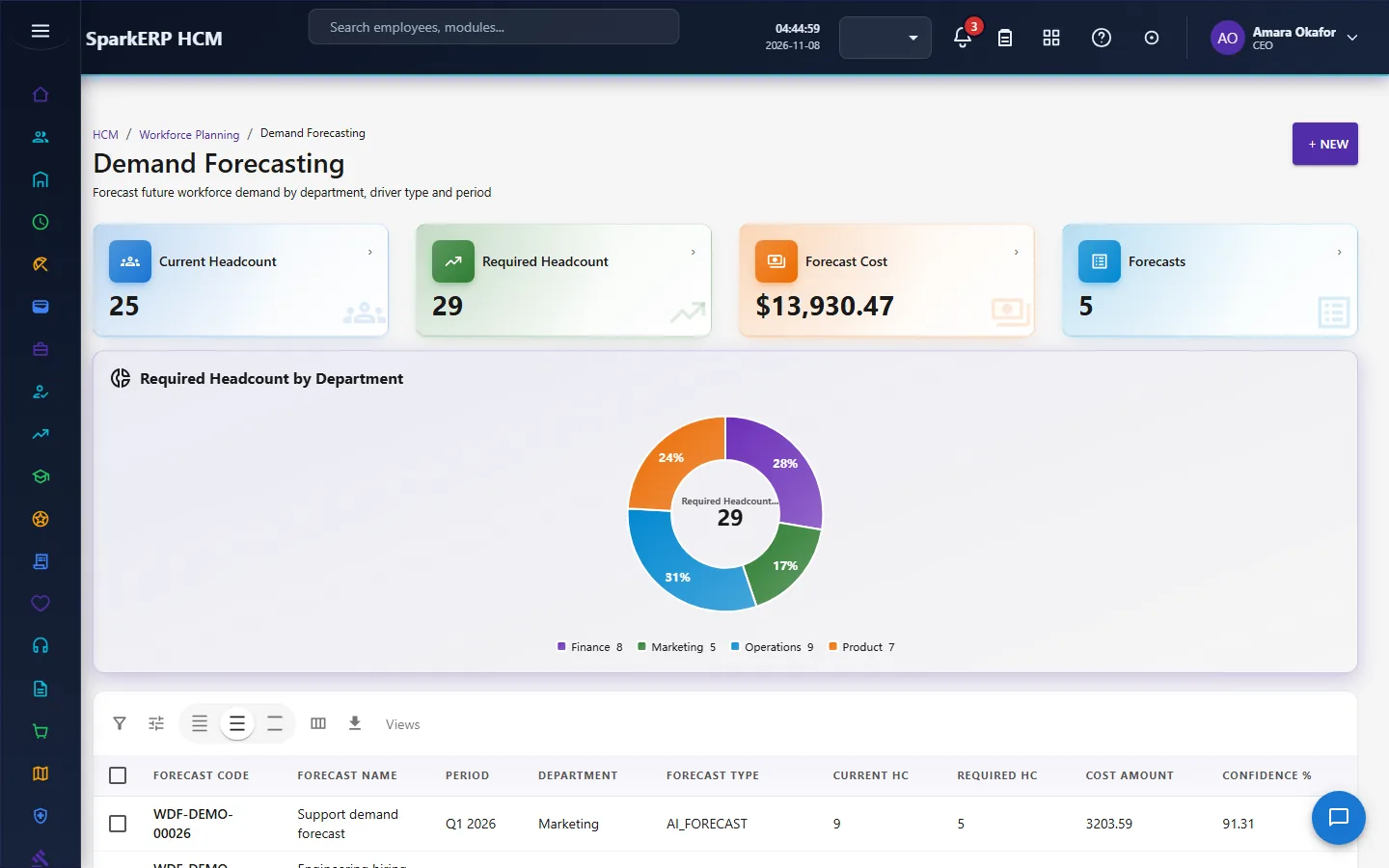
Forecast the headcount you'll need, by department and period: Forecast Name/Code, Forecast Type, Current HC, Required HC, and a Growth Rate % — the screen calculates a Suggested HC for you from that growth rate rather than making you do the math, alongside a Confidence % and Cost Amount for the forecast. Same submit → approve/reject flow as Headcount Planning.
Open it at /hcm-workforce-planning/demand-forecasting (or from the HCM menu).
- Sections: Forecast Code, Forecast Name, Period (e.g. FY2026-27 Q1), Org Unit Id, Department, Forecast Type, Cost Amount, Confidence %, Status, Growth Rate % (for suggested headcount).
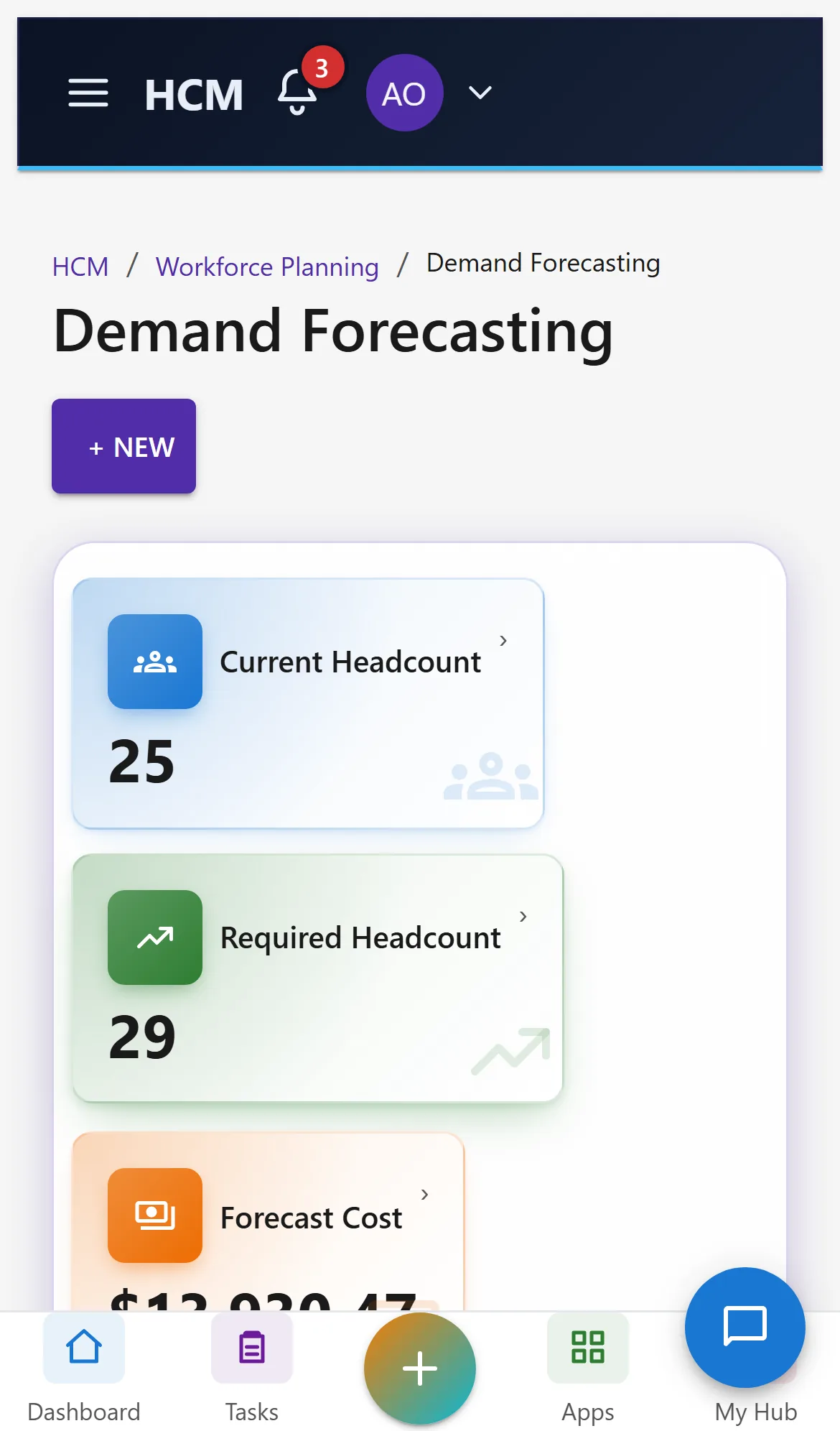
- Cards: Current Headcount, Required Headcount, Forecast Cost, Forecasts.
- Charts: Required Headcount by Department.
- Table columns: Forecast Code, Forecast Name, Period, Department, Forecast Type, Current HC, Required HC, Cost Amount, Confidence %, Suggested HC (calc), Status, Actions.
- Actions: + New, Cancel, Save, Delete.
Budget Planning
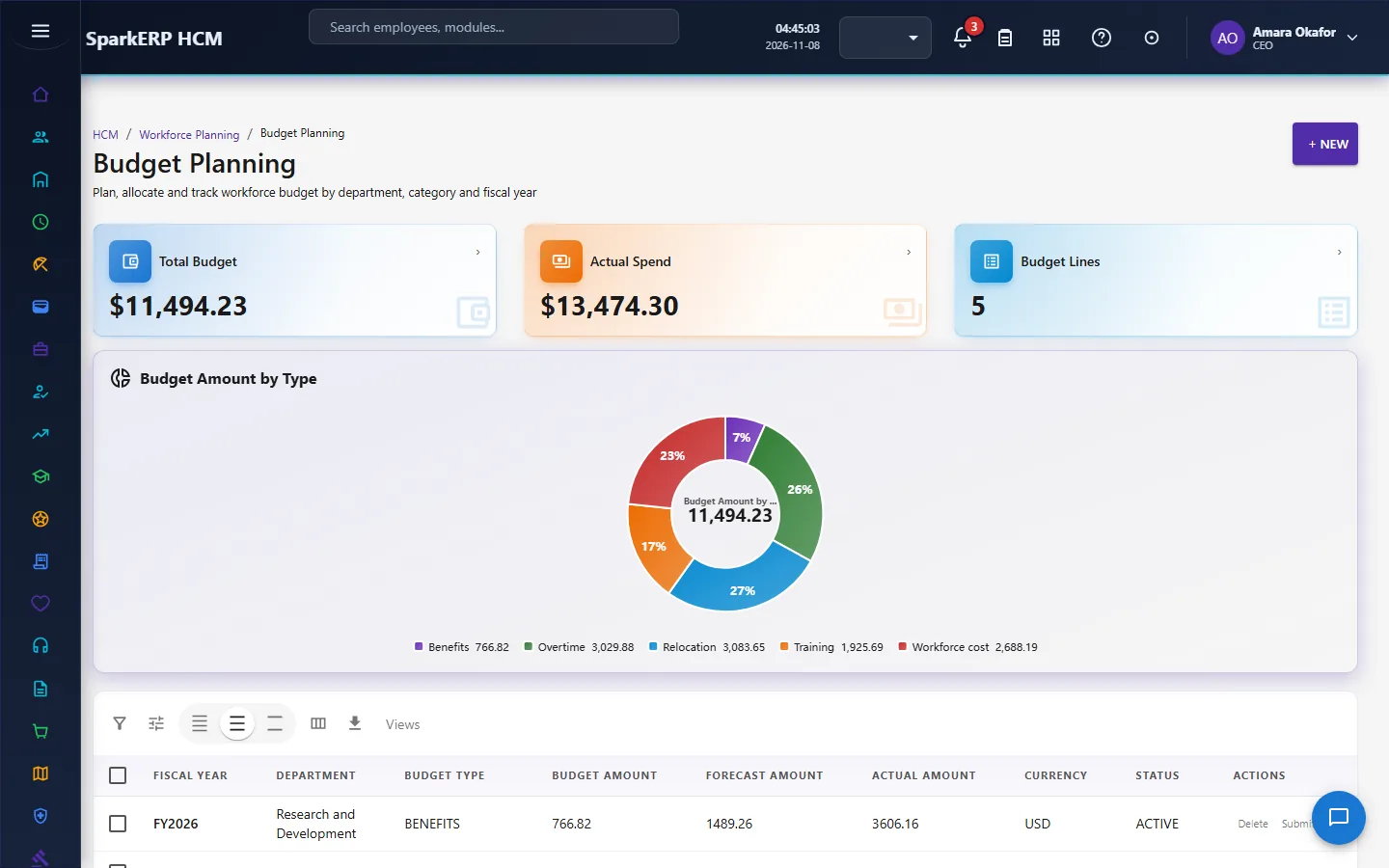
Plan workforce budget lines: Budget Type, Fiscal Year, Department, Budget Amount, Forecast Amount, and (once actuals come in) Actual Amount — so you can compare planned vs. forecast vs. actual spend in one place. Same submit → approve/reject flow.
Open it at /hcm-workforce-planning/budget-planning (or from the HCM menu).
- Sections: Fiscal Year (e.g. FY2026-27), Org Unit Id, Department, Budget Type, Budget Amount, Forecast Amount, Actual Amount, Currency, Status.
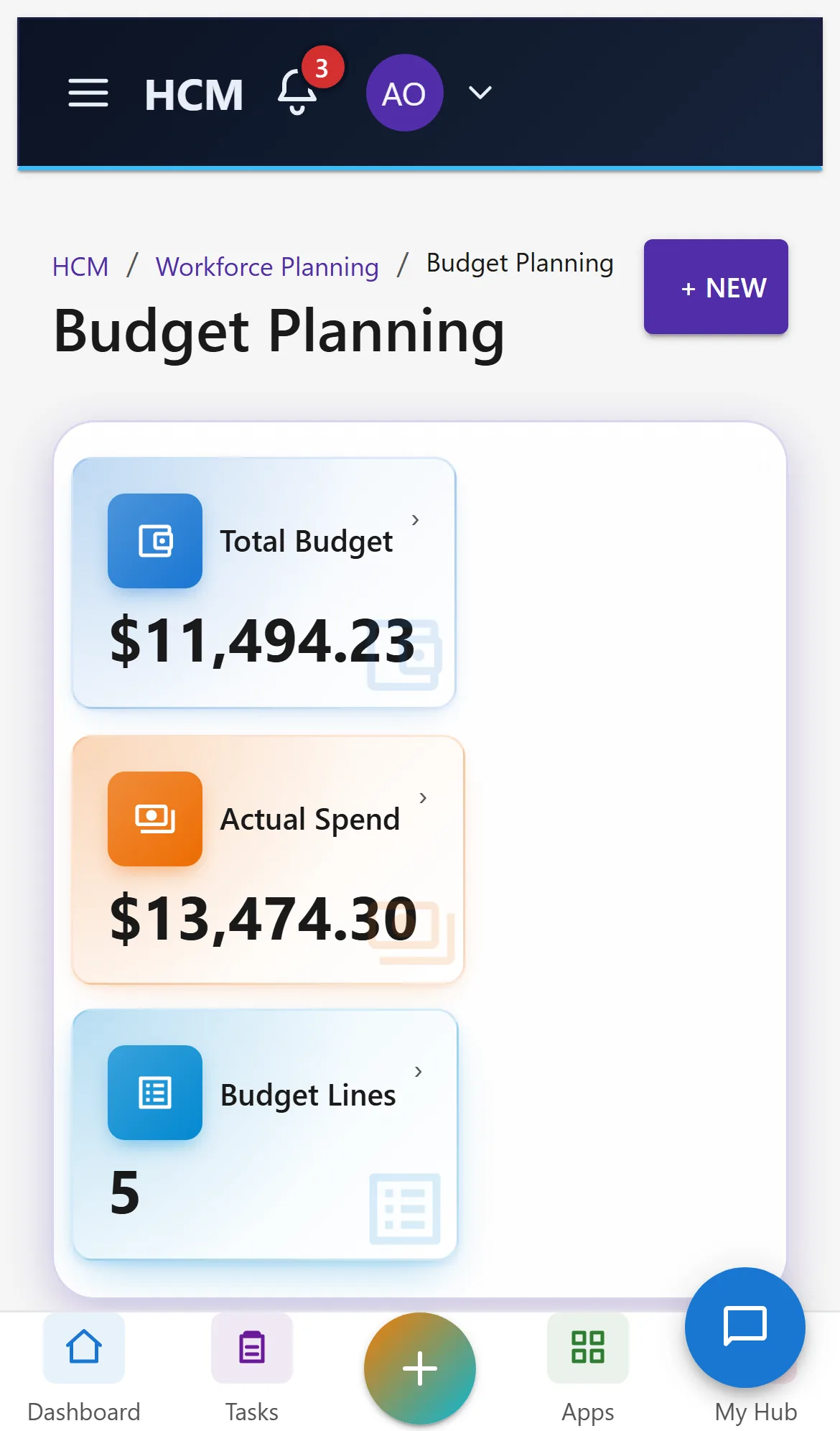
- Cards: Total Budget, Actual Spend, Budget Lines.
- Charts: Budget Amount by Type.
- Table columns: Fiscal Year, Department, Budget Type, Budget Amount, Forecast Amount, Actual Amount, Currency, Status, Actions.
- Actions: + New, Cancel, Save, Delete.