Appearance
Safety Training & Occupational Health (HCM)
This page documents two shipped Health & Safety screens (hcm-health-safety). Not for plugin developers.
Safety Training
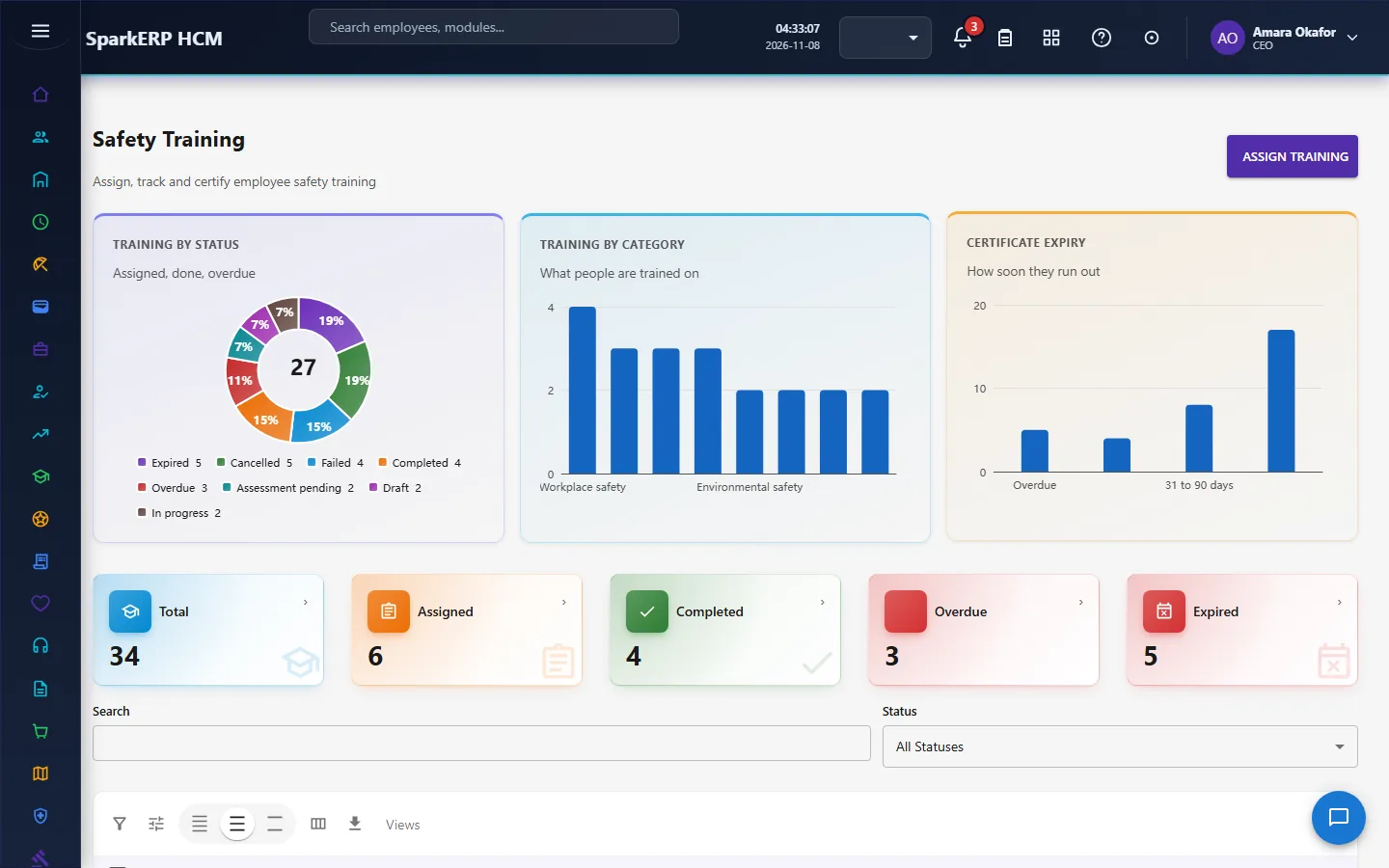
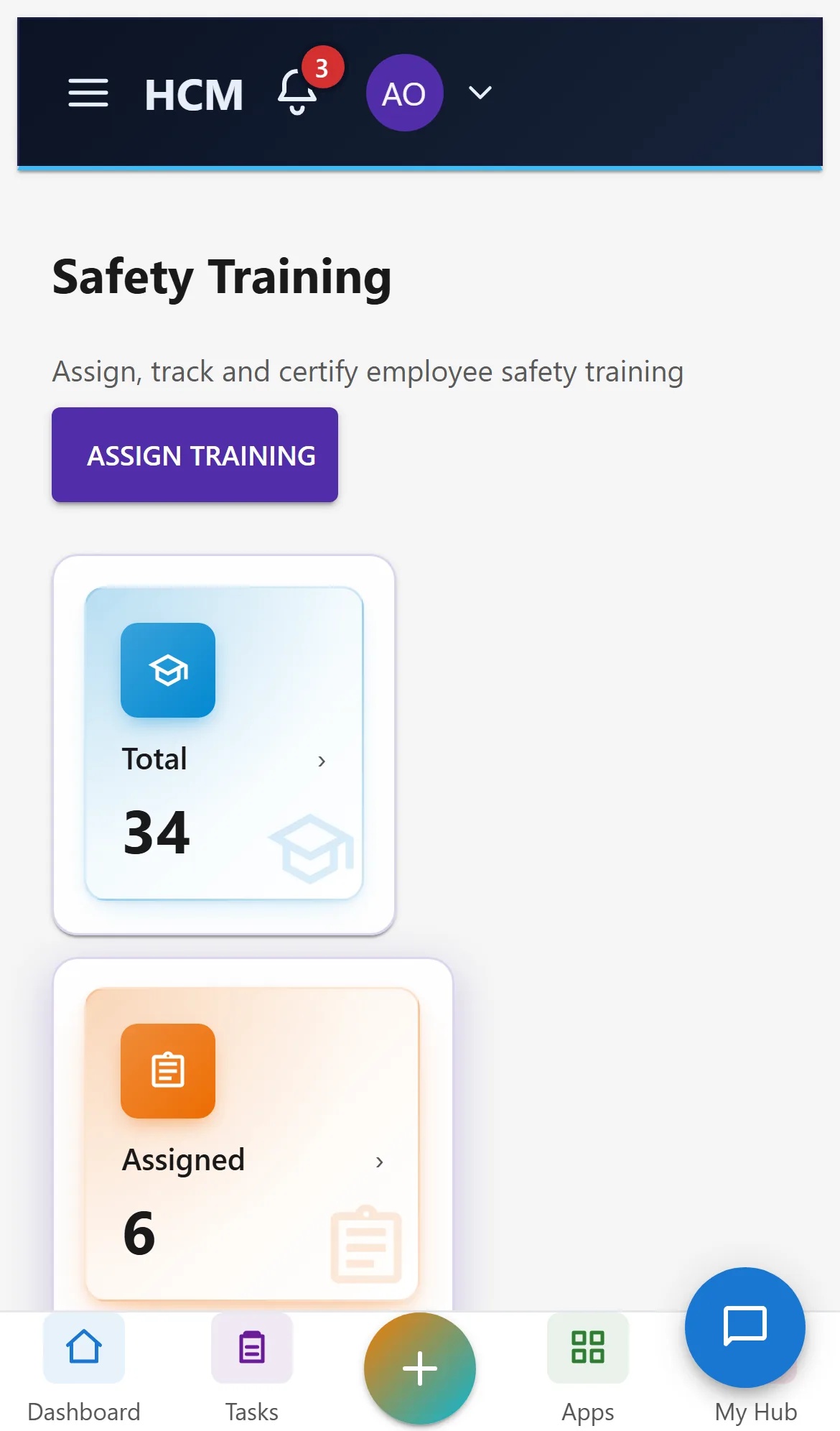
Assign a course to an employee — Course Code/Name, Category, Training Type, Delivery Method, Instructor, Assigned/Due Date, whether it's Mandatory, whether it needs a Certification on completion, and whether an Assessment with a real Passing Score is required. KPIs: Total, Assigned, Completed, Overdue, Expired — so you can catch someone whose mandatory training has lapsed, not just track completions.
Open it at /hcm-health-safety/safety-training (or from the HCM menu).
- Sections: Training by status, Training by category, What people are trained on, Certificate expiry, How soon they run out, Search, Status, Employee, Course, Course Code, Course Name, Category and 17 more.
- Cards: Total, Assigned, Completed, Overdue, Expired.
- Table columns: Record Number, Employee, Course Name, Category, Training Type, Due Date, Score, Status.
- Actions: Assign Training, Cancel, Save, Mark Failed, Mark Completed, Issue Certificate.
Occupational Health
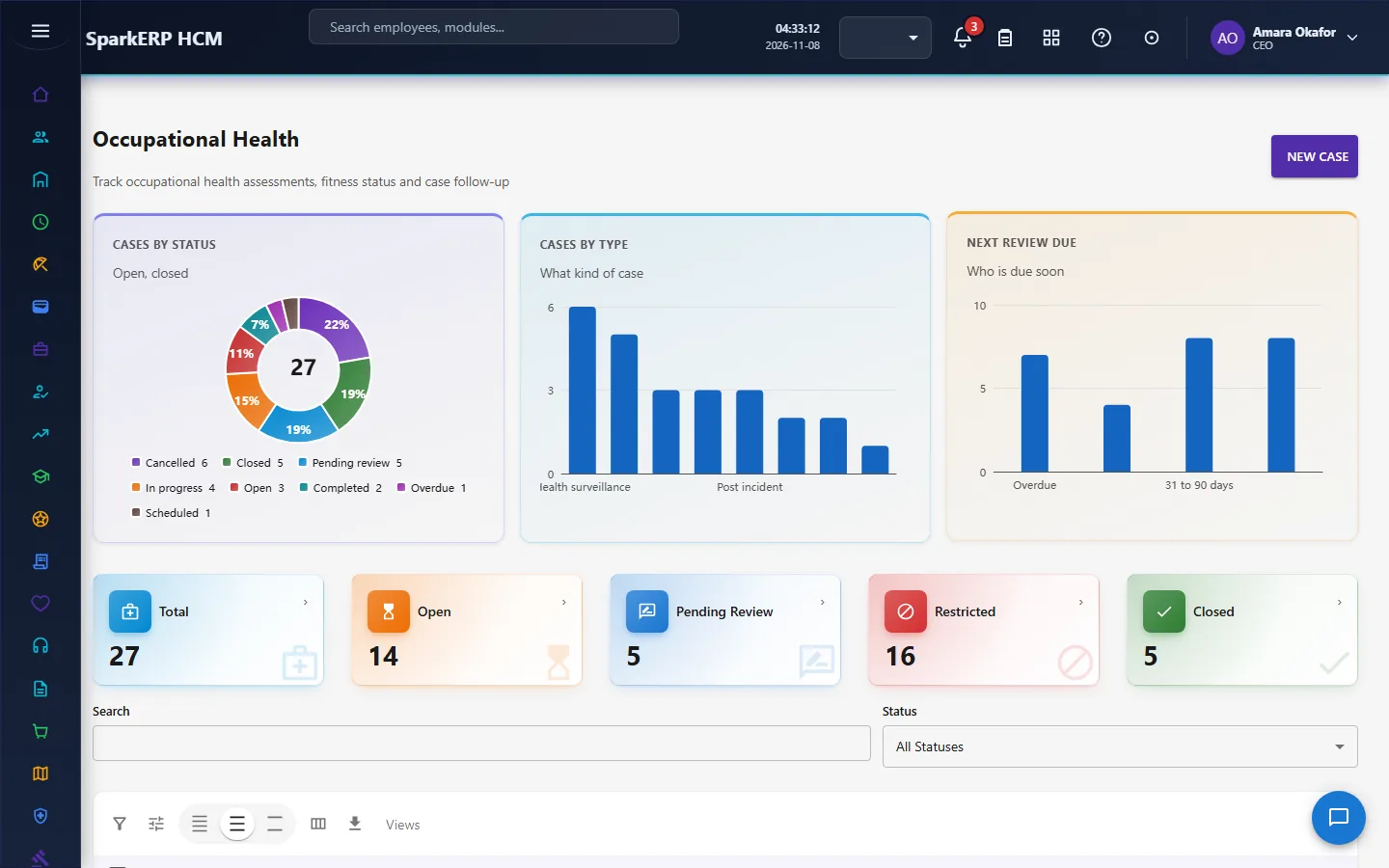
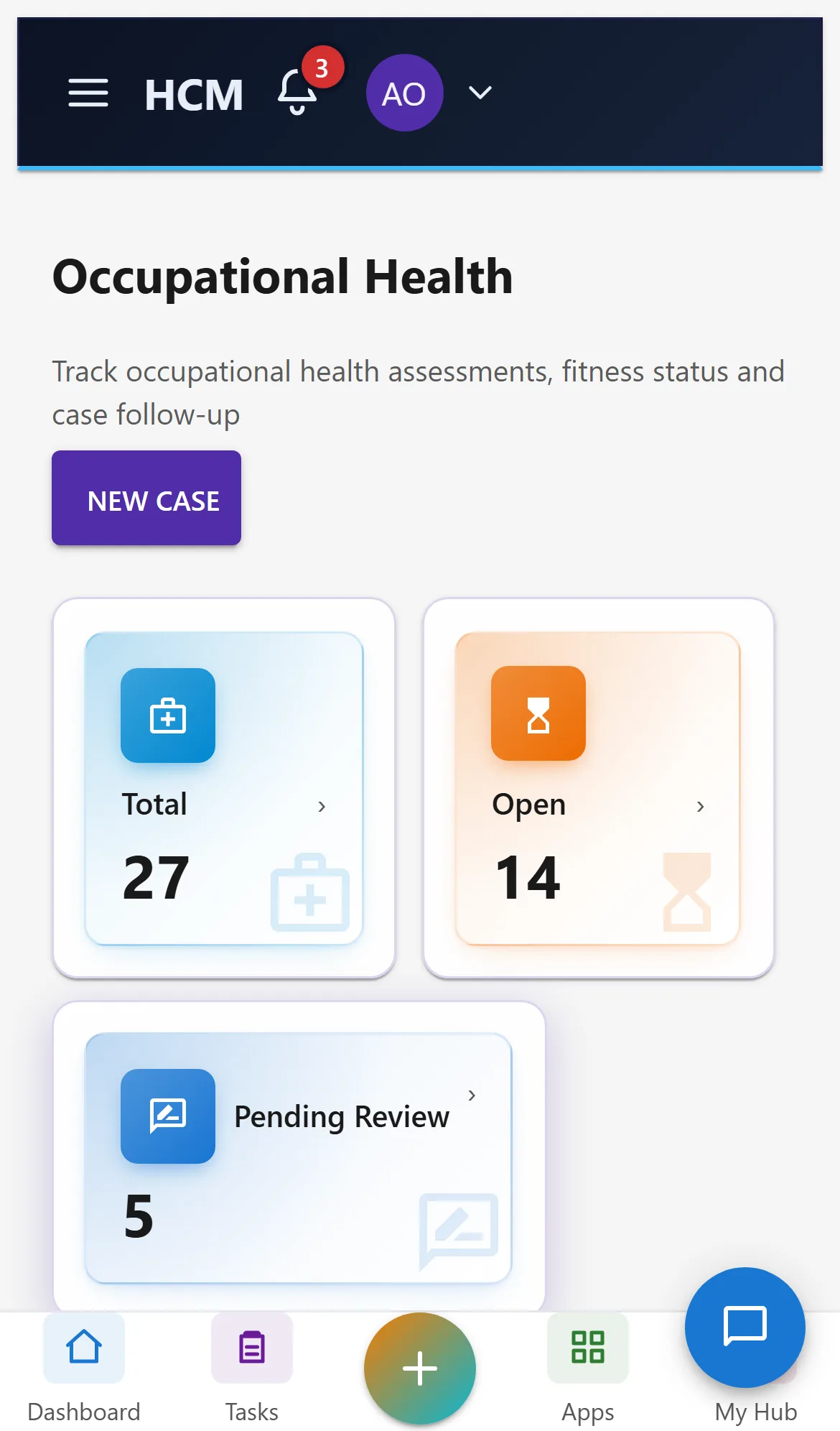
Open a case — Employee, Case Type, Facility, Priority, Exposure Notes, Opened/Scheduled Date, and who it's Assigned To. KPIs: Total, Open, Pending Review, Restricted (a case that's resulted in work restrictions), Closed.
Open it at /hcm-health-safety/occupational-health (or from the HCM menu).
- Sections: Cases by status, Cases by type, What kind of case, Next review due, Who is due soon, Search, Status, Case Details, Employee, Case Type, Priority, Opened Date and 11 more.
- Cards: Total, Open, Pending Review, Restricted, Closed.
- Table columns: Case Number, Employee, Case Type, Scheduled Date, Fitness Status, Assigned To, Status.
- Actions: New Case, Cancel, Save, Save Assessment, Close.