Appearance
Notifications (HCM)
This page documents the shipped Notifications screen (hcm-communications) — your central inbox and the rule builder every other Communications screen sends through. Not for plugin developers.
Your inbox
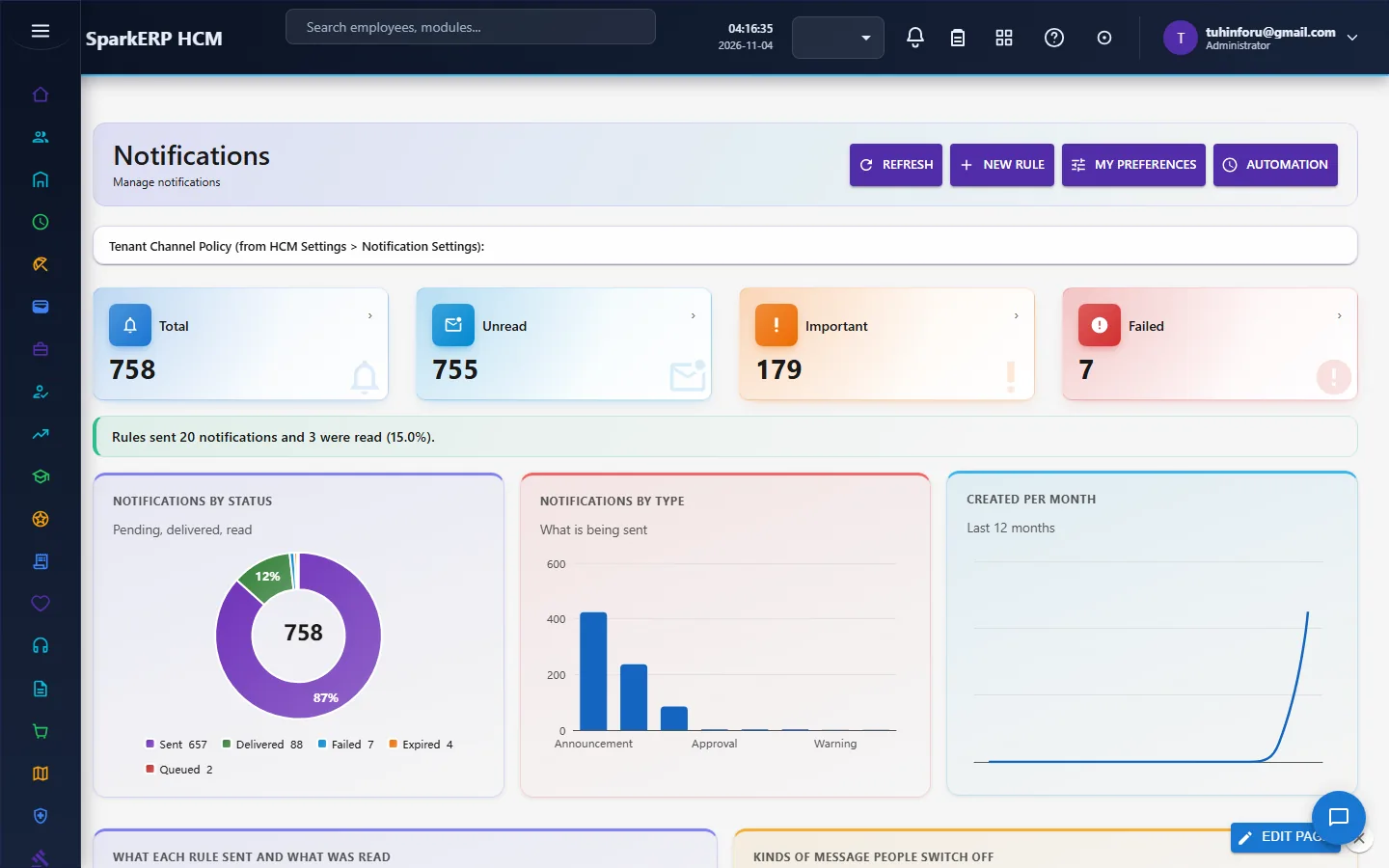
Every notification shows its Recipient, Title, Category, Priority, whether it's been Read, and Status (including Failed, if a notification genuinely couldn't be delivered — not silently dropped). KPIs: Total, Unread, Important, Failed.
The rule builder
A no-code Notification Rule builder: event → condition → recipient → template → channel — set up "when X happens, notify Y using template Z over channel W" without writing any code.
Announcements, Employee Communications, and the template screens all route through this same rule engine.
What the rules sent
The sentence under the cards says how many notifications the rules sent and what share was read. Charts show status, type, volume per month, what each rule sent and what was read, and kinds of message people switch off (opt-outs by category). The tenant channel policy banner shows the values from HCM Settings > Notification Settings and stays blank until they are filled in.